Block 1 - Schedule Trigger: Daily 9:00 AM
- Type / Role
- n8n-nodes-base.scheduleTrigger - scheduleTrigger
- Config choices
- Version 1.1


 Early Deal
Description This workflow automates end to end pre surgery checklist reminders and confirmation tracking for healthcare operations teams. It ensures patients receive timely preparation instructi...
n8n-nodes-base.scheduletrigger, n8n-nodes-base.googlecalendar, n8n-nodes-base.code, @n8n/n8n-nodes-langchain.agent, @n8n/n8n-nodes-langchain.lmchatazureopenai, @n8n/n8n-nodes-langchain.outputparserstructured, n8n-nodes-base.gmail, n8n-nodes-base.webhook
This workflow is cataloged by N8N Workflows and links back to its original n8n.io source page by Rahul Joshi.
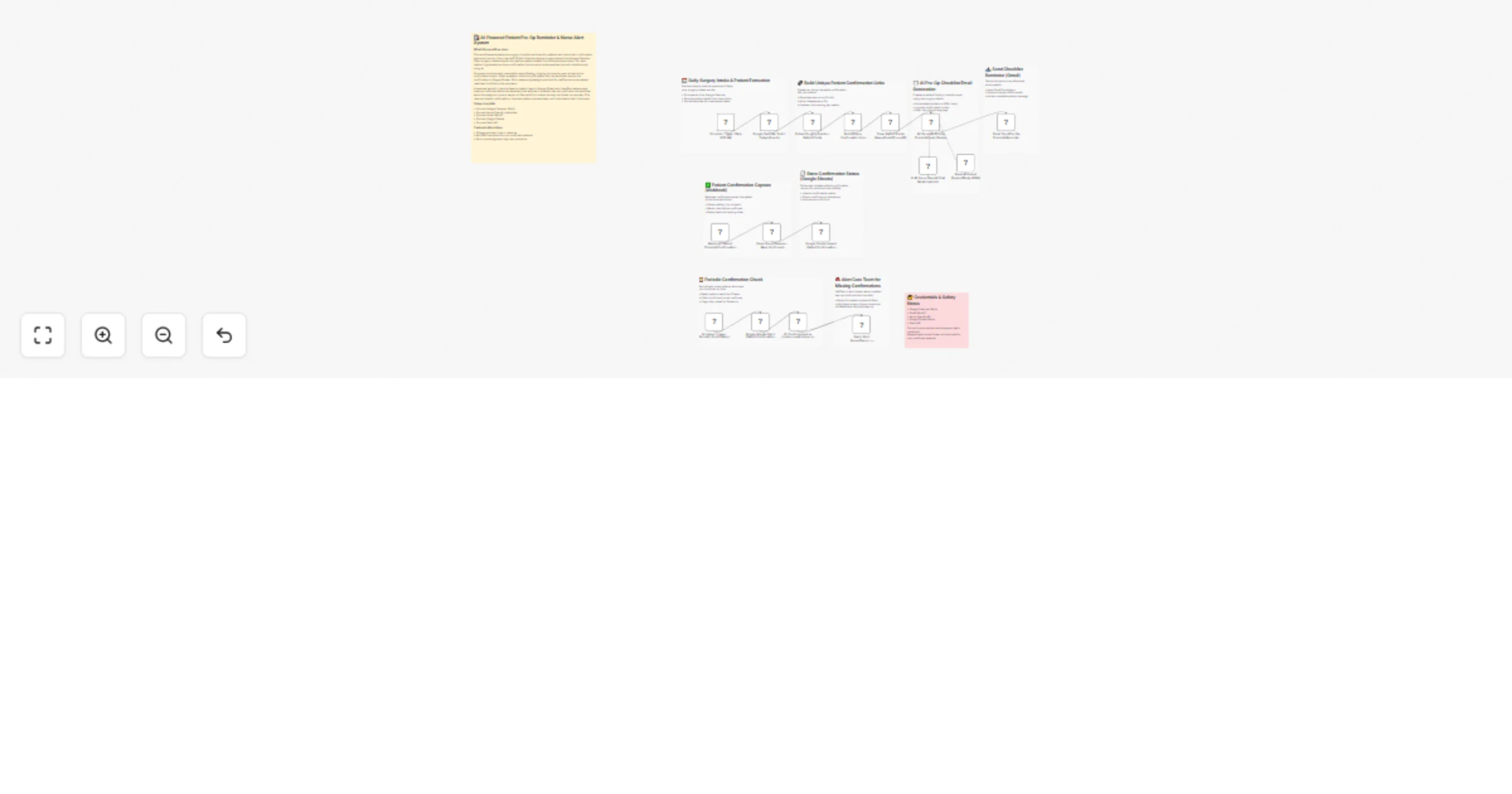
Original n8n.io sourceThis workflow automates end-to-end pre-surgery checklist reminders and confirmation tracking for healthcare operations teams. It ensures patients receive timely preparation instructions, can confirm completion with a single click, and allows staff to monitor confirmation status in real time—without manual coordination. Every day at 9:00 AM, the workflow fetches surgery events from Google Calendar, extracts patient details from event descriptions, and generates a unique confirmation link for each patient. An AI assistant then creates a personalized, patient-friendly pre-op checklist email (subject + styled HTML body) that includes surgery details and a confirmation button. When a patient clicks the confirmation link, a webhook captures the confirmation, updates Google Sheets as the source of truth, and records the timestamp. A separate periodic scheduler scans the sheet for patients who have not confirmed within the expected window. If confirmation is missing, the assigned nurse or owner is alerted in Slack with full patient and surgery context for immediate follow-up. This creates a closed-loop system: reminder → confirmation capture → tracking → escalation.
▶️ Daily 9:00 AM Trigger Starts the pre-op reminder cycle automatically each morning. 📅 Fetch Today’s Surgery Events (Google Calendar) Pulls calendar events and filters only surgery-related entries. 🧾 Extract Patient Details from Event Description Parses patient name, email, phone, ID, procedure, and surgery time. 🔗 Generate Unique Confirmation Link Creates a secure confirmUrl per patient with tracking parameters. ✉️ AI Email Generation (Subject + HTML Body) Uses Azure OpenAI (gpt-4o) to generate a calm, professional checklist email with: Surgery details Basic preparation checklist Green confirmation button linked to confirmUrl 📤 Send Pre-Op Reminder via Gmail Delivers the styled HTML email directly to the patient. ✅ Confirmation Webhook (GET /confirm) Captures patient clicks, parses query parameters, and marks the checklist as confirmed. 🧾 Upsert Confirmation Status (Google Sheets) Stores and updates patient confirmation records as the operational source of truth. ⏳ Periodic Confirmation Check Runs on a schedule to scan all patient rows for missing confirmations. 🚨 Slack Alert for Missing Confirmations Notifies the nurse or owner with full patient context when confirmation is not received in time.
• Google Calendar OAuth2 • Gmail OAuth2 • Azure OpenAI (gpt-4o) credentials • Google Sheets OAuth2 • Slack API credentials • Publicly accessible webhook URL for confirmation tracking
✔ Automated pre-op reminders at a fixed daily time ✔ Personalized AI-generated patient emails ✔ One-click confirmation tracking ✔ Google Sheets audit trail for operations ✔ Proactive Slack alerts for missing confirmations ✔ Reduced manual follow-ups and missed preparations
This catalog entry is organized from the workflow JSON. The node-level section below shows the executable blocks available for review before importing the template.
Showing the first 24 of 26 workflow blocks. Download the JSON for the full node graph.
| Workflow | Send AI pre-op reminders with Google Calendar, Gmail, Sheets, Slack and GPT-4o |
|---|---|
| Complexity | advanced |
| Nodes | 26 |
| Categories | Ticket Management, AI Chatbot |
| Author | Rahul Joshi |
| Published | 19 Feb 2026 |
Use the JSON export at /data/workflows/13516/13516.json as the source template for this automation.
Open n8n, import the downloaded JSON, and review each node before activating the workflow.
Replace placeholder credentials, API keys, webhook URLs, account IDs, and environment-specific values with your own settings.
Run the workflow manually or in a staging workspace, inspect node output, and confirm downstream systems receive the expected data.
Enable the workflow only after testing, then monitor executions, errors, and rate limits during the first production runs.
Review imported nodes carefully before activation. This catalog entry is intended to help you inspect the workflow structure, understand required services, and find related templates faster.
Node names, credentials, schedules, webhook paths, and external service limits may need adjustment for your workspace.
Description This workflow automates end to end pre surgery checklist reminders and confirmation tracking for healthcare operations teams. It ensures patients receive timely preparation instructi...
Review the workflow JSON, configure any required credentials in n8n, and test the automation in a safe workspace before using it in production.
Yes. Use the block-by-block analysis and the downloadable JSON to inspect each node, then adjust credentials, prompts, schedules, filters, or destinations for your Ticket Management, AI Chatbot use case.