Scrape industry growth signals with BrowserAct, OpenRouter, and Slack reports

Workflow preview

Workflow preview
100%
Scrape industry growth signals with BrowserAct, OpenRouter, and Slack reports preview
Open on n8n.io

1. Workflow Overview

Scrape industry growth signals from BrowserAct to Slack reports Introduction This workflow automates the monitoring of market growth signals, such as funding rounds, for specific target industries....

Best for

  • Market Research automation workflows
  • AI Summarization automation workflows
  • intermediate n8n builders looking for reusable templates

Tools used

@n8n/n8n-nodes-langchain.lmchatopenrouter, @n8n/n8n-nodes-langchain.outputparserstructured, n8n-nodes-base.splitout, n8n-nodes-base.scheduletrigger, n8n-nodes-base.set, n8n-nodes-browseract.browseract, n8n-nodes-base.slack, n8n-nodes-base.stickynote

Source and attribution

This workflow is cataloged by N8N Workflows and links back to its original n8n.io source page by Madame AI Team | Kai.

Original n8n.io source

1.1 Workflow description

Title
Scrape industry growth signals with BrowserAct, OpenRouter, and Slack reports
Workflow name
Scrape industry growth signals with BrowserAct, OpenRouter, and Slack reports

Scrape industry growth signals from BrowserAct to Slack reports

Introduction

This workflow automates the monitoring of market growth signals, such as funding rounds, for specific target industries. It scrapes data using BrowserAct, uses AI to filter and format the results for the current month, and delivers a consolidated report directly to Slack.

Target Audience

Account-Based Marketing (ABM) managers, sales development representatives (SDRs), and venture capital researchers looking to track competitor or prospect activity.

How it works

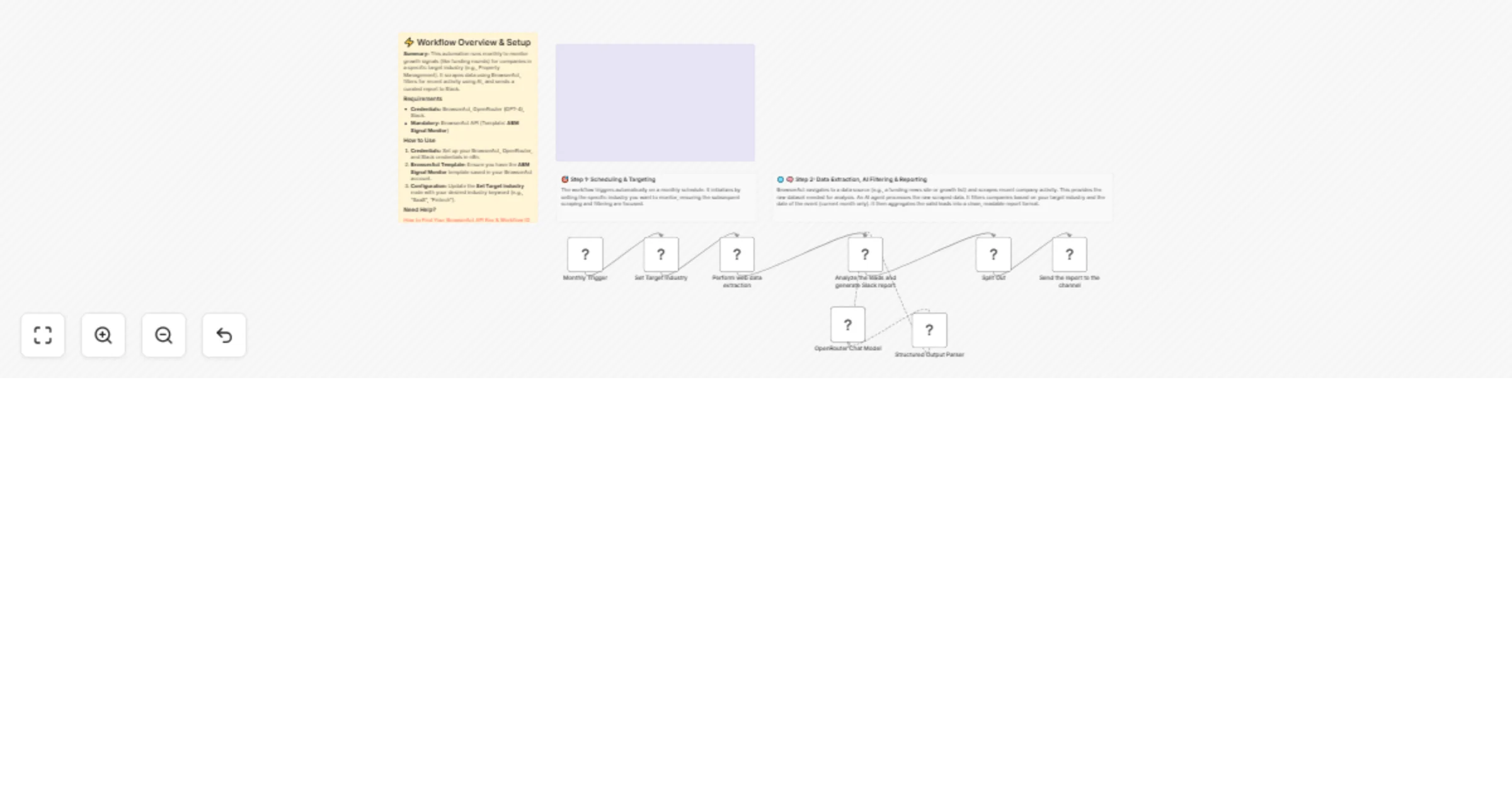
  1. Scheduling: A Schedule Trigger initiates the workflow once a month to gather recent data.
  2. Configuration: A Set node defines the Target_Industry variable (e.g., "Property Management"), which controls what data acts as a signal.
  3. Data Extraction: The BrowserAct node runs the "ABM Signal Monitor" template to scrape raw company data and growth lists from the web.
  4. AI Analysis: An AI Agent (powered by OpenRouter/GPT-4o) processes the raw text. It filters companies to ensure they match the target industry and have funding dates within the current month.
  5. Data Structuring: The AI formats the valid leads into a structured JSON report, splitting the data if the list exceeds Slack's character limits.
  6. Data Splitting: A Split Out node separates the message array into individual items to ensure reliable delivery.
  7. Notification: A Slack node posts the curated "Growth Signal Report" to a specified channel.

How to set up

  1. Configure Credentials: Connect your BrowserAct, OpenRouter, and Slack accounts in the n8n credentials section.
  2. Prepare BrowserAct: Ensure you have the ABM Signal Monitor template saved in your BrowserAct account.
  3. Define Industry: Open the Set Target Industry node and update the value field to the specific industry you want to track (e.g., "Fintech", "Healthcare").
  4. Select Slack Channel: Open the Send the report to the channel node and select the specific Slack channel where you want the report to appear.

Requirements

  • BrowserAct Account: You must have the ABM Signal Monitor template active in your library.
  • OpenRouter Account: Required to access the GPT-4o model for data filtering and formatting.
  • Slack Account: Required for receiving the final reports.

How to customize the workflow

  1. Change the Trigger Frequency: Update the Monthly Trigger node to run weekly or daily if you require more frequent updates on market signals.
  2. Modify the AI Logic: Edit the System Message in the AI Agent node to change the filtering criteria (e.g., filter by hiring volume instead of funding).
  3. Add a Database: Insert a Google Sheets or Notion node before the Slack step to archive the growth signals for long-term tracking.

Need Help?


Workflow Guidance and Showcase Video

1.2 Logical Blocks

This catalog entry is organized from the workflow JSON. The node-level section below shows the executable blocks available for review before importing the template.

2. Block-by-Block Analysis

Block 1 - OpenRouter Chat Model

Type / Role
@n8n/n8n-nodes-langchain.lmChatOpenRouter - lmChatOpenRouter
Config choices
Version 1

Block 2 - Structured Output Parser

Type / Role
@n8n/n8n-nodes-langchain.outputParserStructured - outputParserStructured
Config choices
Version 1.3

Block 3 - Split Out

Type / Role
n8n-nodes-base.splitOut - splitOut
Config choices
Version 1

Block 4 - Monthly Trigger

Type / Role
n8n-nodes-base.scheduleTrigger - scheduleTrigger
Config choices
Version 1.3

Block 5 - Set Target Industry

Type / Role
n8n-nodes-base.set - set
Config choices
Version 3.4

Block 6 - Perform web data extraction

Type / Role
n8n-nodes-browseract.browserAct - browserAct
Config choices
Version 1

Block 7 - Send the report to the channel

Type / Role
n8n-nodes-base.slack - slack
Config choices
Version 2.4

Block 8 - Documentation

Type / Role
n8n-nodes-base.stickyNote - stickyNote
Config choices
Version 1

Block 9 - Step 1 Explanation

Type / Role
n8n-nodes-base.stickyNote - stickyNote
Config choices
Version 1

Block 10 - Step 2 Explanation

Type / Role
n8n-nodes-base.stickyNote - stickyNote
Config choices
Version 1

Block 11 - Analyze the leads and generate Slack report

Type / Role
@n8n/n8n-nodes-langchain.agent - agent
Config choices
Version 3

Block 12 - Sticky Note

Type / Role
n8n-nodes-base.stickyNote - stickyNote
Config choices
Version 1

3. Summary Table

Workflow Scrape industry growth signals with BrowserAct, OpenRouter, and Slack reports
Complexity intermediate
Nodes 12
Categories Market Research, AI Summarization
Author Madame AI Team | Kai
Published 13 Feb 2026

4. Reproducing the Workflow from Scratch

  1. 1. Download the workflow JSON

    Use the JSON export at /data/workflows/13374/13374.json as the source template for this automation.

  2. 2. Import the template into n8n

    Open n8n, import the downloaded JSON, and review each node before activating the workflow.

  3. 3. Configure credentials and variables

    Replace placeholder credentials, API keys, webhook URLs, account IDs, and environment-specific values with your own settings.

  4. 4. Test with sample data

    Run the workflow manually or in a staging workspace, inspect node output, and confirm downstream systems receive the expected data.

  5. 5. Activate and monitor

    Enable the workflow only after testing, then monitor executions, errors, and rate limits during the first production runs.

5. General Notes & Resources

Review imported nodes carefully before activation. This catalog entry is intended to help you inspect the workflow structure, understand required services, and find related templates faster.

Node names, credentials, schedules, webhook paths, and external service limits may need adjustment for your workspace.

Frequently asked questions

What does Scrape industry growth signals with BrowserAct, OpenRouter, and Slack reports do?

Scrape industry growth signals from BrowserAct to Slack reports Introduction This workflow automates the monitoring of market growth signals, such as funding rounds, for specific target industries....

What do I need before importing this workflow?

Review the workflow JSON, configure any required credentials in n8n, and test the automation in a safe workspace before using it in production.

Can I customize this workflow?

Yes. Use the block-by-block analysis and the downloadable JSON to inspect each node, then adjust credentials, prompts, schedules, filters, or destinations for your Market Research, AI Summarization use case.