Block 1 - Overview
- Type / Role
- n8n-nodes-base.stickyNote - stickyNote
- Config choices
- Version 1


 Early Deal
Receive support tickets via webhook, categorize by priority, track SLA deadlines, notify your team on Slack, and send confirmation emails to customers. WHAT IT DOES: Receives support tickets from e...
n8n-nodes-base.stickynote, n8n-nodes-base.webhook, n8n-nodes-base.code, n8n-nodes-base.if, n8n-nodes-base.respondtowebhook, n8n-nodes-base.httprequest, n8n-nodes-base.switch, n8n-nodes-base.slack
This workflow is cataloged by N8N Workflows and links back to its original n8n.io source page by Manu.
Original n8n.io sourceReceive support tickets via webhook, categorize by priority, track SLA deadlines, notify your team on Slack, and send confirmation emails to customers.
WHAT IT DOES:
Receives support tickets from email, forms, or external systems via webhook Normalizes data from multiple input formats automatically Validates required fields before processing Categorizes tickets by keywords into types (technical, billing, question, general) Assigns priority automatically with override for urgent keywords Detects duplicate tickets from the same customer within 24 hours Calculates SLA deadline based on priority level Stores ticket via REST API and returns ticket ID Routes by priority to Slack with formatted alerts Sends confirmation email to customer with ticket ID and SLA
INCLUDED FLOWS:
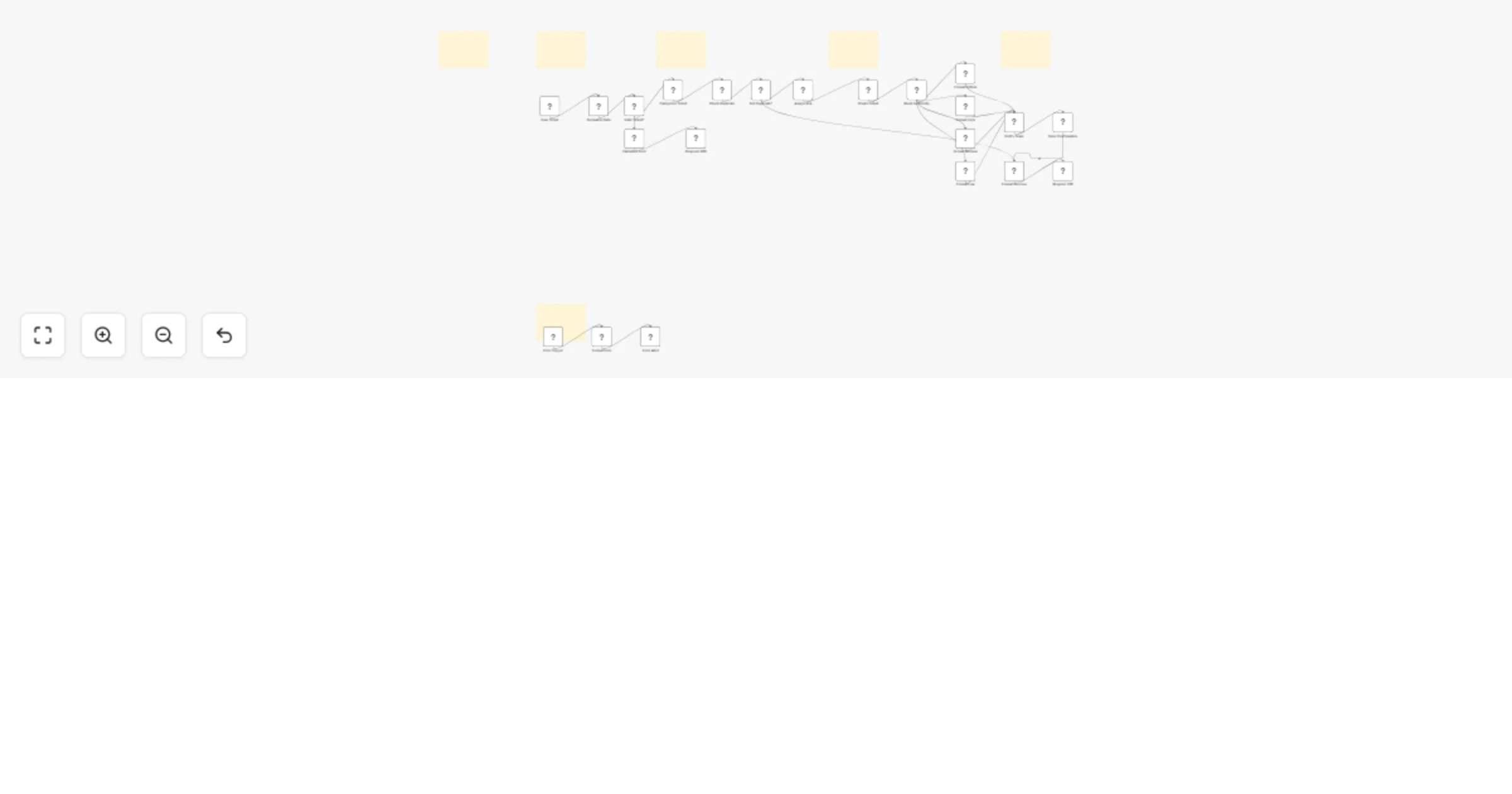
Valid ticket: Webhook receives data → Normalize → Validate → Categorize → Check duplicates → Assign SLA → Store via API → Route by priority → Slack alert to #support → Confirmation email → Return ticket ID and SLA Invalid ticket: Validation fails (missing email or message) → Return 400 error response Duplicate ticket: Same customer and subject within 24 hours → Return existing ticket ID without creating new one Workflow error: Any node fails → Error trigger → Slack alert to #errors channel
SLA DEADLINES:
Critical: 2 hours (keywords: urgent, asap, critical, down, outage) High: 8 hours (keywords: bug, error, broken, crash, billing, payment, refund) Medium: 24 hours (default for general tickets) Low: 48 hours (keywords: question, how to, feature, suggestion)
SETUP:
HTTP Header Auth credential with API key and base URL for your tickets API Gmail credential for sending confirmation emails to customers Slack credential with access to #support and #errors channels Backend API with /tickets and /check-duplicate endpoints
CUSTOMIZABLE:
Categorization keywords are editable in the Categorize Ticket code node SLA hours per priority level are adjustable in the Assign SLA code node Slack alert format is customizable in the four priority format code nodes Customer confirmation email text is editable in the Send Confirmation Email node
IDEAL FOR:
Support teams, SaaS companies, and service businesses that need to receive tickets from multiple sources, automatically categorize and prioritize them, track SLA compliance, and keep both team and customers informed.
This catalog entry is organized from the workflow JSON. The node-level section below shows the executable blocks available for review before importing the template.
Showing the first 24 of 28 workflow blocks. Download the JSON for the full node graph.
| Workflow | Route support tickets with SLA tracking, Slack alerts, and Gmail confirmations |
|---|---|
| Complexity | advanced |
| Nodes | 28 |
| Categories | Ticket Management, AI Summarization |
| Author | Manu |
| Published | 02 Feb 2026 |
Use the JSON export at /data/workflows/13163/13163.json as the source template for this automation.
Open n8n, import the downloaded JSON, and review each node before activating the workflow.
Replace placeholder credentials, API keys, webhook URLs, account IDs, and environment-specific values with your own settings.
Run the workflow manually or in a staging workspace, inspect node output, and confirm downstream systems receive the expected data.
Enable the workflow only after testing, then monitor executions, errors, and rate limits during the first production runs.
Review imported nodes carefully before activation. This catalog entry is intended to help you inspect the workflow structure, understand required services, and find related templates faster.
Node names, credentials, schedules, webhook paths, and external service limits may need adjustment for your workspace.
Receive support tickets via webhook, categorize by priority, track SLA deadlines, notify your team on Slack, and send confirmation emails to customers. WHAT IT DOES: Receives support tickets from e...
Review the workflow JSON, configure any required credentials in n8n, and test the automation in a safe workspace before using it in production.
Yes. Use the block-by-block analysis and the downloadable JSON to inspect each node, then adjust credentials, prompts, schedules, filters, or destinations for your Ticket Management, AI Summarization use case.