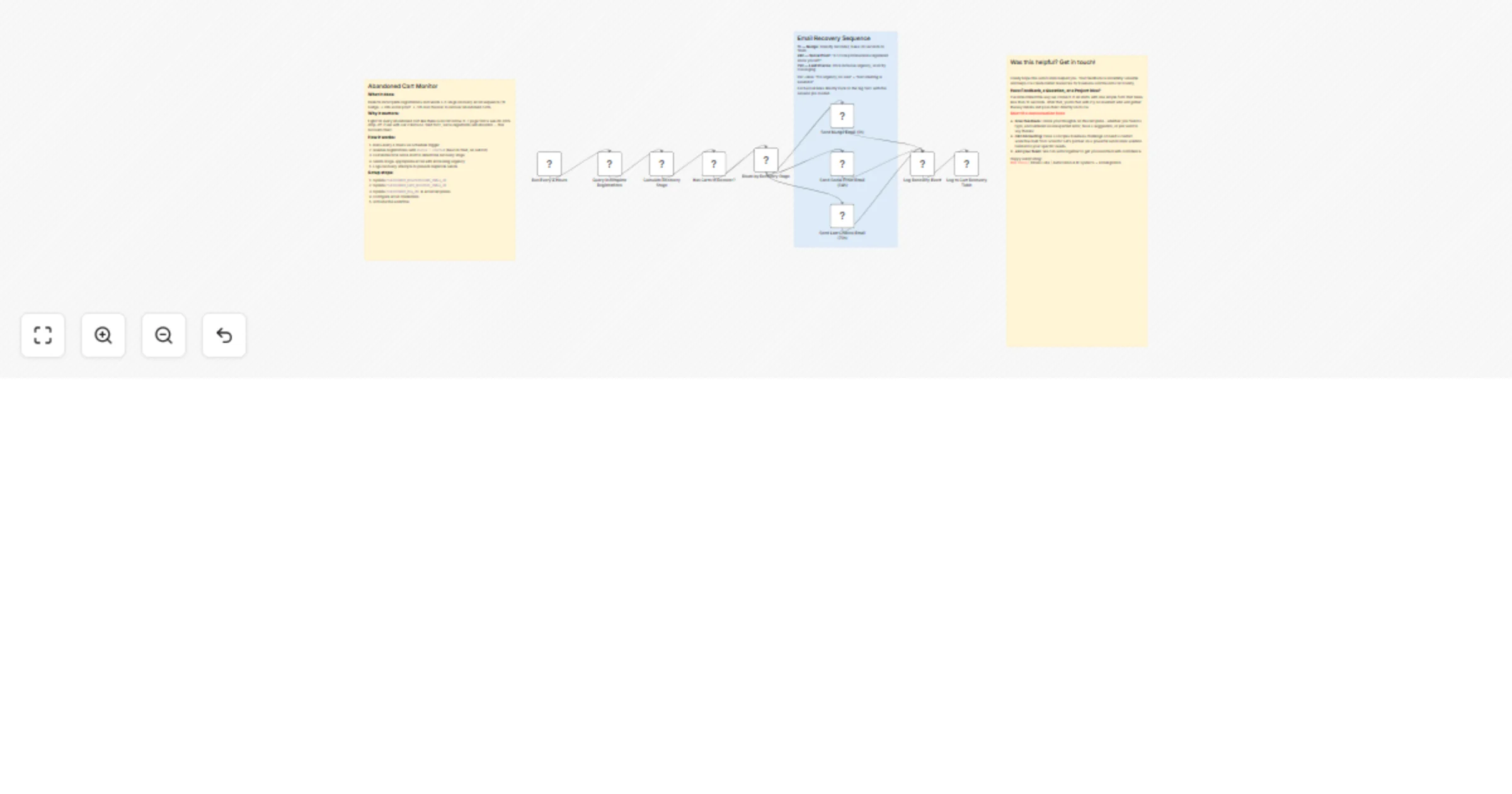
Recover abandoned event registrations with Gemini and email plus Slack alerts

Workflow preview

Workflow preview
100%
Recover abandoned event registrations with Gemini and email plus Slack alerts preview
Open on n8n.io

1. Workflow Overview

Abandoned Cart Recovery for Event Registration Who is this for? Event organizers losing 80% of form starters who never finish registration and want automated follow up emails triggered by abandonme...

Best for

  • Lead Nurturing automation workflows
  • AI Summarization automation workflows
  • intermediate n8n builders looking for reusable templates

Tools used

n8n-nodes-base.scheduletrigger, n8n-nodes-base.httprequest, n8n-nodes-base.code, n8n-nodes-base.if, n8n-nodes-base.switch, n8n-nodes-base.emailsend, n8n-nodes-base.datatable, n8n-nodes-base.stickynote

Source and attribution

This workflow is cataloged by N8N Workflows and links back to its original n8n.io source page by Milo Bravo.

Original n8n.io source

1.1 Workflow description

Title
Recover abandoned event registrations with Gemini and email plus Slack alerts
Workflow name
Recover abandoned event registrations with Gemini and email plus Slack alerts

Abandoned Cart Recovery for Event Registration

Who is this for? Event organizers losing 80% of form starters who never finish registration and want automated follow-up emails triggered by abandonment beacons.


What problem is this workflow solving? Abandoned carts kill revenue:

  • 80-90% drop-off after form open
  • No visibility into who started
  • Manual follow-up doesn't scale
  • Lost leads = lost tickets

This auto-recovers drop-offs with timed email sequences.


What this workflow does

Beacon → Recovery Engine:

  • Trigger: /reg-beacon pixel from registration page
  • Profile Capture: Email + page + timestamp
  • 3-Email Sequence: Day 1 / Day 3 / Day 7 nudges
  • Gemini Personalization: Dynamic subject/body per visitor
  • Data Tables: Tracks opens/clicks/conversions
  • Slack Alerts: High-value abandons flagged

Main workflow required. This is a sub-workflow triggered by Event Registration + Auto-Enrichment.


Setup (5 minutes)

  • Data Tables: reg_analytics, abandoned_carts
  • Gemini: Flash Lite API key
  • Email: SMTP credential
  • Slack: OAuth2 for alerts
  • Config: Update recovery copy templates

Fully configurable—no code changes needed.


How to customize to your needs

  • Timing: Adjust Day 1/3/7 sequence
  • Copy: Edit Gemini prompts (urgency, offers)
  • Segments: VIP emails vs. standard
  • Channels: Add SMS/WhatsApp
  • Escalation: Phone calls for high-LTV

ROI:

  • 20% recovery rate (industry avg)
  • $5k+ revenue from 500 abandons
  • Zero manual tracking

Need help customizing?: Contact me for consulting and support: LinkedIn / Message


Keywords: abandoned cart recovery, event registration optimization, email automation, conversion recovery, event marketing workflows

1.2 Logical Blocks

This catalog entry is organized from the workflow JSON. The node-level section below shows the executable blocks available for review before importing the template.

2. Block-by-Block Analysis

Block 1 - Run Every 4 Hours

Type / Role
n8n-nodes-base.scheduleTrigger - scheduleTrigger
Config choices
Version 1.2

Block 2 - Query Incomplete Registrations

Type / Role
n8n-nodes-base.httpRequest - httpRequest
Config choices
Version 4.2

Block 3 - Calculate Recovery Stage

Type / Role
n8n-nodes-base.code - code
Config choices
Version 2

Block 4 - Has Carts to Recover?

Type / Role
n8n-nodes-base.if - if
Config choices
Version 2.2

Block 5 - Route by Recovery Stage

Type / Role
n8n-nodes-base.switch - switch
Config choices
Version 3.2

Block 6 - Send Nudge Email (1h)

Type / Role
n8n-nodes-base.emailSend - emailSend
Config choices
Version 2.1

Block 7 - Send Social Proof Email (24h)

Type / Role
n8n-nodes-base.emailSend - emailSend
Config choices
Version 2.1

Block 8 - Send Last Chance Email (72h)

Type / Role
n8n-nodes-base.emailSend - emailSend
Config choices
Version 2.1

Block 9 - Log Recovery Event

Type / Role
n8n-nodes-base.code - code
Config choices
Version 2

Block 10 - Log to Cart Recovery Table

Type / Role
n8n-nodes-base.dataTable - dataTable
Config choices
Version 1

Block 11 - Intro — Abandoned Cart

Type / Role
n8n-nodes-base.stickyNote - stickyNote
Config choices
Version 1

Block 12 - Section — Email Sequence

Type / Role
n8n-nodes-base.stickyNote - stickyNote
Config choices
Version 1

Block 13 - Contact — Braia Labs1

Type / Role
n8n-nodes-base.stickyNote - stickyNote
Config choices
Version 1

3. Summary Table

Workflow Recover abandoned event registrations with Gemini and email plus Slack alerts
Complexity intermediate
Nodes 13
Categories Lead Nurturing, AI Summarization
Author Milo Bravo
Published 03 Mar 2026

4. Reproducing the Workflow from Scratch

  1. 1. Download the workflow JSON

    Use the JSON export at /data/workflows/13844/13844.json as the source template for this automation.

  2. 2. Import the template into n8n

    Open n8n, import the downloaded JSON, and review each node before activating the workflow.

  3. 3. Configure credentials and variables

    Replace placeholder credentials, API keys, webhook URLs, account IDs, and environment-specific values with your own settings.

  4. 4. Test with sample data

    Run the workflow manually or in a staging workspace, inspect node output, and confirm downstream systems receive the expected data.

  5. 5. Activate and monitor

    Enable the workflow only after testing, then monitor executions, errors, and rate limits during the first production runs.

5. General Notes & Resources

Review imported nodes carefully before activation. This catalog entry is intended to help you inspect the workflow structure, understand required services, and find related templates faster.

Node names, credentials, schedules, webhook paths, and external service limits may need adjustment for your workspace.

Frequently asked questions

What does Recover abandoned event registrations with Gemini and email plus Slack alerts do?

Abandoned Cart Recovery for Event Registration Who is this for? Event organizers losing 80% of form starters who never finish registration and want automated follow up emails triggered by abandonme...

What do I need before importing this workflow?

Review the workflow JSON, configure any required credentials in n8n, and test the automation in a safe workspace before using it in production.

Can I customize this workflow?

Yes. Use the block-by-block analysis and the downloadable JSON to inspect each node, then adjust credentials, prompts, schedules, filters, or destinations for your Lead Nurturing, AI Summarization use case.