Record Odoo accounting entries from Telegram using ChatGPT (GPT-4o-mini)
Workflow preview

$20/month : Unlimited workflows
2500 executions/month

THE #1 IN WEB SCRAPING
Scrape any website without limits
HOSTINGER  Early Deal
DISCOUNT 20% Try free
Early DealDISCOUNT 20%
Self-hosted n8n
Unlimited workflows - from $4.99/mo

#1 hub for scraping, AI & automation
6000+ actors - $5 credits/mo
Overview
What Problem Does It Solve?
- Business owners, managers, and accountants waste valuable time manually entering daily expenses, supplier payments, and employee advances into Odoo.
- Getting quick balance reports usually requires logging into the ERP, navigating multiple menus, and generating complex reports.
- Managing post-dated checks often relies on manual tracking, leading to missed due dates.
- This workflow solves these by: -- Allowing users to record financial transactions simply by sending a natural language message (e.g., via Telegram or Botpress). -- Automatically fetching real-time account balances and supplier statements, returning them instantly in the chat. -- Setting up automated calendar reminders for post-dated check due dates. -- Handling the entire double-entry accounting process in the background without human intervention.
How to Configure It
- Chat Platform Setup -- Add the webhook URL from this workflow to your Telegram Bot, Botpress, or preferred chat interface.
- Odoo Setup
-- Connect your Odoo credentials in n8n.
-- Open the "Build [X] Entry" code nodes and replace the placeholder
journal_idandcurrency_idwith your actual Odoo system IDs. - AI Setup
-- Add your OpenAI API key (or swap the node for Google Gemini/Anthropic).
-- Open the "AI Financial Agent" node and update the
# ACCOUNT MAPPINGsection with your specific Odoo Chart of Accounts codes. - Calendar Setup (Optional) -- Connect your Google Calendar credentials if you want the workflow to automatically schedule reminders for check due dates.
How It Works
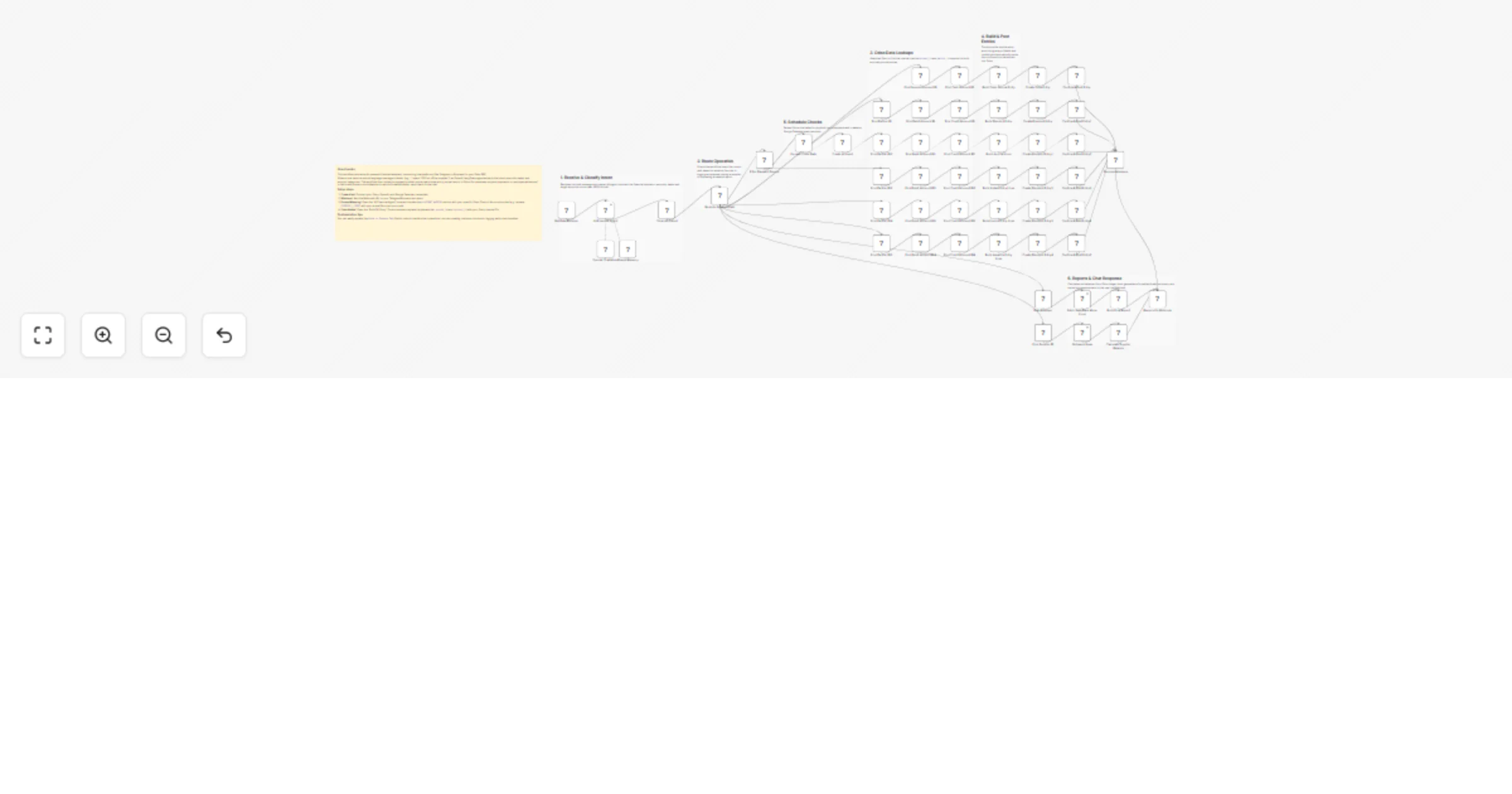
- Webhook catches the new text message from your chat platform.
- An AI Agent analyzes the Arabic natural language and extracts the intent, amount, date, check details, and specific account categories.
- Routing: -- For Expenses, Payments, or Advances → The workflow searches Odoo for the correct IDs, builds a balanced double-entry journal record, creates it, and posts it. -- For Post-Dated Checks → Extracts the due date and creates a Google Calendar event before posting the entry to Odoo. -- For Balance Inquiries → Fetches the relevant ledger lines, calculates total debits/credits, and formats a clean Arabic text summary.
- A success confirmation or the requested financial report is instantly sent back to the user in the chat.
Customization Ideas
- Expand the AI prompt and routing switch to handle Customer Invoices or internal Petty Cash transfers.
- Add an approval step (e.g., sending a Slack/Email button) before the workflow officially "posts" large transactions in Odoo.
- Change the AI prompt to support multiple languages or different regional dialects.
- Log a backup of all financial chat requests into Google Sheets or a Notion database for auditing.
For more info Contact Me