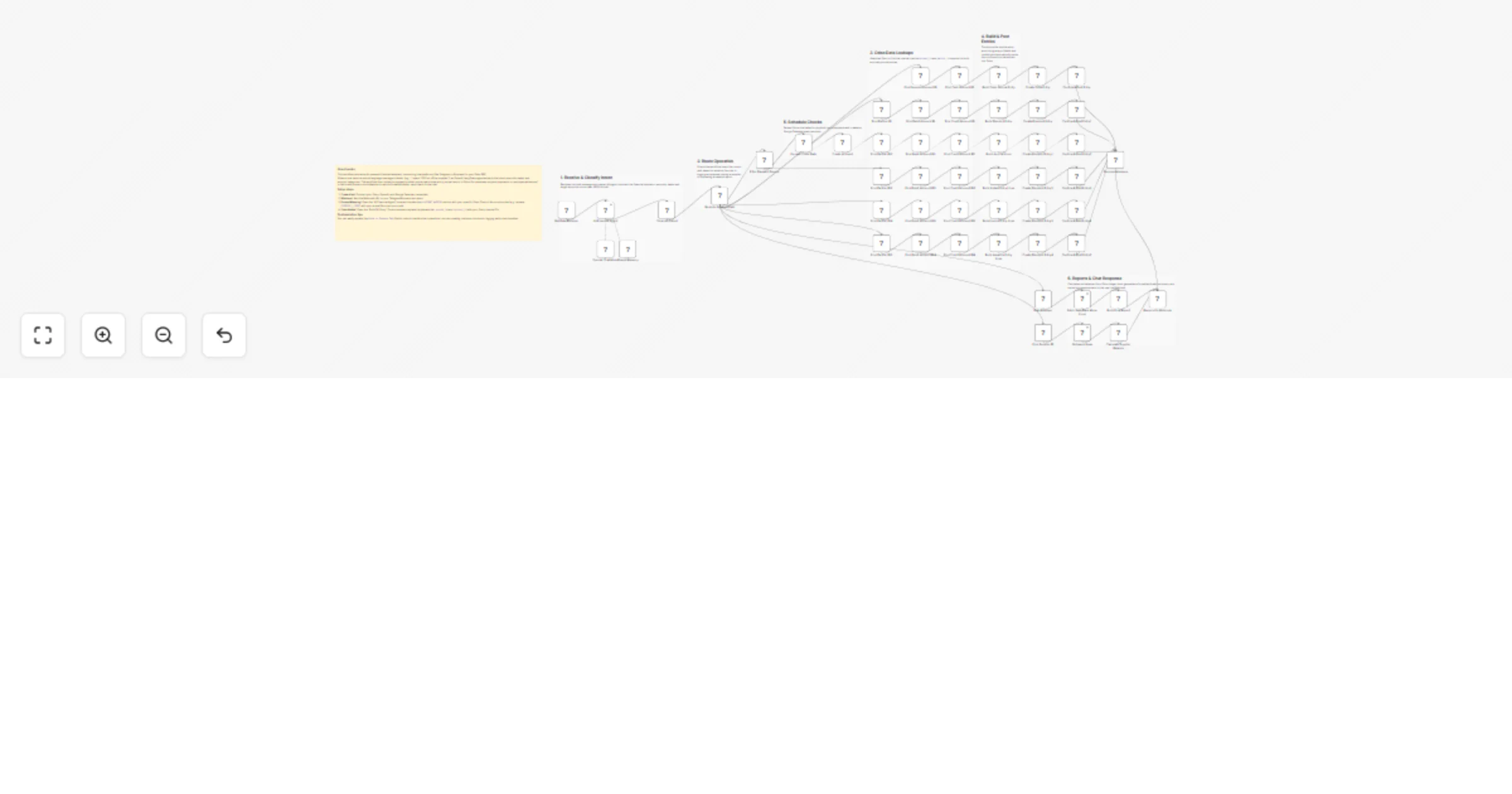
Record Odoo accounting entries from Telegram using ChatGPT (GPT-4o-mini)

Workflow preview

Workflow preview
100%
Record Odoo accounting entries from Telegram using ChatGPT (GPT-4o-mini) preview
Open on n8n.io

1. Workflow Overview

What Problem Does It Solve? Business owners, managers, and accountants waste valuable time manually entering daily expenses, supplier payments, and employee advances into Odoo. Getting quick balanc...

Best for

  • Document Extraction automation workflows
  • AI Chatbot automation workflows
  • advanced n8n builders looking for reusable templates

Tools used

n8n-nodes-base.webhook, n8n-nodes-base.odoo, @n8n/n8n-nodes-langchain.lmchatopenai, @n8n/n8n-nodes-langchain.memorybufferwindow, @n8n/n8n-nodes-langchain.agent, n8n-nodes-base.code, n8n-nodes-base.switch, n8n-nodes-base.googlecalendar

Source and attribution

This workflow is cataloged by N8N Workflows and links back to its original n8n.io source page by khaled yasser.

Original n8n.io source

1.1 Workflow description

Title
Record Odoo accounting entries from Telegram using ChatGPT (GPT-4o-mini)
Workflow name
Record Odoo accounting entries from Telegram using ChatGPT (GPT-4o-mini)

What Problem Does It Solve?

  • Business owners, managers, and accountants waste valuable time manually entering daily expenses, supplier payments, and employee advances into Odoo.
  • Getting quick balance reports usually requires logging into the ERP, navigating multiple menus, and generating complex reports.
  • Managing post-dated checks often relies on manual tracking, leading to missed due dates.
  • This workflow solves these by: -- Allowing users to record financial transactions simply by sending a natural language message (e.g., via Telegram or Botpress). -- Automatically fetching real-time account balances and supplier statements, returning them instantly in the chat. -- Setting up automated calendar reminders for post-dated check due dates. -- Handling the entire double-entry accounting process in the background without human intervention.

How to Configure It

  • Chat Platform Setup -- Add the webhook URL from this workflow to your Telegram Bot, Botpress, or preferred chat interface.
  • Odoo Setup -- Connect your Odoo credentials in n8n. -- Open the "Build [X] Entry" code nodes and replace the placeholder journal_id and currency_id with your actual Odoo system IDs.
  • AI Setup -- Add your OpenAI API key (or swap the node for Google Gemini/Anthropic). -- Open the "AI Financial Agent" node and update the # ACCOUNT MAPPING section with your specific Odoo Chart of Accounts codes.
  • Calendar Setup (Optional) -- Connect your Google Calendar credentials if you want the workflow to automatically schedule reminders for check due dates.

How It Works

  • Webhook catches the new text message from your chat platform.
  • An AI Agent analyzes the Arabic natural language and extracts the intent, amount, date, check details, and specific account categories.
  • Routing: -- For Expenses, Payments, or Advances → The workflow searches Odoo for the correct IDs, builds a balanced double-entry journal record, creates it, and posts it. -- For Post-Dated Checks → Extracts the due date and creates a Google Calendar event before posting the entry to Odoo. -- For Balance Inquiries → Fetches the relevant ledger lines, calculates total debits/credits, and formats a clean Arabic text summary.
  • A success confirmation or the requested financial report is instantly sent back to the user in the chat.

Customization Ideas

  • Expand the AI prompt and routing switch to handle Customer Invoices or internal Petty Cash transfers.
  • Add an approval step (e.g., sending a Slack/Email button) before the workflow officially "posts" large transactions in Odoo.
  • Change the AI prompt to support multiple languages or different regional dialects.
  • Log a backup of all financial chat requests into Google Sheets or a Notion database for auditing.

For more info Contact Me

1.2 Logical Blocks

This catalog entry is organized from the workflow JSON. The node-level section below shows the executable blocks available for review before importing the template.

2. Block-by-Block Analysis

Block 1 - Bot Data Receiver

Type / Role
n8n-nodes-base.webhook - webhook
Config choices
Version 2.1

Block 2 - Find Expense Account ID

Type / Role
n8n-nodes-base.odoo - odoo
Config choices
Version 1

Block 3 - Find Cash Account ID

Type / Role
n8n-nodes-base.odoo - odoo
Config choices
Version 1

Block 4 - Confirm & Post Entry

Type / Role
n8n-nodes-base.odoo - odoo
Config choices
Version 1

Block 5 - OpenAI Chat Model

Type / Role
@n8n/n8n-nodes-langchain.lmChatOpenAi - lmChatOpenAi
Config choices
Version 1.3

Block 6 - Simple Memory

Type / Role
@n8n/n8n-nodes-langchain.memoryBufferWindow - memoryBufferWindow
Config choices
Version 1.3

Block 7 - AI Financial Agent

Type / Role
@n8n/n8n-nodes-langchain.agent - agent
Config choices
Version 3.1

Block 8 - Clean AI Output

Type / Role
n8n-nodes-base.code - code
Config choices
Version 2

Block 9 - Route to Expense Path

Type / Role
n8n-nodes-base.switch - switch
Config choices
Version 3.4

Block 10 - Build Odoo Journal Entry

Type / Role
n8n-nodes-base.code - code
Config choices
Version 2

Block 11 - Create Odoo Entry

Type / Role
n8n-nodes-base.odoo - odoo
Config choices
Version 1

Block 12 - Find Partner ID

Type / Role
n8n-nodes-base.odoo - odoo
Config choices
Version 1

Block 13 - Build Discount Entry

Type / Role
n8n-nodes-base.code - code
Config choices
Version 2

Block 14 - Confirm & Post Entry1

Type / Role
n8n-nodes-base.odoo - odoo
Config choices
Version 1

Block 15 - Create Discount Entry

Type / Role
n8n-nodes-base.odoo - odoo
Config choices
Version 1

Block 16 - Find Debit Account ID

Type / Role
n8n-nodes-base.odoo - odoo
Config choices
Version 1

Block 17 - Find Credit Account ID

Type / Role
n8n-nodes-base.odoo - odoo
Config choices
Version 1

Block 18 - Filter Payment Source

Type / Role
n8n-nodes-base.switch - switch
Config choices
Version 3.4

Block 19 - Format Check Date

Type / Role
n8n-nodes-base.code - code
Config choices
Version 2

Block 20 - Create an event

Type / Role
n8n-nodes-base.googleCalendar - googleCalendar
Config choices
Version 1.3

Block 21 - Find Partner ID2

Type / Role
n8n-nodes-base.odoo - odoo
Config choices
Version 1

Block 22 - Find Debit Account ID1

Type / Role
n8n-nodes-base.odoo - odoo
Config choices
Version 1

Block 23 - Find Credit Account ID1

Type / Role
n8n-nodes-base.odoo - odoo
Config choices
Version 1

Block 24 - Build Journal Lines

Type / Role
n8n-nodes-base.code - code
Config choices
Version 2

Showing the first 24 of 59 workflow blocks. Download the JSON for the full node graph.

3. Summary Table

Workflow Record Odoo accounting entries from Telegram using ChatGPT (GPT-4o-mini)
Complexity advanced
Nodes 59
Categories Document Extraction, AI Chatbot
Author khaled yasser
Published 30 Mar 2026

4. Reproducing the Workflow from Scratch

  1. 1. Download the workflow JSON

    Use the JSON export at /data/workflows/14496/14496.json as the source template for this automation.

  2. 2. Import the template into n8n

    Open n8n, import the downloaded JSON, and review each node before activating the workflow.

  3. 3. Configure credentials and variables

    Replace placeholder credentials, API keys, webhook URLs, account IDs, and environment-specific values with your own settings.

  4. 4. Test with sample data

    Run the workflow manually or in a staging workspace, inspect node output, and confirm downstream systems receive the expected data.

  5. 5. Activate and monitor

    Enable the workflow only after testing, then monitor executions, errors, and rate limits during the first production runs.

5. General Notes & Resources

Review imported nodes carefully before activation. This catalog entry is intended to help you inspect the workflow structure, understand required services, and find related templates faster.

Node names, credentials, schedules, webhook paths, and external service limits may need adjustment for your workspace.

Frequently asked questions

What does Record Odoo accounting entries from Telegram using ChatGPT (GPT-4o-mini) do?

What Problem Does It Solve? Business owners, managers, and accountants waste valuable time manually entering daily expenses, supplier payments, and employee advances into Odoo. Getting quick balanc...

What do I need before importing this workflow?

Review the workflow JSON, configure any required credentials in n8n, and test the automation in a safe workspace before using it in production.

Can I customize this workflow?

Yes. Use the block-by-block analysis and the downloadable JSON to inspect each node, then adjust credentials, prompts, schedules, filters, or destinations for your Document Extraction, AI Chatbot use case.