Publish a social media post with Swonkie
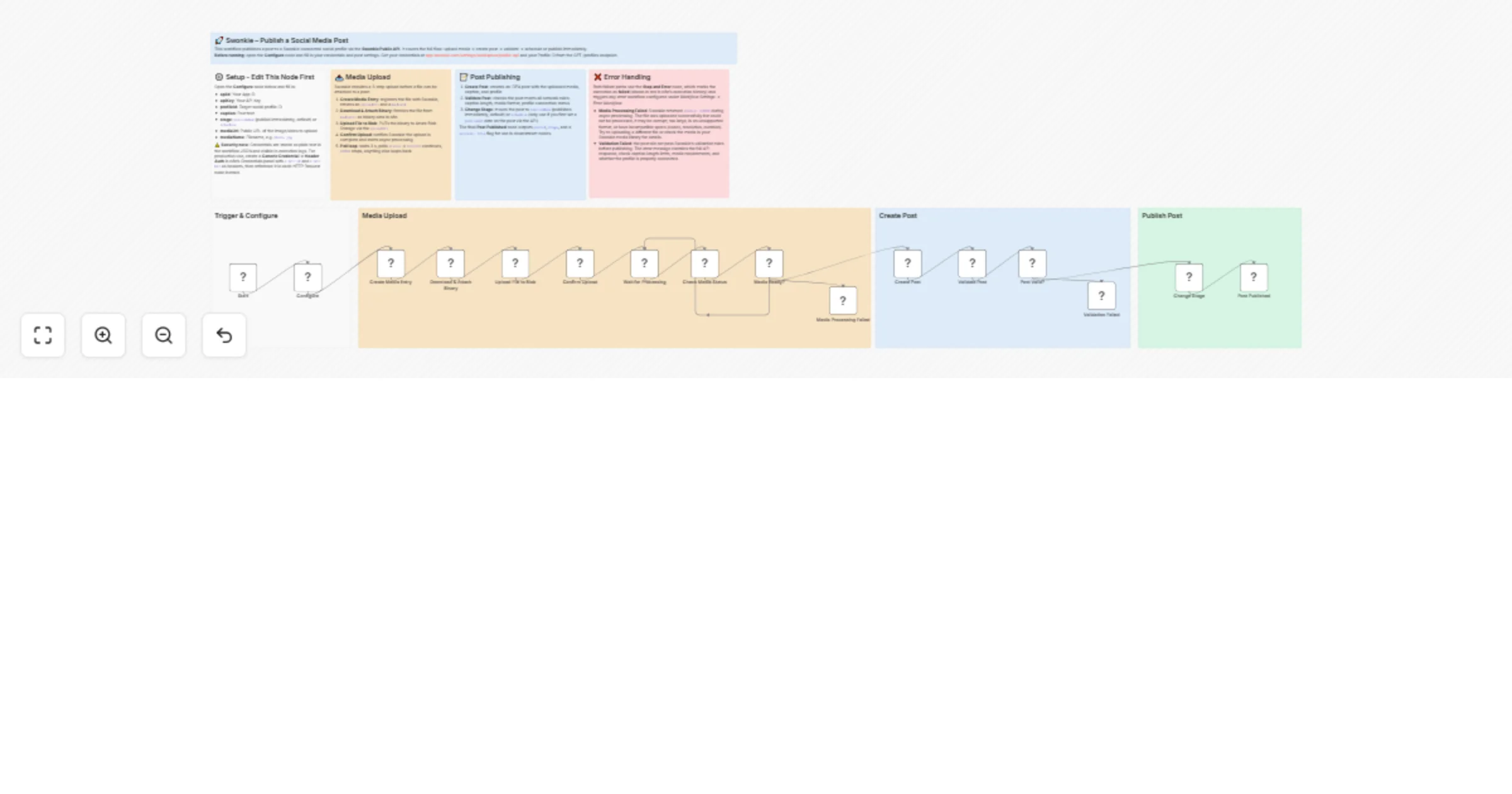
Workflow preview

$20/month : Unlimited workflows
2500 executions/month

THE #1 IN WEB SCRAPING
Scrape any website without limits
HOSTINGER  Early Deal
DISCOUNT 20% Try free
Early DealDISCOUNT 20%
Self-hosted n8n
Unlimited workflows - from $4.99/mo

#1 hub for scraping, AI & automation
6000+ actors - $5 credits/mo
Overview
🚀 What this workflow does
Automate publishing social media posts through the Swonkie Public API. Given a media file URL, a caption, and a target profile, this workflow handles the full end-to-end flow: uploading the media, creating the post, validating it against platform rules, and publishing or scheduling it, all without touching the Swonkie dashboard.
Use this as a starting point to connect Swonkie to any other tool in n8n: trigger posts from a CMS, a spreadsheet, a form submission, an AI agent, or any other data source.
⚙️ How it works
- Registers the media file in Swonkie's media library and uploads the binary directly to Azure Blob Storage using a signed upload URL
- Polls the media processing status every 3 seconds until Swonkie confirms the file is ready (SUCCESS) or stops with an error if processing fails
- Creates a new post with the uploaded media, caption, and target social profile
- Validates the post against Swonkie's network rules (caption length, media format, profile connection) before publishing
- Changes the post stage to publishNow (publishes immediately) or schedule
🛠️ Set up steps
- Sign up at swonkie.dev and connect at least one social media profile
- Go to app.swonkie.com/settings/workspace/public-api to get your App ID and API Key
- Get your Profile ID from the Swonkie API (GET /profiles) or the dashboard
- Open the Configure node and fill in: apiId, apiKey, profileId, caption, stage, mediaUrl and mediaName
- Run the workflow