Block 1 - Sticky Note
- Type / Role
- n8n-nodes-base.stickyNote - stickyNote
- Config choices
- Version 1


 Early Deal
This workflow is provided as-is. Please review and test before using in production.
PT Clinic AI Email Sequence Generator What it does This automation generates personalized cold email sequences for uncontacted physical therapy clinics, pulling lead info from Google Sheets a...
n8n-nodes-base.stickynote, n8n-nodes-base.googlesheets, @n8n/n8n-nodes-langchain.agent, n8n-nodes-base.splitinbatches, @n8n/n8n-nodes-langchain.lmchatopenai, n8n-nodes-base.code, n8n-nodes-base.if
This workflow is cataloged by N8N Workflows and links back to its original n8n.io source page by David Olusola.
Original n8n.io sourceThis automation generates personalized cold email sequences for uncontacted physical therapy clinics, pulling lead info from Google Sheets and using GPT-4 to create 4 highly-targeted outreach emails — all tailored for the PT industry.
✅ Key Benefits
Saves 25–40 hours/week of manual email writing Delivers niche, pain-point-driven messages to PT clinic directors Auto-updates your campaign sheet with verified, ready-to-send sequences Scales cold outreach with quality and speed
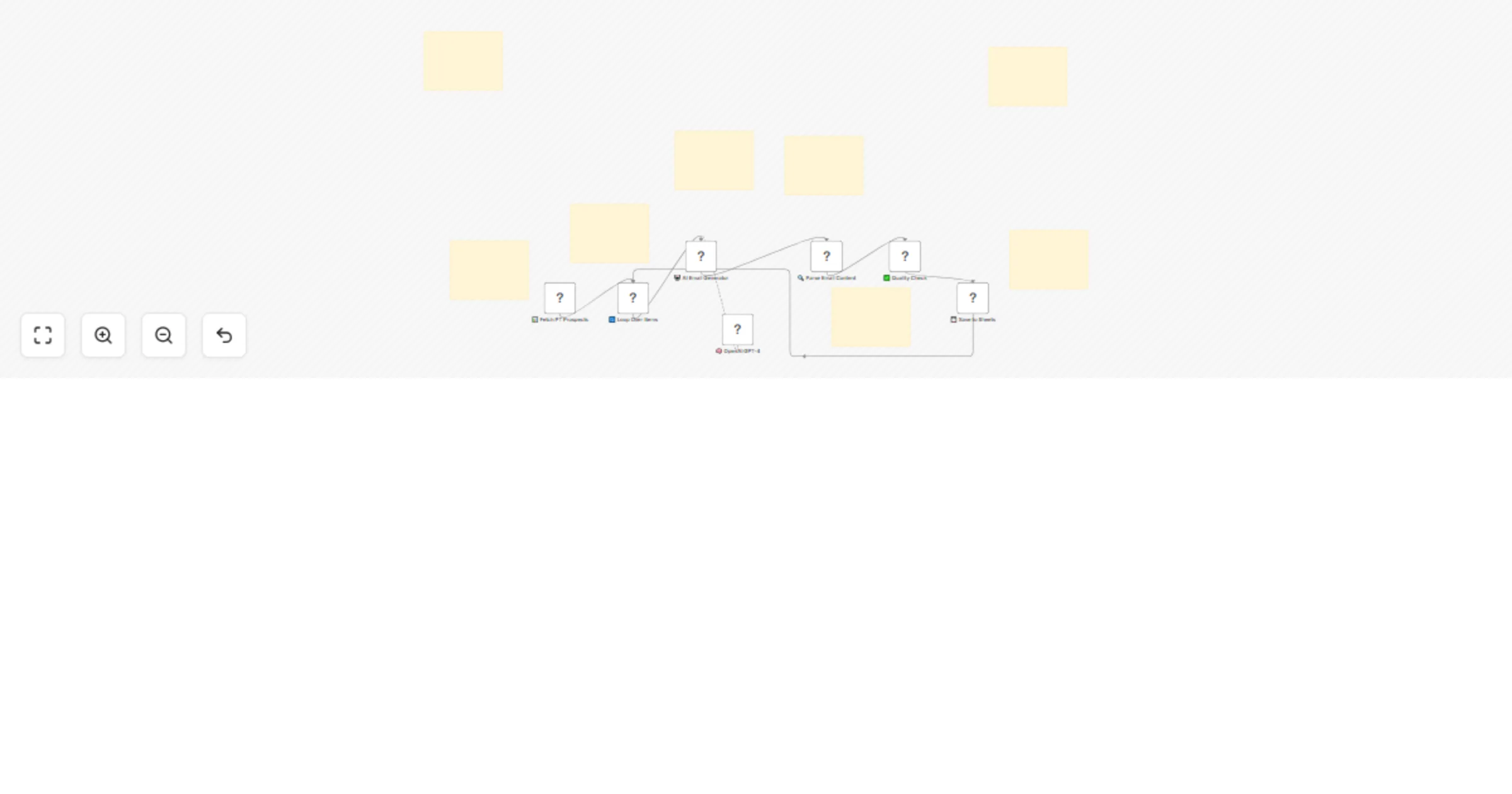
Fetch Prospects Pulls leads from a Google Sheet tab (e.g. Sports & Orthopedic PT) Filters only those with Email Sent Status = "No" Batch Processing Runs one lead at a time to avoid API throttling and preserve accuracy AI-Powered Generation GPT-4 generates a 4-part email sequence: Email 1: Pain point + intro Email 2: Social proof (success story) Email 3: Objection handling Email 4: Final CTA with opt-out or redirect option Content Validation Extracts emails using regex Checks for name mismatches Ensures all 4 emails exist before saving Data Update Auto-saves all email subjects and bodies to Google Sheets Marks lead as updated and moves on to the next
Google Sheets with required fields (link to make a copy is in the workflow) OpenAI GPT-4 API key SMTP service (optional, for sending later) Telegram/Slack bot (optional for alerts) 📦 Output
A fully populated sheet with:
Four cold emails per clinic Subject lines and message bodies Quality-checked entries, ready to be scheduled or sent manually
This catalog entry is organized from the workflow JSON. The node-level section below shows the executable blocks available for review before importing the template.
| Workflow | PT clinic AI cold email sequence generator with GPT4 |
|---|---|
| Complexity | advanced |
| Nodes | 15 |
| Categories | Lead Nurturing, Multimodal AI |
| Author | David Olusola |
| Published | 28 Jun 2025 |
Use the JSON export at /data/workflows/5422/5422.json as the source template for this automation.
Open n8n, import the downloaded JSON, and review each node before activating the workflow.
Replace placeholder credentials, API keys, webhook URLs, account IDs, and environment-specific values with your own settings.
Run the workflow manually or in a staging workspace, inspect node output, and confirm downstream systems receive the expected data.
Enable the workflow only after testing, then monitor executions, errors, and rate limits during the first production runs.
Review imported nodes carefully before activation. This catalog entry is intended to help you inspect the workflow structure, understand required services, and find related templates faster.
Node names, credentials, schedules, webhook paths, and external service limits may need adjustment for your workspace.
PT Clinic AI Email Sequence Generator What it does This automation generates personalized cold email sequences for uncontacted physical therapy clinics, pulling lead info from Google Sheets a...
Review the workflow JSON, configure any required credentials in n8n, and test the automation in a safe workspace before using it in production.
Yes. Use the block-by-block analysis and the downloadable JSON to inspect each node, then adjust credentials, prompts, schedules, filters, or destinations for your Lead Nurturing, Multimodal AI use case.