Block 1 - Run Competitive Analysis
- Type / Role
- n8n-nodes-base.manualTrigger - manualTrigger
- Config choices
- Version 1


 Early Deal
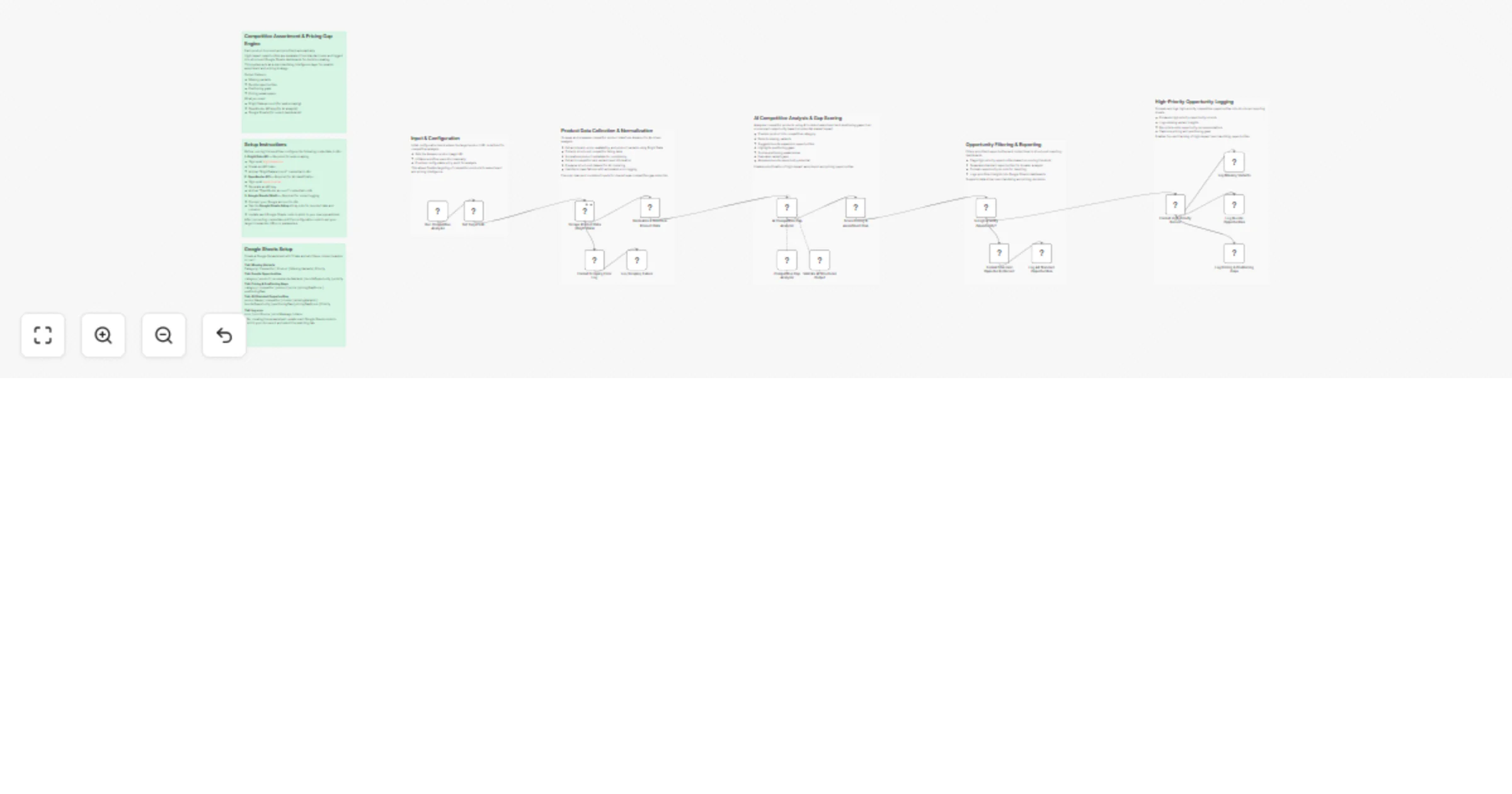
Amazon Competitive Gap & Assortment Intelligence Workflow Description This workflow automatically scrapes competitor product data from Amazon and identifies gaps in your assortment, pricing, and po...
n8n-nodes-base.manualtrigger, n8n-nodes-base.set, @brightdata/n8n-nodes-brightdata.brightdata, n8n-nodes-base.code, @n8n/n8n-nodes-langchain.agent, @n8n/n8n-nodes-langchain.outputparserstructured, n8n-nodes-base.if, n8n-nodes-base.googlesheets
This workflow is cataloged by N8N Workflows and links back to its original n8n.io source page by Yaron Been.
Original n8n.io sourceThis workflow automatically scrapes competitor product data from Amazon and identifies gaps in your assortment, pricing, and positioning. It helps merchandising and product teams spot opportunities they are missing before competitors fill them.
This workflow uses Bright Data to scrape Amazon product pages, then normalizes the data and feeds it to AI for competitive gap analysis.
It identifies:
Each opportunity is scored and prioritized — high-impact gaps are routed to dedicated sheets, while standard opportunities are logged separately.
All results are sent to Google Sheets dashboards for structured decision-making.
Download the .json file and import it into your n8n instance.
Add your Bright Data API credentials to the Bright Data node.
Add your OpenRouter API key for AI competitive analysis.
Create a spreadsheet following the "Google Sheets Setup" sticky note inside the workflow. Connect each Google Sheets node to your document.
Edit the configuration node to define:
Discover product variants competitors carry that are missing from your catalog.
Detect pricing gaps and positioning weaknesses relative to competitors in your category.
Find bundle and cross-sell opportunities based on real competitive data.
Track assortment gaps across an entire product category to prioritize expansion.
Build a data-driven competitive intelligence layer for smarter assortment and pricing decisions.
#n8n #automation #brightdata #webscraping #competitiveanalysis #pricingintelligence #assortmentplanning #ecommerce #amazondata #productgaps #pricingstrategy #competitortracking #merchandising #bundleopportunities #n8nworkflow #workflow #nocode #businessintelligence #marketresearch #pricingoptimization #categorymanagement #retailintelligence #competitivelandscape #productexpansion #ecommerceautomation
This catalog entry is organized from the workflow JSON. The node-level section below shows the executable blocks available for review before importing the template.
Showing the first 24 of 25 workflow blocks. Download the JSON for the full node graph.
| Workflow | Prioritize Amazon competitor gaps using Bright Data and Google Sheets |
|---|---|
| Complexity | advanced |
| Nodes | 25 |
| Categories | Market Research, AI Summarization |
| Author | Yaron Been |
| Published | 22 Feb 2026 |
Use the JSON export at /data/workflows/13588/13588.json as the source template for this automation.
Open n8n, import the downloaded JSON, and review each node before activating the workflow.
Replace placeholder credentials, API keys, webhook URLs, account IDs, and environment-specific values with your own settings.
Run the workflow manually or in a staging workspace, inspect node output, and confirm downstream systems receive the expected data.
Enable the workflow only after testing, then monitor executions, errors, and rate limits during the first production runs.
Review imported nodes carefully before activation. This catalog entry is intended to help you inspect the workflow structure, understand required services, and find related templates faster.
Node names, credentials, schedules, webhook paths, and external service limits may need adjustment for your workspace.
Amazon Competitive Gap & Assortment Intelligence Workflow Description This workflow automatically scrapes competitor product data from Amazon and identifies gaps in your assortment, pricing, and po...
Review the workflow JSON, configure any required credentials in n8n, and test the automation in a safe workspace before using it in production.
Yes. Use the block-by-block analysis and the downloadable JSON to inspect each node, then adjust credentials, prompts, schedules, filters, or destinations for your Market Research, AI Summarization use case.