OpenClaw Clone 🦞: Expandable Personal Telegram AI Agent Template

Workflow preview

Workflow preview
100%
OpenClaw Clone 🦞: Expandable Personal Telegram AI Agent Template preview
Open on n8n.io

1. Workflow Overview

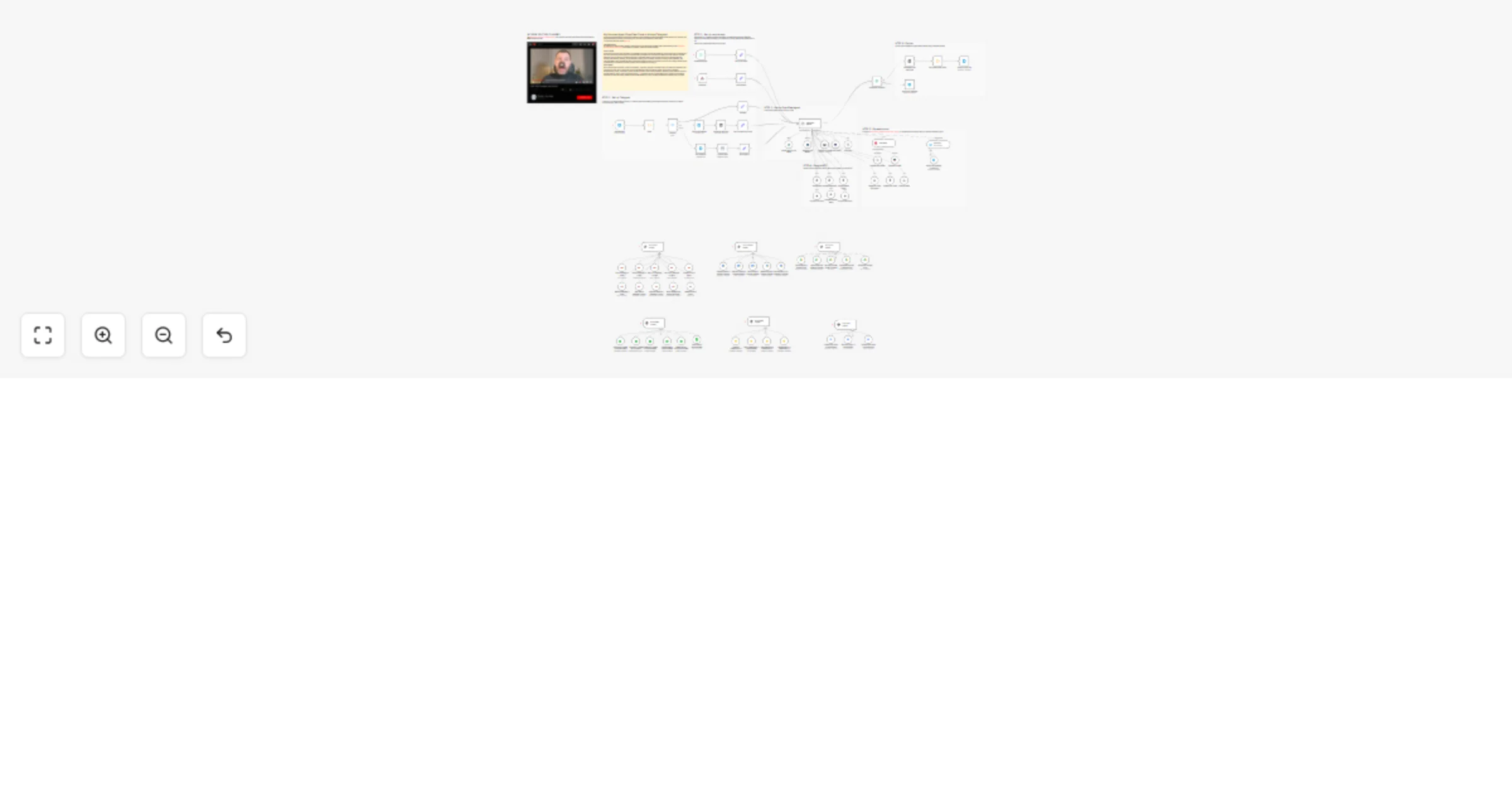
This workflow implements an advanced AI automation agent (OpenClaw Agent) that interacts with users through Telegram and integrates multiple AI models, external tools, and cloud services to automat...

Best for

  • Support Chatbot automation workflows
  • AI Chatbot automation workflows
  • advanced n8n builders looking for reusable templates

Tools used

n8n-nodes-base.code, n8n-nodes-base.telegramtrigger, n8n-nodes-base.telegram, n8n-nodes-base.set, n8n-nodes-base.switch, @n8n/n8n-nodes-langchain.openai, n8n-nodes-base.ftp, @n8n/n8n-nodes-langchain.lmchatgooglegemini

Source and attribution

This workflow is cataloged by N8N Workflows and links back to its original n8n.io source page by Davide Boizza.

Original n8n.io source

1.1 Workflow description

Title
OpenClaw Clone 🦞: Expandable Personal Telegram AI Agent Template
Workflow name
OpenClaw Clone 🦞: Expandable Personal Telegram AI Agent Template

This workflow implements an advanced AI automation agent (OpenClaw Agent) that interacts with users through Telegram and integrates multiple AI models, external tools, and cloud services to automate complex tasks.

I've described my basic idea in this video.

VERY IMPORTANT: By adapting the system prompt, inserting subworkflows or mcp servers and adjusting with webhooks many of the workflows I have developed on this page it is possible to potentially extend the template infinitely.

The agent can autonomously decide which tools to use to complete the request. It has access to multiple integrations, including:

  • Gmail (read, send, reply, draft emails)
  • Google Calendar (create, delete, check availability)
  • Google Drive, Docs, Sheets, and Slides
  • Web search and web scraping tools
  • RAG (Retrieval-Augmented Generation) using a vector database Here how set up
  • Image and video analysis tools
  • Mathematical calculator tools
  • Custom sub-workflows and MCP integrations

The system also includes persistent chat memory stored in PostgreSQL, allowing the AI to remember previous interactions and maintain conversation context.

Finally, the workflow generates a response and sends it back to the user via Telegram. If the input was voice-based, the response can also be converted into audio and returned as a voice message.

An escalation mechanism allows the system to transfer the conversation to a human operator when needed.


Key Advantages

1. βœ… Multimodal Interaction

The workflow supports text, voice, and image inputs, allowing users to interact with the system naturally.

2. βœ… AI-Powered Automation

The integrated AI agent can autonomously decide which tools to use to solve tasks, reducing manual intervention and enabling intelligent automation.

3.βœ… Deep Integration with Google Workspace

The workflow can manage emails, documents, spreadsheets, presentations, and calendar events directly through AI commands.

4. βœ… Retrieval-Augmented Knowledge (RAG)

The system can access external knowledge sources through a vector database, improving response accuracy and enabling knowledge-based answers.

5. βœ… Persistent Memory

Conversation history is stored in PostgreSQL, allowing the agent to maintain context and provide more relevant responses over time.

6. βœ… Web Intelligence

Built-in web search and scraping capabilities allow the agent to gather real-time information from the internet.

7. βœ… Voice Response Capability

The system can generate audio responses, creating a more natural conversational experience.

8. βœ… Modular and Scalable Architecture

The workflow is highly modular, allowing new tools, agents, and services to be added easily.

9. βœ… Human Escalation

When automation is not sufficient, the system can escalate the conversation to a human operator.

10. βœ… Fully Automated Digital Assistant

Overall, the workflow acts as a fully autonomous AI assistant capable of performing complex operational tasks across multiple platforms.


How it works

This workflow is a comprehensive Telegram-based AI orchestrator that simulates an OpenClaw-style multi-agent architecture. When a user sends a message to the Telegram bot, the workflow:

  1. Receives and authorizes the message through a Telegram trigger, checking if the user ID matches an authorized user (configured in the Code node)

  2. Routes different content types using a Switch node that detects whether the incoming message contains text, voice, or images:

  • Text messages: Directly passed to the orchestrator
  • Voice messages: Downloaded and transcribed using OpenAI's audio transcription
  • Images: Downloaded, uploaded to an FTP server, and transformed into a URL for processing
  1. Feeds the processed input (text, transcribed voice, or image URL with caption) into the "OpenClaw Agents" node - an AI agent configured with Gemini as the language model and Postgres for chat memory

  2. Orchestrates specialized sub-agents through the main AI agent, which can delegate tasks to multiple tools:

  • Research and web search (Perplexity AI)
  • Web scraping (ScrapeGraphAI)
  • Google services (Gmail, Drive, Docs, Sheets, Slides, Calendar)
  • RAG (Qdrant vector store with Cohere reranker)
  • Image/Video generation (via sub-workflow)
  • Calculator
  • Telegram communication tools
  1. Handles response delivery based on the original message type:
  • If the original message was voice, the workflow generates an audio response using OpenAI TTS and sends it back as audio
  • Otherwise, sends a text response via Telegram
  1. Includes escalation capabilities through a human-in-the-loop tool for situations requiring human intervention

Set up steps

  1. Configure Telegram Bot
  • Create a Telegram bot via BotFather to get a bot token
  • Set up Telegram credentials in n8n
  • Replace XXX in the Code node with your authorized Telegram user ID
  1. Set up API Keys and Credentials
  • OpenAI: API key for audio transcription and text-to-speech
  • Google Gemini: API key for the main language model
  • Google Cloud: OAuth2 credentials for all Google services (Gmail, Drive, Calendar, Docs, Sheets, Slides)
  • Perplexity AI: API key for research and web search
  • ScrapeGraphAI: API key for web scraping
  • Cohere: API key for reranker functionality
  • PostgreSQL: Database connection for chat memory
  1. Configure External Services
  • Qdrant: Set up vector database for RAG functionality
  • FTP Server: Configure FTP credentials and path (replace /XXX/ in Upload image node with actual path and domain in Set Image Url node)
  1. Configure Webhooks and Endpoints
  • Set the Telegram webhook URL to point to your n8n instance
  • The workflow includes multiple MCP endpoints that need proper configuration
  1. Review and Adjust Parameters
  • Check all nodes with placeholder values (marked with XXX)
  • Verify language settings (Italian is set for transcription)
  • Review the system prompt in the OpenClaw Agents node and customize if needed
  • Ensure all tool descriptions match your use case
  1. Test and Activate
  • Run the workflow in inactive mode first to test with sample inputs
  • Check that all connections between nodes are correct
  • Activate the workflow when everything is verified

πŸ‘‰ Subscribe to my new YouTube channel. Here I’ll share videos and Shorts with practical tutorials and FREE templates for n8n.


Need help customizing?

Contact me for consulting and support or add me on Linkedin.

1.2 Logical Blocks

This catalog entry is organized from the workflow JSON. The node-level section below shows the executable blocks available for review before importing the template.

2. Block-by-Block Analysis

Block 1 - Code

Type / Role
n8n-nodes-base.code - code
Config choices
Version 2

Block 2 - Get Message

Type / Role
n8n-nodes-base.telegramTrigger - telegramTrigger
Config choices
Version 1.1

Block 3 - Send a text message

Type / Role
n8n-nodes-base.telegram - telegram
Config choices
Version 1.2

Block 4 - Get Text

Type / Role
n8n-nodes-base.set - set
Config choices
Version 3.4

Block 5 - Switch2

Type / Role
n8n-nodes-base.switch - switch
Config choices
Version 3.2

Block 6 - Get voice message

Type / Role
n8n-nodes-base.telegram - telegram
Config choices
Version 1.2

Block 7 - Transcribe recording

Type / Role
@n8n/n8n-nodes-langchain.openAi - openAi
Config choices
Version 1.7

Block 8 - Get image file

Type / Role
n8n-nodes-base.telegram - telegram
Config choices
Version 1.2

Block 9 - Upload image

Type / Role
n8n-nodes-base.ftp - ftp
Config choices
Version 1

Block 10 - Set Image Url

Type / Role
n8n-nodes-base.set - set
Config choices
Version 3.4

Block 11 - Get input text from voice

Type / Role
n8n-nodes-base.set - set
Config choices
Version 3.4

Block 12 - Google Gemini Chat Model

Type / Role
@n8n/n8n-nodes-langchain.lmChatGoogleGemini - lmChatGoogleGemini
Config choices
Version 1

Block 13 - Postgres Chat Memory

Type / Role
@n8n/n8n-nodes-langchain.memoryPostgresChat - memoryPostgresChat
Config choices
Version 1.3

Block 14 - Webhook

Type / Role
n8n-nodes-base.webhook - webhook
Config choices
Version 2.1

Block 15 - Schedule Trigger

Type / Role
n8n-nodes-base.scheduleTrigger - scheduleTrigger
Config choices
Version 1.3

Block 16 - Get a message in Gmail

Type / Role
n8n-nodes-base.gmailTool - gmailTool
Config choices
Version 2.1

Block 17 - Send a message in Gmail

Type / Role
n8n-nodes-base.gmailTool - gmailTool
Config choices
Version 2.1

Block 18 - Get many messages in Gmail

Type / Role
n8n-nodes-base.gmailTool - gmailTool
Config choices
Version 2.1

Block 19 - Reply to a message in Gmail

Type / Role
n8n-nodes-base.gmailTool - gmailTool
Config choices
Version 2.1

Block 20 - Create a draft in Gmail

Type / Role
n8n-nodes-base.gmailTool - gmailTool
Config choices
Version 2.1

Block 21 - MCP Gmail Trigger

Type / Role
@n8n/n8n-nodes-langchain.mcpTrigger - mcpTrigger
Config choices
Version 2

Block 22 - MCP Calendar Trigger

Type / Role
@n8n/n8n-nodes-langchain.mcpTrigger - mcpTrigger
Config choices
Version 2

Block 23 - Create an event in Google Calendar

Type / Role
n8n-nodes-base.googleCalendarTool - googleCalendarTool
Config choices
Version 1.3

Block 24 - Get many events in Google Calendar

Type / Role
n8n-nodes-base.googleCalendarTool - googleCalendarTool
Config choices
Version 1.3

Showing the first 24 of 86 workflow blocks. Download the JSON for the full node graph.

3. Summary Table

Workflow OpenClaw Clone 🦞: Expandable Personal Telegram AI Agent Template
Complexity advanced
Nodes 86
Categories Support Chatbot, AI Chatbot
Author Davide Boizza
Published 11 Mar 2026

4. Reproducing the Workflow from Scratch

  1. 1. Download the workflow JSON

    Use the JSON export at /data/workflows/14008/14008.json as the source template for this automation.

  2. 2. Import the template into n8n

    Open n8n, import the downloaded JSON, and review each node before activating the workflow.

  3. 3. Configure credentials and variables

    Replace placeholder credentials, API keys, webhook URLs, account IDs, and environment-specific values with your own settings.

  4. 4. Test with sample data

    Run the workflow manually or in a staging workspace, inspect node output, and confirm downstream systems receive the expected data.

  5. 5. Activate and monitor

    Enable the workflow only after testing, then monitor executions, errors, and rate limits during the first production runs.

5. General Notes & Resources

Review imported nodes carefully before activation. This catalog entry is intended to help you inspect the workflow structure, understand required services, and find related templates faster.

Node names, credentials, schedules, webhook paths, and external service limits may need adjustment for your workspace.

Frequently asked questions

What does OpenClaw Clone 🦞: Expandable Personal Telegram AI Agent Template do?

This workflow implements an advanced AI automation agent (OpenClaw Agent) that interacts with users through Telegram and integrates multiple AI models, external tools, and cloud services to automat...

What do I need before importing this workflow?

Review the workflow JSON, configure any required credentials in n8n, and test the automation in a safe workspace before using it in production.

Can I customize this workflow?

Yes. Use the block-by-block analysis and the downloadable JSON to inspect each node, then adjust credentials, prompts, schedules, filters, or destinations for your Support Chatbot, AI Chatbot use case.