Block 1 - Telegram Trigger
- Type / Role
- n8n-nodes-base.telegramTrigger - telegramTrigger
- Config choices
- Version 1.2


 Early Deal
This workflow is provided as-is. Please review and test before using in production.
This workflow turns any Telegram bot into an AI powered social media command center for photos, videos and voice notes. video demo From one Telegram c...
n8n-nodes-base.telegramtrigger, n8n-nodes-base.switch, n8n-nodes-base.noop, @n8n/n8n-nodes-langchain.openai, n8n-nodes-base.stickynote, n8n-nodes-base.telegram, @n8n/n8n-nodes-langchain.googlegemini, @n8n/n8n-nodes-langchain.lmchatgooglegemini
This workflow is cataloged by N8N Workflows and links back to its original n8n.io source page by Juan Carlos Cavero Gracia.
Original n8n.io sourceThis workflow turns any Telegram bot into an AI-powered social media command center for photos, videos and voice notes.
From one Telegram chat you can:
/thumb to generate 4 custom thumbnails with Nano Banana Pro./edit ... to run FFmpeg edits (cut, mute, resize, speed, etc.) via Upload-Post FFmpeg jobs and get the edited video back in Telegram.Out of the box, the captions and long descriptions are optimized for Spanish (es-ES), but you can easily change the prompts to any language or brand voice.
Just send a photo (or image as document) to your Telegram bot:
If you send a video with no special caption:
/thumb → AI Thumbnails for Your Video (Nano Banana Pro)If you send a video with caption exactly /thumb:
title, description, and a full prompt_thumbnail (Spanish, single line) specially crafted for Nano Banana Pro.0, 1, 2 or “create new”.fal-ai/nano-banana-pro/edit) with your reference face image (configurable).Use /thumb whenever you already have the video and just want killer thumbnails generated with AI.
/edit … → Natural-Language FFmpeg Video EditorIf you send a video with a caption starting with /edit, for example:
/edit cut the first 3 seconds and remove the audio/edit crop to vertical 9:16 and speed up x1.5/edit blur the background and keep the subject centeredThe workflow behaves as a text-to-FFmpeg command generator:
/edit instructions.ffmpeg -y{input} and {output} placeholdersfull_command.sendVideo node.This makes Telegram a front-end for a remote FFmpeg engine: you describe the edit in natural language, and the workflow handles all the FFmpeg complexity.
> Note: The edited video is returned to Telegram; if you want to auto-post it, simply send the new video again without /edit so it goes through the normal multi-platform publishing path.
For voice messages:
message.voice.#n8n, #automation, #dev).This is perfect for “talk to your phone, ship content to all your text platforms”.
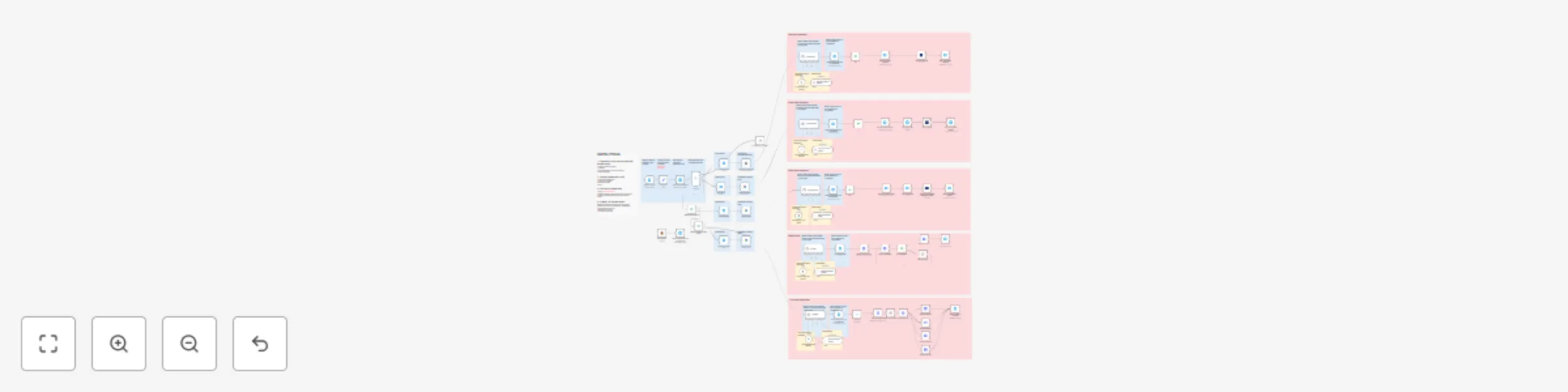
Telegram Trigger
Listens to every incoming message and routes by type:
/start → No-Opvoice → Audio pipelinedocument/photo → Photo pipelinevideo → Video/thumbnail/editor pipelines (/thumb, /edit or normal)AI Blocks (Gemini + OpenAI)
Upload-Post Integration
Human-in-the-Loop
sendAndWait nodes in Telegram:Accounts & APIs
Runtime
Configuration
upload_post_user and pinterest_board_id in the Edit Fields node.Install this template, plug in your keys, talk to your bot in Telegram, and turn it into your all-in-one AI social media machine.
This catalog entry is organized from the workflow JSON. The node-level section below shows the executable blocks available for review before importing the template.
Showing the first 24 of 104 workflow blocks. Download the JSON for the full node graph.
| Workflow | One telegram chat to edit, thumbnail & auto-post your videos everywhere |
|---|---|
| Complexity | advanced |
| Nodes | 104 |
| Categories | Social Media, Multimodal AI |
| Author | Juan Carlos Cavero Gracia |
| Published | 07 Oct 2025 |
Use the JSON export at /data/workflows/9363/9363.json as the source template for this automation.
Open n8n, import the downloaded JSON, and review each node before activating the workflow.
Replace placeholder credentials, API keys, webhook URLs, account IDs, and environment-specific values with your own settings.
Run the workflow manually or in a staging workspace, inspect node output, and confirm downstream systems receive the expected data.
Enable the workflow only after testing, then monitor executions, errors, and rate limits during the first production runs.
Review imported nodes carefully before activation. This catalog entry is intended to help you inspect the workflow structure, understand required services, and find related templates faster.
Node names, credentials, schedules, webhook paths, and external service limits may need adjustment for your workspace.
This workflow turns any Telegram bot into an AI powered social media command center for photos, videos and voice notes. video demo From one Telegram c...
Review the workflow JSON, configure any required credentials in n8n, and test the automation in a safe workspace before using it in production.
Yes. Use the block-by-block analysis and the downloadable JSON to inspect each node, then adjust credentials, prompts, schedules, filters, or destinations for your Social Media, Multimodal AI use case.