New TheHive case Slack notification bot

Workflow preview

Workflow preview
100%
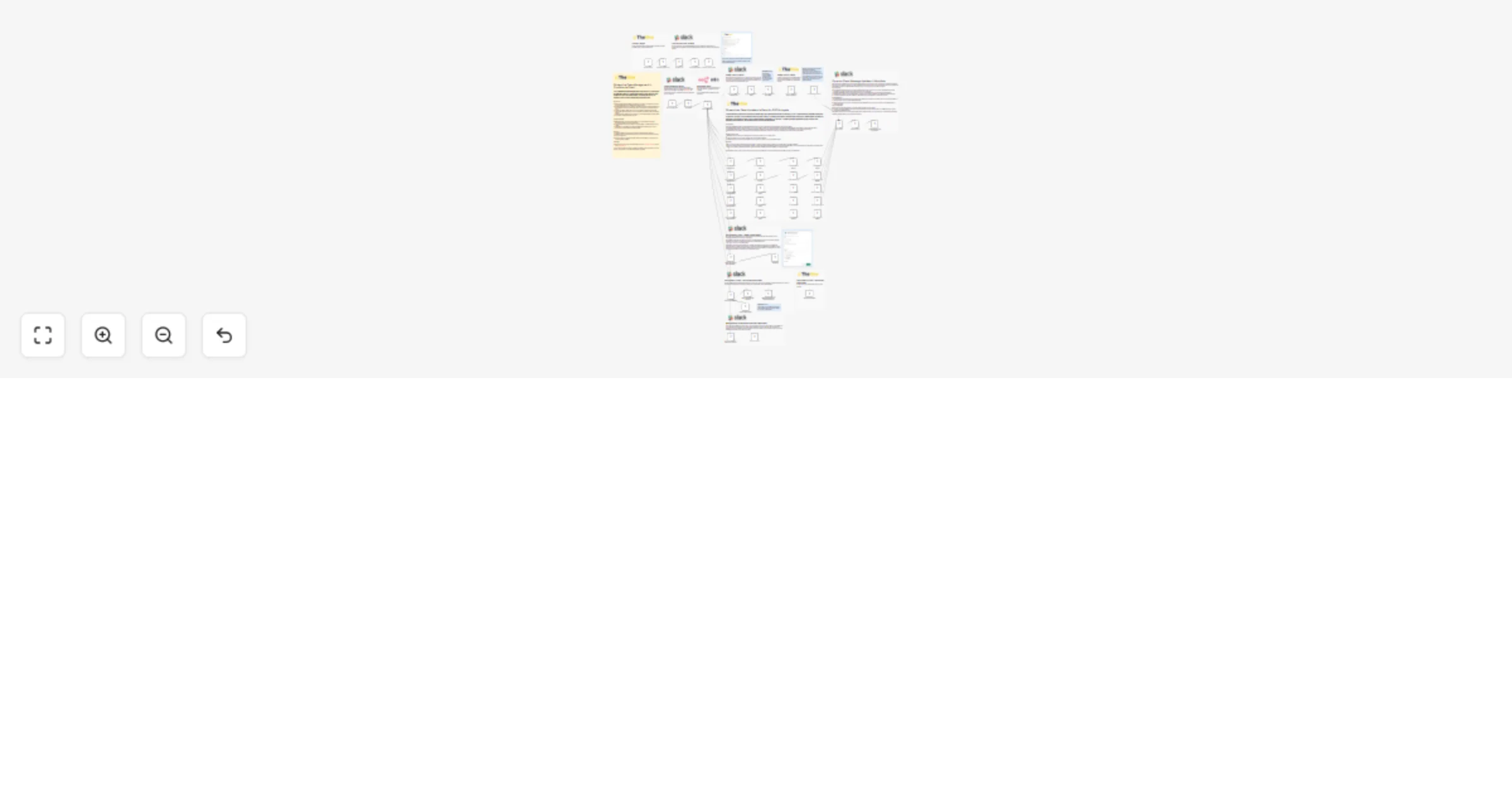
New TheHive case Slack notification bot preview
Open on n8n.io

Important notice

This workflow is provided as-is. Please review and test before using in production.

1. Workflow Overview

Streamline Case Management in TheHive via Slack! Our TheHive Slack Integration empowers SOC analysts by allowing them to efficiently manage ...

Best for

  • SecOps automation workflows
  • advanced n8n builders looking for reusable templates

Tools used

n8n-nodes-base.thehiveprojecttrigger, n8n-nodes-base.stickynote, n8n-nodes-base.set, n8n-nodes-base.httprequest, n8n-nodes-base.if, n8n-nodes-base.thehiveproject, n8n-nodes-base.noop, n8n-nodes-base.slack

Source and attribution

This workflow is cataloged by N8N Workflows and links back to its original n8n.io source page by Angel Menendez.

Original n8n.io source

1.1 Workflow description

Title
New TheHive case Slack notification bot
Workflow name
New TheHive case Slack notification bot

Streamline Case Management in TheHive via Slack!

Our TheHive Slack Integration empowers SOC analysts by allowing them to efficiently manage and update case attributes directly within Slack, reducing the need to switch contexts and enhancing response time.

Key Features:

  • Direct Case Management: Modify case details such as assignee, severity, status, and more through intuitive form inputs embedded within Slack messages.
  • Seamless Integration: Assumes matching email addresses between TheHive and Slack users for straightforward assignee updates. Note: Ensure email consistency to avoid assignment errors.
  • Instant Case Actions: Quickly close cases as false positives or adjust threat levels with minimal clicks, directly impacting case status in TheHive and reflecting updates immediately in Slack.
  • Task Management: Add tasks to cases through a user-friendly modal popup, fostering better task tracking and delegation within your team.

Operational Benefits:

  • Efficiency: Enables analysts to perform multiple case actions without leaving Slack, streamlining workflows and saving valuable time.
  • Accuracy: Reduces the chances of human error by providing a controlled interface for case updates.
  • Agility: Enhances the SOC team's agility by providing tools for rapid response and case management, crucial for effective security operations.

Setup Tips:

  • Verify that all SOC team members have matching email IDs in TheHive and Slack.
  • Familiarize your team with the Slack form inputs and ensure they understand the importance of accurate data entry.
  • Regularly review and update the integration settings to accommodate any changes in your security operations protocols.

Need Help?

Leverage this integration to maximize your SOC team's efficiency and responsiveness, ensuring that case management is as streamlined and effective as possible.

1.2 Logical Blocks

This catalog entry is organized from the workflow JSON. The node-level section below shows the executable blocks available for review before importing the template.

2. Block-by-Block Analysis

Block 1 - TheHive Trigger

Type / Role
n8n-nodes-base.theHiveProjectTrigger - theHiveProjectTrigger
Config choices
Version 1

Block 2 - Sticky Note

Type / Role
n8n-nodes-base.stickyNote - stickyNote
Config choices
Version 1

Block 3 - Sticky Note2

Type / Role
n8n-nodes-base.stickyNote - stickyNote
Config choices
Version 1

Block 4 - Sticky Note3

Type / Role
n8n-nodes-base.stickyNote - stickyNote
Config choices
Version 1

Block 5 - Edit Fields

Type / Role
n8n-nodes-base.set - set
Config choices
Version 3.3

Block 6 - Task Modal

Type / Role
n8n-nodes-base.httpRequest - httpRequest
Config choices
Version 4.2

Block 7 - HTTP Request

Type / Role
n8n-nodes-base.httpRequest - httpRequest
Config choices
Version 4.2

Block 8 - Formatting Dictionaries

Type / Role
n8n-nodes-base.set - set
Config choices
Version 3.3

Block 9 - Prep Fields For Slack

Type / Role
n8n-nodes-base.set - set
Config choices
Version 3.3

Block 10 - Update Message with new Assignee

Type / Role
n8n-nodes-base.httpRequest - httpRequest
Config choices
Version 4.2

Block 11 - Sticky Note4

Type / Role
n8n-nodes-base.stickyNote - stickyNote
Config choices
Version 1

Block 12 - Sticky Note5

Type / Role
n8n-nodes-base.stickyNote - stickyNote
Config choices
Version 1

Block 13 - Sticky Note7

Type / Role
n8n-nodes-base.stickyNote - stickyNote
Config choices
Version 1

Block 14 - Check if Case Options

Type / Role
n8n-nodes-base.if - if
Config choices
Version 2

Block 15 - Case Slack Block Rebuild

Type / Role
n8n-nodes-base.set - set
Config choices
Version 3.3

Block 16 - Close Case Block Rebuild

Type / Role
n8n-nodes-base.set - set
Config choices
Version 3.3

Block 17 - Severity Case Block Rebuild1

Type / Role
n8n-nodes-base.set - set
Config choices
Version 3.3

Block 18 - PAP Case Block Rebuild

Type / Role
n8n-nodes-base.set - set
Config choices
Version 3.3

Block 19 - Prep Fields For PAP Slack

Type / Role
n8n-nodes-base.set - set
Config choices
Version 3.3

Block 20 - Map Actions

Type / Role
n8n-nodes-base.set - set
Config choices
Version 3.3

Block 21 - Build Final Block

Type / Role
n8n-nodes-base.set - set
Config choices
Version 3.3

Block 22 - Prep Fields For TLP Slack

Type / Role
n8n-nodes-base.set - set
Config choices
Version 3.3

Block 23 - Prep Fields For Status Slack

Type / Role
n8n-nodes-base.set - set
Config choices
Version 3.3

Block 24 - Update Status in TheHive

Type / Role
n8n-nodes-base.theHiveProject - theHiveProject
Config choices
Version 1

Showing the first 24 of 63 workflow blocks. Download the JSON for the full node graph.

3. Summary Table

Workflow New TheHive case Slack notification bot
Complexity advanced
Nodes 63
Categories SecOps
Author Angel Menendez
Published 26 Nov 2024

4. Reproducing the Workflow from Scratch

  1. 1. Download the workflow JSON

    Use the JSON export at /data/workflows/2577/2577.json as the source template for this automation.

  2. 2. Import the template into n8n

    Open n8n, import the downloaded JSON, and review each node before activating the workflow.

  3. 3. Configure credentials and variables

    Replace placeholder credentials, API keys, webhook URLs, account IDs, and environment-specific values with your own settings.

  4. 4. Test with sample data

    Run the workflow manually or in a staging workspace, inspect node output, and confirm downstream systems receive the expected data.

  5. 5. Activate and monitor

    Enable the workflow only after testing, then monitor executions, errors, and rate limits during the first production runs.

5. General Notes & Resources

Review imported nodes carefully before activation. This catalog entry is intended to help you inspect the workflow structure, understand required services, and find related templates faster.

Node names, credentials, schedules, webhook paths, and external service limits may need adjustment for your workspace.

Frequently asked questions

What does New TheHive case Slack notification bot do?

Streamline Case Management in TheHive via Slack! Our TheHive Slack Integration empowers SOC analysts by allowing them to efficiently manage ...

What do I need before importing this workflow?

Review the workflow JSON, configure any required credentials in n8n, and test the automation in a safe workspace before using it in production.

Can I customize this workflow?

Yes. Use the block-by-block analysis and the downloadable JSON to inspect each node, then adjust credentials, prompts, schedules, filters, or destinations for your SecOps use case.