Block 1 - Run Financial Risk Scan
- Type / Role
- n8n-nodes-base.manualTrigger - manualTrigger
- Config choices
- Version 1


 Early Deal
Description This workflow automatically scans companies for signs of financial distress across filings, insolvency registers, and financial news. It helps procurement, credit, and risk teams detect...
n8n-nodes-base.manualtrigger, n8n-nodes-base.set, n8n-nodes-base.if, @brightdata/n8n-nodes-brightdata.brightdata, n8n-nodes-base.googlesheets, n8n-nodes-base.code, n8n-nodes-base.merge, @n8n/n8n-nodes-langchain.agent
This workflow is cataloged by N8N Workflows and links back to its original n8n.io source page by Yaron Been.
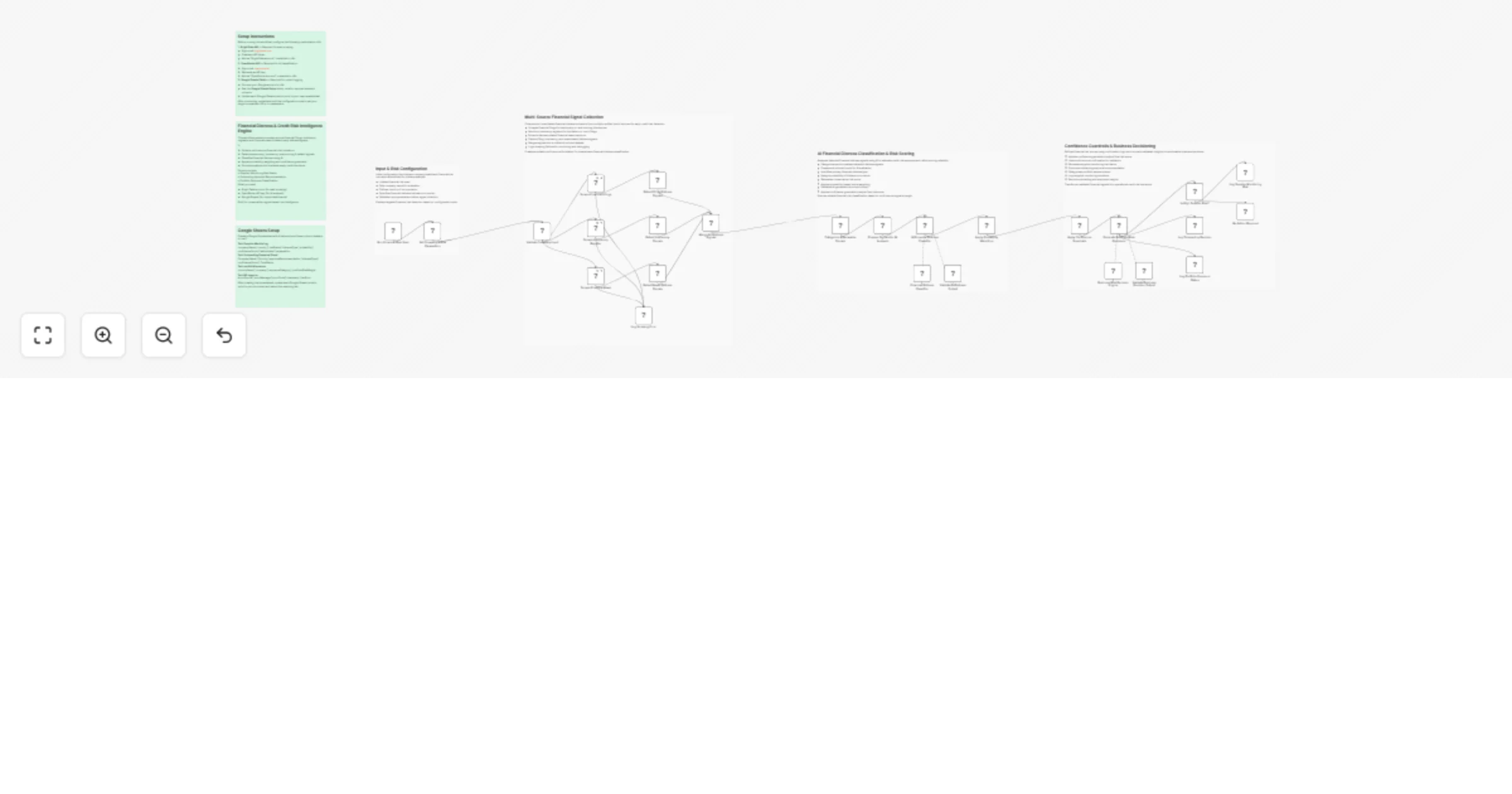
Original n8n.io sourceThis workflow automatically scans companies for signs of financial distress across filings, insolvency registers, and financial news. It helps procurement, credit, and risk teams detect early warning signals before a supplier or partner defaults.
This workflow uses Bright Data to scrape financial filings, insolvency registers, and news sources for distress signals like bankruptcy, restructuring, or payment defaults.
AI classifies the type and severity of distress, applies probability weighting and confidence guardrails, then generates structured business decisions — including:
All outputs are logged into Google Sheets for tracking and auditability.
Download the .json file and import it into your n8n instance.
Add your Bright Data API credentials to all Bright Data nodes.
Add your OpenRouter API key for AI distress classification and decision generation.
Create a spreadsheet following the "Google Sheets Setup" sticky note inside the workflow. Connect each Google Sheets node to your document.
Edit the configuration node to define:
Monitor supplier financial health and get alerts before disruptions hit your supply chain.
Screen new vendors or partners for bankruptcy signals and insolvency red flags.
Automate go/no-go decisions for new supplier or partner approvals.
Track financial exposure across your vendor or investment portfolio.
Detect early signs of distress in key business relationships before they become critical.
#n8n #automation #brightdata #webscraping #creditrisk #financialdistress #riskmanagement #suppliermonitoring #supplychainrisk #insolvency #bankruptcy #duediligence #vendorscreening #portfoliorisk #financialanalysis #n8nworkflow #workflow #nocode #businessintelligence #riskassessment #creditanalysis #procurementautomation #supplierrisk #financialmonitoring #earlywarning
This catalog entry is organized from the workflow JSON. The node-level section below shows the executable blocks available for review before importing the template.
Showing the first 24 of 33 workflow blocks. Download the JSON for the full node graph.
| Workflow | Monitor supplier financial distress and risk with Bright Data, OpenRouter and Google Sheets |
|---|---|
| Complexity | advanced |
| Nodes | 33 |
| Categories | Market Research, AI Summarization |
| Author | Yaron Been |
| Published | 22 Feb 2026 |
Use the JSON export at /data/workflows/13586/13586.json as the source template for this automation.
Open n8n, import the downloaded JSON, and review each node before activating the workflow.
Replace placeholder credentials, API keys, webhook URLs, account IDs, and environment-specific values with your own settings.
Run the workflow manually or in a staging workspace, inspect node output, and confirm downstream systems receive the expected data.
Enable the workflow only after testing, then monitor executions, errors, and rate limits during the first production runs.
Review imported nodes carefully before activation. This catalog entry is intended to help you inspect the workflow structure, understand required services, and find related templates faster.
Node names, credentials, schedules, webhook paths, and external service limits may need adjustment for your workspace.
Description This workflow automatically scans companies for signs of financial distress across filings, insolvency registers, and financial news. It helps procurement, credit, and risk teams detect...
Review the workflow JSON, configure any required credentials in n8n, and test the automation in a safe workspace before using it in production.
Yes. Use the block-by-block analysis and the downloadable JSON to inspect each node, then adjust credentials, prompts, schedules, filters, or destinations for your Market Research, AI Summarization use case.