Block 1 - Trigger in Schedule time
- Type / Role
- n8n-nodes-base.scheduleTrigger - scheduleTrigger
- Config choices
- Version 1.2


 Early Deal
(Retail) Supplier Restock Request Trigger This workflow automatically monitors your Shopify inventory, detects low stock products, generates smart alert messages, logs records in Google Sheets and ...
n8n-nodes-base.scheduletrigger, n8n-nodes-base.shopify, n8n-nodes-base.set, n8n-nodes-base.splitinbatches, n8n-nodes-base.if, @n8n/n8n-nodes-langchain.lmchatopenai, @n8n/n8n-nodes-langchain.chainllm, n8n-nodes-base.code
This workflow is cataloged by N8N Workflows and links back to its original n8n.io source page by WeblineIndia.
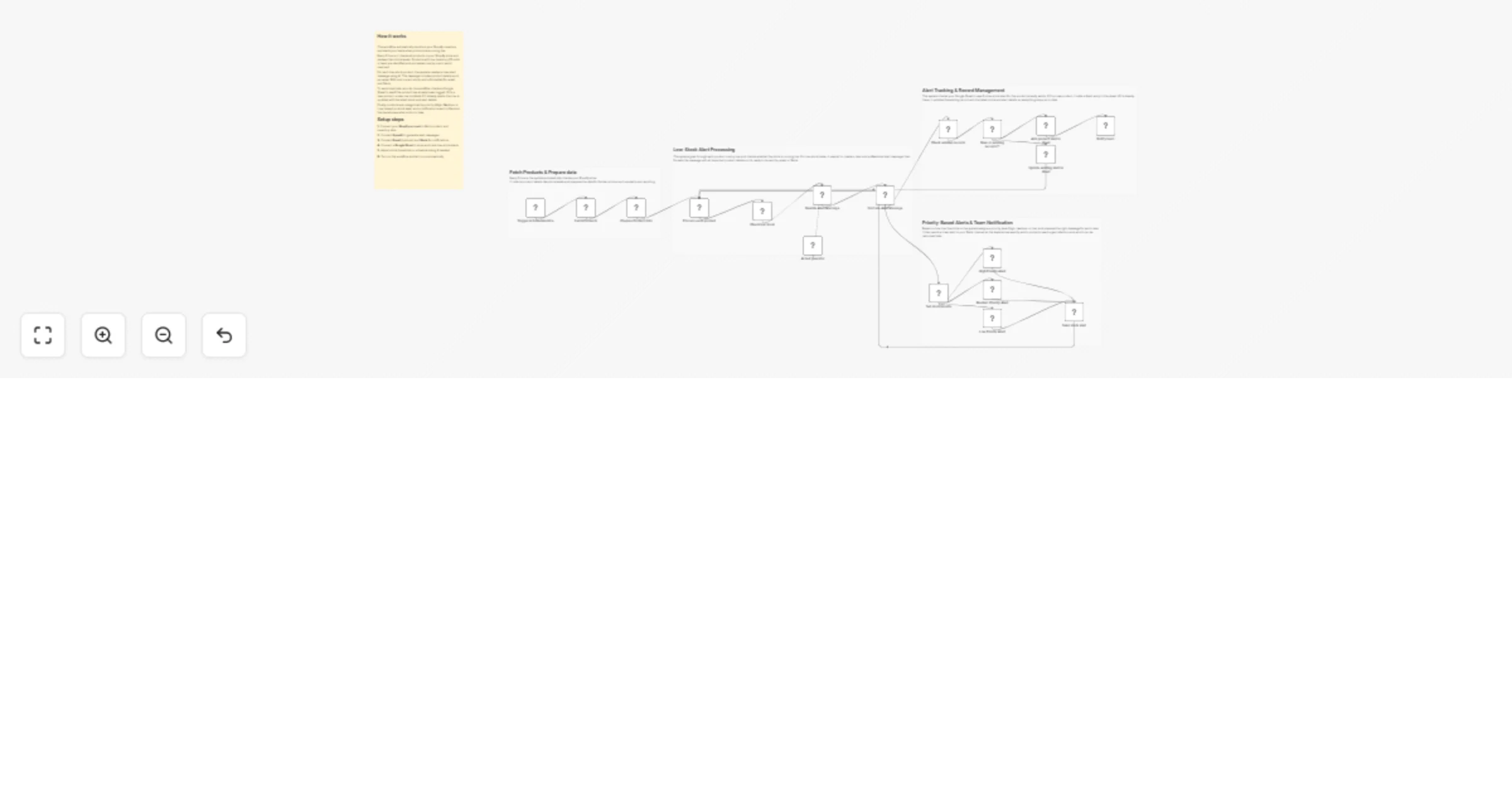
Original n8n.io sourceThis workflow automatically monitors your Shopify inventory, detects low-stock products, generates smart alert messages, logs records in Google Sheets and sends priority-based notifications to Slack.
This workflow checks your Shopify store every 5 hours, identifies products with low inventory (≤10 units), generates professional alert messages using AI, prevents duplicate alerts using Google Sheets, assigns priority based on stock level and notifies your team on Slack.
You receive:
Ideal for teams that want proactive inventory visibility without manual stock checks.
This workflow automates low-stock monitoring for Shopify products:
This ensures timely restocking with no duplicate alerts.
This workflow is ideal for:
To run this workflow, you need:
No advanced technical knowledge required.
Modify the IF / Switch nodes to:
Edit the AI prompt to:
You can add:
Enhance messages with:
You can extend this workflow to:
Automatically track low-stock items.
Prioritize restocking based on urgency.
Notify operations instantly via Slack.
Maintain a clean inventory alert log.
Prevent stock-outs as order volume grows.
| Issue | Possible Cause | Solution |
|---|---|---|
| No Slack alerts | Slack not connected | Check Slack credentials |
| Duplicate rows | SKU mismatch | Ensure SKU is consistent |
| No low-stock items | Threshold too low | Adjust IF condition |
| AI message empty | OpenAI key missing | Verify API key |
| Workflow not running | Trigger disabled | Enable Schedule Trigger |
If you need help customizing or extending this workflow with advanced features like adding analytics, ERP integrations, advanced alerts or scaling it for high-volume stores, then our n8n workflow developers at WeblineIndia are happy to help.
This catalog entry is organized from the workflow JSON. The node-level section below shows the executable blocks available for review before importing the template.
| Workflow | Monitor Shopify low-stock items with OpenAI, Google Sheets, Slack and email |
|---|---|
| Complexity | advanced |
| Nodes | 23 |
| Categories | CRM, AI Summarization |
| Author | WeblineIndia |
| Published | 26 Mar 2026 |
Use the JSON export at /data/workflows/14370/14370.json as the source template for this automation.
Open n8n, import the downloaded JSON, and review each node before activating the workflow.
Replace placeholder credentials, API keys, webhook URLs, account IDs, and environment-specific values with your own settings.
Run the workflow manually or in a staging workspace, inspect node output, and confirm downstream systems receive the expected data.
Enable the workflow only after testing, then monitor executions, errors, and rate limits during the first production runs.
Review imported nodes carefully before activation. This catalog entry is intended to help you inspect the workflow structure, understand required services, and find related templates faster.
Node names, credentials, schedules, webhook paths, and external service limits may need adjustment for your workspace.
(Retail) Supplier Restock Request Trigger This workflow automatically monitors your Shopify inventory, detects low stock products, generates smart alert messages, logs records in Google Sheets and ...
Review the workflow JSON, configure any required credentials in n8n, and test the automation in a safe workspace before using it in production.
Yes. Use the block-by-block analysis and the downloadable JSON to inspect each node, then adjust credentials, prompts, schedules, filters, or destinations for your CRM, AI Summarization use case.