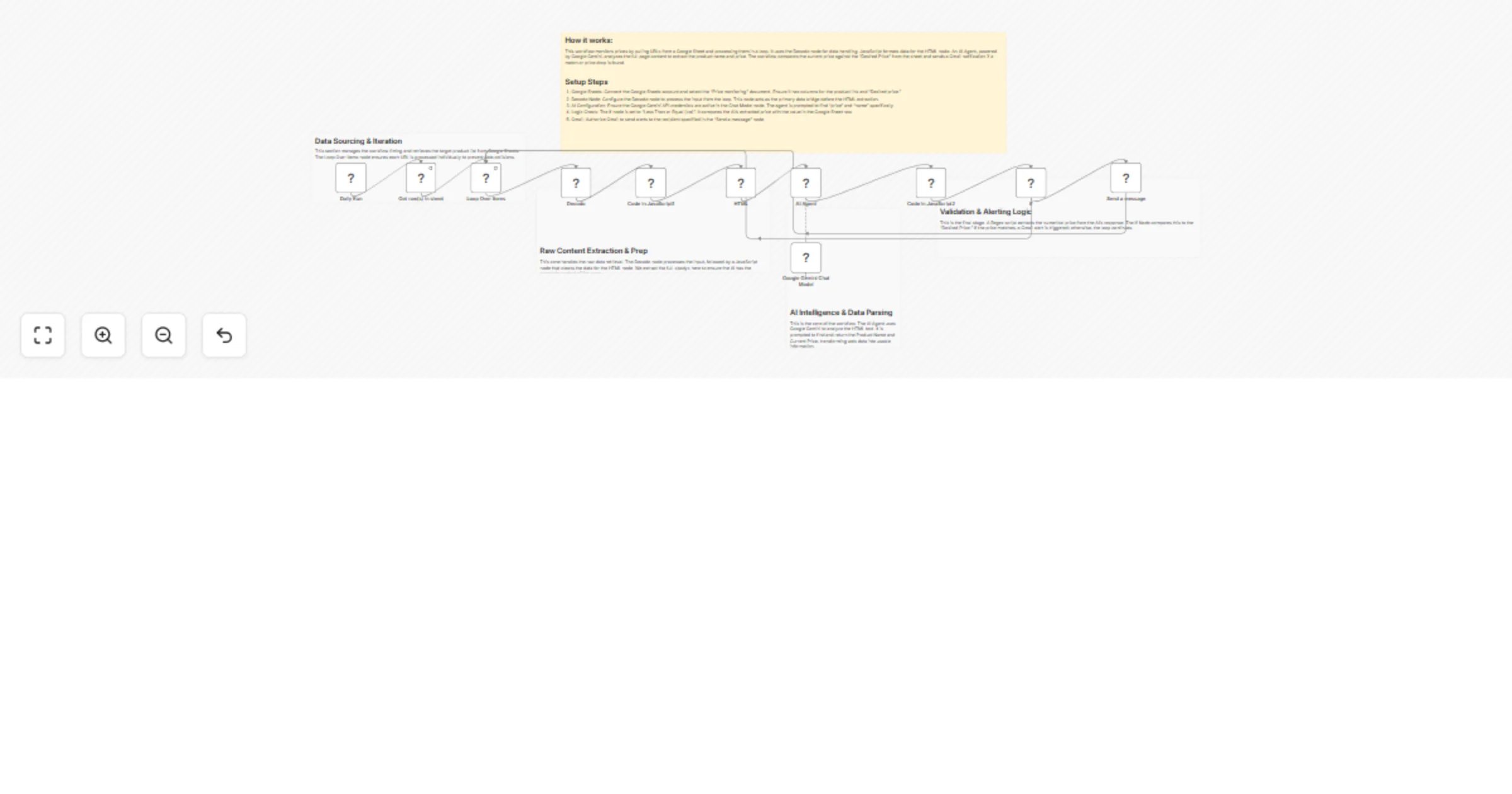
Monitor product prices with Decodo, Google Sheets, Gemini and Gmail

Workflow preview

Workflow preview
100%
Monitor product prices with Decodo, Google Sheets, Gemini and Gmail preview
Open on n8n.io

1. Workflow Overview

Categories: Business Automation, E commerce, Intelligence, AI This workflow automates high frequency price tracking across e commerce platforms. It combines the data handling power of the Decodo no...

Best for

  • Market Research automation workflows
  • AI Summarization automation workflows
  • advanced n8n builders looking for reusable templates

Tools used

n8n-nodes-base.html, n8n-nodes-base.googlesheets, n8n-nodes-base.splitinbatches, n8n-nodes-base.code, @n8n/n8n-nodes-langchain.agent, @n8n/n8n-nodes-langchain.lmchatgooglegemini, n8n-nodes-base.if, n8n-nodes-base.gmail

Source and attribution

This workflow is cataloged by N8N Workflows and links back to its original n8n.io source page by Zain Khan.

Original n8n.io source

1.1 Workflow description

Title
Monitor product prices with Decodo, Google Sheets, Gemini and Gmail
Workflow name
Monitor product prices with Decodo, Google Sheets, Gemini and Gmail

Categories: Business Automation, E-commerce, Intelligence, AI This workflow automates high-frequency price tracking across e-commerce platforms. It combines the data-handling power of the Decodo node with the intelligence of Google Gemini to eliminate manual price checks. It is for businesses seeking real-time market intelligence. Benefits

  1. Total Automation: Handles data sourcing, and email notifications without human help.
  2. Intelligent Extraction: Uses AI to analyze the full page content.
  3. Precision Alerting: Triggers notifications when a product's price meets or falls below the "Desired Price."
  4. Scalable Architecture: Processes large batches of products.

How It Works

  1. Scheduled Data Retrieval: The Schedule Trigger pulls a list of URLs and target prices from Google Sheets.
  2. Raw Data Processing: Data flows through a Decodo node.
  3. Full-Body Extraction: The workflow captures the entire body of the webpage.
  4. AI-Driven Analysis: An AI Agent, powered by Google Gemini, analyzes the text to identify the product name and price.
  5. Regex Data Cleaning: A JavaScript node uses Regular Expressions to sanitize the AI's response.
  6. Smart Comparison & Alerting: An If Node compares the live price against the "Desired Price." If the condition is met, an automated alert is sent via Gmail.

Requirements

  1. n8n Instance
  2. Google Account
  3. Google Gemini API Key
  4. Decodo Credentials

How to Use

  • Setup your Spreadsheet: Create a Google Sheet with columns for the product link and "Desired price."
  • Authenticate Nodes: Connect your Google Sheets, Gmail, and Gemini credentials within n8n.
  • Configure Parameters: Ensure the If node correctly references the "Desired price" column from your Google Sheet output.
  • Deploy: Activate the workflow. The system will now run automatically, monitoring the list and notifying of deals.

Business Use Cases

  • Retail Arbitrage Agencies: Spot price drops on supplier sites to maximize profit margins.
  • Competitor Intelligence: Monitor rival pricing strategies.
  • Procurement Departments: Automate the "buy" signal for raw materials when they hit a specific price point.
  • E-commerce Managers: Track MAP (Minimum Advertised Price) compliance.
  • Revenue Potential
  • Increased Margins: Buy inventory at the lowest prices.
  • Market Leadership: React faster than competitors to market-wide price shifts.
  • Service Offering: Provide "Price Watch" services for e-commerce clients.

Difficulty Level:

  • Intermediate
  • Estimated Setup Time: 40 min
  • Monthly Operating Cost: Low (based on Gemini API tokens)

1.2 Logical Blocks

This catalog entry is organized from the workflow JSON. The node-level section below shows the executable blocks available for review before importing the template.

2. Block-by-Block Analysis

Block 1 - HTML

Type / Role
n8n-nodes-base.html - html
Config choices
Version 1.2

Block 2 - Get row(s) in sheet

Type / Role
n8n-nodes-base.googleSheets - googleSheets
Config choices
Version 4.7

Block 3 - Loop Over Items

Type / Role
n8n-nodes-base.splitInBatches - splitInBatches
Config choices
Version 3

Block 4 - Code in JavaScript1

Type / Role
n8n-nodes-base.code - code
Config choices
Version 2

Block 5 - AI Agent

Type / Role
@n8n/n8n-nodes-langchain.agent - agent
Config choices
Version 3.1

Block 6 - Google Gemini Chat Model

Type / Role
@n8n/n8n-nodes-langchain.lmChatGoogleGemini - lmChatGoogleGemini
Config choices
Version 1

Block 7 - If

Type / Role
n8n-nodes-base.if - if
Config choices
Version 2.3

Block 8 - Code in JavaScript2

Type / Role
n8n-nodes-base.code - code
Config choices
Version 2

Block 9 - Send a message

Type / Role
n8n-nodes-base.gmail - gmail
Config choices
Version 2.2

Block 10 - Decodo

Type / Role
@decodo/n8n-nodes-decodo.decodo - decodo
Config choices
Version 1

Block 11 - Sticky Note

Type / Role
n8n-nodes-base.stickyNote - stickyNote
Config choices
Version 1

Block 12 - Daily Run

Type / Role
n8n-nodes-base.scheduleTrigger - scheduleTrigger
Config choices
Version 1.2

Block 13 - Sticky Note1

Type / Role
n8n-nodes-base.stickyNote - stickyNote
Config choices
Version 1

Block 14 - Sticky Note2

Type / Role
n8n-nodes-base.stickyNote - stickyNote
Config choices
Version 1

Block 15 - Sticky Note3

Type / Role
n8n-nodes-base.stickyNote - stickyNote
Config choices
Version 1

Block 16 - Sticky Note4

Type / Role
n8n-nodes-base.stickyNote - stickyNote
Config choices
Version 1

3. Summary Table

Workflow Monitor product prices with Decodo, Google Sheets, Gemini and Gmail
Complexity advanced
Nodes 16
Categories Market Research, AI Summarization
Author Zain Khan
Published 13 Feb 2026

4. Reproducing the Workflow from Scratch

  1. 1. Download the workflow JSON

    Use the JSON export at /data/workflows/13377/13377.json as the source template for this automation.

  2. 2. Import the template into n8n

    Open n8n, import the downloaded JSON, and review each node before activating the workflow.

  3. 3. Configure credentials and variables

    Replace placeholder credentials, API keys, webhook URLs, account IDs, and environment-specific values with your own settings.

  4. 4. Test with sample data

    Run the workflow manually or in a staging workspace, inspect node output, and confirm downstream systems receive the expected data.

  5. 5. Activate and monitor

    Enable the workflow only after testing, then monitor executions, errors, and rate limits during the first production runs.

5. General Notes & Resources

Review imported nodes carefully before activation. This catalog entry is intended to help you inspect the workflow structure, understand required services, and find related templates faster.

Node names, credentials, schedules, webhook paths, and external service limits may need adjustment for your workspace.

Frequently asked questions

What does Monitor product prices with Decodo, Google Sheets, Gemini and Gmail do?

Categories: Business Automation, E commerce, Intelligence, AI This workflow automates high frequency price tracking across e commerce platforms. It combines the data handling power of the Decodo no...

What do I need before importing this workflow?

Review the workflow JSON, configure any required credentials in n8n, and test the automation in a safe workspace before using it in production.

Can I customize this workflow?

Yes. Use the block-by-block analysis and the downloadable JSON to inspect each node, then adjust credentials, prompts, schedules, filters, or destinations for your Market Research, AI Summarization use case.