Block 1 - Monitor: Cybersecurity Keywords
- Type / Role
- n8n-nodes-base.twitter - twitter
- Config choices
- Version 1


 Early Deal
This workflow is provided as-is. Please review and test before using in production.
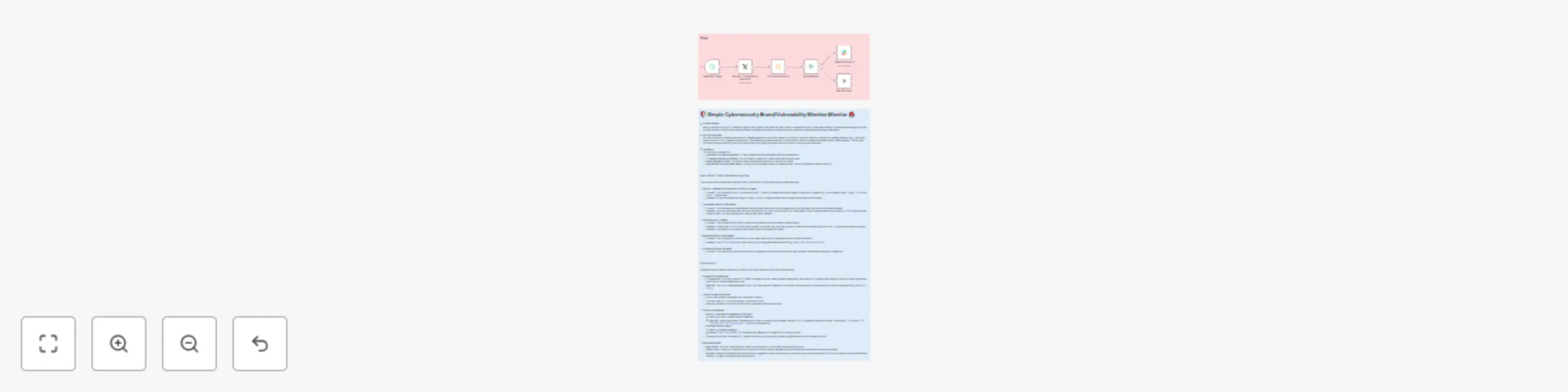
How It Works: The 5 Node Monitoring Flow This concise workflow efficiently captures, filters, and delivers crucial cybersecurity related mentions. 1. Monitor: Cybersecurity Keywords (X/Twitter Trig...
n8n-nodes-base.twitter, n8n-nodes-base.code, n8n-nodes-base.noop, n8n-nodes-base.scheduletrigger, n8n-nodes-base.if, n8n-nodes-base.slack, n8n-nodes-base.stickynote
This workflow is cataloged by N8N Workflows and links back to its original n8n.io source page by Marth.
Original n8n.io sourceThis concise workflow efficiently captures, filters, and delivers crucial cybersecurity-related mentions.
This is the entry point of your workflow. It actively searches X (formerly Twitter) for tweets containing the specific keywords you define.
This node prepares the raw tweet data, transforming it into a clean, actionable message for your alerts.
@screen_name), and the direct URL to the tweet. These pieces are then combined into a user-friendly notificationMessage. You can also include basic filtering logic here if needed.This node acts as a quick filter to help reduce noise and prevent irrelevant alerts from reaching your team.
notificationMessage against specific criteria (e.g., ensuring it doesn't contain common spam words like "bot"). If the mention passes this basic validation, the workflow continues. Otherwise, it quietly ends for that particular tweet.This is the delivery mechanism for your alerts, ensuring your team receives instant, visible notifications.
notificationMessage is sent straight to your specified Slack channel (e.g., #cyber-alerts or #security-ops).This node simply marks the successful completion of the workflow's execution path.
Implementing this simple cybersecurity monitor in your n8n instance is quick and straightforward.
Before building the workflow, ensure all necessary accounts are set up and their respective credentials are ready for n8n.
#security-alerts or #it-ops).Get the workflow structure into your n8n instance.
Customize the imported workflow to fit your specific monitoring needs.
"YourCompany" OR "CVE-2024-1234" OR "phishing alert". Use OR to combine multiple terms."YOUR_SLACK_CHANNEL_ID" with the actual Channel ID you noted earlier for your security alerts.Verify that your workflow is working correctly before setting it live.
ON. Your workflow will now automatically monitor X (Twitter) at the specified polling interval.This catalog entry is organized from the workflow JSON. The node-level section below shows the executable blocks available for review before importing the template.
| Workflow | Monitor cybersecurity brand mentions on X and send alerts to Slack |
|---|---|
| Complexity | intermediate |
| Nodes | 8 |
| Categories | SecOps |
| Author | Marth |
| Published | 31 Jul 2025 |
Use the JSON export at /data/workflows/6721/6721.json as the source template for this automation.
Open n8n, import the downloaded JSON, and review each node before activating the workflow.
Replace placeholder credentials, API keys, webhook URLs, account IDs, and environment-specific values with your own settings.
Run the workflow manually or in a staging workspace, inspect node output, and confirm downstream systems receive the expected data.
Enable the workflow only after testing, then monitor executions, errors, and rate limits during the first production runs.
Review imported nodes carefully before activation. This catalog entry is intended to help you inspect the workflow structure, understand required services, and find related templates faster.
Node names, credentials, schedules, webhook paths, and external service limits may need adjustment for your workspace.
How It Works: The 5 Node Monitoring Flow This concise workflow efficiently captures, filters, and delivers crucial cybersecurity related mentions. 1. Monitor: Cybersecurity Keywords (X/Twitter Trig...
Review the workflow JSON, configure any required credentials in n8n, and test the automation in a safe workspace before using it in production.
Yes. Use the block-by-block analysis and the downloadable JSON to inspect each node, then adjust credentials, prompts, schedules, filters, or destinations for your SecOps use case.