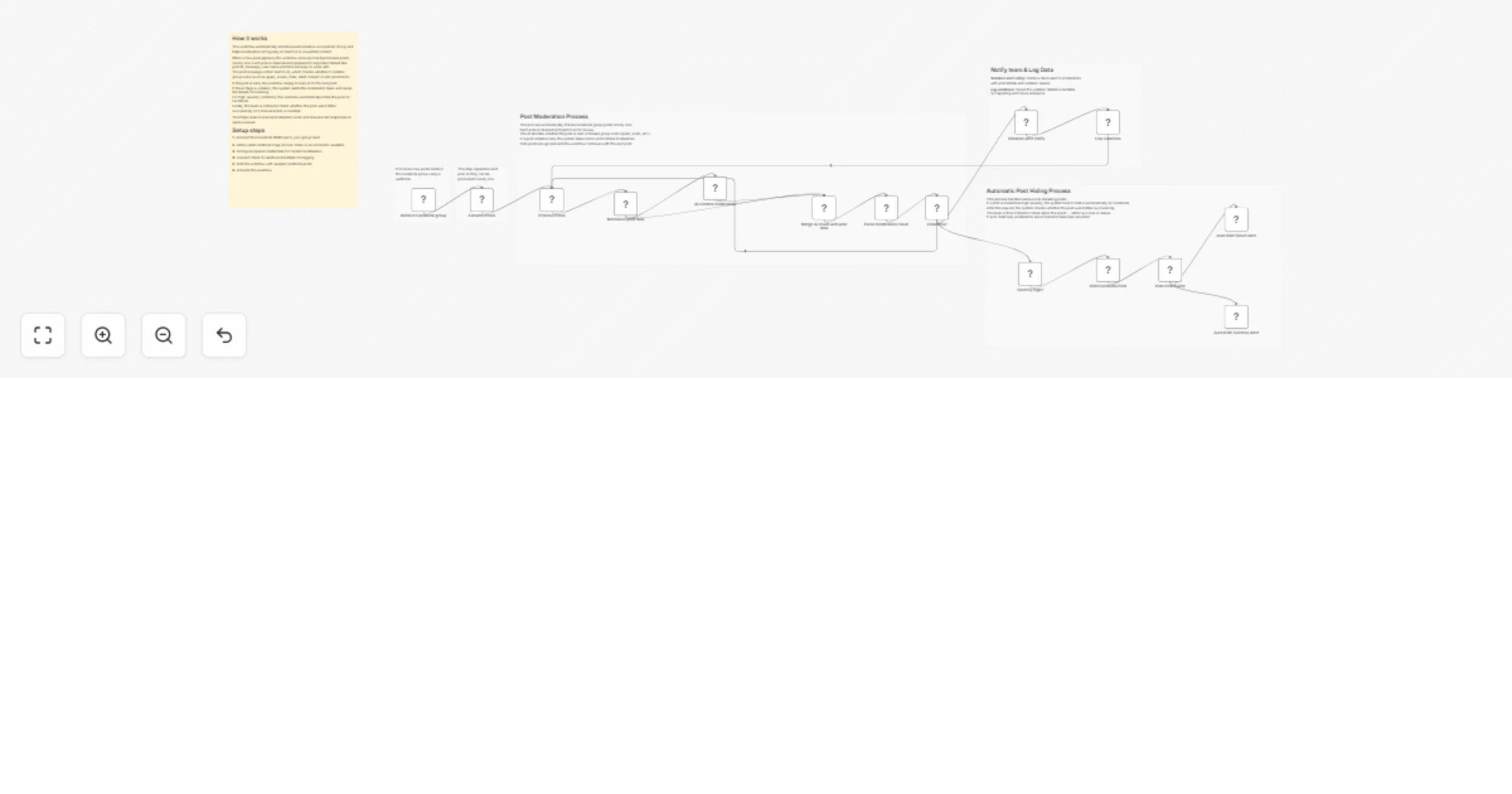
Moderate Facebook group posts with OpenAI, Slack, and Airtable

Workflow preview

Workflow preview
100%
Moderate Facebook group posts with OpenAI, Slack, and Airtable preview
Open on n8n.io

1. Workflow Overview

Facebook Group Auto Moderation This workflow automatically monitors Facebook Group posts, analyzes them using AI, detects policy violations, logs incidents, notifies moderators and automatically hi...

Best for

  • Ticket Management automation workflows
  • AI Summarization automation workflows
  • advanced n8n builders looking for reusable templates

Tools used

n8n-nodes-base.webhook, n8n-nodes-base.splitout, n8n-nodes-base.set, @n8n/n8n-nodes-langchain.openai, n8n-nodes-base.merge, n8n-nodes-base.code, n8n-nodes-base.if, n8n-nodes-base.slack

Source and attribution

This workflow is cataloged by N8N Workflows and links back to its original n8n.io source page by WeblineIndia.

Original n8n.io source

1.1 Workflow description

Title
Moderate Facebook group posts with OpenAI, Slack, and Airtable
Workflow name
Moderate Facebook group posts with OpenAI, Slack, and Airtable

Facebook Group Auto-Moderation

This workflow automatically monitors Facebook Group posts, analyzes them using AI, detects policy violations, logs incidents, notifies moderators and automatically hides high-severity posts to keep the community clean and safe.

This workflow listens to new Facebook Group posts in real time, processes each post individually and sends the post content to AI for moderation.If a post violates group rules (spam, scam, hate, adult content or aggressive promotion), the workflow alerts moderators, stores the violation in Airtable and automatically hides the post if the severity is high.

You receive:

  • Real-time AI moderation of Facebook Group posts
  • Automatic hiding of high-risk content
  • Slack alerts for moderation actions
  • Airtable logging for audit and tracking

Ideal for Facebook Group admins who want fast, consistent and automated moderation without manual review of every post.

Quick Start – Implementation Steps

  1. Connect the Facebook Group Webhook to your n8n instance.
  2. Add your Facebook Page Access Token as an environment variable.
  3. Connect OpenAI credentials for content moderation.
  4. Configure Slack for alerts and Airtable for logging.
  5. Test using sample Facebook post data.
  6. Activate the workflow.

What It Does

This workflow automates Facebook Group moderation:

  1. Receives new group posts via webhook.
  2. Splits and processes posts one by one.
  3. Normalizes post data (ID, message, user, time).
  4. Sends post content to AI for moderation analysis.
  5. Determines:
  • Violation or not
  • Category (spam, scam, hate, adult, etc.)
  • Severity (low / medium / high)
  1. Logs violations into Airtable.
  2. Sends alerts to Slack.
  3. Automatically hides posts marked as high severity.
  4. Notifies the team whether auto-hide succeeded or failed.

Who’s It For

This workflow is ideal for:

  • Facebook Group admins & moderators
  • Community management teams
  • Social media operations teams
  • Platforms handling large group volumes
  • Anyone needing automated moderation at scale

Requirements to Use This Workflow

To run this workflow, you need:

  • n8n instance (cloud or self-hosted)
  • Facebook Group Webhook subscription
  • Facebook Page Access Token
  • OpenAI API key
  • Slack workspace with API access
  • Airtable base + Personal Access Token

How It Works

  1. Receive Facebook Post – Webhook captures new group posts.
  2. Process Posts – Posts are handled one at a time.
  3. Normalize Data – Extracts clean post and user details.
  4. AI Moderation – AI analyzes the post for rule violations.
  5. Violation Check – Determines whether action is needed.
  6. Severity Check – Only high-risk posts are auto-hidden.
  7. Hide Post – Facebook API hides the post automatically.
  8. Log & Notify – Slack alerts + Airtable records are created.

Setup Steps

  1. Import the workflow JSON into n8n.
  2. Configure the Webhook node and subscribe it to your Facebook Group.
  3. Add FB_PAGE_ACCESS_TOKEN in n8n environment variables.
  4. Connect OpenAI, Slack and Airtable credentials.
  5. Verify Airtable field names match the workflow mapping.
  6. Test using pinned sample data.
  7. Activate the workflow.

How To Customize Nodes

Customize Moderation Rules

Edit the AI Content Moderation node to:

  • Adjust strictness
  • Add or remove categories
  • Change severity logic

Customize Slack Alerts

You can add:

  • Emojis
  • Mentions (@channel / @here)
  • Direct links to the Facebook post

Customize Auto-Hide Logic

Change the Severity High? IF node to:

  • Auto-hide medium severity
  • Disable auto-hide completely
  • Add manual approval steps

Add-Ons (Optional Enhancements)

You can extend this workflow to:

  • Add moderator approval before hiding posts
  • Auto-ban repeat offenders
  • Track user violation history
  • Generate daily moderation summaries
  • Add sentiment analysis
  • Create dashboards using Airtable Interfaces
  • Support multiple Facebook Groups

Use Case Examples

1. Spam Control

Automatically hide promotional or scam posts.

2. Community Safety

Detect hate or adult content instantly.

3. Moderator Efficiency

Reduce manual review workload.

4. Audit & Compliance

Maintain a clear violation history in Airtable.

5. Large Group Management

Scale moderation without adding moderators.

Troubleshooting Guide

Issue Possible Cause Solution
No posts received Webhook not subscribed Verify Facebook webhook setup
AI result missing OpenAI error Check API key & rate limits
Post not hidden Token permission issue Verify Page Access Token permissions
Slack alert not sent Invalid Slack credentials Reconnect Slack API
Airtable error Field mismatch Match Airtable column names exactly

Need Help?

If you need help extending this workflow with multi-group moderation, advanced AI rules, dashboards or production-scale automation, our n8n automation experts at WeblineIndia can assist with custom workflow design and deployment.

1.2 Logical Blocks

This catalog entry is organized from the workflow JSON. The node-level section below shows the executable blocks available for review before importing the template.

2. Block-by-Block Analysis

Block 1 - Receive Facebook group

Type / Role
n8n-nodes-base.webhook - webhook
Config choices
Version 2.1

Block 2 - Extracts Posts

Type / Role
n8n-nodes-base.splitOut - splitOut
Config choices
Version 1

Block 3 - Normalize post data

Type / Role
n8n-nodes-base.set - set
Config choices
Version 3.4

Block 4 - AI Content moderation

Type / Role
@n8n/n8n-nodes-langchain.openAi - openAi
Config choices
Version 2

Block 5 - Merge Ai result with post data

Type / Role
n8n-nodes-base.merge - merge
Config choices
Version 3.2

Block 6 - Parse moderation result

Type / Role
n8n-nodes-base.code - code
Config choices
Version 2

Block 7 - Violations?

Type / Role
n8n-nodes-base.if - if
Config choices
Version 2.2

Block 8 - Severity high?

Type / Role
n8n-nodes-base.if - if
Config choices
Version 2.2

Block 9 - Violation alert notify

Type / Role
n8n-nodes-base.slack - slack
Config choices
Version 2.3

Block 10 - Log violations

Type / Role
n8n-nodes-base.airtable - airtable
Config choices
Version 2.1

Block 11 - Auto Hide Success Alert

Type / Role
n8n-nodes-base.slack - slack
Config choices
Version 2.3

Block 12 - Auto hide failure alert

Type / Role
n8n-nodes-base.slack - slack
Config choices
Version 2.3

Block 13 - Hide Facebook Post

Type / Role
n8n-nodes-base.httpRequest - httpRequest
Config choices
Version 4.3

Block 14 - Process Posts

Type / Role
n8n-nodes-base.splitInBatches - splitInBatches
Config choices
Version 3

Block 15 - Hide Post Failed

Type / Role
n8n-nodes-base.if - if
Config choices
Version 2.2

Block 16 - Sticky Note

Type / Role
n8n-nodes-base.stickyNote - stickyNote
Config choices
Version 1

Block 17 - Sticky Note1

Type / Role
n8n-nodes-base.stickyNote - stickyNote
Config choices
Version 1

Block 18 - Sticky Note2

Type / Role
n8n-nodes-base.stickyNote - stickyNote
Config choices
Version 1

Block 19 - Sticky Note3

Type / Role
n8n-nodes-base.stickyNote - stickyNote
Config choices
Version 1

Block 20 - Sticky Note4

Type / Role
n8n-nodes-base.stickyNote - stickyNote
Config choices
Version 1

Block 21 - Sticky Note5

Type / Role
n8n-nodes-base.stickyNote - stickyNote
Config choices
Version 1

3. Summary Table

Workflow Moderate Facebook group posts with OpenAI, Slack, and Airtable
Complexity advanced
Nodes 21
Categories Ticket Management, AI Summarization
Author WeblineIndia
Published 03 Mar 2026

4. Reproducing the Workflow from Scratch

  1. 1. Download the workflow JSON

    Use the JSON export at /data/workflows/13833/13833.json as the source template for this automation.

  2. 2. Import the template into n8n

    Open n8n, import the downloaded JSON, and review each node before activating the workflow.

  3. 3. Configure credentials and variables

    Replace placeholder credentials, API keys, webhook URLs, account IDs, and environment-specific values with your own settings.

  4. 4. Test with sample data

    Run the workflow manually or in a staging workspace, inspect node output, and confirm downstream systems receive the expected data.

  5. 5. Activate and monitor

    Enable the workflow only after testing, then monitor executions, errors, and rate limits during the first production runs.

5. General Notes & Resources

Review imported nodes carefully before activation. This catalog entry is intended to help you inspect the workflow structure, understand required services, and find related templates faster.

Node names, credentials, schedules, webhook paths, and external service limits may need adjustment for your workspace.

Frequently asked questions

What does Moderate Facebook group posts with OpenAI, Slack, and Airtable do?

Facebook Group Auto Moderation This workflow automatically monitors Facebook Group posts, analyzes them using AI, detects policy violations, logs incidents, notifies moderators and automatically hi...

What do I need before importing this workflow?

Review the workflow JSON, configure any required credentials in n8n, and test the automation in a safe workspace before using it in production.

Can I customize this workflow?

Yes. Use the block-by-block analysis and the downloadable JSON to inspect each node, then adjust credentials, prompts, schedules, filters, or destinations for your Ticket Management, AI Summarization use case.