Judge AI math RPG answers with OpenAI/OpenRouter and update quests in Google Sheets
Workflow preview


 Early Deal
DISCOUNT 20%

Overview
Judge AI math RPG answers and update quest status in Google Sheets
Who it's for
This template is for educators, parents, or self-learners who want to gamify their study routines. This is Part 2 of the "AI Math RPG" system. It handles the quiz judgment and status updates without using expensive AI tokens for basic math checks.
How it works
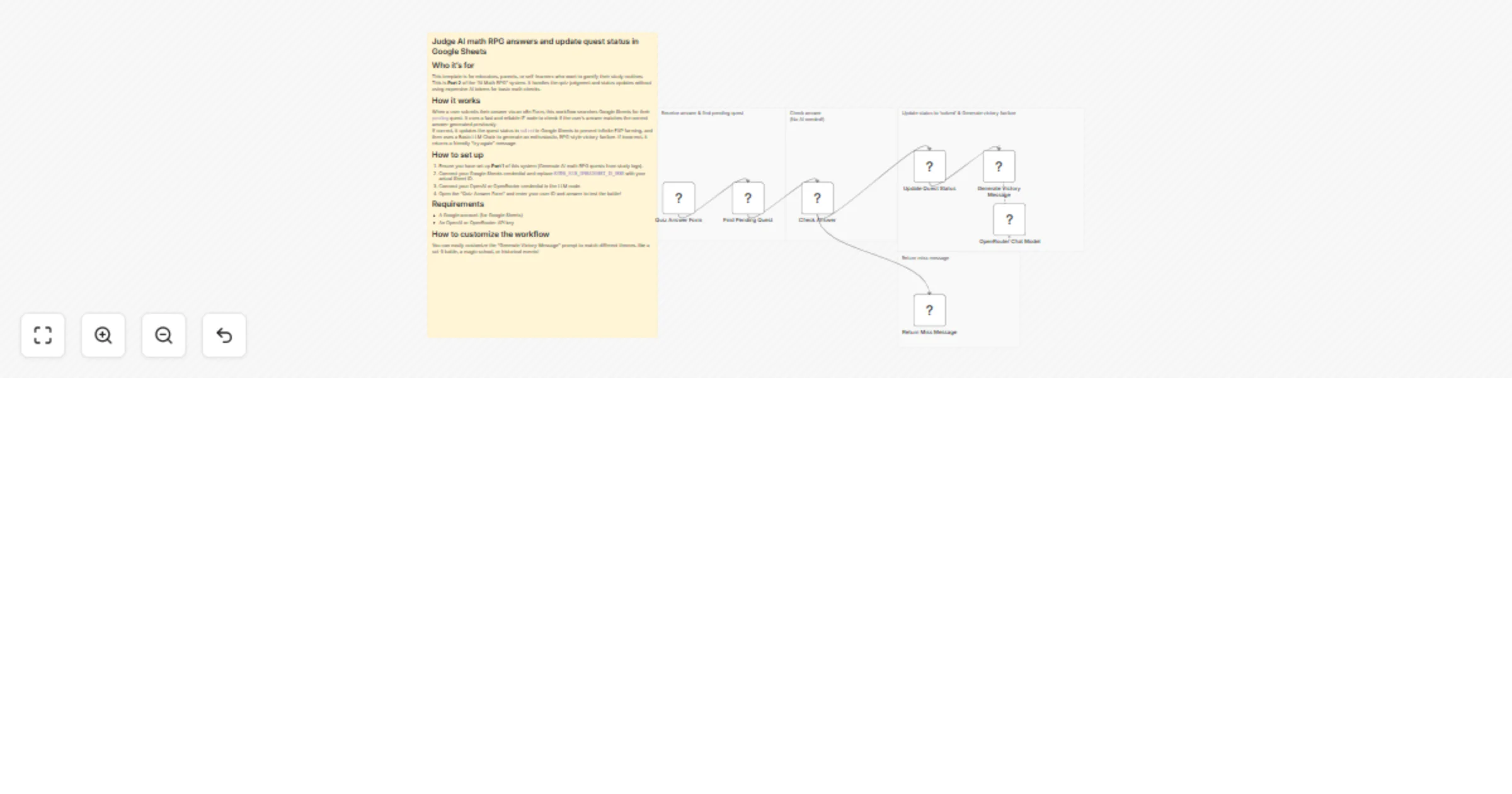
When a user submits their answer via an n8n Form, this workflow searches Google Sheets for their pending quest. It uses a fast and reliable IF node to check if the user's answer matches the correct answer generated previously.
If correct, it updates the quest status to solved in Google Sheets to prevent infinite EXP farming, and then uses a Basic LLM Chain to generate an enthusiastic, RPG-style victory fanfare. If incorrect, it returns a friendly "try again" message.
How to set up
- Ensure you have set up Part 1 of this system (Generate AI math RPG quests from study logs).
- Connect your Google Sheets credential and replace
ENTER_YOUR_SPREADSHEET_ID_HEREwith your actual Sheet ID. - Connect your OpenAI or OpenRouter credential in the LLM node.
- Open the "Quiz Answer Form" and enter your user ID and answer to test the battle!
Requirements
- A Google account (for Google Sheets)
- An OpenAI or OpenRouter API key
How to customize the workflow
You can easily customize the "Generate Victory Message" prompt to match different themes, like a sci-fi battle, a magic school, or historical events!