Ideal customer profile (ICP) generation: AI, Firecrawl, Gemini, Telegram

Workflow preview

Workflow preview
100%
Ideal customer profile (ICP) generation: AI, Firecrawl, Gemini, Telegram preview
Open on n8n.io

Important notice

This workflow is provided as-is. Please review and test before using in production.

1. Workflow Overview

Purpose & Audience This workflow is designed to save hours of manual research for digital marketers, media buyers, copywriters, and business strategists. It empowers users to quickly understand the...

Best for

  • Market Research automation workflows
  • AI Summarization automation workflows
  • advanced n8n builders looking for reusable templates

Tools used

@n8n/n8n-nodes-langchain.chainllm, @n8n/n8n-nodes-langchain.lmchatgooglegemini, n8n-nodes-base.httprequest, @n8n/n8n-nodes-langchain.outputparserstructured, n8n-nodes-base.telegram, n8n-nodes-base.converttofile, n8n-nodes-base.telegramtrigger, @n8n/n8n-nodes-langchain.agent

Source and attribution

This workflow is cataloged by N8N Workflows and links back to its original n8n.io source page by Malik Hashir.

Original n8n.io source

1.1 Workflow description

Title
Ideal customer profile (ICP) generation: AI, Firecrawl, Gemini, Telegram
Workflow name
Ideal customer profile (ICP) generation: AI, Firecrawl, Gemini, Telegram

Purpose & Audience

This workflow is designed to save hours of manual research for digital marketers, media buyers, copywriters, and business strategists. It empowers users to quickly understand their target customers’ behaviors, pain points, desires, and communication preferences by leveraging AI-powered web scraping and natural language processing.

Whether you’re crafting ad campaigns, refining audience segments, or creating compelling content, this tool provides a powerful shortcut to uncovering your dream buyer’s profile—directly from the source website and delivered via Telegram.

How It Works?

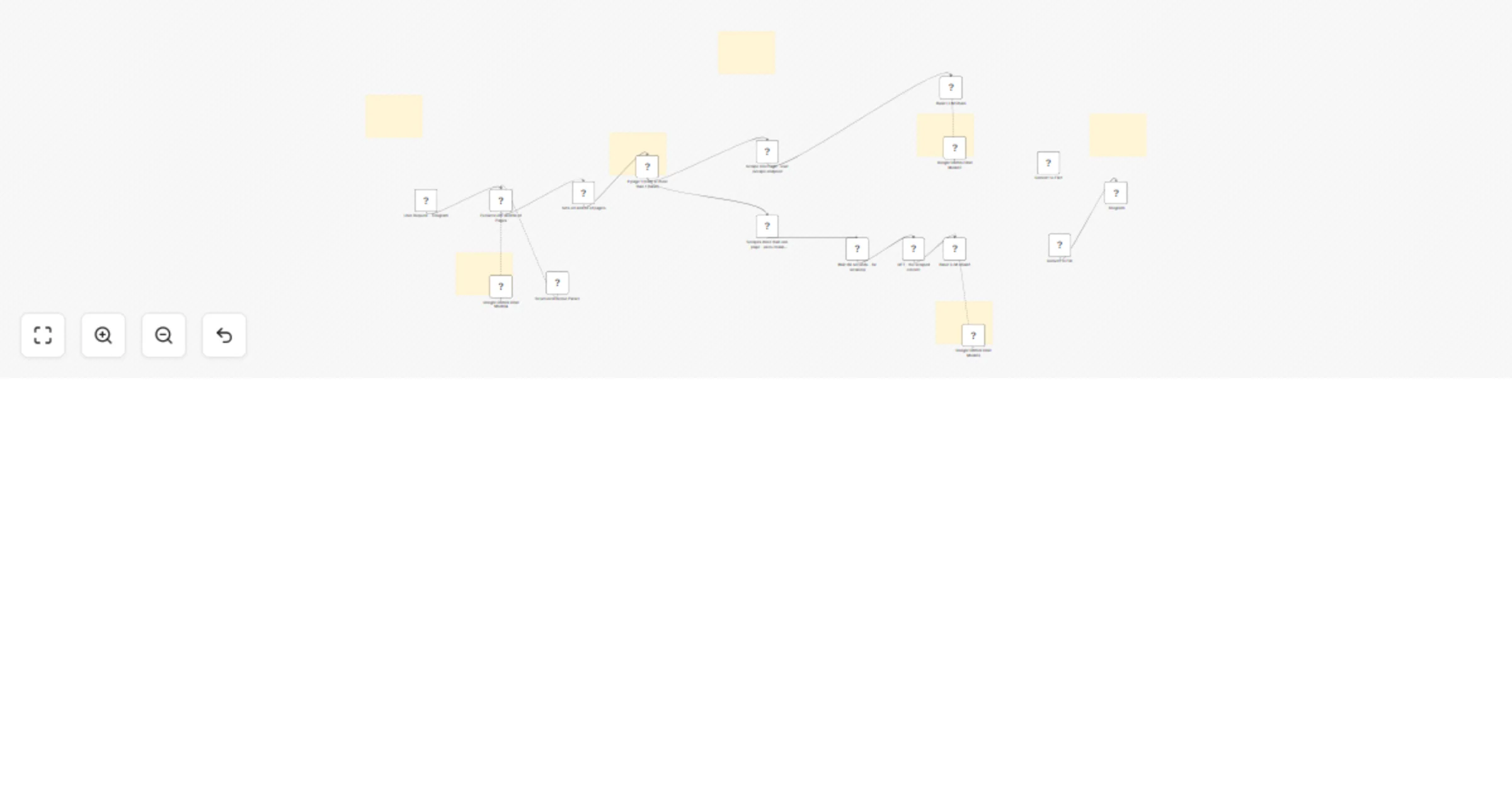
  1. Telegram Trigger: A user sends a message to the Telegram bot, e.g., “Hey scrape this website https://www.company.com and find me their ICP. You can scrape 2 pages at most.”

  2. Parameter Extraction: An AI model processes the message to extract two key parameters:

  • The company URL
  • The number of pages to scrape (capped at 3)
  1. Conditional Scraping: Based on the number of pages:
  • If 1 page, the workflow calls Firecrawl’s /scrape endpoint to scrape that single page.
  • If more than 1 page, it calls Firecrawl’s /crawl endpoint to scrape up to the specified number of pages.
  1. Content Retrieval: After scraping, the content is fetched and passed to an AI language model.

  2. ICP Generation: The AI analyzes the website content and answers nine detailed questions about the dream buyer, such as:

  • Where the dream buyer hangs out online and offline
  • Their biggest frustrations and challenges
  • Their hopes, fears, and preferred communication methods
  • The language and phrases they use
  • A typical day in their life
  • What makes them happy
  1. Output Delivery: The generated ICP is sent back to the user via Telegram in a natural, easy-to-understand format.

Setup Instructions

To get this workflow up and running, you will need the following API credentials:

  1. Telegram Bot API
  • Create a free Telegram bot using @BotFather on Telegram.
  • Follow the prompts to create a new bot and get your API token.
  • Use this token to create Telegram credentials in n8n.
  1. Firecrawl API
  • Sign up for a free account at https://www.firecrawl.dev/.
  • Obtain your API token from the Firecrawl dashboard.
  • Create a Header Auth credential in n8n using this token to authenticate your HTTP Request nodes for scraping.
  1. OpenAI or Google Gemini API
  • For AI-powered analysis, you need access to a large language model API.
  • You can use OpenAI’s API (free tier available) by signing up at https://platform.openai.com/ and generating an API key.
  • Alternatively, use Google Gemini if you have access.
  • Create the corresponding credential in n8n and connect it to the AI nodes in the workflow.

What It Does?

  1. Converts a simple Telegram message into structured scraping instructions.
  2. Scrapes website content intelligently, respecting user-defined page limits.
  3. Uses AI to deeply analyze business websites and generate actionable customer insights.
  4. Provides marketers and media buyers with rich, detailed ICPs that can be used for copywriting, ad targeting, audience research, and content creation.
  5. Automates a traditionally time-consuming research process into a seamless conversational experience.

Summary

This workflow enables you to generate a detailed Ideal Customer Profile (ICP) for any company by simply sending a message to a Telegram bot. Using natural conversational language, users provide a company URL and specify how many pages (up to 3) to scrape from the website. The workflow intelligently extracts these parameters, scrapes the website content using Firecrawl’s API, and then leverages an AI language model to analyze the content and produce a comprehensive ICP.

The ICP answers key questions about the company’s dream buyer—helping marketers, media buyers, and copywriters understand their target audience deeply without manual research.

1.2 Logical Blocks

This catalog entry is organized from the workflow JSON. The node-level section below shows the executable blocks available for review before importing the template.

2. Block-by-Block Analysis

Block 1 - Basic LLM Chain

Type / Role
@n8n/n8n-nodes-langchain.chainLlm - chainLlm
Config choices
Version 1.6

Block 2 - Google Gemini Chat Model2

Type / Role
@n8n/n8n-nodes-langchain.lmChatGoogleGemini - lmChatGoogleGemini
Config choices
Version 1

Block 3 - GET - the scraped content

Type / Role
n8n-nodes-base.httpRequest - httpRequest
Config choices
Version 4.2

Block 4 - Basic LLM Chain1

Type / Role
@n8n/n8n-nodes-langchain.chainLlm - chainLlm
Config choices
Version 1.6

Block 5 - Google Gemini Chat Model3

Type / Role
@n8n/n8n-nodes-langchain.lmChatGoogleGemini - lmChatGoogleGemini
Config choices
Version 1

Block 6 - Google Gemini Chat Model4

Type / Role
@n8n/n8n-nodes-langchain.lmChatGoogleGemini - lmChatGoogleGemini
Config choices
Version 1

Block 7 - Structured Output Parser

Type / Role
@n8n/n8n-nodes-langchain.outputParserStructured - outputParserStructured
Config choices
Version 1.2

Block 8 - Telegram

Type / Role
n8n-nodes-base.telegram - telegram
Config choices
Version 1.2

Block 9 - Convert to File

Type / Role
n8n-nodes-base.convertToFile - convertToFile
Config choices
Version 1.1

Block 10 - Convert to File1

Type / Role
n8n-nodes-base.convertToFile - convertToFile
Config choices
Version 1.1

Block 11 - User Request - Telegram

Type / Role
n8n-nodes-base.telegramTrigger - telegramTrigger
Config choices
Version 1.2

Block 12 - Extracts URL and No of Pages

Type / Role
@n8n/n8n-nodes-langchain.agent - agent
Config choices
Version 1.9

Block 13 - Sets url and no of pages

Type / Role
n8n-nodes-base.set - set
Config choices
Version 3.4

Block 14 - If page 1 (true) or more than 1 (false)

Type / Role
n8n-nodes-base.if - if
Config choices
Version 2.2

Block 15 - Wait 60 seconds - for scraping

Type / Role
n8n-nodes-base.wait - wait
Config choices
Version 1.1

Block 16 - Sticky Note

Type / Role
n8n-nodes-base.stickyNote - stickyNote
Config choices
Version 1

Block 17 - Sticky Note1

Type / Role
n8n-nodes-base.stickyNote - stickyNote
Config choices
Version 1

Block 18 - Sticky Note2

Type / Role
n8n-nodes-base.stickyNote - stickyNote
Config choices
Version 1

Block 19 - Scrapes more than one page - uses /crawl endpoint

Type / Role
n8n-nodes-base.httpRequest - httpRequest
Config choices
Version 4.2

Block 20 - Scrape One Page - user /scrape endpoint

Type / Role
n8n-nodes-base.httpRequest - httpRequest
Config choices
Version 4.2

Block 21 - Sticky Note3

Type / Role
n8n-nodes-base.stickyNote - stickyNote
Config choices
Version 1

Block 22 - Sticky Note4

Type / Role
n8n-nodes-base.stickyNote - stickyNote
Config choices
Version 1

Block 23 - Sticky Note5

Type / Role
n8n-nodes-base.stickyNote - stickyNote
Config choices
Version 1

Block 24 - Sticky Note6

Type / Role
n8n-nodes-base.stickyNote - stickyNote
Config choices
Version 1

3. Summary Table

Workflow Ideal customer profile (ICP) generation: AI, Firecrawl, Gemini, Telegram
Complexity advanced
Nodes 24
Categories Market Research, AI Summarization
Author Malik Hashir
Published 19 Jun 2025

4. Reproducing the Workflow from Scratch

  1. 1. Download the workflow JSON

    Use the JSON export at /data/workflows/5047/5047.json as the source template for this automation.

  2. 2. Import the template into n8n

    Open n8n, import the downloaded JSON, and review each node before activating the workflow.

  3. 3. Configure credentials and variables

    Replace placeholder credentials, API keys, webhook URLs, account IDs, and environment-specific values with your own settings.

  4. 4. Test with sample data

    Run the workflow manually or in a staging workspace, inspect node output, and confirm downstream systems receive the expected data.

  5. 5. Activate and monitor

    Enable the workflow only after testing, then monitor executions, errors, and rate limits during the first production runs.

5. General Notes & Resources

Review imported nodes carefully before activation. This catalog entry is intended to help you inspect the workflow structure, understand required services, and find related templates faster.

Node names, credentials, schedules, webhook paths, and external service limits may need adjustment for your workspace.

Frequently asked questions

What does Ideal customer profile (ICP) generation: AI, Firecrawl, Gemini, Telegram do?

Purpose & Audience This workflow is designed to save hours of manual research for digital marketers, media buyers, copywriters, and business strategists. It empowers users to quickly understand the...

What do I need before importing this workflow?

Review the workflow JSON, configure any required credentials in n8n, and test the automation in a safe workspace before using it in production.

Can I customize this workflow?

Yes. Use the block-by-block analysis and the downloadable JSON to inspect each node, then adjust credentials, prompts, schedules, filters, or destinations for your Market Research, AI Summarization use case.