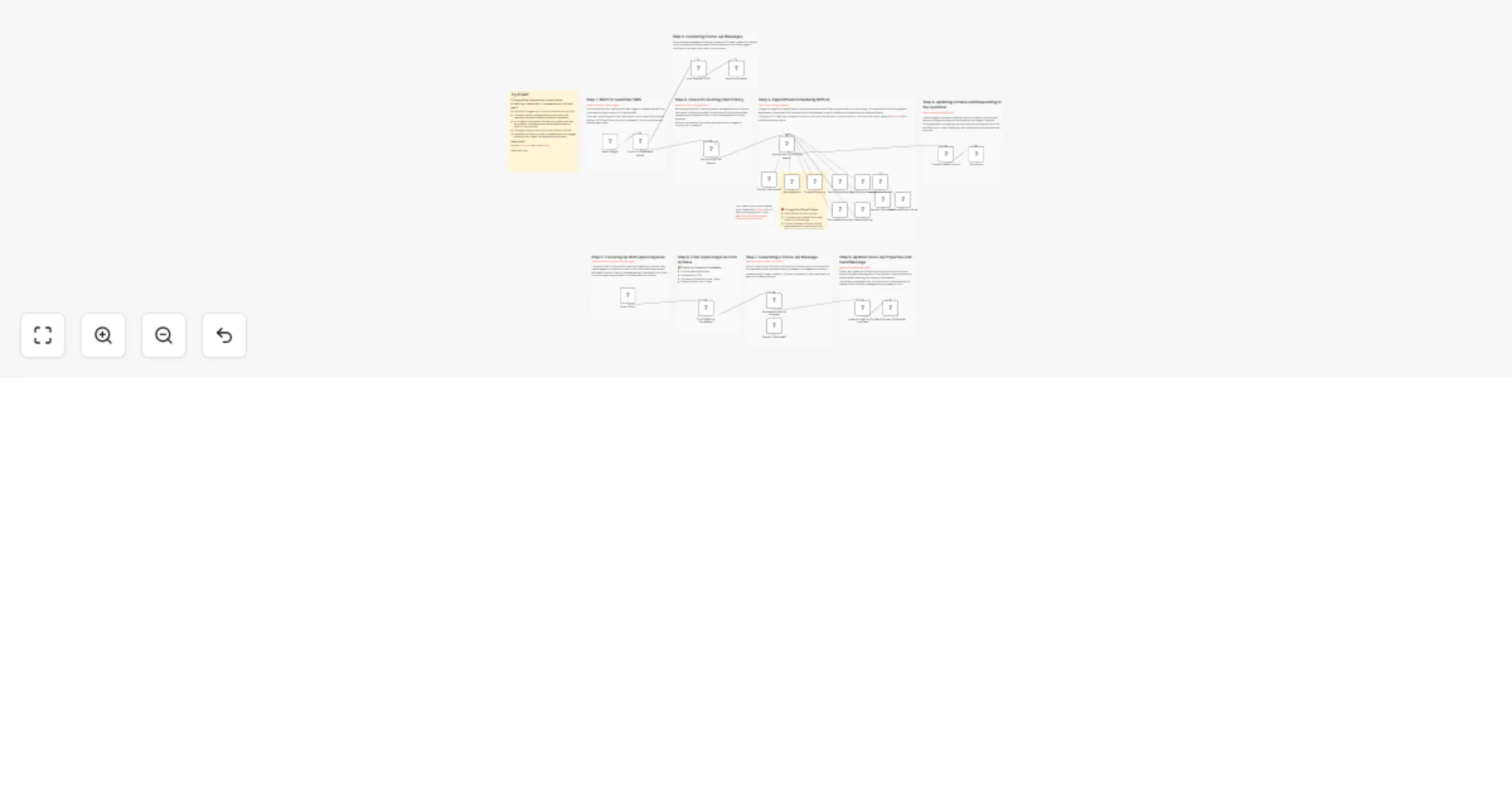
Handling appointment leads and follow-up with Twilio, Cal.com and AI

Workflow preview

Workflow preview
100%
Handling appointment leads and follow-up with Twilio, Cal.com and AI preview
Open on n8n.io

Important notice

This workflow is provided as-is. Please review and test before using in production.

1. Workflow Overview

This n8n workflow builds an appointment scheduling AI agent which can Take enquiries from prospective customers and help them book an appointment by checking appointment availability Where no appoi...

Best for

  • Lead Nurturing automation workflows
  • AI Chatbot automation workflows
  • advanced n8n builders looking for reusable templates

Tools used

n8n-nodes-base.twiliotrigger, @n8n/n8n-nodes-langchain.lmchatopenai, n8n-nodes-base.airtable, n8n-nodes-base.twilio, n8n-nodes-base.stickynote, n8n-nodes-base.scheduletrigger, n8n-nodes-base.switch, @n8n/n8n-nodes-langchain.outputparserstructured

Source and attribution

This workflow is cataloged by N8N Workflows and links back to its original n8n.io source page by Jimleuk.

Original n8n.io source

1.1 Workflow description

Title
Handling appointment leads and follow-up with Twilio, Cal.com and AI
Workflow name
Handling appointment leads and follow-up with Twilio, Cal.com and AI

This n8n workflow builds an appointment scheduling AI agent which can

  • Take enquiries from prospective customers and help them book an appointment by checking appointment availability
  • Where no appointment is booked, the Agent is able to send follow-up messages to re-engage leads.
  • After an appointment is booked, the agent is able reschedule or even cancel the booking for the user without human intervention.

For small outfits, this workflow could contribute the necessary "man-power" required to increase business sales.

The sample Airtable can be found here: https://airtable.com/appO2nHiT9XPuGrjN/shroSFT2yjf87XAox

2024-10-22 Updated to Cal.com API v2.

How it works

  • The customer sends an enquiry via SMS to trigger our workflow. For this trigger, we'll use a Twilio webhook.
  • The prospective or existing customer's number is logged in an Airtable Base which we'll be using to track all our enquries.
  • Next, the message is sent to our AI Agent who can reply to the user and decide if an appointment booking can be made. The reply is made via SMS using Twilio.
  • A scheduled trigger which runs every day, checks our chat logs for a list of prospective customers who have yet to book an appointment but still show interest.
  • This list is sent to our AI Agent to formulate a personalised follow-up message to each lead and ask them if they want to continue with the booking.
  • The follow-up interaction is logged so as to not to send too many messages to the customer.

Requirements

  • A Twilio account to receive customer messages.
  • An Airtable account and Base to use as our datastore for enquiries.
  • Cal.com account to use as our scheduling service.
  • OpenAI account for our AI model.

Customising this workflow

Not using Airtable? Swap this out for your CRM of choice such as hubspot or your own service.

Not using Cal.com? Swap this out for API-enabled services such as Acuity Scheduling or your own service.

1.2 Logical Blocks

This catalog entry is organized from the workflow JSON. The node-level section below shows the executable blocks available for review before importing the template.

2. Block-by-Block Analysis

Block 1 - Twilio Trigger

Type / Role
n8n-nodes-base.twilioTrigger - twilioTrigger
Config choices
Version 1

Block 2 - OpenAI Chat Model1

Type / Role
@n8n/n8n-nodes-langchain.lmChatOpenAi - lmChatOpenAi
Config choices
Version 1

Block 3 - Find Follow-Up Candidates

Type / Role
n8n-nodes-base.airtable - airtable
Config choices
Version 2.1

Block 4 - Send Follow Up Message

Type / Role
n8n-nodes-base.twilio - twilio
Config choices
Version 1

Block 5 - Sticky Note

Type / Role
n8n-nodes-base.stickyNote - stickyNote
Config choices
Version 1

Block 6 - Update Follow-Up Count and Date

Type / Role
n8n-nodes-base.airtable - airtable
Config choices
Version 2.1

Block 7 - Create/Update Session

Type / Role
n8n-nodes-base.airtable - airtable
Config choices
Version 2.1

Block 8 - Get Existing Chat Session

Type / Role
n8n-nodes-base.airtable - airtable
Config choices
Version 2.1

Block 9 - Every 24hrs

Type / Role
n8n-nodes-base.scheduleTrigger - scheduleTrigger
Config choices
Version 1.2

Block 10 - Send Reply

Type / Role
n8n-nodes-base.twilio - twilio
Config choices
Version 1

Block 11 - Send Confirmation

Type / Role
n8n-nodes-base.twilio - twilio
Config choices
Version 1

Block 12 - User Request STOP

Type / Role
n8n-nodes-base.airtable - airtable
Config choices
Version 2.1

Block 13 - Check For Command Words

Type / Role
n8n-nodes-base.switch - switch
Config choices
Version 3

Block 14 - Structured Output Parser

Type / Role
@n8n/n8n-nodes-langchain.outputParserStructured - outputParserStructured
Config choices
Version 1.2

Block 15 - Auto-fixing Output Parser

Type / Role
@n8n/n8n-nodes-langchain.outputParserAutofixing - outputParserAutofixing
Config choices
Version 1

Block 16 - OpenAI Chat Model2

Type / Role
@n8n/n8n-nodes-langchain.lmChatOpenAi - lmChatOpenAi
Config choices
Version 1

Block 17 - Sticky Note3

Type / Role
n8n-nodes-base.stickyNote - stickyNote
Config choices
Version 1

Block 18 - Sticky Note4

Type / Role
n8n-nodes-base.stickyNote - stickyNote
Config choices
Version 1

Block 19 - Sticky Note5

Type / Role
n8n-nodes-base.stickyNote - stickyNote
Config choices
Version 1

Block 20 - Sticky Note6

Type / Role
n8n-nodes-base.stickyNote - stickyNote
Config choices
Version 1

Block 21 - Sticky Note7

Type / Role
n8n-nodes-base.stickyNote - stickyNote
Config choices
Version 1

Block 22 - Sticky Note8

Type / Role
n8n-nodes-base.stickyNote - stickyNote
Config choices
Version 1

Block 23 - Sticky Note1

Type / Role
n8n-nodes-base.stickyNote - stickyNote
Config choices
Version 1

Block 24 - Generate Follow Up Message

Type / Role
@n8n/n8n-nodes-langchain.chainLlm - chainLlm
Config choices
Version 1.4

Showing the first 24 of 36 workflow blocks. Download the JSON for the full node graph.

3. Summary Table

Workflow Handling appointment leads and follow-up with Twilio, Cal.com and AI
Complexity advanced
Nodes 36
Categories Lead Nurturing, AI Chatbot
Author Jimleuk
Published 11 Jul 2024

4. Reproducing the Workflow from Scratch

  1. 1. Download the workflow JSON

    Use the JSON export at /data/workflows/2342/2342.json as the source template for this automation.

  2. 2. Import the template into n8n

    Open n8n, import the downloaded JSON, and review each node before activating the workflow.

  3. 3. Configure credentials and variables

    Replace placeholder credentials, API keys, webhook URLs, account IDs, and environment-specific values with your own settings.

  4. 4. Test with sample data

    Run the workflow manually or in a staging workspace, inspect node output, and confirm downstream systems receive the expected data.

  5. 5. Activate and monitor

    Enable the workflow only after testing, then monitor executions, errors, and rate limits during the first production runs.

5. General Notes & Resources

Review imported nodes carefully before activation. This catalog entry is intended to help you inspect the workflow structure, understand required services, and find related templates faster.

Node names, credentials, schedules, webhook paths, and external service limits may need adjustment for your workspace.

Frequently asked questions

What does Handling appointment leads and follow-up with Twilio, Cal.com and AI do?

This n8n workflow builds an appointment scheduling AI agent which can Take enquiries from prospective customers and help them book an appointment by checking appointment availability Where no appoi...

What do I need before importing this workflow?

Review the workflow JSON, configure any required credentials in n8n, and test the automation in a safe workspace before using it in production.

Can I customize this workflow?

Yes. Use the block-by-block analysis and the downloadable JSON to inspect each node, then adjust credentials, prompts, schedules, filters, or destinations for your Lead Nurturing, AI Chatbot use case.