Block 1 - Zendesk – New Refund Ticket Trigger
- Type / Role
- n8n-nodes-base.zendeskTrigger - zendeskTrigger
- Config choices
- Version 1


 Early Deal
Zendesk Refund Ticket Automation with WooCommerce Order Lookup, Slack Alerts & Gmail Emails This workflow automatically handles refund related Zendesk tickets for WooCommerce orders. When a new ref...
n8n-nodes-base.zendesktrigger, n8n-nodes-base.code, n8n-nodes-base.woocommerce, n8n-nodes-base.if, n8n-nodes-base.merge, n8n-nodes-base.slack, n8n-nodes-base.switch, n8n-nodes-base.set
This workflow is cataloged by N8N Workflows and links back to its original n8n.io source page by WeblineIndia.
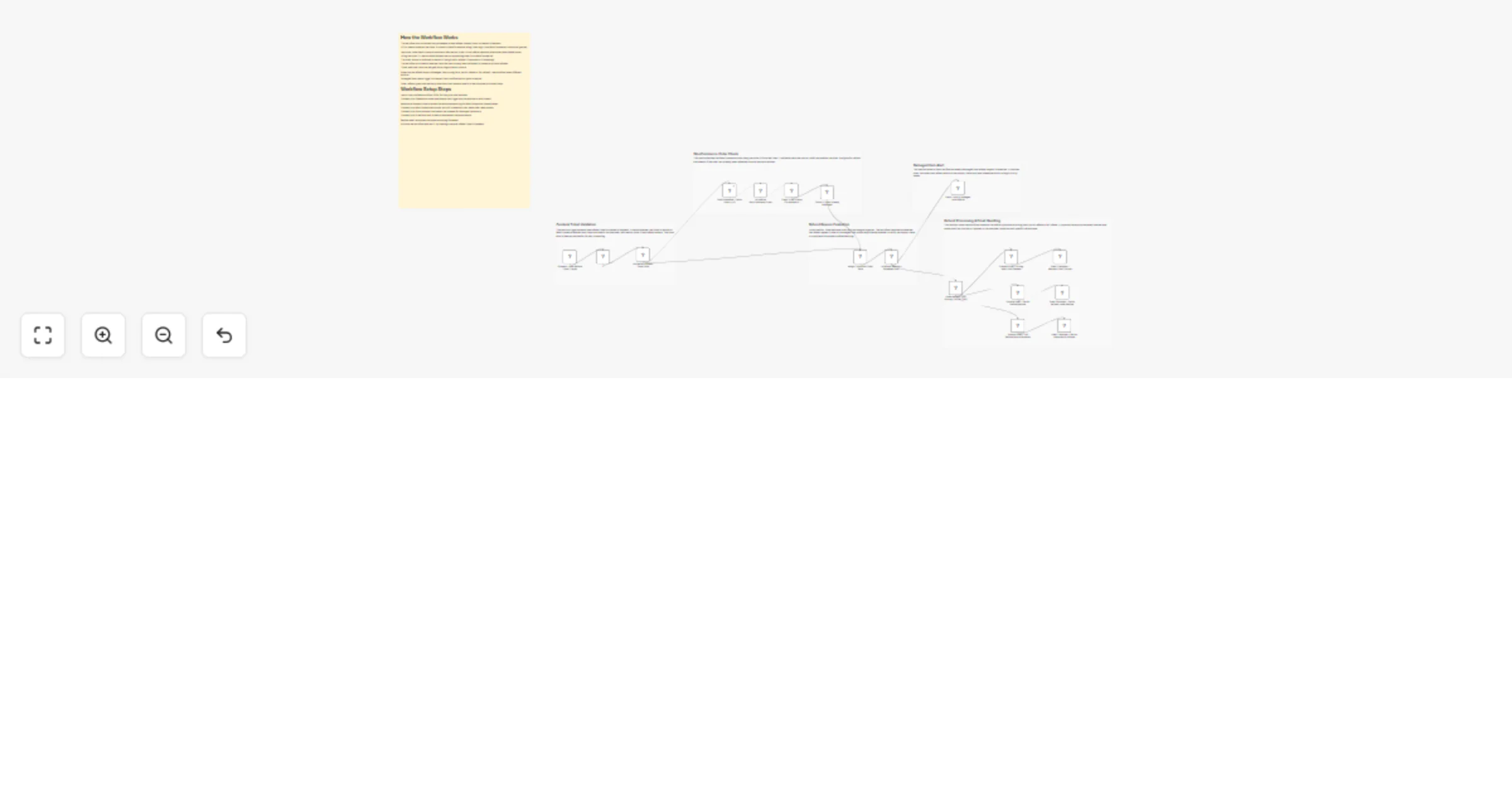
Original n8n.io sourceThis workflow automatically handles refund-related Zendesk tickets for WooCommerce orders. When a new refund ticket is created, it verifies whether the ticket is related to WooCommerce, fetches the order details, checks refund eligibility and then routes the case based on the refund type. Damaged items notify the internal team via Slack, while other refund cases trigger customer emails via Gmail for further proof or confirmation.
This workflow listens for new Zendesk tickets and checks whether they are related to WooCommerce refunds. If the ticket qualifies, it extracts the order ID from the ticket description and fetches the corresponding order from WooCommerce.
Once the order data is retrieved, the workflow validates the order status and checks whether a refund already exists. Eligible cases are merged with ticket data and routed based on the refund reason, such as damaged items, wrong items, partial refunds or full refunds.
For damaged items, the workflow immediately notifies the internal support team via Slack. For other refund types, it sends structured and context-aware emails to customers using Gmail, requesting proof or informing them about next steps.
> There can be many more similar use cases depending on business needs.
| Issue | Possible Cause | Solution |
|---|---|---|
| Order ID is null | Order number not in ticket text | Ask customers to include order number |
| Workflow not triggering | Zendesk trigger misconfigured | Check trigger event type |
| Slack message not sent | Channel or credentials incorrect | Reconnect Slack account |
| Email not delivered | Gmail OAuth expired | Reauthorize Gmail |
| Workflow stops early | Order already refunded | This is expected behavior |
If you need help setting up this workflow or extending it with advanced automation then our n8n workflow developers at WeblineIndia are happy to assist.
This catalog entry is organized from the workflow JSON. The node-level section below shows the executable blocks available for review before importing the template.
| Workflow | Handle Zendesk WooCommerce refund tickets with Slack and Gmail |
|---|---|
| Complexity | advanced |
| Nodes | 23 |
| Categories | Ticket Management |
| Author | WeblineIndia |
| Published | 07 Apr 2026 |
Use the JSON export at /data/workflows/14861/14861.json as the source template for this automation.
Open n8n, import the downloaded JSON, and review each node before activating the workflow.
Replace placeholder credentials, API keys, webhook URLs, account IDs, and environment-specific values with your own settings.
Run the workflow manually or in a staging workspace, inspect node output, and confirm downstream systems receive the expected data.
Enable the workflow only after testing, then monitor executions, errors, and rate limits during the first production runs.
Review imported nodes carefully before activation. This catalog entry is intended to help you inspect the workflow structure, understand required services, and find related templates faster.
Node names, credentials, schedules, webhook paths, and external service limits may need adjustment for your workspace.
Zendesk Refund Ticket Automation with WooCommerce Order Lookup, Slack Alerts & Gmail Emails This workflow automatically handles refund related Zendesk tickets for WooCommerce orders. When a new ref...
Review the workflow JSON, configure any required credentials in n8n, and test the automation in a safe workspace before using it in production.
Yes. Use the block-by-block analysis and the downloadable JSON to inspect each node, then adjust credentials, prompts, schedules, filters, or destinations for your Ticket Management use case.