Block 1 - Daily Schedule Trigger
- Type / Role
- n8n-nodes-base.scheduleTrigger - scheduleTrigger
- Config choices
- Version 1.3


 Early Deal
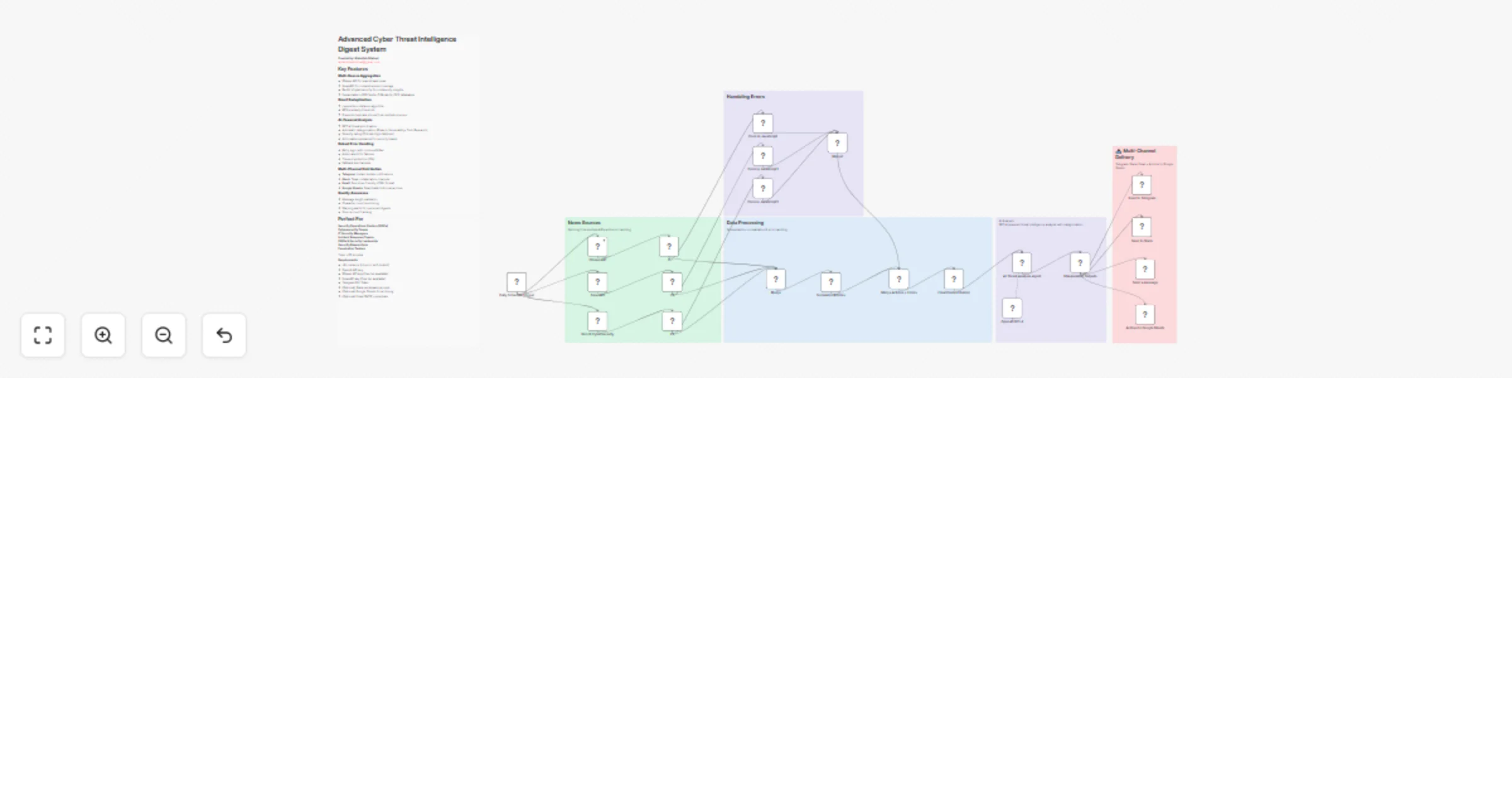
Daily Cyber News Digest to Telegram Workflow Created By: Abdullah Dilshad [email protected] Stay informed with automated daily summaries. This workflow aggregates cyber news from multi...
n8n-nodes-base.scheduletrigger, n8n-nodes-base.httprequest, @n8n/n8n-nodes-langchain.agent, @n8n/n8n-nodes-langchain.lmchatopenai, n8n-nodes-base.telegram, n8n-nodes-base.slack, n8n-nodes-base.googlesheets, n8n-nodes-base.stickynote
This workflow is cataloged by N8N Workflows and links back to its original n8n.io source page by Abdullah.
Original n8n.io sourceWorkflow Created By: Abdullah Dilshad 📧 [email protected]
Stay informed with automated daily summaries. This workflow aggregates cyber news from multiple trusted sources, uses AI to intelligently select and summarize the top 5 most relevant articles, and delivers a clean, concise digest directly to your Telegram chat every morning at 10:00 AM.
Collects Data: Fetches cybersecurity news from multiple global APIs.
Filters Noise: Uses AI to discard irrelevant updates.
Summarizes: Generates short, professional summaries (1–2 sentences).
Delivers: Automatically sends a formatted digest to Telegram within message length limits.
Runs automatically every day at 10:00 AM (customizable).
Fetches articles using the keyword "cyber" from:
GNews
NewsAPI
Merges articles from both sources into a single, unified dataset.
OpenAI analyzes all fetched articles.
Intelligently selects the Top 5 most relevant cybersecurity stories.
Each article is condensed into 1–2 clear sentences.
Includes: Publication date, Source name, and Article link.
Sends a clean, formatted digest to your specified Telegram chat.
Ensures the total message length stays under Telegram’s 4096-character limit.
Get API Keys
Sign up for free API keys from GNews.io and NewsAPI.org.
Connect Accounts
Add your Telegram and OpenAI credentials in n8n.
Configure Telegram
Enter your Telegram Chat ID in the "Send a Text Message" node.
Customize the Schedule
Change the trigger time if you prefer delivery at a different hour.
This workflow is fully reusable and scalable. You can replace the keyword "cyber" to track any topic relevant to your needs.
Example Topics:
🤖 Artificial Intelligence (AI)
💰 Cryptocurrency & Blockchain
🚀 Startups & Venture Capital
📱 Consumer Technology
🏭 Industry-specific updates
This workflow is designed to be adapted for individual tracking, team updates, or competitor analysis.
This catalog entry is organized from the workflow JSON. The node-level section below shows the executable blocks available for review before importing the template.
Showing the first 24 of 28 workflow blocks. Download the JSON for the full node graph.
| Workflow | Get a daily cybersecurity news digest on Telegram and Slack with GPT-4 |
|---|---|
| Complexity | advanced |
| Nodes | 28 |
| Categories | Market Research, AI Summarization |
| Author | Abdullah |
| Published | 28 Jan 2026 |
Use the JSON export at /data/workflows/13072/13072.json as the source template for this automation.
Open n8n, import the downloaded JSON, and review each node before activating the workflow.
Replace placeholder credentials, API keys, webhook URLs, account IDs, and environment-specific values with your own settings.
Run the workflow manually or in a staging workspace, inspect node output, and confirm downstream systems receive the expected data.
Enable the workflow only after testing, then monitor executions, errors, and rate limits during the first production runs.
Review imported nodes carefully before activation. This catalog entry is intended to help you inspect the workflow structure, understand required services, and find related templates faster.
Node names, credentials, schedules, webhook paths, and external service limits may need adjustment for your workspace.
Daily Cyber News Digest to Telegram Workflow Created By: Abdullah Dilshad [email protected] Stay informed with automated daily summaries. This workflow aggregates cyber news from multi...
Review the workflow JSON, configure any required credentials in n8n, and test the automation in a safe workspace before using it in production.
Yes. Use the block-by-block analysis and the downloadable JSON to inspect each node, then adjust credentials, prompts, schedules, filters, or destinations for your Market Research, AI Summarization use case.