Generate weekly energy consumption reports with EnergiDataService, email and Google Drive
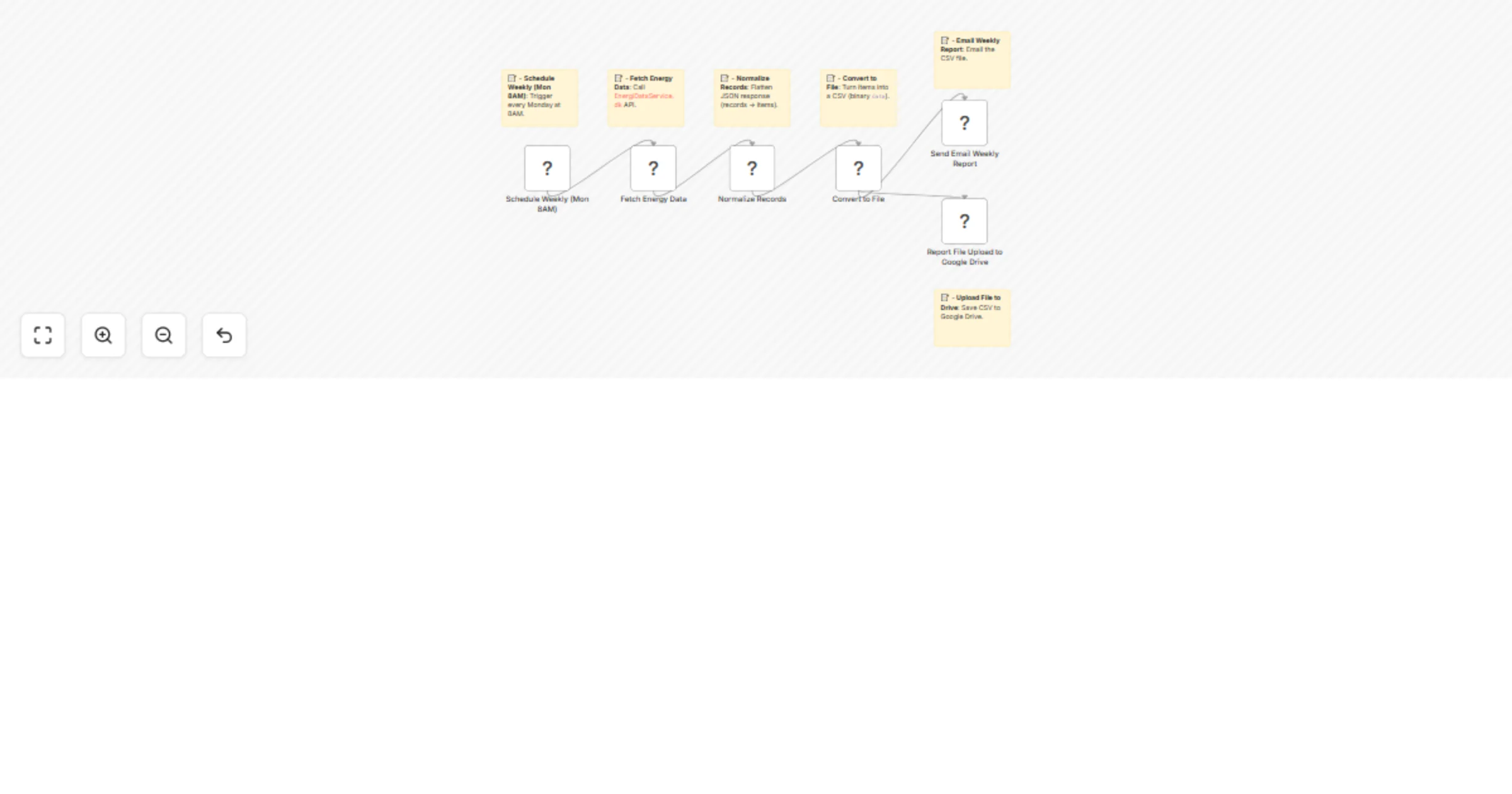
Workflow preview

$20/month : Unlimited workflows
2500 executions/month

THE #1 IN WEB SCRAPING
Scrape any website without limits
HOSTINGER  Early Deal
DISCOUNT 20% Try free
Early DealDISCOUNT 20%
Self-hosted n8n
Unlimited workflows - from $4.99/mo

#1 hub for scraping, AI & automation
6000+ actors - $5 credits/mo
Important notice
This workflow is provided as-is. Please review and test before using in production.
Overview
📊 Generate Weekly Energy Consumption Reports with API, Email and Google Drive
This workflow automates the process of retrieving energy consumption data, formatting it into a CSV report, and distributing it every week via email and Google Drive.
⚡ Quick Implementation Steps:
- Import the workflow into your n8n instance.
- Configure your API, email details and Google Drive folder.
- (Optional) Adjust the CRON schedule if you need a different time or frequency.
- Activate workflow—automated weekly reports begin immediately.
🎯 Who’s It For
Energy providers, sustainability departments, facility managers, renewable energy operators.
🛠 Requirements
- n8n instance
- Energy Consumption API access
- Google Drive account
- Email SMTP access
⚙️ How It Works
Workflow triggers every Monday at 8 AM, fetches consumption data, emails CSV report and saves a copy to Google Drive.
🔄 Workflow Steps
1. Schedule Weekly (Mon 8:00 AM)
- Type: Cron Node
- Runs every Monday at 8:00 AM.
- Triggers the workflow execution automatically.
2. Fetch Energy Data
- Type: HTTP Request Node
- Makes a GET request to:
https://api.energidataservice.dk/dataset/ConsumptionDE35Hour
(sample API)
- The API returns JSON data with hourly electricity consumption in Denmark.
Sample Response Structure:
{
"records": [
{
"HourDK": "2025-08-25T01:00:00",
"MunicipalityNo": ___,
"MunicipalityName": "Copenhagen",
"ConsumptionkWh": 12345.67
}
]
}
3. Normalize Records
- Type: Code Node
- Extracts the
recordsarray from the API response and maps each entry into separate JSON items for easier handling downstream. - Code used:
const itemlist = $input.first().json.records;
return itemlist.map(r => ({ json: r }));
4. Convert to File
- Type: Convert to File Node
- Converts the array of JSON records into a CSV file.
- The CSV is stored in a binary field called
data.
5. Send Email Weekly Report
- Type: Email Send Node
- Sends the generated CSV file as an attachment.
- Parameters:
fromEmail: Sender email address (configure in node).toEmail: Recipient email address.subject:"Weekly Energy Consumption Report".attachments:=data(binary data from the previous node).
6. Report File Upload to Google Drive
- Type: Google Drive Node
- Uploads the CSV file to your Google Drive root folder.
- Filename pattern:
energy_report_{{ $now.format('yyyy_MM_dd_HH_ii_ss') }}
- Requires valid Google Drive OAuth2 credentials.
✨ How To Customize
Change report frequency, email template, data format (CSV/Excel) or add-ons.
➕ Add-ons
- Integration with analytics tools (Power BI, Tableau)
- Additional reporting formats (Excel, PDF)
- Slack notifications
🚦 Use Case Examples
- Automated weekly/monthly reporting for compliance
- Historical consumption tracking
- Operational analytics and forecasting
🔍 Troubleshooting Guide
| Issue | Cause | Solution |
|---|---|---|
| Data not fetched | API endpoint incorrect | Verify URL |
| Email delivery issues | SMTP configuration incorrect | Verify SMTP |
| Drive save fails | Permissions/Drive ID incorrect | Check Drive permissions |
📞 Need Assistance?
Contact WeblineIndia for additional customization and support, we're happy to help.