Block 1 - Weekly Equity Research Trigger
- Type / Role
- n8n-nodes-base.scheduleTrigger - scheduleTrigger
- Config choices
- Version 1.3


 Early Deal
Description This workflow automatically generates professional equity research reports for selected companies using financial data, market news, and AI analysis. It is designed for analysts, fou...
n8n-nodes-base.scheduletrigger, n8n-nodes-base.googlesheets, n8n-nodes-base.httprequest, n8n-nodes-base.code, n8n-nodes-base.if, n8n-nodes-base.splitinbatches, n8n-nodes-base.merge, @n8n/n8n-nodes-langchain.lmchatopenai
This workflow is cataloged by N8N Workflows and links back to its original n8n.io source page by Rahul Joshi.
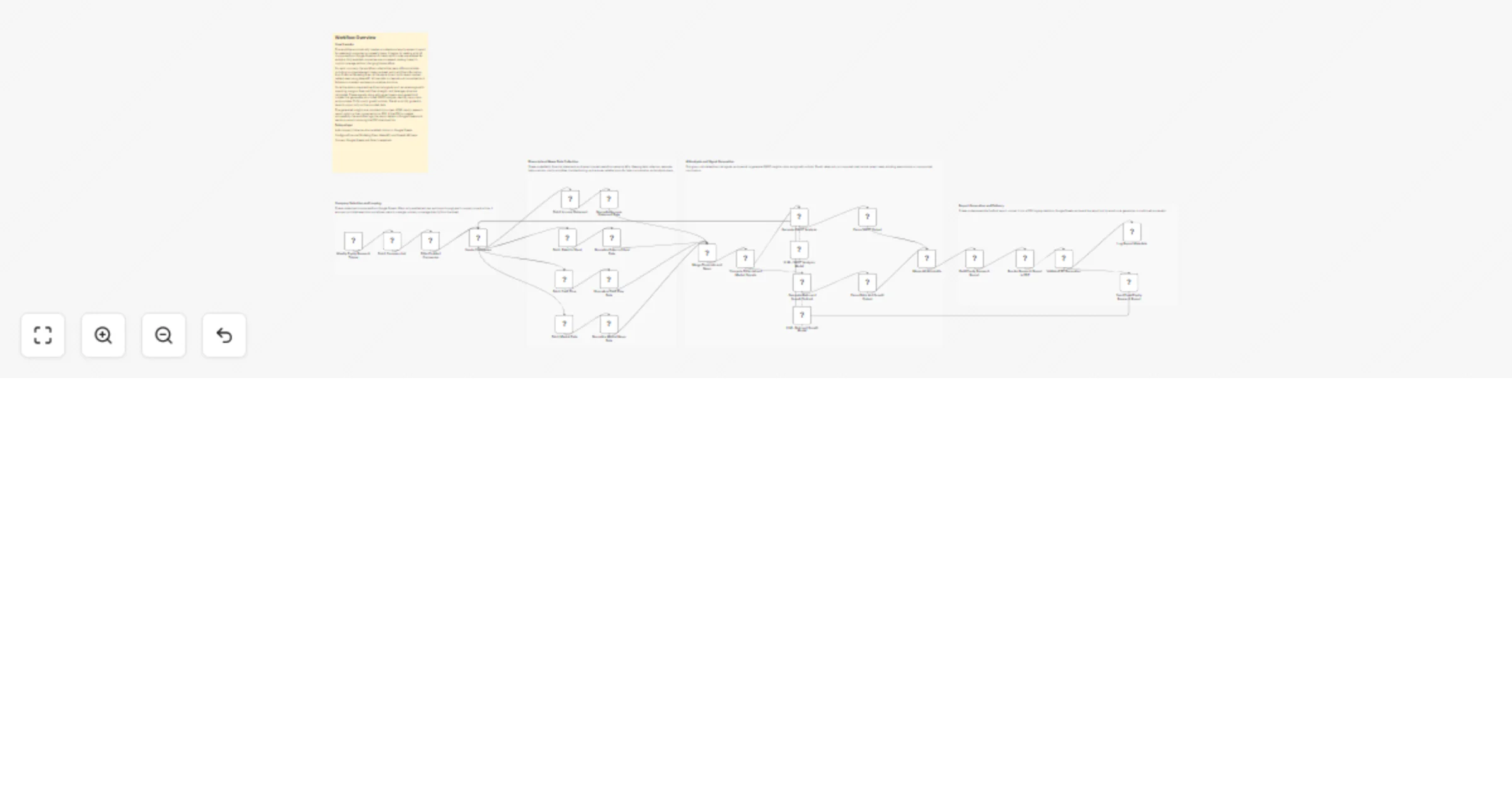
Original n8n.io sourceThis workflow automatically generates professional equity research reports for selected companies using financial data, market news, and AI analysis. It is designed for analysts, founders, and finance teams who want consistent, data-backed equity insights without manual research. On a weekly schedule, the workflow reads a list of companies from Google Sheets and processes only those marked as enabled. For each company, it collects five years of financial statements and recent market news, calculates key financial signals, and uses AI to generate a structured SWOT analysis, risk assessment, and growth outlook. The final report is converted into a PDF, logged for tracking, and emailed automatically.
⏰ Weekly Scheduler Runs the workflow automatically at a fixed weekly time. 📄 Load Company List from Google Sheets Uses Google Sheets as the control panel to decide which companies are analyzed. 🔁 Iterate Enabled Companies Processes each enabled company one at a time for stable execution. 📊 Fetch Financial Statements (FMP) Pulls income statement, balance sheet, and cash flow data for the last five years. 📰 Fetch Recent Market News Retrieves the latest company-related news headlines. 🧹 Normalize Financials & News Cleans and structures all data into a consistent format. 📐 Compute Financial & Market Signals Calculates revenue growth, margins, leverage, cash flow strength, and buyback signals. 🤖 AI SWOT Analysis Generates strengths, weaknesses, opportunities, and threats using only derived signals and news. 📈 AI Risk & Growth Outlook Identifies key risks and provides a 12–24 month growth outlook. 📝 Build Equity Research Report (HTML) Combines all insights into a clean, readable report layout. 📄 Convert Report to PDF Automatically renders the HTML report into a downloadable PDF. 📊 Log Report Metadata to Google Sheets Stores PDF URL, size, timestamp, and expiry for tracking. 📧 Email Research Report Sends the PDF download link to stakeholders.
• Google Sheets API access • Financial Modeling Prep (FMP) API key • NewsAPI key • OpenAI API access • Gmail OAuth2 credentials • HTML-to-PDF service credentials
✔ Fully automated equity research reporting ✔ Consistent, repeatable analysis every week ✔ Data-backed AI insights with no assumptions ✔ No manual data collection or formatting ✔ Clean PDF reports ready for sharing ✔ Centralized tracking in Google Sheets ✔ Scales easily to multiple companies
This catalog entry is organized from the workflow JSON. The node-level section below shows the executable blocks available for review before importing the template.
Showing the first 24 of 31 workflow blocks. Download the JSON for the full node graph.
| Workflow | Generate weekly AI equity research reports with Google Sheets, FMP, NewsAPI, OpenAI, and Gmail |
|---|---|
| Complexity | advanced |
| Nodes | 31 |
| Categories | Market Research, AI Summarization |
| Author | Rahul Joshi |
| Published | 23 Jan 2026 |
Use the JSON export at /data/workflows/12949/12949.json as the source template for this automation.
Open n8n, import the downloaded JSON, and review each node before activating the workflow.
Replace placeholder credentials, API keys, webhook URLs, account IDs, and environment-specific values with your own settings.
Run the workflow manually or in a staging workspace, inspect node output, and confirm downstream systems receive the expected data.
Enable the workflow only after testing, then monitor executions, errors, and rate limits during the first production runs.
Review imported nodes carefully before activation. This catalog entry is intended to help you inspect the workflow structure, understand required services, and find related templates faster.
Node names, credentials, schedules, webhook paths, and external service limits may need adjustment for your workspace.
Description This workflow automatically generates professional equity research reports for selected companies using financial data, market news, and AI analysis. It is designed for analysts, fou...
Review the workflow JSON, configure any required credentials in n8n, and test the automation in a safe workspace before using it in production.
Yes. Use the block-by-block analysis and the downloadable JSON to inspect each node, then adjust credentials, prompts, schedules, filters, or destinations for your Market Research, AI Summarization use case.