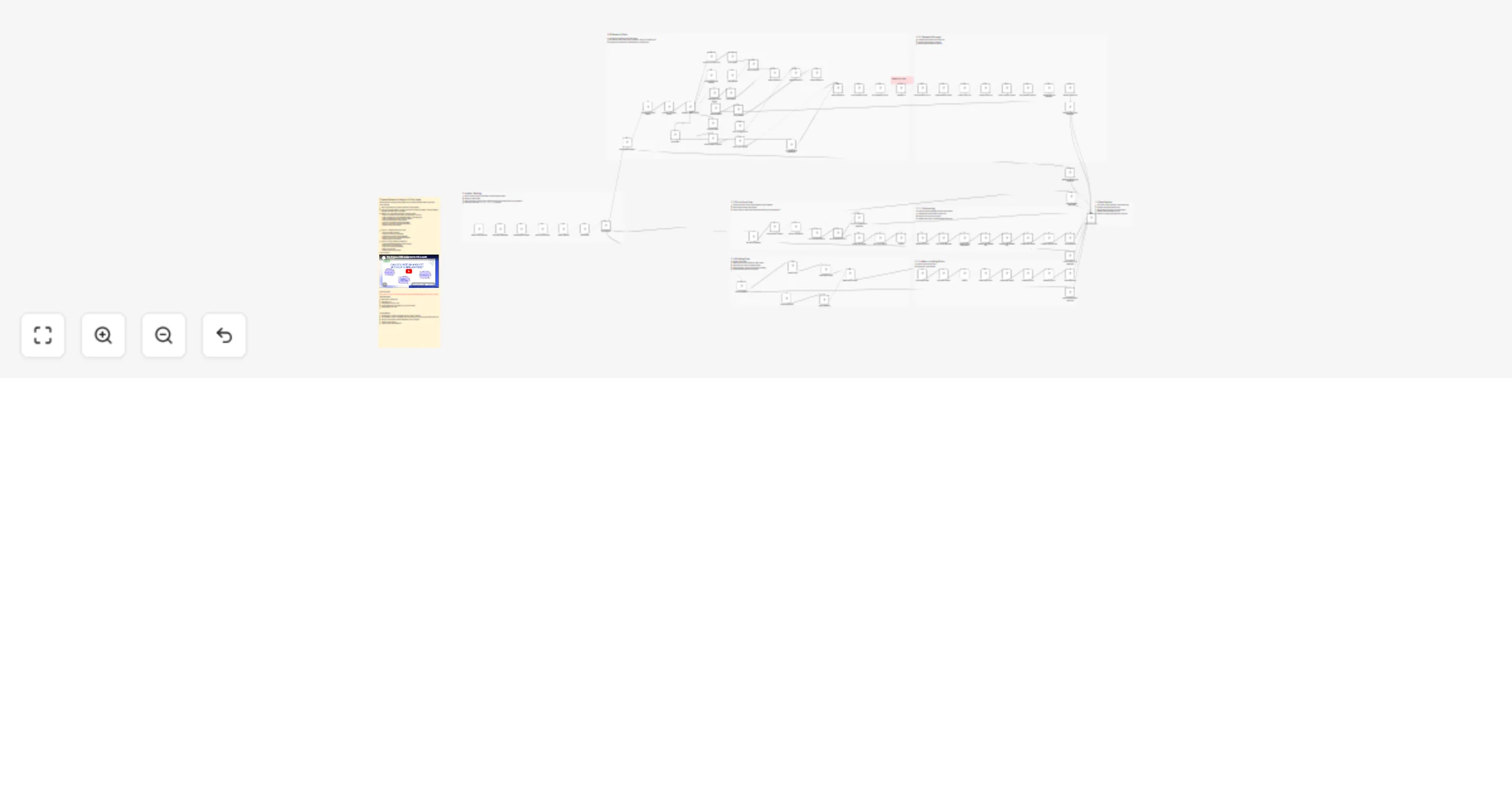
Generate UK M&A research, pitch decks and briefs from Slack using Anthropic and Google Docs/Slides

Workflow preview

Workflow preview
100%
Generate UK M&A research, pitch decks and briefs from Slack using Anthropic and Google Docs/Slides preview
Open on n8n.io

1. Workflow Overview

Finance Research Analyst for Boutique M&A Agencies This workflow acts as a junior finance research analyst for a UK boutique M&A or corporate finance team. It listens for Slack messages, classifies...

Best for

  • Market Research automation workflows
  • AI Chatbot automation workflows
  • advanced n8n builders looking for reusable templates

Tools used

n8n-nodes-base.if, n8n-nodes-base.code, n8n-nodes-base.httprequest, n8n-nodes-base.switch, n8n-nodes-base.merge, n8n-nodes-base.googledrive, n8n-nodes-base.googledocs, n8n-nodes-base.postgres

Source and attribution

This workflow is cataloged by N8N Workflows and links back to its original n8n.io source page by Praveena.

Original n8n.io source

1.1 Workflow description

Title
Generate UK M&A research, pitch decks and briefs from Slack using Anthropic and Google Docs/Slides
Workflow name
Generate UK M&A research, pitch decks and briefs from Slack using Anthropic and Google Docs/Slides

Finance Research Analyst for Boutique M&A Agencies

This workflow acts as a junior finance research analyst for a UK boutique M&A or corporate finance team. It listens for Slack messages, classifies the request, gathers company or market data, and produces structured outputs in Google Docs, Google Slides, Google Sheets, and PostgreSQL.

It supports three user intents:

  • Research this company X
  • Prepare pitch materials for X
  • Industry briefing on vertical X

The workflow is designed for internal team use. It is not intended to send client-facing materials automatically without human review.

Why This Template

This template shows how a junior research analyst LIVE job and some of the key responsibilities might be automated with help of AI. 120+ junior analyst roles are live in London right now. This template does most of what they do.

What This Template Does

1. Company Research

When a user asks to research a company, the workflow:

  • searches Companies House for the best UK entity match
  • retrieves company profile, officers, and filing history
  • gathers company and website context using Firecrawl
  • retrieves public market quote data from Alpha Vantage when a ticker is available
  • asks an LLM to synthesize the research into a structured company profile
  • creates a Google Doc with the company profile
  • upserts the company into PostgreSQL
  • stores the generated research as reusable memory
  • updates the client database in Google Sheets
  • replies in the original Slack thread with the output link

2. Pitch Materials

When a user asks to prepare pitch materials, the workflow:

  • loads the stored company record from PostgreSQL
  • pulls the most recent stored research memory
  • asks an LLM to produce compact slide-ready bullet content
  • copies a Google Slides pitch template
  • replaces the template placeholders with generated content
  • creates a Google Doc press release draft
  • updates the pitch deck URL in PostgreSQL
  • updates the client database in Google Sheets
  • replies in the original Slack thread with the deck and document links

3. Industry Briefing

When a user asks for a sector briefing, the workflow:

  • gathers sector web and news context using Firecrawl
  • retrieves ONS macro M&A context
  • asks an LLM to generate a concise one-page industry briefing
  • creates a Google Doc with the briefing
  • replies in the original Slack thread with the document link

Who This Is For

This template is built for:

  • boutique M&A advisory firms
  • corporate finance teams
  • fundraising advisors
  • internal research analysts supporting pitch and origination work

It is optimized for UK company research because it relies on Companies House as the authoritative company registry.

Prerequisites

Before using this template, you need:

  • an n8n instance
  • a Slack app configured for message triggers and posting replies
  • a Google account with Drive, Docs, Slides, and Sheets access (Free)
  • a PostgreSQL database (Free self hosted or use supabase)
  • an OpenRouter credential for the LLM calls (Models used= haiku4.5, Sonnet 4.5)
  • a Companies House API key configured as Basic Auth (Free)
  • a Firecrawl API key configured as HTTP Header Auth (Free)
  • API key for Alpha Vantage (free)
  • fixed ONS URL for macro M&A context

Required n8n Credentials

Create or connect the following credentials in n8n before testing:

  • Slack Trigger credential for incoming Slack events
  • Slack credential for posting replies
  • OpenRouter API
  • Companies House Basic Auth
  • Firecrawl Header Auth
  • Google Drive OAuth2
  • Google Docs OAuth2
  • Google Slides OAuth2
  • Google Sheets OAuth2
  • Postgres

Required External Assets

1. Google Drive Root Folder

The workflow creates subfolders under a given root folder:

  • research outputs
  • pitch outputs
  • briefing outputs

Current root folder used in the workflow:

  • Modify this to your own folder: https://drive.google.com/drive/u/0/folders/1GH-YouAAImKugZ11IbqA6Ouw8B9U17-I

2. Google Sheets Client Database

The workflow writes to this spreadsheet:

  • Modify this to your own google sheet: https://docs.google.com/spreadsheets/d/1yJ-UKOEUqIruCv-IBA33oN4taQTB1TA8M4a6D2iSiOU/edit?gid=0#gid=0

Required sheet name:

  • Sheet1

Required columns:

  • company_name
  • sector
  • companies_house_number
  • market_cap
  • last_researched
  • profile_doc_url
  • pitch_deck_url

Best practice:

  • make companies_house_number unique if possible
  • keep column names exactly as shown above

3. Google Slides Pitch Template

The workflow copies this Slides template:

  • 1zQv_cbafHzd4JNsr711Rm0558O6W_S1SODc-u6tVS0k

Required placeholders in text boxes:

  • {company_name}
  • {sector}
  • {profile_summary}
  • {financials}
  • {opportunity_summary}
  • {comps_note}

Input Examples

Use messages like these in Slack:

  • Research Monzo, fintech
  • Prepare pitch for Wise
  • Industry briefing UK fintech

Outputs

Research Intent

Outputs:

  • Google Doc company profile
  • PostgreSQL company record update
  • PostgreSQL research memory insert
  • Google Sheets client DB update
  • Slack thread reply with doc link

Pitch Intent

Outputs:

  • copied and populated Google Slides deck
  • Google Doc press release draft
  • PostgreSQL pitch deck URL update
  • Google Sheets client DB update
  • Slack thread reply with deck and doc links

Brief Intent

Outputs:

  • Google Doc industry briefing
  • Slack thread reply with doc link

Database Expectations

This template expects PostgreSQL tables to exist for:

  • company records
  • research memory

At minimum, your database must support the queries used by the workflow for:

  • upserting company records
  • loading a company record by company_name
  • storing research memory
  • retrieving the latest research memory for pitch generation
  • updating pitch_deck_url

Limitations

  • UK company research is strongest because the workflow depends on Companies House.
  • private companies will not have public market quote data
  • public-company quote data comes from Alpha Vantage GLOBAL_QUOTE, which is not a true market-cap endpoint
  • the workflow does not create dynamic charts in Google Slides.
  • the workflow does not replace human judgment on valuation, comps, or client-facing strategy

1.2 Logical Blocks

This catalog entry is organized from the workflow JSON. The node-level section below shows the executable blocks available for review before importing the template.

2. Block-by-Block Analysis

Block 1 - Valid Slack Message?

Type / Role
n8n-nodes-base.if - if
Config choices
Version 2.2

Block 2 - Prepare Slack Context

Type / Role
n8n-nodes-base.code - code
Config choices
Version 2

Block 3 - Build Intent Request

Type / Role
n8n-nodes-base.code - code
Config choices
Version 2

Block 4 - Intent Classifier

Type / Role
n8n-nodes-base.httpRequest - httpRequest
Config choices
Version 4.4

Block 5 - Parse Intent

Type / Role
n8n-nodes-base.code - code
Config choices
Version 2

Block 6 - Intent Switch

Type / Role
n8n-nodes-base.switch - switch
Config choices
Version 3.4

Block 7 - Unknown Intent Response

Type / Role
n8n-nodes-base.code - code
Config choices
Version 2

Block 8 - Has Research Inputs?

Type / Role
n8n-nodes-base.if - if
Config choices
Version 2.2

Block 9 - Research Missing Input Response

Type / Role
n8n-nodes-base.code - code
Config choices
Version 2

Block 10 - Companies House Search

Type / Role
n8n-nodes-base.httpRequest - httpRequest
Config choices
Version 4.4

Block 11 - Pick Best Company Match

Type / Role
n8n-nodes-base.code - code
Config choices
Version 2

Block 12 - Company Match Found?

Type / Role
n8n-nodes-base.if - if
Config choices
Version 2.2

Block 13 - Company Not Found Response

Type / Role
n8n-nodes-base.code - code
Config choices
Version 2

Block 14 - Companies House Profile

Type / Role
n8n-nodes-base.httpRequest - httpRequest
Config choices
Version 4.4

Block 15 - Wrap Profile

Type / Role
n8n-nodes-base.code - code
Config choices
Version 2

Block 16 - Companies House Officers

Type / Role
n8n-nodes-base.httpRequest - httpRequest
Config choices
Version 4.4

Block 17 - Wrap Officers

Type / Role
n8n-nodes-base.code - code
Config choices
Version 2

Block 18 - Companies House Filings

Type / Role
n8n-nodes-base.httpRequest - httpRequest
Config choices
Version 4.4

Block 19 - Wrap Filings

Type / Role
n8n-nodes-base.code - code
Config choices
Version 2

Block 20 - Company News

Type / Role
n8n-nodes-base.httpRequest - httpRequest
Config choices
Version 4.4

Block 21 - Wrap Research News

Type / Role
n8n-nodes-base.code - code
Config choices
Version 2

Block 22 - Website Search

Type / Role
n8n-nodes-base.httpRequest - httpRequest
Config choices
Version 4.4

Block 23 - Wrap Website

Type / Role
n8n-nodes-base.code - code
Config choices
Version 2

Block 24 - Has Ticker?

Type / Role
n8n-nodes-base.if - if
Config choices
Version 2.2

Showing the first 24 of 88 workflow blocks. Download the JSON for the full node graph.

3. Summary Table

Workflow Generate UK M&A research, pitch decks and briefs from Slack using Anthropic and Google Docs/Slides
Complexity advanced
Nodes 88
Categories Market Research, AI Chatbot
Author Praveena
Published 05 Apr 2026

4. Reproducing the Workflow from Scratch

  1. 1. Download the workflow JSON

    Use the JSON export at /data/workflows/14762/14762.json as the source template for this automation.

  2. 2. Import the template into n8n

    Open n8n, import the downloaded JSON, and review each node before activating the workflow.

  3. 3. Configure credentials and variables

    Replace placeholder credentials, API keys, webhook URLs, account IDs, and environment-specific values with your own settings.

  4. 4. Test with sample data

    Run the workflow manually or in a staging workspace, inspect node output, and confirm downstream systems receive the expected data.

  5. 5. Activate and monitor

    Enable the workflow only after testing, then monitor executions, errors, and rate limits during the first production runs.

5. General Notes & Resources

Review imported nodes carefully before activation. This catalog entry is intended to help you inspect the workflow structure, understand required services, and find related templates faster.

Node names, credentials, schedules, webhook paths, and external service limits may need adjustment for your workspace.

Frequently asked questions

What does Generate UK M&A research, pitch decks and briefs from Slack using Anthropic and Google Docs/Slides do?

Finance Research Analyst for Boutique M&A Agencies This workflow acts as a junior finance research analyst for a UK boutique M&A or corporate finance team. It listens for Slack messages, classifies...

What do I need before importing this workflow?

Review the workflow JSON, configure any required credentials in n8n, and test the automation in a safe workspace before using it in production.

Can I customize this workflow?

Yes. Use the block-by-block analysis and the downloadable JSON to inspect each node, then adjust credentials, prompts, schedules, filters, or destinations for your Market Research, AI Chatbot use case.