Block 1 - Loop over queries
- Type / Role
- n8n-nodes-base.splitInBatches - splitInBatches
- Config choices
- Version 3


 Early Deal
This n8n workflow is a sophisticated B2B Lead Generation Scraper. It automates the entire journey from discovering businesses on Google Maps to extracting, scoring, and saving high quality contact ...
n8n-nodes-base.splitinbatches, n8n-nodes-base.httprequest, n8n-nodes-base.manualtrigger, n8n-nodes-base.set, n8n-nodes-base.if, n8n-nodes-base.code, n8n-nodes-base.merge, n8n-nodes-base.splitout
This workflow is cataloged by N8N Workflows and links back to its original n8n.io source page by Jannik Hiller.
Original n8n.io sourceThis n8n workflow is a sophisticated B2B Lead Generation Scraper. It automates the entire journey from discovering businesses on Google Maps to extracting, scoring, and saving high-quality contact emails.
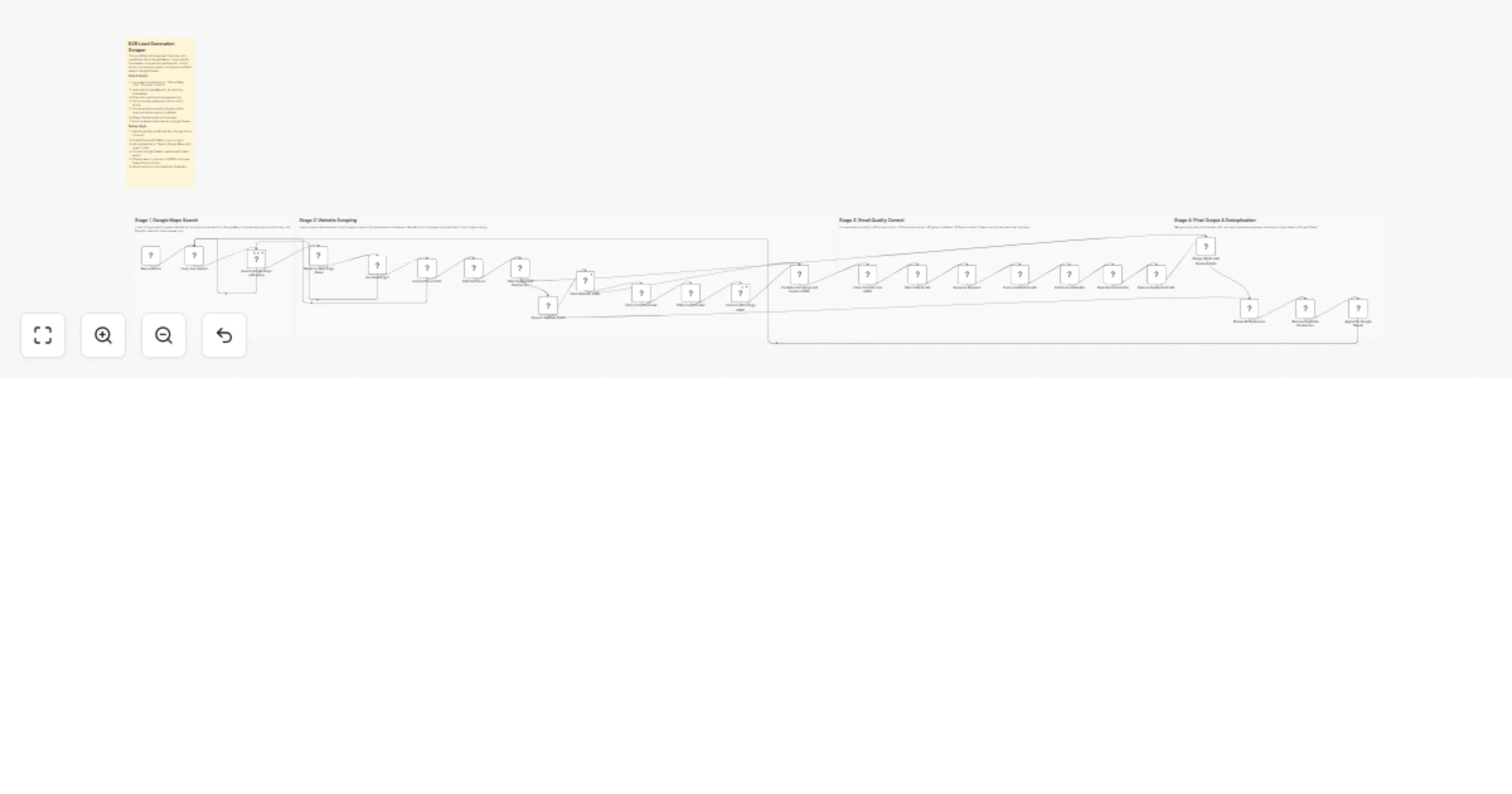
Here is a breakdown of the workflow stages:
Stage 1: Google Maps Search & Pagination The workflow starts with a list of search queries (e.g., "Dentist New York").
Looping: It processes each query one by one.
Smart Pagination: Google Maps usually limits results per page. This workflow detects the nextPageToken and automatically re-calls the API until all available businesses for that query are collected.
Filtering: It immediately filters out closed businesses, keeping only those marked as "OPERATIONAL".
Stage 2: Deep Web Scraping For every business found with a website, the workflow performs a two-step crawl:
Homepage Fetch: It visits the main URL to find immediate contact info.
Contact Page Discovery: A code node scans the homepage for links containing keywords like "Contact", "About", "Team", or "Impressum". It then visits these specific sub-pages to find hidden emails.
Stage 3: Email Quality Control & Scoring This is the most advanced part of the logic. Instead of just grabbing any email, it uses a Scoring System to rank them:
The Filter: It removes technical or junk emails (e.g., sentry@, noreply@, or image files disguised as emails).
The Scorecard:
+30 Points: Domain match (e.g., [email protected] matches www.company.com).
+20 Points: Personal touch (detects dots or names like john.doe@).
-40 Points: Generic prefixes (penalizes info@, admin@, sales@).
-25 Points: Free providers (penalizes @gmail.com, @yahoo.com).
Selection: It sorts all found emails by score and keeps only the top-ranked email for each business.
Stage 4: Final Output Deduplication: It ensures no duplicate businesses are added to your list, even if they appeared in multiple search queries.
Data Storage: The final, cleaned data—including Business Name, Address, Phone, Website, and the Best Email—is appended to a Google Sheet.
This catalog entry is organized from the workflow JSON. The node-level section below shows the executable blocks available for review before importing the template.
Showing the first 24 of 30 workflow blocks. Download the JSON for the full node graph.
| Workflow | Generate scored B2B leads from Google Maps websites to Google Sheets |
|---|---|
| Complexity | advanced |
| Nodes | 30 |
| Categories | Lead Generation |
| Author | Jannik Hiller |
| Published | 18 Dec 2025 |
Use the JSON export at /data/workflows/11924/11924.json as the source template for this automation.
Open n8n, import the downloaded JSON, and review each node before activating the workflow.
Replace placeholder credentials, API keys, webhook URLs, account IDs, and environment-specific values with your own settings.
Run the workflow manually or in a staging workspace, inspect node output, and confirm downstream systems receive the expected data.
Enable the workflow only after testing, then monitor executions, errors, and rate limits during the first production runs.
Review imported nodes carefully before activation. This catalog entry is intended to help you inspect the workflow structure, understand required services, and find related templates faster.
Node names, credentials, schedules, webhook paths, and external service limits may need adjustment for your workspace.
This n8n workflow is a sophisticated B2B Lead Generation Scraper. It automates the entire journey from discovering businesses on Google Maps to extracting, scoring, and saving high quality contact ...
Review the workflow JSON, configure any required credentials in n8n, and test the automation in a safe workspace before using it in production.
Yes. Use the block-by-block analysis and the downloadable JSON to inspect each node, then adjust credentials, prompts, schedules, filters, or destinations for your Lead Generation use case.