Generate personalized cold email icebreakers with Apify, Baserow and OpenRouter GPT-4.1

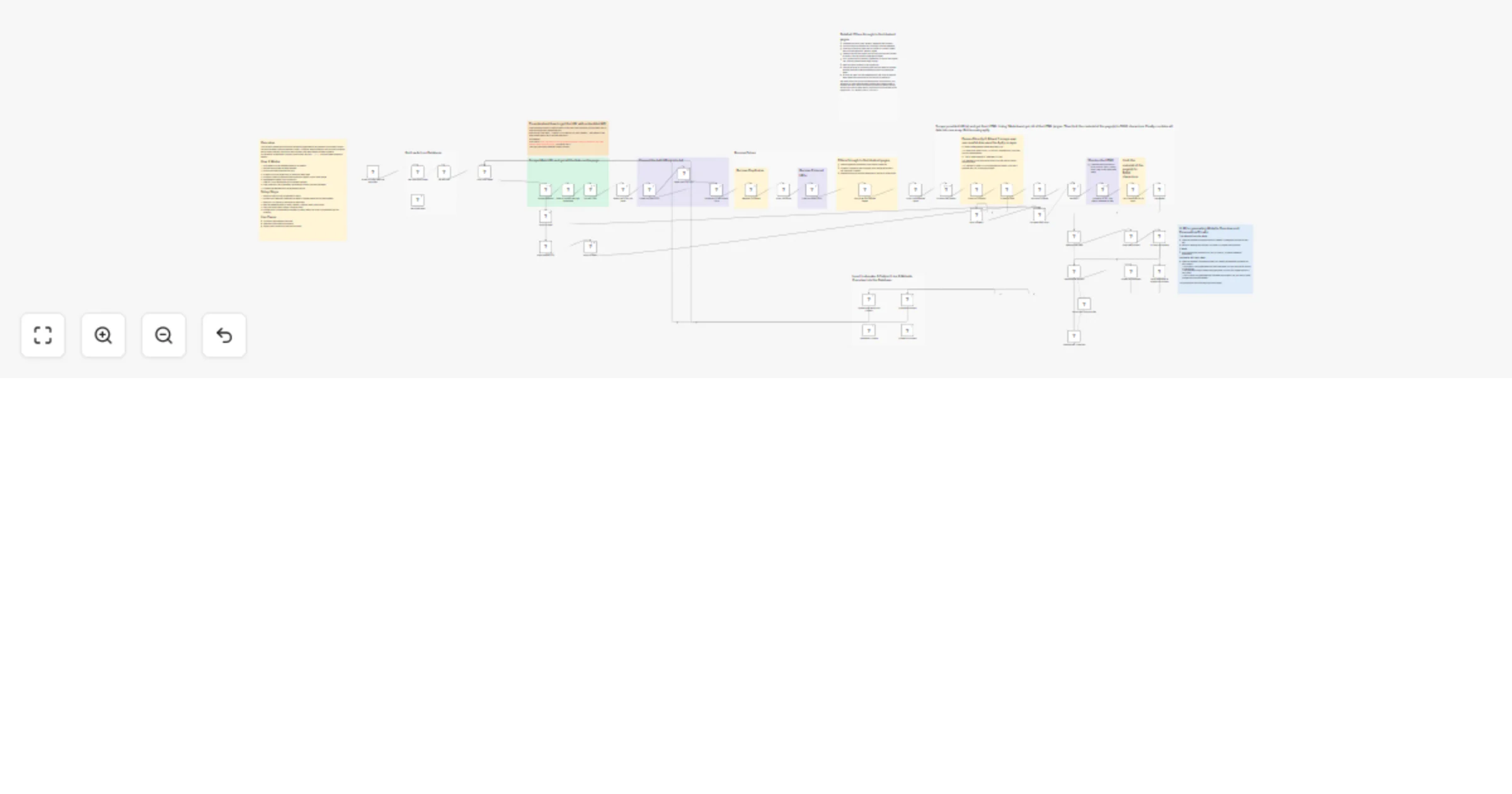
Workflow preview

Workflow preview
100%
Generate personalized cold email icebreakers with Apify, Baserow and OpenRouter GPT-4.1 preview
Open on n8n.io

1. Workflow Overview

This workflow automatically researches a lead’s website, understands what the business actually does, and generates a highly personalized cold outreach subject line and icebreaker using AI. Instead...

Best for

  • Lead Generation automation workflows
  • AI Summarization automation workflows
  • advanced n8n builders looking for reusable templates

Tools used

@n8n/n8n-nodes-langchain.chainllm, @n8n/n8n-nodes-langchain.outputparserstructured, n8n-nodes-base.set, n8n-nodes-base.httprequest, n8n-nodes-base.splitinbatches, n8n-nodes-base.stickynote, n8n-nodes-base.airtable, n8n-nodes-base.if

Source and attribution

This workflow is cataloged by N8N Workflows and links back to its original n8n.io source page by Muhammad Faaz Khan.

Original n8n.io source

1.1 Workflow description

Title
Generate personalized cold email icebreakers with Apify, Baserow and OpenRouter GPT-4.1
Workflow name
Generate personalized cold email icebreakers with Apify, Baserow and OpenRouter GPT-4.1

This workflow automatically researches a lead’s website, understands what the business actually does, and generates a highly personalized cold outreach subject line and icebreaker using AI.

Instead of guessing or relying on shallow placeholders, it scrapes real website content, summarizes it intelligently, and feeds that context into an LLM to produce outreach that feels relevant and human.

If a website is broken or unreachable, the workflow safely flags it so you can identify faulty leads early.

Sticky Notes

  • No API keys are hardcoded. Add all credentials via n8n’s credential manager.
  • Website scraping uses markdown and strict character limits to keep token usage under control.
  • Unresponsive websites return no content, helping you identify broken or invalid leads.
  • The database can be swapped easily. Baserow is used here, but Airtable or Google Sheets can be used with minimal changes.

How It Works

1. Fetch Leads from Database

The workflow starts by pulling leads from Baserow, including company name and website URL.

2. Visit and Scrape the Website

The lead’s website is fetched and converted into HTML. If the site fails to load or respond, the workflow records no content and continues without breaking.

3. Extract and Filter Internal Links

All links are extracted from the page, then filtered so only links belonging to the same website are kept.

4. Scrape Multiple Pages

The workflow scrapes up to five pages in total, including the main website page and up to four internal pages. This provides enough context while avoiding unnecessary data.

5. Convert to Markdown and Trim Content

Each page is converted to markdown to reduce token usage and trimmed to a maximum of 5,000 characters to control LLM costs.

6. Aggregate Website Content

All processed markdown content is combined into a single structured input.

7. Generate a Business Overview

An LLM analyzes the aggregated content and generates a concise overview of the company and its offering.

8. Generate Subject Line and Icebreaker

A second LLM uses the company name, lead name where available, and the generated business overview to create a highly personalized subject line and icebreaker for outreach.

9. Update the Database

The final outputs are written back to the database, keeping each lead enriched and ready for outreach.

Use Cases

  • Cold email personalization at scale
  • Lead research and enrichment
  • Sales and SDR workflows
  • Agency outreach systems
  • Founder-led outbound without manual research

Requirements

  • Apify API key for website scraping
  • Baserow credentials (can be replaced with Airtable or Google Sheets)
  • LLM API key (OpenRouter is used in this workflow)

Why This Template Is Useful

Most outreach fails because it is generic. This workflow solves that by grounding every message in real website content while staying fast, efficient, and cost-conscious.

1.2 Logical Blocks

This catalog entry is organized from the workflow JSON. The node-level section below shows the executable blocks available for review before importing the template.

2. Block-by-Block Analysis

Block 1 - Website overview

Type / Role
@n8n/n8n-nodes-langchain.chainLlm - chainLlm
Config choices
Version 1.7

Block 2 - Structured Output Parser

Type / Role
@n8n/n8n-nodes-langchain.outputParserStructured - outputParserStructured
Config choices
Version 1.3

Block 3 - icebreaker & Subject

Type / Role
@n8n/n8n-nodes-langchain.chainLlm - chainLlm
Config choices
Version 1.7

Block 4 - Overview & Name

Type / Role
n8n-nodes-base.set - set
Config choices
Version 3.4

Block 5 - Subject & Icebreaker

Type / Role
n8n-nodes-base.set - set
Config choices
Version 3.4

Block 6 - Scrape Website

Type / Role
n8n-nodes-base.httpRequest - httpRequest
Config choices
Version 4.2

Block 7 - Loop Over Items

Type / Role
n8n-nodes-base.splitInBatches - splitInBatches
Config choices
Version 3

Block 8 - Sticky Note

Type / Role
n8n-nodes-base.stickyNote - stickyNote
Config choices
Version 1

Block 9 - Scrape other pages

Type / Role
n8n-nodes-base.httpRequest - httpRequest
Config choices
Version 4.3

Block 10 - Person info

Type / Role
n8n-nodes-base.set - set
Config choices
Version 3.4

Block 11 - Sticky Note1

Type / Role
n8n-nodes-base.stickyNote - stickyNote
Config choices
Version 1

Block 12 - Sticky Note2

Type / Role
n8n-nodes-base.stickyNote - stickyNote
Config choices
Version 1

Block 13 - Sticky Note3

Type / Role
n8n-nodes-base.stickyNote - stickyNote
Config choices
Version 1

Block 14 - Sticky Note5

Type / Role
n8n-nodes-base.stickyNote - stickyNote
Config choices
Version 1

Block 15 - Sticky Note4

Type / Role
n8n-nodes-base.stickyNote - stickyNote
Config choices
Version 1

Block 16 - Icebreaker Update

Type / Role
n8n-nodes-base.airtable - airtable
Config choices
Version 2.1

Block 17 - Sticky Note6

Type / Role
n8n-nodes-base.stickyNote - stickyNote
Config choices
Version 1

Block 18 - Apify Scraper

Type / Role
n8n-nodes-base.httpRequest - httpRequest
Config choices
Version 4.3

Block 19 - If it says no content

Type / Role
n8n-nodes-base.if - if
Config choices
Version 2.2

Block 20 - Update No content

Type / Role
n8n-nodes-base.airtable - airtable
Config choices
Version 2.1

Block 21 - Send icebreaker & subject no content

Type / Role
n8n-nodes-base.set - set
Config choices
Version 3.4

Block 22 - Apify Scraper1

Type / Role
n8n-nodes-base.httpRequest - httpRequest
Config choices
Version 4.3

Block 23 - OpenRouter ThreeZero

Type / Role
@n8n/n8n-nodes-langchain.lmChatOpenRouter - lmChatOpenRouter
Config choices
Version 1

Block 24 - When clicking ‘Execute workflow’

Type / Role
n8n-nodes-base.manualTrigger - manualTrigger
Config choices
Version 1

Showing the first 24 of 58 workflow blocks. Download the JSON for the full node graph.

3. Summary Table

Workflow Generate personalized cold email icebreakers with Apify, Baserow and OpenRouter GPT-4.1
Complexity advanced
Nodes 58
Categories Lead Generation, AI Summarization
Author Muhammad Faaz Khan
Published 17 Jan 2026

4. Reproducing the Workflow from Scratch

  1. 1. Download the workflow JSON

    Use the JSON export at /data/workflows/12778/12778.json as the source template for this automation.

  2. 2. Import the template into n8n

    Open n8n, import the downloaded JSON, and review each node before activating the workflow.

  3. 3. Configure credentials and variables

    Replace placeholder credentials, API keys, webhook URLs, account IDs, and environment-specific values with your own settings.

  4. 4. Test with sample data

    Run the workflow manually or in a staging workspace, inspect node output, and confirm downstream systems receive the expected data.

  5. 5. Activate and monitor

    Enable the workflow only after testing, then monitor executions, errors, and rate limits during the first production runs.

5. General Notes & Resources

Review imported nodes carefully before activation. This catalog entry is intended to help you inspect the workflow structure, understand required services, and find related templates faster.

Node names, credentials, schedules, webhook paths, and external service limits may need adjustment for your workspace.

Frequently asked questions

What does Generate personalized cold email icebreakers with Apify, Baserow and OpenRouter GPT-4.1 do?

This workflow automatically researches a lead’s website, understands what the business actually does, and generates a highly personalized cold outreach subject line and icebreaker using AI. Instead...

What do I need before importing this workflow?

Review the workflow JSON, configure any required credentials in n8n, and test the automation in a safe workspace before using it in production.

Can I customize this workflow?

Yes. Use the block-by-block analysis and the downloadable JSON to inspect each node, then adjust credentials, prompts, schedules, filters, or destinations for your Lead Generation, AI Summarization use case.