Generate Google Sheets test script from Pega Agile Studio user stories with AI
Workflow preview

$20/month : Unlimited workflows
2500 executions/month

THE #1 IN WEB SCRAPING
Scrape any website without limits
HOSTINGER  Early Deal
DISCOUNT 20% Try free
Early DealDISCOUNT 20%
Self-hosted n8n
Unlimited workflows - from $4.99/mo

#1 hub for scraping, AI & automation
6000+ actors - $5 credits/mo
Overview
Generate Google Spreadsheets Testscript with AI using Pega Agile Studio
When working as a functional Pega Software tester, this workflow will create a Google Spreadsheet with acceptance criteria and testcases based on the Pega Agile Studio userstory provided. This improves speed and efficiency while working in sprints on new functionalities.
Who's it for
- If you are working as a software tester using the Pega Platform including Pega Agile Studio.
How it works
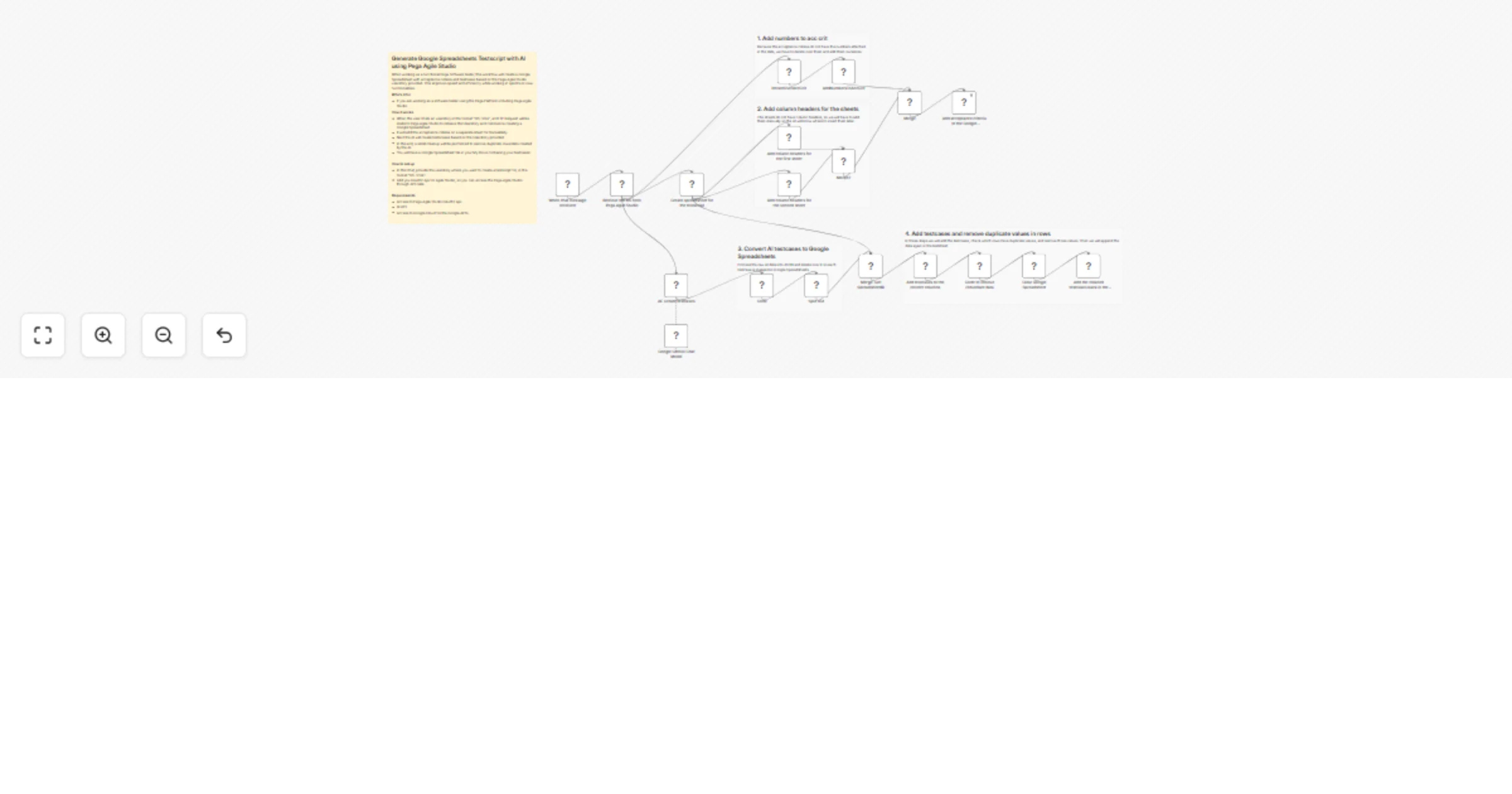
- When the user chats an userstory in the format "US-1234", a HTTP Request will be made to Pega Agile Studio to retrieve the Userstory and commence creating a Google Spreadsheet.
- It will add the acceptance criteria on a seperate sheet for traceability.
- Next the AI will create testscases based on the Userstory provided.
- In the end, a small cleanup will be performed to remove duplicate rows/data created by the AI.
- You will have a Google Spreadsheet file in your My Drive containing your testcases!
How to set up
- In the Chat, provide the userstory where you want to create a testscript for, in the format "US-1234".
- Add you OAuth2 Api for Agile Studio, so you can access the Pega Agile Studio through API calls.
Requirements
- Access to Pega Agile Studio OAuth2 Api.
- AI API.
- Access to Google Cloud for the Google API's