Generate contextual YouTube comments automatically with GPT-4o

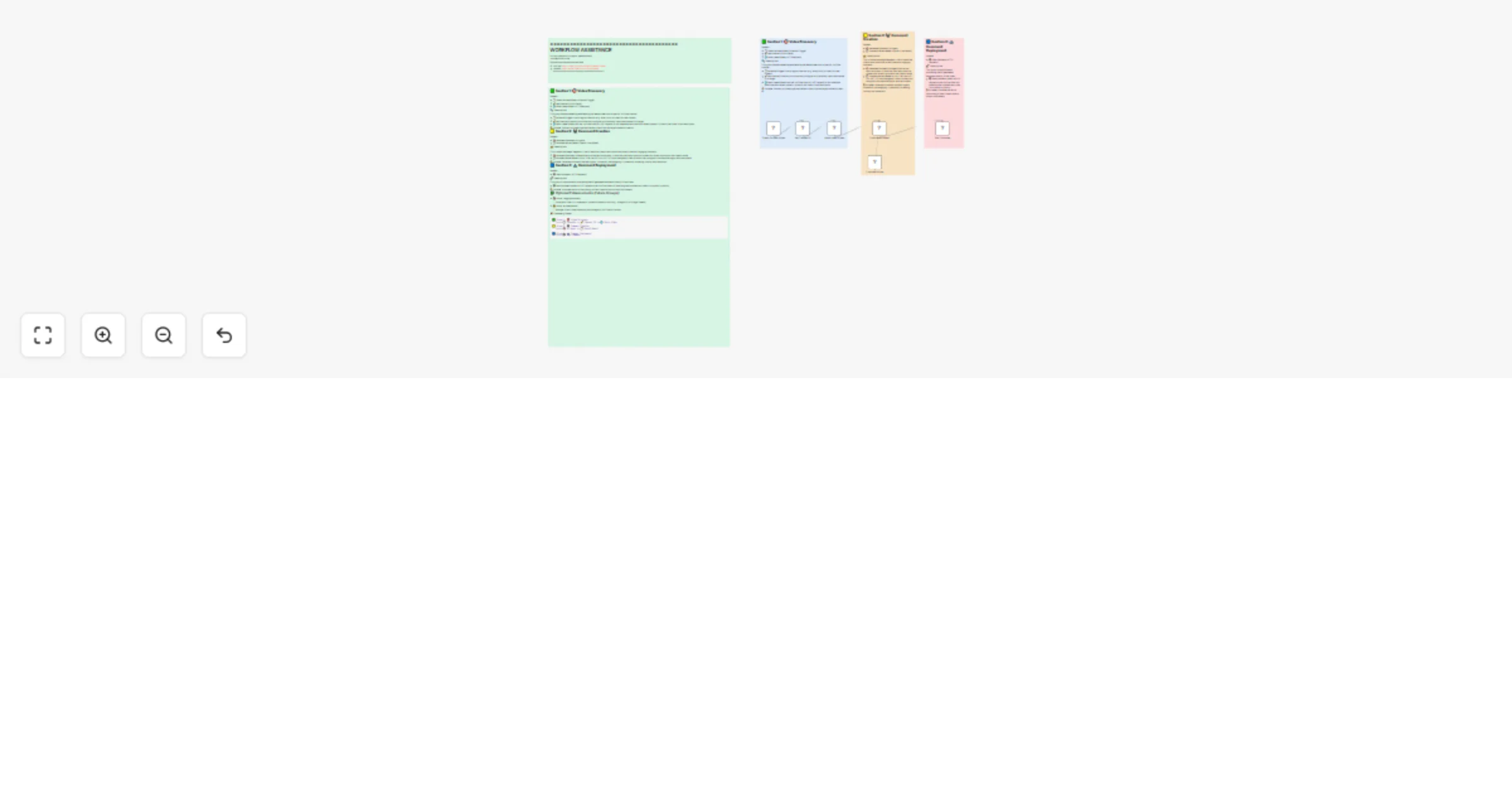
Workflow preview

Workflow preview
100%
Generate contextual YouTube comments automatically with GPT-4o preview
Open on n8n.io

Important notice

This workflow is provided as-is. Please review and test before using in production.

1. Workflow Overview

Workflow Overview This cutting edge n8n workflow is a powerful automation tool designed to revolutionize how content creators and marketers engage with YouTube channels. By leveraging AI and the Yo...

Best for

  • Social Media automation workflows
  • Multimodal AI automation workflows
  • intermediate n8n builders looking for reusable templates

Tools used

n8n-nodes-base.manualtrigger, n8n-nodes-base.set, n8n-nodes-base.httprequest, @n8n/n8n-nodes-langchain.agent, @n8n/n8n-nodes-langchain.lmchatopenai, n8n-nodes-base.stickynote

Source and attribution

This workflow is cataloged by N8N Workflows and links back to its original n8n.io source page by Yaron Been.

Original n8n.io source

1.1 Workflow description

Title
Generate contextual YouTube comments automatically with GPT-4o
Workflow name
Generate contextual YouTube comments automatically with GPT-4o

Workflow Overview

This cutting-edge n8n workflow is a powerful automation tool designed to revolutionize how content creators and marketers engage with YouTube channels. By leveraging AI and the YouTube Data API, this workflow automatically:

  1. Discovers New Content:

    • Monitors a specific YouTube channel
    • Retrieves the latest video in real-time
    • Checks for new uploads at regular intervals
  2. Generates Intelligent Comments:

    • Uses advanced AI (OpenAI's GPT models) to analyze video metadata
    • Crafts contextually relevant, human-like comments
    • Ensures each comment feels organic and engaging
  3. Seamless Deployment:

    • Automatically posts the AI-generated comment directly on the video
    • Eliminates manual interaction
    • Increases potential channel visibility and engagement

Key Benefits

  • 🤖 Full Automation: No manual comment writing required
  • 💡 Smart Contextual Comments: AI understands video content
  • ⏱️ Time-Saving: Instant engagement without human intervention
  • 📈 Potential Increased Visibility: Regular, intelligent interactions

Setup Requirements

  1. YouTube Data API Credentials

    • Obtain a Google Cloud API key
    • Configure channel ID you want to target
    • Set up OAuth2 authentication for comment posting
  2. OpenAI API Access

    • Create an OpenAI account
    • Generate an API key for comment generation
    • Select preferred GPT model (GPT-4o, GPT-3.5, etc.)
  3. n8n Installation

    • Install n8n (cloud or self-hosted)
    • Import the workflow configuration
    • Configure API credentials
    • Set up scheduling preferences

Potential Use Cases

  • Content Creators monitoring competitor channels
  • Marketing teams maintaining online presence
  • Social media managers automating engagement
  • Researchers tracking specific YouTube channels

Future Enhancements

  • Logging comment history
  • Dynamic OAuth2 token management
  • Multi-channel support
  • Sentiment analysis for comment generation

Connect With Me

Got questions? Want to dive deeper?

📧 Email: [email protected]

🎥 YouTube: @YaronBeen

💼 LinkedIn: Yaron Been

**Unlock the power of AI-driven YouTube engagement – automate, optimize, and amplify your online# Automate YouTube Engagement with GPT-4o Generated Comments

Workflow Overview

This n8n automation leverages AI to streamline YouTube channel engagement, providing a sophisticated solution for content interaction. By combining the YouTube Data API and OpenAI's GPT-4o, the workflow:

  1. Intelligent Content Discovery:

    • Dynamically monitors specified YouTube channels
    • Real-time detection of new video uploads
    • Configurable monitoring intervals
  2. AI-Powered Comment Generation:

    • Utilizes GPT-4o for contextual analysis
    • Generates nuanced, platform-appropriate comments
    • Ensures authentic, relevant interactions
  3. Automated Engagement:

    • Seamlessly posts AI-crafted comments
    • Enhances channel visibility
    • Reduces manual social media management

Key Benefits

  • 🤖 Advanced Automation: AI-driven engagement
  • 💡 Contextual Intelligence: GPT-4o powered insights
  • ⏱️ Efficiency Optimization: Instant, scalable interactions
  • 📈 Strategic Visibility: Consistent, meaningful channel presence

Detailed Setup Instructions

Prerequisites

  • n8n instance (cloud or self-hosted)
  • YouTube Data API access
  • OpenAI API key
  • Target YouTube channel(s)

Configuration Steps

  1. YouTube Data API Setup

    • Create a Google Cloud project
    • Enable YouTube Data API v3
    • Generate OAuth2 credentials
    • Store credentials securely in n8n
  2. OpenAI API Configuration

    • Create OpenAI account
    • Generate API key
    • Select GPT-4o model
    • Configure API key in n8n credentials
  3. Workflow Customization

    • Replace placeholder channel IDs
    • Adjust monitoring frequency
    • Customize AI prompt for comment generation
    • Configure OAuth2 authentication

Workflow Customization Options

  • Modify AI prompt to match specific content styles
  • Add keyword filters for video selection
  • Implement multi-channel support
  • Create custom engagement rules

Potential Use Cases

  • Content creator audience engagement
  • Brand social media management
  • Community interaction automation
  • Research and monitoring

Ethical Considerations

  • Maintain transparency about AI-generated comments
  • Respect platform guidelines
  • Avoid spam or misleading interactions
  • Ensure comments add genuine value

Future Enhancement Roadmap

  • Advanced sentiment analysis
  • Multi-language support
  • Engagement performance tracking
  • Adaptive comment generation

Security Best Practices

  • Never hardcode API keys
  • Use n8n's credential management
  • Implement secure OAuth2 authentication
  • Regularly rotate API credentials

Technical Requirements

  • n8n v0.220.0 or higher
  • YouTube Data API v3
  • OpenAI API access
  • Stable internet connection

Workflow Architecture

[YouTube Channel Trigger]
    ⬇️
[Fetch Latest Video]
    ⬇️
[AI Comment Generation]
    ⬇️
[Post Comment]

#YouTubeAutomation #AIEngagement #ContentMarketing #SocialMediaTech #GPT4Automation #WorkflowInnovation #AIComments #DigitalMarketing

Connect With Me

Exploring AI-Powered Social Media Automation?

📧 Email: [email protected] 🎥 YouTube: @YaronBeen 💼 LinkedIn: Yaron Been

Transform your YouTube engagement with intelligent, responsible automation!


Note: This workflow template is a starting point. Always customize and test thoroughly in your specific environment.

1.2 Logical Blocks

This catalog entry is organized from the workflow JSON. The node-level section below shows the executable blocks available for review before importing the template.

2. Block-by-Block Analysis

Block 1 - Check for New Video

Type / Role
n8n-nodes-base.manualTrigger - manualTrigger
Config choices
Version 1

Block 2 - Set Channel ID

Type / Role
n8n-nodes-base.set - set
Config choices
Version 3.4

Block 3 - Fetch Latest Video

Type / Role
n8n-nodes-base.httpRequest - httpRequest
Config choices
Version 4.2

Block 4 - Commenter Agent

Type / Role
@n8n/n8n-nodes-langchain.agent - agent
Config choices
Version 1.9

Block 5 - Comment Writer

Type / Role
@n8n/n8n-nodes-langchain.lmChatOpenAi - lmChatOpenAi
Config choices
Version 1.2

Block 6 - Post Comment

Type / Role
n8n-nodes-base.httpRequest - httpRequest
Config choices
Version 4.2

Block 7 - Sticky Note

Type / Role
n8n-nodes-base.stickyNote - stickyNote
Config choices
Version 1

Block 8 - Sticky Note1

Type / Role
n8n-nodes-base.stickyNote - stickyNote
Config choices
Version 1

Block 9 - Sticky Note2

Type / Role
n8n-nodes-base.stickyNote - stickyNote
Config choices
Version 1

Block 10 - Sticky Note9

Type / Role
n8n-nodes-base.stickyNote - stickyNote
Config choices
Version 1

Block 11 - Sticky Note4

Type / Role
n8n-nodes-base.stickyNote - stickyNote
Config choices
Version 1

3. Summary Table

Workflow Generate contextual YouTube comments automatically with GPT-4o
Complexity intermediate
Nodes 11
Categories Social Media, Multimodal AI
Author Yaron Been
Published 02 Jun 2025

4. Reproducing the Workflow from Scratch

  1. 1. Download the workflow JSON

    Use the JSON export at /data/workflows/4580/4580.json as the source template for this automation.

  2. 2. Import the template into n8n

    Open n8n, import the downloaded JSON, and review each node before activating the workflow.

  3. 3. Configure credentials and variables

    Replace placeholder credentials, API keys, webhook URLs, account IDs, and environment-specific values with your own settings.

  4. 4. Test with sample data

    Run the workflow manually or in a staging workspace, inspect node output, and confirm downstream systems receive the expected data.

  5. 5. Activate and monitor

    Enable the workflow only after testing, then monitor executions, errors, and rate limits during the first production runs.

5. General Notes & Resources

Review imported nodes carefully before activation. This catalog entry is intended to help you inspect the workflow structure, understand required services, and find related templates faster.

Node names, credentials, schedules, webhook paths, and external service limits may need adjustment for your workspace.

Frequently asked questions

What does Generate contextual YouTube comments automatically with GPT-4o do?

Workflow Overview This cutting edge n8n workflow is a powerful automation tool designed to revolutionize how content creators and marketers engage with YouTube channels. By leveraging AI and the Yo...

What do I need before importing this workflow?

Review the workflow JSON, configure any required credentials in n8n, and test the automation in a safe workspace before using it in production.

Can I customize this workflow?

Yes. Use the block-by-block analysis and the downloadable JSON to inspect each node, then adjust credentials, prompts, schedules, filters, or destinations for your Social Media, Multimodal AI use case.