Generate concert ticket PDFs with QR codes using PDF Generator API
Workflow preview

$20/month : Unlimited workflows
2500 executions/month

THE #1 IN WEB SCRAPING
Scrape any website without limits
HOSTINGER  Early Deal
DISCOUNT 20% Try free
Early DealDISCOUNT 20%
Self-hosted n8n
Unlimited workflows - from $4.99/mo

#1 hub for scraping, AI & automation
6000+ actors - $5 credits/mo
Overview
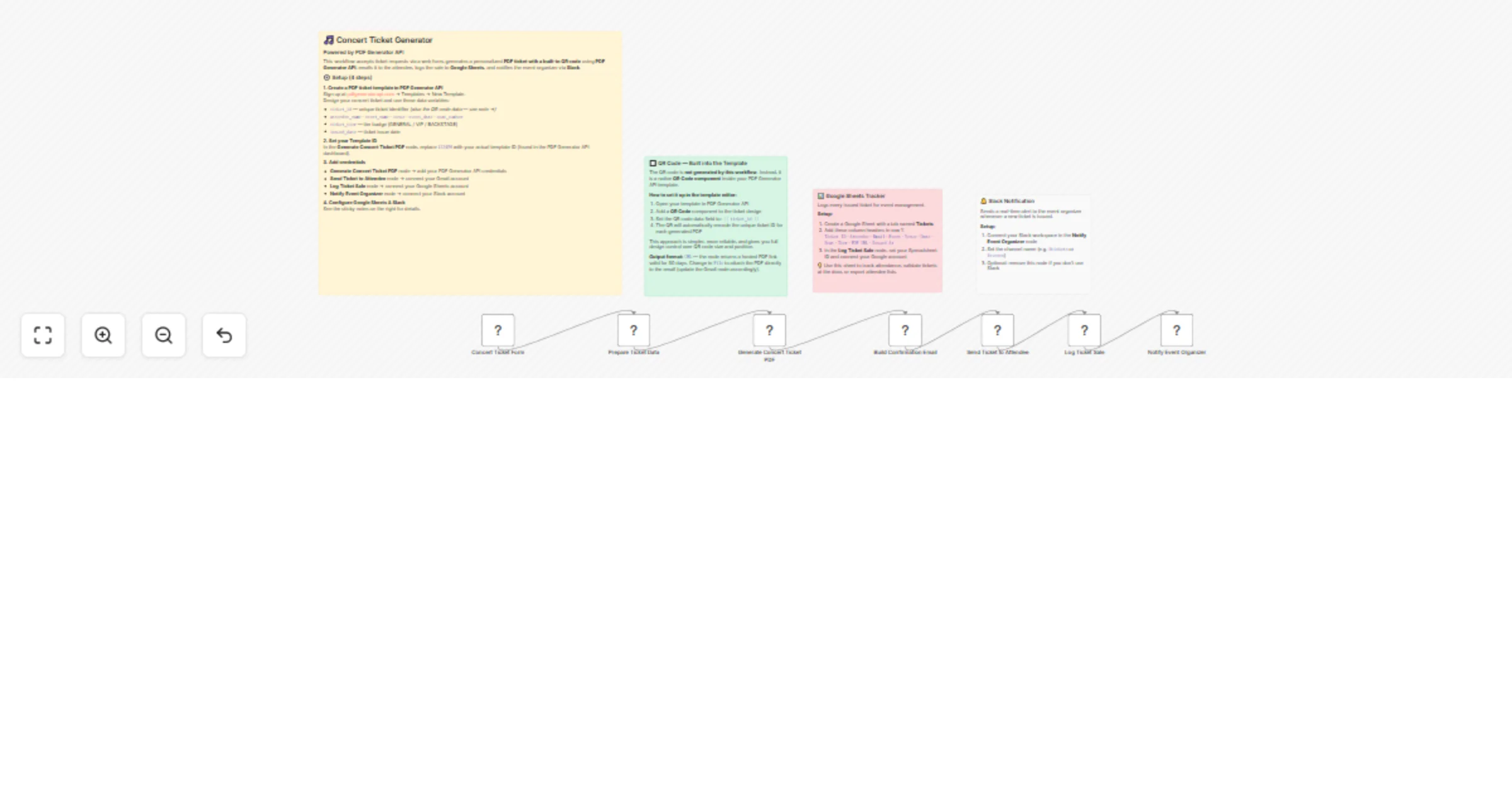
Generate personalized concert ticket PDFs with QR codes using PDF Generator API, then email them to attendees, log sales to Google Sheets, and notify organizers via Slack — all triggered from a simple web form.
Who is this for
Event organizers, ticketing teams, and developers who need an automated pipeline to issue branded PDF concert tickets with unique QR codes for venue entry — without building a custom backend.
How it works
- An attendee fills out a web form with their name, email, event details, seat number, and ticket tier (General / VIP / Backstage).
- The workflow generates a unique ticket ID and prepares all data for the PDF template.
- PDF Generator API renders a personalized PDF ticket. The QR code is a native template component that encodes the ticket ID automatically.
- A styled HTML confirmation email with a download link is sent to the attendee via Gmail.
- The ticket details are logged to a Google Sheets spreadsheet for tracking and attendance management.
- A Slack notification alerts the event organizer with a summary of the newly issued ticket.
Set up
- PDF Generator API — Sign up at pdfgeneratorapi.com, create a ticket template with a QR Code component bound to
{{ ticket_id }}, and note your template ID. - Template ID — Open the "Prepare Ticket Data" Code node and replace the
TEMPLATE_IDvalue with your own. - Credentials — Connect your accounts in each node: PDF Generator API, Gmail, Google Sheets, and Slack.
- Google Sheets — Create a spreadsheet with columns:
Ticket ID,Attendee,Email,Event,Venue,Date,Seat,Tier,PDF URL,Issued At. Set the spreadsheet ID in the "Log Ticket Sale" node. - Slack — Choose a channel (e.g.
#tickets) in the "Notify Event Organizer" node.
Requirements
- PDF Generator API account (free trial available)
- Gmail account (OAuth)
- Google Sheets account (OAuth)
- Slack workspace (optional — remove the last node if not needed)
How to customize
- Output format — The PDF node returns a hosted URL by default (valid 30 days). Switch to
Fileoutput to attach the PDF directly to the email instead. - Ticket tiers — Add or rename tiers in the form node and update the tier mapping logic in the "Prepare Ticket Data" Code node.
- Email design — Edit the "Build Confirmation Email" Code node to match your brand colors and layout.
- Remove Slack — Simply delete the "Notify Event Organizer" node if you don't need organizer alerts.
- Add payment — Insert a Stripe or payment node before the form confirmation to handle paid tickets.