Block 1 - Receive Product Details via Webhook
- Type / Role
- n8n-nodes-base.webhook - webhook
- Config choices
- Version 2.1


 Early Deal
This workflow is provided as-is. Please review and test before using in production.
Description This workflow turns raw product inputs into a complete, launch ready AI generated social media campaign package. It accepts product details via webhook, sanitizes messy fields, gener...
n8n-nodes-base.webhook, n8n-nodes-base.set, @n8n/n8n-nodes-langchain.agent, @n8n/n8n-nodes-langchain.outputparserstructured, @n8n/n8n-nodes-langchain.lmchatopenai, n8n-nodes-base.splitout, n8n-nodes-base.openai, n8n-nodes-base.httprequest
This workflow is cataloged by N8N Workflows and links back to its original n8n.io source page by Rahul Joshi.
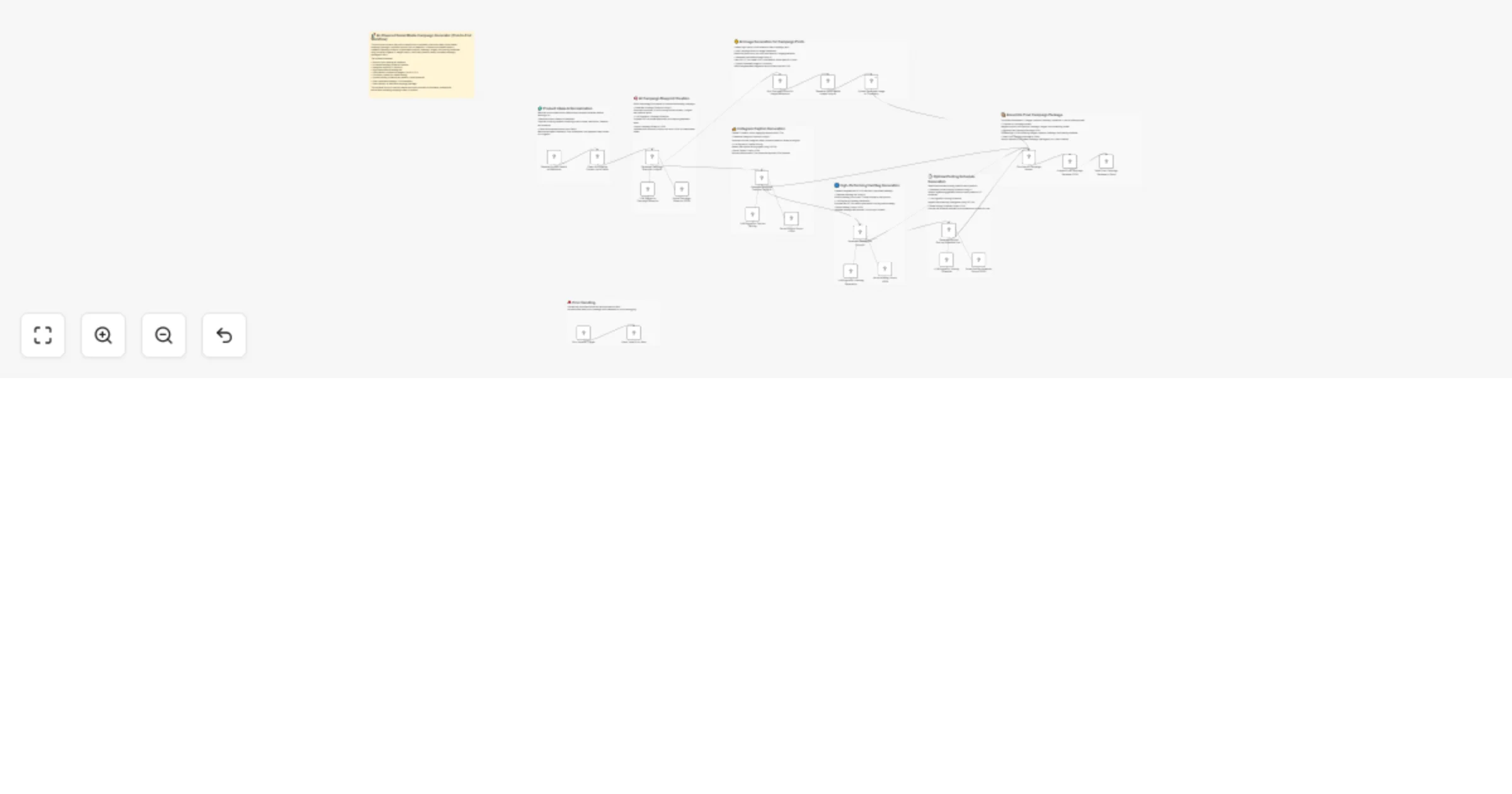
Original n8n.io sourceThis workflow turns raw product inputs into a complete, launch-ready AI-generated social media campaign package. It accepts product details via webhook, sanitizes messy fields, generates a strategic campaign blueprint, produces Instagram captions, creates discovery-optimized hashtags, generates photorealistic commercial images, computes optimal posting times, assembles all outputs into a unified JSON package, and finally delivers the entire campaign to Slack. Multiple AI agents work in sequence to generate structured outputs — each parsed and validated using strict JSON schemas. Images produced by DALL·E 3 are uploaded to Cloudinary for hosting. A post-processing module then merges captions, images, hashtags, and schedules into a final payload. A robust error handler ensures every failure is captured and sent to Slack with diagnostic information. This workflow replaces an entire marketing team’s creative production pipeline, producing consistent, multi-asset campaign kits in minutes.
🟢 Receive Product Details via Webhook Captures incoming product data including name, description, benefits, audience, and brand voice.
🧹 Clean & Normalize Product Input Fields Sanitizes escaped characters, trims whitespace, and prepares stable fields for AI consumption.
🧠 Generate Campaign Blueprint Using AI Creates a full strategic blueprint in structured JSON: • Article summary • Insights • Tone and target audience mapping • Platform-specific post objects
🧠 LLM Engine + Structured Parser for Blueprint Ensures blueprint output is clean, validated JSON aligned with schema.
✍️ Generate Instagram Captions Using AI Produces five short, conversion-ready captions + CTAs, based on blueprint insights.
🧠 Caption LLM + Structured Parser Validates caption schema for downstream use.
#️⃣ Generate Hashtag Set Using AI Creates 12–18 optimized hashtags using discovery strategy (broad, mid, niche).
🧠 Hashtag LLM + Parser Validates and ensures hashtags follow correct JSON structure.
🎨 Split Campaign Posts for Image Generation Breaks out each post’s image prompt for independent asset creation.
🖼️ Generate Social Media Image Using AI Uses DALL·E 3 to create ultra-realistic, 8K-style commercial visuals tailored to the campaign.
☁️ Upload Generated Image to Cloudinary Uploads rendered images and retrieves secure public URLs.
🕒 Generate Optimal Posting Schedule Using AI Recommends best posting time per platform (Asia/Kolkata timezone) + reasoning.
🧠 Schedule LLM + Parser Ensures a structured schedule schema with platform, time, and rationale.
🔀 Combine All Campaign Assets Merges: • Cloudinary image URLs • Captions + CTAs • Hashtag set • Posting schedule into one final dataset.
🧩 Prepare Final Campaign Package JSON Constructs production-ready unified JSON: images, captions, hashtags, schedule.
💬 Send Final Campaign Package to Slack Delivers formatted campaign output with: • Image URLs • Captions + CTAs • Hashtags • Posting times for immediate creative review.
🚨 Error Handler Trigger → Slack Alert Captures workflow failures and sends structured debugging info to Slack.
• OpenAI API (GPT-4o + DALL·E 3) • Cloudinary account (image hosting) • Slack bot token • Valid webhook endpoint • Clean product input JSON
✔ Full AI-generated multi-asset campaign in minutes ✔ Eliminates manual copywriting, design, and planning ✔ Ensures structured, reliable JSON at every stage ✔ Creates polished commercial visuals instantly ✔ Produces posting strategy tailored to audience behavior ✔ Unified campaign delivery straight to Slack
This catalog entry is organized from the workflow JSON. The node-level section below shows the executable blocks available for review before importing the template.
Showing the first 24 of 31 workflow blocks. Download the JSON for the full node graph.
| Workflow | Generate complete social media campaigns with DALL·E, GPT-4o and Slack approval |
|---|---|
| Complexity | advanced |
| Nodes | 31 |
| Categories | Social Media, Multimodal AI |
| Author | Rahul Joshi |
| Published | 12 Dec 2025 |
Use the JSON export at /data/workflows/11734/11734.json as the source template for this automation.
Open n8n, import the downloaded JSON, and review each node before activating the workflow.
Replace placeholder credentials, API keys, webhook URLs, account IDs, and environment-specific values with your own settings.
Run the workflow manually or in a staging workspace, inspect node output, and confirm downstream systems receive the expected data.
Enable the workflow only after testing, then monitor executions, errors, and rate limits during the first production runs.
Review imported nodes carefully before activation. This catalog entry is intended to help you inspect the workflow structure, understand required services, and find related templates faster.
Node names, credentials, schedules, webhook paths, and external service limits may need adjustment for your workspace.
Description This workflow turns raw product inputs into a complete, launch ready AI generated social media campaign package. It accepts product details via webhook, sanitizes messy fields, gener...
Review the workflow JSON, configure any required credentials in n8n, and test the automation in a safe workspace before using it in production.
Yes. Use the block-by-block analysis and the downloadable JSON to inspect each node, then adjust credentials, prompts, schedules, filters, or destinations for your Social Media, Multimodal AI use case.