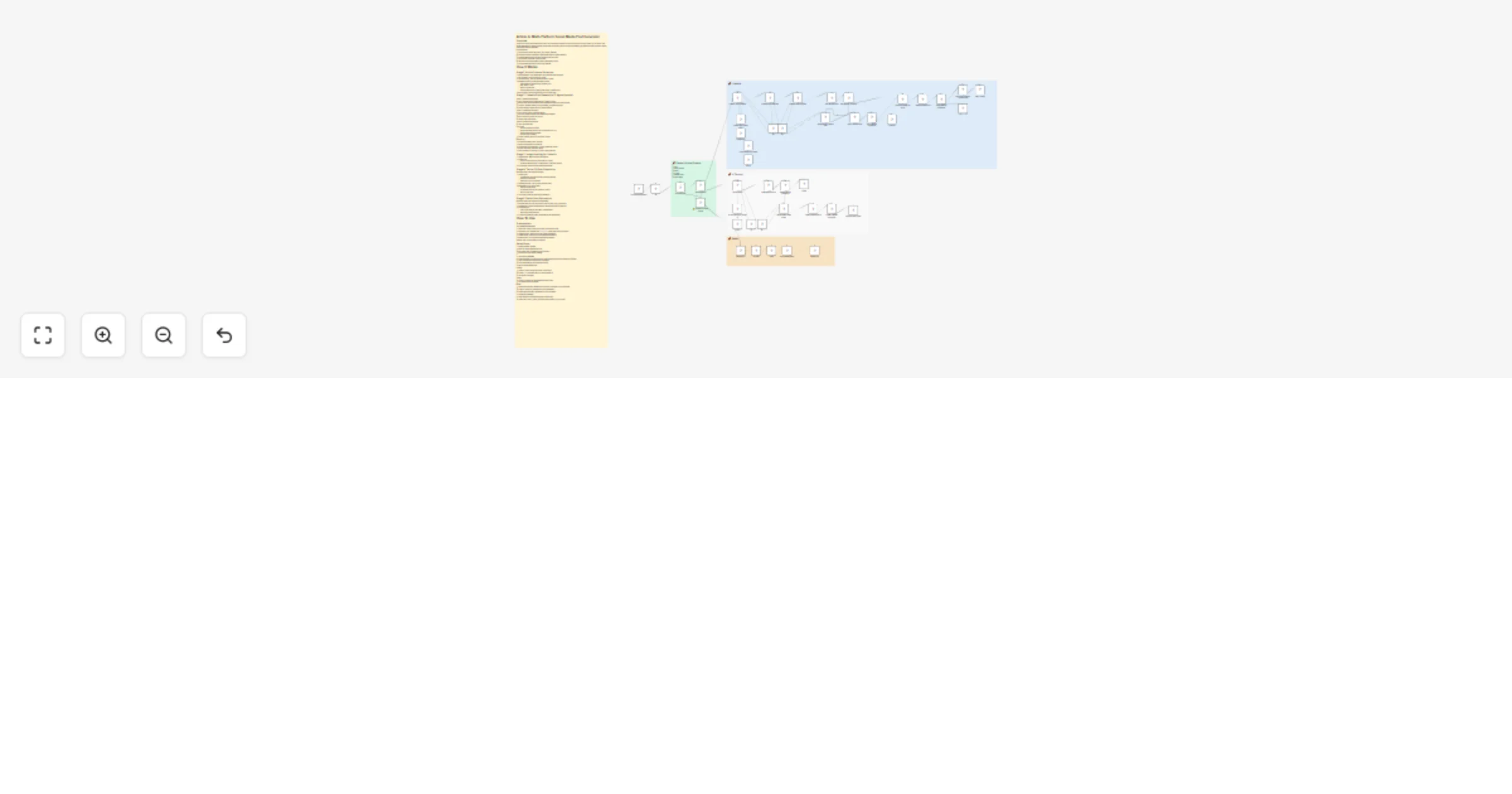
Generate article-based posts for LinkedIn, Twitter (X), and Reddit with OpenAI

Workflow preview

Workflow preview
100%
Generate article-based posts for LinkedIn, Twitter (X), and Reddit with OpenAI preview
Open on n8n.io

1. Workflow Overview

Overview AI powered workflow that transforms any article URL into platform optimized social media posts for LinkedIn, Twitter (X), and Reddit. Uses Mozilla Readability for content extraction, multi...

Best for

  • Social Media automation workflows
  • AI RAG automation workflows
  • advanced n8n builders looking for reusable templates

Tools used

@n8n/n8n-nodes-langchain.lmchatopenai, n8n-nodes-base.if, n8n-nodes-base.code, n8n-nodes-base.stickynote, @n8n/n8n-nodes-langchain.vectorstoresupabase, @n8n/n8n-nodes-langchain.embeddingsopenai, @n8n/n8n-nodes-langchain.outputparserstructured, n8n-nodes-base.formtrigger

Source and attribution

This workflow is cataloged by N8N Workflows and links back to its original n8n.io source page by Bhavy Shekhaliya.

Original n8n.io source

1.1 Workflow description

Title
Generate article-based posts for LinkedIn, Twitter (X), and Reddit with OpenAI
Workflow name
Generate article-based posts for LinkedIn, Twitter (X), and Reddit with OpenAI

Overview

AI-powered workflow that transforms any article URL into platform-optimized social media posts for LinkedIn, Twitter (X), and Reddit. Uses Mozilla Readability for content extraction, multi-agent AI with RAG from viral LinkedIn post database, and interactive review forms for content refinement before auto-publishing.

Key Capabilities:

  • Extracts article content: title, author, text, images, metadata
  • Generates LinkedIn posts using 3-agent system with viral pattern matching
  • Creates Twitter threads under 280 characters with article links
  • Auto-posts to Reddit with AI-selected flairs
  • Interactive review/regeneration workflow with feedback loops
  • Auto-publishes with images or links to all platforms

How It Works

Stage 1: Article Content Extraction

  1. Form Submission: User enters article URL (with basic auth protection)
  2. URL Validation: Checks if valid URL format
  3. Article Scraping: HTTP request fetches HTML content
  4. Readability Parsing: Mozilla Readability extracts:
  • Clean article text (removes ads, navigation, etc.)
  • Title, author, excerpt
  • Word count, site name
  • Featured image (from og:image, twitter:image, or first img tag)
  1. Error Handling: Returns user-friendly error if scraping fails

Stage 2: LinkedIn Post Generation (3-Agent System)

Agent 1: LinkedIn Post Strategist

  • Input: Extracted article content (title, text, author, excerpt)
  • RAG Process: Queries Supabase vector database for similar viral LinkedIn posts
  • Analysis: Identifies patterns, hooks, formatting, engagement triggers
  • Output: Strategic insights and viral content patterns

Agent 2: LinkedIn Post Generator

  • Input: Article content + strategist insights
  • Process: Creates post using viral patterns from database
  • Rule: Must include article URL in post
  • Output: Draft LinkedIn post

Agent 3: LinkedIn Post Formatter

  • Input: Generated post
  • Process:
  • Removes extraneous content
  • Applies Sans Serif Bold Unicode for emphasis (bold text)
  • Removes markdown/em dashes
  • Ensures clean formatting
  • Output: Polished, ready-to-post LinkedIn content

Review Loop:

  1. User sees formatted post in web form
  2. Options: "Regenerate" or "Continue"
  3. If regenerate: Provide feedback → Agent creates new version
  4. Second review form with same options
  5. After 2 iterations or approval, proceeds to image selection

Stage 3: Image Handling for LinkedIn

  1. Image Preview: Shows extracted article image
  2. User Choice:
  • "Yes" → Downloads image, posts with text + image
  • "Continue without Image" → Posts with text + article link preview
  1. Auto-Publish: Posts to LinkedIn with selected format

Stage 4: Twitter (X) Post Generation

Parallel process (runs alongside LinkedIn):

  1. Twitter Agent:
  • Creates tweet under 280 characters (including spaces)
  • Must include article URL
  • Uses GPT-4.1 or GPT-5 models
  1. Tweet Review Form: User reviews generated tweet
  2. Regeneration Loop (if requested):
  • User provides feedback
  • Re-generate Tweet Agent creates new version
  • Second review form
  1. Auto-Tweet: Posts with article image attachment

Stage 5: Reddit Post Automation

Parallel process (runs alongside LinkedIn/Twitter):

  1. Subreddit Selection: User picks from dropdown (r/n8n, r/mcp, r/technews)
  2. Flair Retrieval: Fetches available flairs for selected subreddit via Reddit API
  3. AI Flair Selection:
  • GPT-4o-mini analyzes article title + available flairs
  • Selects most appropriate flair
  1. Auto-Post: Submits link post to Reddit with title and selected flair

How To Use

Prerequisites

API Credentials Required

  1. OpenAI API: GPT-4.1, GPT-5, GPT-5-mini, GPT-4o-mini access
  2. Supabase: Vector database with linkedin_post table (from previous workflow)
  3. LinkedIn OAuth2: Developer app with posting permissions
  4. Twitter OAuth2: Developer account with tweet permissions
  5. Reddit OAuth2: App credentials with submit permissions
  6. Basic Auth: For form password protection

Setup Steps

1. Configure Form Access

  • Open "On Article Submission" node
  • Set up basic auth credentials for form protection
  • Get form URL from webhook settings

2. Link Vector Database

  • Ensure Supabase vector store has viral LinkedIn posts (use previous workflow to populate)
  • Verify "LinkedIn Post Vector Store" credentials
  • Check "Embedding" node has OpenAI API key

3. Set Up Social Media APIs

LinkedIn:

  • Configure "Text + Image" and "Text + Link" nodes
  • Update person parameter with your LinkedIn profile ID
  • Add OAuth2 credentials

Twitter:

  • Configure "Tweet" and "Re-generated Tweet" nodes
  • Add Twitter OAuth2 credentials

Reddit:

  • Update subreddit list in "Reddit Form" dropdown (customize to your subreddits)
  • Configure "Get Flair", "Reddit Post" nodes with OAuth2
  • Update subreddit name in "Reddit Post" query parameters

4. Configure AI Models

  • Verify all OpenAI credentials in language model nodes
  • Models used: GPT-4.1, GPT-5, GPT-5-mini (adjust based on your access)

1.2 Logical Blocks

This catalog entry is organized from the workflow JSON. The node-level section below shows the executable blocks available for review before importing the template.

2. Block-by-Block Analysis

Block 1 - 5

Type / Role
@n8n/n8n-nodes-langchain.lmChatOpenAi - lmChatOpenAi
Config choices
Version 1.2

Block 2 - If

Type / Role
n8n-nodes-base.if - if
Config choices
Version 2.2

Block 3 - Extract Details

Type / Role
n8n-nodes-base.code - code
Config choices
Version 2

Block 4 - Sticky Note

Type / Role
n8n-nodes-base.stickyNote - stickyNote
Config choices
Version 1

Block 5 - LinkedIn Post Vector Store

Type / Role
@n8n/n8n-nodes-langchain.vectorStoreSupabase - vectorStoreSupabase
Config choices
Version 1.3

Block 6 - Embedding

Type / Role
@n8n/n8n-nodes-langchain.embeddingsOpenAi - embeddingsOpenAi
Config choices
Version 1.2

Block 7 - 5 mini

Type / Role
@n8n/n8n-nodes-langchain.lmChatOpenAi - lmChatOpenAi
Config choices
Version 1.2

Block 8 - Structured Output Parser

Type / Role
@n8n/n8n-nodes-langchain.outputParserStructured - outputParserStructured
Config choices
Version 1.3

Block 9 - 4.1

Type / Role
@n8n/n8n-nodes-langchain.lmChatOpenAi - lmChatOpenAi
Config choices
Version 1.2

Block 10 - On Article Submission

Type / Role
n8n-nodes-base.formTrigger - formTrigger
Config choices
Version 2.3

Block 11 - Scrape Article

Type / Role
n8n-nodes-base.httpRequest - httpRequest
Config choices
Version 4.3

Block 12 - ⚠️Unable to Process Article

Type / Role
n8n-nodes-base.form - form
Config choices
Version 2.3

Block 13 - Sticky Note10

Type / Role
n8n-nodes-base.stickyNote - stickyNote
Config choices
Version 1

Block 14 - Sticky Note4

Type / Role
n8n-nodes-base.stickyNote - stickyNote
Config choices
Version 1

Block 15 - Sticky Note5

Type / Role
n8n-nodes-base.stickyNote - stickyNote
Config choices
Version 1

Block 16 - Get Flair

Type / Role
n8n-nodes-base.httpRequest - httpRequest
Config choices
Version 4.3

Block 17 - Reddit Post

Type / Role
n8n-nodes-base.httpRequest - httpRequest
Config choices
Version 4.3

Block 18 - LinkedIn Post Strategist

Type / Role
@n8n/n8n-nodes-langchain.agent - agent
Config choices
Version 3

Block 19 - LinkedIn Post Generator

Type / Role
@n8n/n8n-nodes-langchain.agent - agent
Config choices
Version 3

Block 20 - LinkedIn Post Formatter

Type / Role
@n8n/n8n-nodes-langchain.agent - agent
Config choices
Version 3

Block 21 - Post Review Form

Type / Role
n8n-nodes-base.form - form
Config choices
Version 2.3

Block 22 - Re-generate LinkedIn Post

Type / Role
@n8n/n8n-nodes-langchain.agent - agent
Config choices
Version 3

Block 23 - Post 2 Review Form

Type / Role
n8n-nodes-base.form - form
Config choices
Version 2.3

Block 24 - Post 2 Review Conditions

Type / Role
n8n-nodes-base.if - if
Config choices
Version 2.2

Showing the first 24 of 48 workflow blocks. Download the JSON for the full node graph.

3. Summary Table

Workflow Generate article-based posts for LinkedIn, Twitter (X), and Reddit with OpenAI
Complexity advanced
Nodes 48
Categories Social Media, AI RAG
Author Bhavy Shekhaliya
Published 01 Dec 2025

4. Reproducing the Workflow from Scratch

  1. 1. Download the workflow JSON

    Use the JSON export at /data/workflows/11386/11386.json as the source template for this automation.

  2. 2. Import the template into n8n

    Open n8n, import the downloaded JSON, and review each node before activating the workflow.

  3. 3. Configure credentials and variables

    Replace placeholder credentials, API keys, webhook URLs, account IDs, and environment-specific values with your own settings.

  4. 4. Test with sample data

    Run the workflow manually or in a staging workspace, inspect node output, and confirm downstream systems receive the expected data.

  5. 5. Activate and monitor

    Enable the workflow only after testing, then monitor executions, errors, and rate limits during the first production runs.

5. General Notes & Resources

Review imported nodes carefully before activation. This catalog entry is intended to help you inspect the workflow structure, understand required services, and find related templates faster.

Node names, credentials, schedules, webhook paths, and external service limits may need adjustment for your workspace.

Frequently asked questions

What does Generate article-based posts for LinkedIn, Twitter (X), and Reddit with OpenAI do?

Overview AI powered workflow that transforms any article URL into platform optimized social media posts for LinkedIn, Twitter (X), and Reddit. Uses Mozilla Readability for content extraction, multi...

What do I need before importing this workflow?

Review the workflow JSON, configure any required credentials in n8n, and test the automation in a safe workspace before using it in production.

Can I customize this workflow?

Yes. Use the block-by-block analysis and the downloadable JSON to inspect each node, then adjust credentials, prompts, schedules, filters, or destinations for your Social Media, AI RAG use case.