Block 1 - Sticky Note
- Type / Role
- n8n-nodes-base.stickyNote - stickyNote
- Config choices
- Version 1


 Early Deal
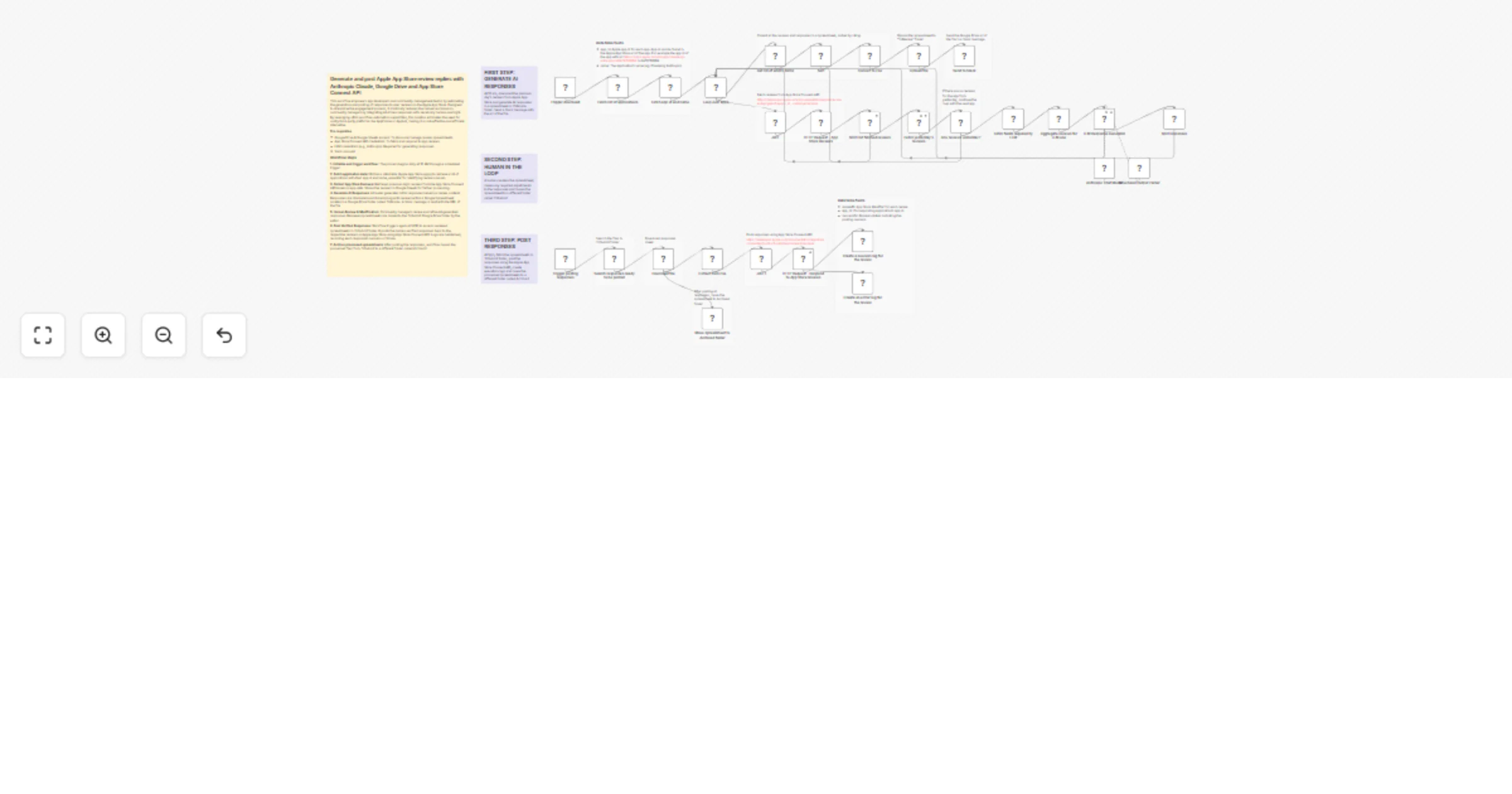
Generate and post Apple App Store review replies with Anthropic Claude, Google Drive and App Store Connect API This workflow empowers app developers and community management teams by automating the...
n8n-nodes-base.stickynote, n8n-nodes-base.scheduletrigger, n8n-nodes-base.jwt, n8n-nodes-base.set, n8n-nodes-base.httprequest, n8n-nodes-base.slack, n8n-nodes-base.splitout, n8n-nodes-base.datatable
This workflow is cataloged by N8N Workflows and links back to its original n8n.io source page by Ertay Kaya.
Original n8n.io sourceThis workflow empowers app developers and community management teams by automating the generation and posting of responses to user reviews on the Apple App Store. Designed to streamline the engagement process, it drastically reduces the manual workload on community managers by integrating AI-driven responses with necessary human oversight. By leveraging n8n's workflow automation capabilities, this solution eliminates the need for costly third-party platforms like AppFollow or Appbot, making it a cost-effective and efficient alternative.
Pre-requisites
1. Initialise and trigger workflow: The process begins daily at 10 AM through a scheduled trigger.
2. Fetch application data: Utilizes a data table (Apple App Store apps) to retrieve a list of applications with their app id and name, essential for identifying review sources.
3. Collect App Store Reviews: Retrieves previous day's reviews from the App Store Connect API based on app data. Stores the reviews in Google Sheets for further processing.
4. Generate AI Responses: AI model generates initial responses based on review content. Responses are structured and stored along with reviews within a Google Spreadsheet located in a Google Drive folder called ToReview. A Slack message is sent with the URL of the file
5. Human Review & Modification: Community managers review and refine AI-generated responses. Reviewed spreadsheets are moved to the ToSubmit Google Drive folder by the editor.
6. Post Verified Responses: Workflow triggers again at 5 PM to access reviewed spreadsheets in ToSubmit folder. It posts the human-verified responses back to the respective reviews on Apple App Store using App Store Connect API. Logs are maintained, recording each response's success or failure.
7. Archive processed spreadsheets: After posting the responses, workflow moves the processed files from ToSubmit to a different folder called Archived
This catalog entry is organized from the workflow JSON. The node-level section below shows the executable blocks available for review before importing the template.
Showing the first 24 of 44 workflow blocks. Download the JSON for the full node graph.
| Workflow | Generate and post Apple App Store review replies with Anthropic Claude |
|---|---|
| Complexity | advanced |
| Nodes | 44 |
| Categories | Ticket Management, AI Summarization |
| Author | Ertay Kaya |
| Published | 22 Jan 2026 |
Use the JSON export at /data/workflows/12927/12927.json as the source template for this automation.
Open n8n, import the downloaded JSON, and review each node before activating the workflow.
Replace placeholder credentials, API keys, webhook URLs, account IDs, and environment-specific values with your own settings.
Run the workflow manually or in a staging workspace, inspect node output, and confirm downstream systems receive the expected data.
Enable the workflow only after testing, then monitor executions, errors, and rate limits during the first production runs.
Review imported nodes carefully before activation. This catalog entry is intended to help you inspect the workflow structure, understand required services, and find related templates faster.
Node names, credentials, schedules, webhook paths, and external service limits may need adjustment for your workspace.
Generate and post Apple App Store review replies with Anthropic Claude, Google Drive and App Store Connect API This workflow empowers app developers and community management teams by automating the...
Review the workflow JSON, configure any required credentials in n8n, and test the automation in a safe workspace before using it in production.
Yes. Use the block-by-block analysis and the downloadable JSON to inspect each node, then adjust credentials, prompts, schedules, filters, or destinations for your Ticket Management, AI Summarization use case.