Generate and enrich Google Maps B2B leads with SDR-ready data in Google Sheets

Workflow preview

Workflow preview
100%
Generate and enrich Google Maps B2B leads with SDR-ready data in Google Sheets preview
Open on n8n.io

1. Workflow Overview

Overview This workflow is a powerful B2B Lead Generation engine designed specifically for SDRs (Sales Development Representatives) . It automates the entire process of finding, enriching, and qu...

Best for

  • Lead Generation automation workflows
  • advanced n8n builders looking for reusable templates

Tools used

n8n-nodes-base.splitout, n8n-nodes-base.aggregate, n8n-nodes-base.formtrigger, n8n-nodes-base.set, n8n-nodes-base.httprequest, n8n-nodes-base.merge, n8n-nodes-base.code, n8n-nodes-base.if

Source and attribution

This workflow is cataloged by N8N Workflows and links back to its original n8n.io source page by Evilasio Ferreira.

Original n8n.io source

1.1 Workflow description

Title
Generate and enrich Google Maps B2B leads with SDR-ready data in Google Sheets
Workflow name
Generate and enrich Google Maps B2B leads with SDR-ready data in Google Sheets

🚀 Overview

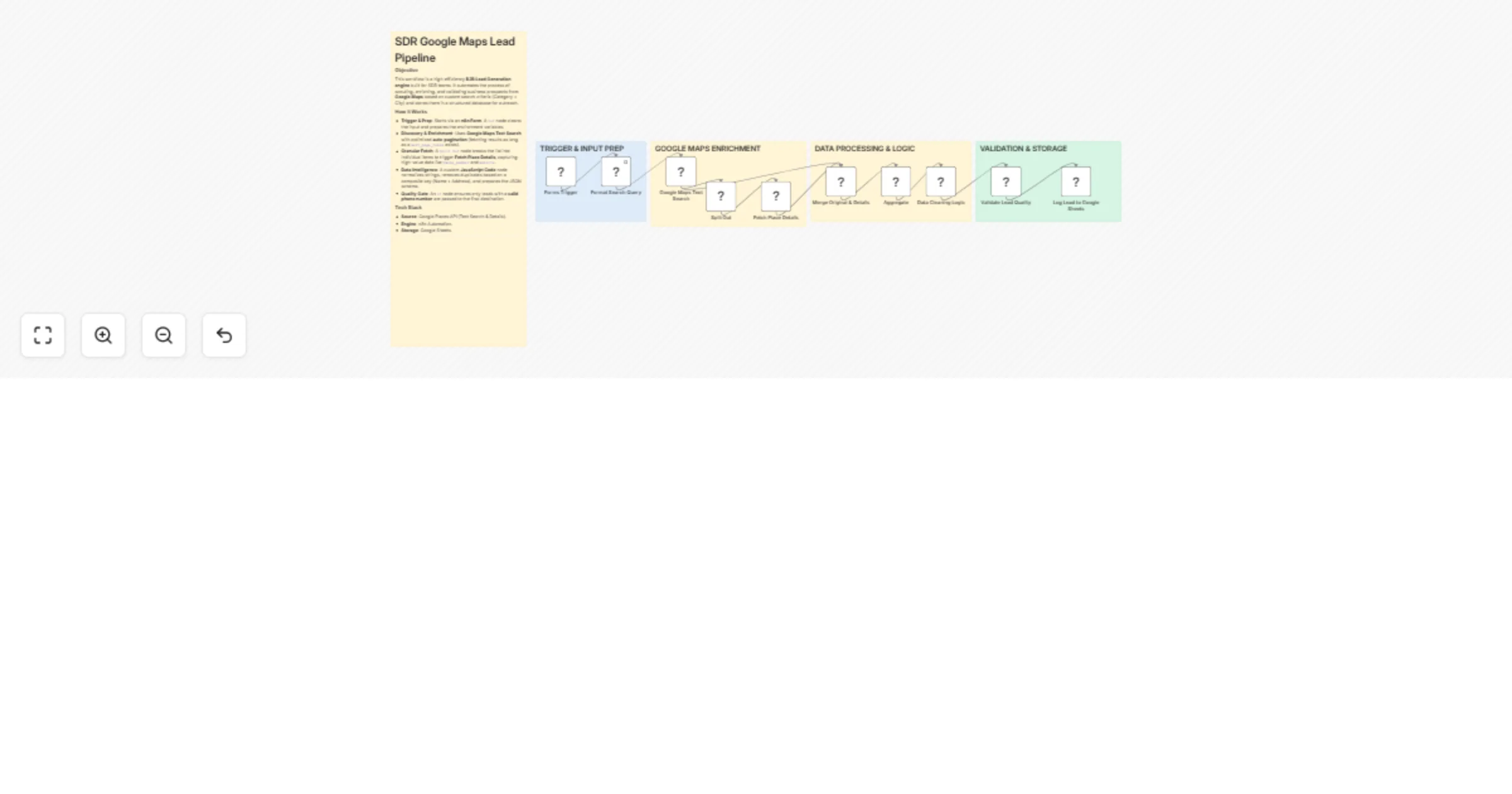
This workflow is a powerful B2B Lead Generation engine designed specifically for SDRs (Sales Development Representatives). It automates the entire process of finding, enriching, and qualifying prospects directly from Google Maps based on any industry and location.

Instead of manual searching, this pipeline uses a "Search & Enrich" strategy to extract high-value data that isn't available in standard search results, such as direct phone numbers and websites.


✨ Key Features

  • User-Friendly Input: Triggered via an n8n Form, making it easy for non-technical team members to start a search.
  • Deep Enrichment: Uses the Google Places API (Text Search & Details) to get granular information.
  • Smart Pagination: Built-in logic to handle next_page_token, ensuring you fetch all available leads (e.g., up to 60+ per run).
  • Data Intelligence: A custom JavaScript node normalizes data, removes special characters, and handles duplicates using a composite key (Name + Address).
  • Quality Gate: Includes a validation step to ensure only leads with a valid phone number reach your database.

🛠️ How it Works

  1. Form Trigger: Enter the "Business Type" and "City".
  2. API Discovery: The workflow queries Google Maps and handles pagination automatically.
  3. Item Splitting: Each result is isolated to fetch specific Place Details.
  4. Merge & Clean: Data from both API calls are merged and sanitized via code.
  5. Validation: The workflow filters out incomplete leads.
  6. Sheet Logging: Validated leads are appended to a Google Sheets spreadsheet in real-time.

đź“‹ Requirements

  • Google Maps API Key (with Places API enabled).
  • Google Sheets credentials.
  • An active n8n instance.

1.2 Logical Blocks

This catalog entry is organized from the workflow JSON. The node-level section below shows the executable blocks available for review before importing the template.

2. Block-by-Block Analysis

Block 1 - Split Out

Type / Role
n8n-nodes-base.splitOut - splitOut
Config choices
Version 1

Block 2 - Aggregate

Type / Role
n8n-nodes-base.aggregate - aggregate
Config choices
Version 1

Block 3 - Forms Trigger

Type / Role
n8n-nodes-base.formTrigger - formTrigger
Config choices
Version 2.3

Block 4 - Format Search Query

Type / Role
n8n-nodes-base.set - set
Config choices
Version 3.4

Block 5 - Google Maps Text Search

Type / Role
n8n-nodes-base.httpRequest - httpRequest
Config choices
Version 4.3

Block 6 - Fetch Place Details

Type / Role
n8n-nodes-base.httpRequest - httpRequest
Config choices
Version 4.3

Block 7 - Merge Original & Details

Type / Role
n8n-nodes-base.merge - merge
Config choices
Version 3.2

Block 8 - Data Cleaning Logic

Type / Role
n8n-nodes-base.code - code
Config choices
Version 2

Block 9 - Validate Lead Quality

Type / Role
n8n-nodes-base.if - if
Config choices
Version 2.2

Block 10 - Log Lead to Google Sheets

Type / Role
n8n-nodes-base.googleSheets - googleSheets
Config choices
Version 4.7

Block 11 - Sticky Note

Type / Role
n8n-nodes-base.stickyNote - stickyNote
Config choices
Version 1

Block 12 - Sticky Note1

Type / Role
n8n-nodes-base.stickyNote - stickyNote
Config choices
Version 1

Block 13 - Sticky Note2

Type / Role
n8n-nodes-base.stickyNote - stickyNote
Config choices
Version 1

Block 14 - Sticky Note3

Type / Role
n8n-nodes-base.stickyNote - stickyNote
Config choices
Version 1

Block 15 - Sticky Note4

Type / Role
n8n-nodes-base.stickyNote - stickyNote
Config choices
Version 1

3. Summary Table

Workflow Generate and enrich Google Maps B2B leads with SDR-ready data in Google Sheets
Complexity advanced
Nodes 15
Categories Lead Generation
Author Evilasio Ferreira
Published 27 Mar 2026

4. Reproducing the Workflow from Scratch

  1. 1. Download the workflow JSON

    Use the JSON export at /data/workflows/14396/14396.json as the source template for this automation.

  2. 2. Import the template into n8n

    Open n8n, import the downloaded JSON, and review each node before activating the workflow.

  3. 3. Configure credentials and variables

    Replace placeholder credentials, API keys, webhook URLs, account IDs, and environment-specific values with your own settings.

  4. 4. Test with sample data

    Run the workflow manually or in a staging workspace, inspect node output, and confirm downstream systems receive the expected data.

  5. 5. Activate and monitor

    Enable the workflow only after testing, then monitor executions, errors, and rate limits during the first production runs.

5. General Notes & Resources

Review imported nodes carefully before activation. This catalog entry is intended to help you inspect the workflow structure, understand required services, and find related templates faster.

Node names, credentials, schedules, webhook paths, and external service limits may need adjustment for your workspace.

Frequently asked questions

What does Generate and enrich Google Maps B2B leads with SDR-ready data in Google Sheets do?

Overview This workflow is a powerful B2B Lead Generation engine designed specifically for SDRs (Sales Development Representatives) . It automates the entire process of finding, enriching, and qu...

What do I need before importing this workflow?

Review the workflow JSON, configure any required credentials in n8n, and test the automation in a safe workspace before using it in production.

Can I customize this workflow?

Yes. Use the block-by-block analysis and the downloadable JSON to inspect each node, then adjust credentials, prompts, schedules, filters, or destinations for your Lead Generation use case.