Forward Slack channel messages to WhatsApp with MoltFlow
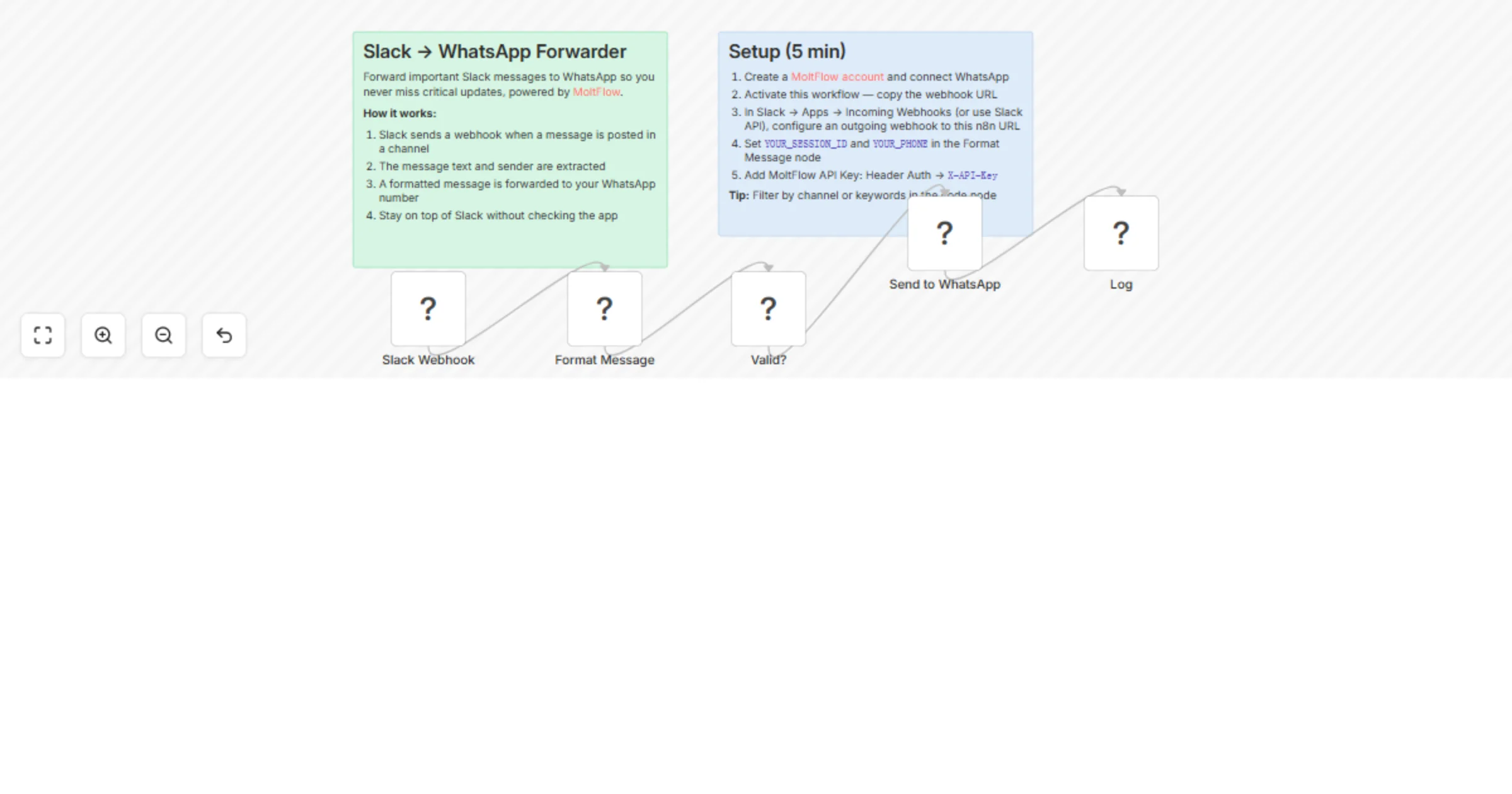
Workflow preview

$20/month : Unlimited workflows
2500 executions/month

THE #1 IN WEB SCRAPING
Scrape any website without limits
HOSTINGER  Early Deal
DISCOUNT 20% Try free
Early DealDISCOUNT 20%
Self-hosted n8n
Unlimited workflows - from $4.99/mo

#1 hub for scraping, AI & automation
6000+ actors - $5 credits/mo
Overview
How it works
- Slack sends an outgoing webhook when a message is posted in a channel
- The message text, sender, and channel name are extracted
- A formatted message is forwarded to your WhatsApp number via MoltFlow
- Empty messages and Slack URL verification challenges are handled automatically
Set up steps (~5 min)
- Create a MoltFlow account at molt.waiflow.app and connect your WhatsApp
- Activate this workflow and copy the webhook URL
- In Slack, configure an outgoing webhook or Event Subscription pointing to the n8n URL
- Set YOUR_SESSION_ID and YOUR_PHONE in the Format Message code node
- Add your MoltFlow API Key as Header Auth credential (header name: X-API-Key)
Prerequisites
- MoltFlow account with active WhatsApp session
- Slack workspace with webhook or Events API access
- Tip: filter by channel or keywords in the code node to limit forwarding