Block 1 - 📋 Overview
- Type / Role
- n8n-nodes-base.stickyNote - stickyNote
- Config choices
- Version 1


 Early Deal
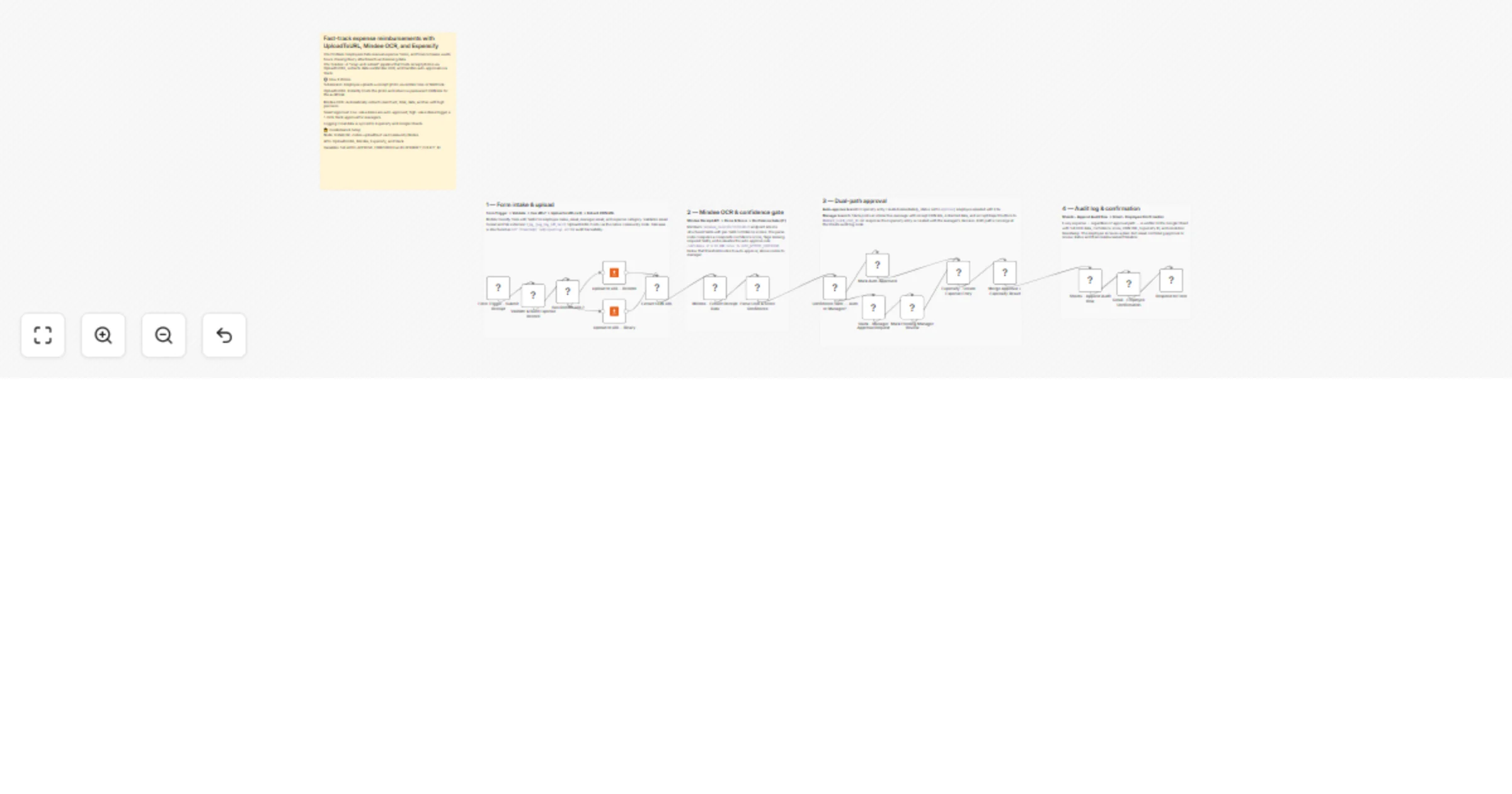
Stop chasing blurry receipts and manually typing expense data. This workflow creates an intelligent, "snap and submit" reimbursement pipeline that hosts photos via UploadToURL , extracts deep data ...
n8n-nodes-base.stickynote, n8n-nodes-base.formtrigger, n8n-nodes-base.code, n8n-nodes-base.if, n8n-nodes-uploadtourl.uploadtourl, n8n-nodes-base.httprequest, n8n-nodes-base.slack, n8n-nodes-base.googlesheets
This workflow is cataloged by N8N Workflows and links back to its original n8n.io source page by Jitesh Dugar.
Original n8n.io sourceStop chasing blurry receipts and manually typing expense data. This workflow creates an intelligent, "snap-and-submit" reimbursement pipeline that hosts photos via UploadToURL, extracts deep data via Mindee OCR, and utilizes a confidence-based gate to auto-approve low-risk expenses while routing high-value items to Slack for manager approval.
Transforms receipt photos into verified, approved expense entries in seconds:
n8n-nodes-uploadtourl must be installed.AUTO_APPROVE_THRESHOLD variable (e.g., 50) in n8n.Expense Audit Log with columns for Merchant, Total, Status, and CDN URL.Employees on the road can snap a photo of their hotel bill or taxi receipt; the system hosts the image on UploadToURL and files the claim before they even board their flight home.
Standardize small recurring purchases (like Amazon or Staples orders) so they bypass manual review and land straight in your accounting software.
Automatically tag meal expenses with a "Client Gift" category based on the merchant detected, ensuring tax compliance is handled by the AI.
EXPENSIFY_POLICY_ID matches the policy where you want the expenses to appear.Ready to automate your expenses? Import this template and connect UploadToURL to start fast-tracking your reimbursements today.
Questions about the Slack interactivity setup? The workflow includes detailed sticky notes explaining how to handle the button response loop.
This catalog entry is organized from the workflow JSON. The node-level section below shows the executable blocks available for review before importing the template.
| Workflow | Fast-track expense reimbursements with UploadToURL, Mindee OCR, Expensify, and Slack |
|---|---|
| Complexity | advanced |
| Nodes | 22 |
| Categories | Invoice Processing, AI Summarization |
| Author | Jitesh Dugar |
| Published | 23 Feb 2026 |
Use the JSON export at /data/workflows/13636/13636.json as the source template for this automation.
Open n8n, import the downloaded JSON, and review each node before activating the workflow.
Replace placeholder credentials, API keys, webhook URLs, account IDs, and environment-specific values with your own settings.
Run the workflow manually or in a staging workspace, inspect node output, and confirm downstream systems receive the expected data.
Enable the workflow only after testing, then monitor executions, errors, and rate limits during the first production runs.
Review imported nodes carefully before activation. This catalog entry is intended to help you inspect the workflow structure, understand required services, and find related templates faster.
Node names, credentials, schedules, webhook paths, and external service limits may need adjustment for your workspace.
Stop chasing blurry receipts and manually typing expense data. This workflow creates an intelligent, "snap and submit" reimbursement pipeline that hosts photos via UploadToURL , extracts deep data ...
Review the workflow JSON, configure any required credentials in n8n, and test the automation in a safe workspace before using it in production.
Yes. Use the block-by-block analysis and the downloadable JSON to inspect each node, then adjust credentials, prompts, schedules, filters, or destinations for your Invoice Processing, AI Summarization use case.