Block 1 - When clicking ‘Test workflow’
- Type / Role
- n8n-nodes-base.manualTrigger - manualTrigger
- Config choices
- Version 1


 Early Deal
This workflow is provided as-is. Please review and test before using in production.
Who this is for The Crunchbase B2B Lead Discovery Pipeline is designed for sales teams, B2B marketers, business analysts, and data operations teams who need a reliable way to extract, structure, an...
n8n-nodes-base.manualtrigger, n8n-nodes-base.set, n8n-nodes-base.httprequest, @n8n/n8n-nodes-langchain.chainllm, n8n-nodes-base.googlesheets, @n8n/n8n-nodes-langchain.outputparserstructured, n8n-nodes-base.function, n8n-nodes-base.readwritefile
This workflow is cataloged by N8N Workflows and links back to its original n8n.io source page by Ranjan Dailata.
Original n8n.io sourceThe Crunchbase B2B Lead Discovery Pipeline is designed for sales teams, B2B marketers, business analysts, and data operations teams who need a reliable way to extract, structure, and summarize company information from Crunchbase to fuel lead generation and market intelligence.
This workflow is ideal for:
Sales Development Reps (SDRs) - Needing structured leads from Crunchbase
Marketing Analysts - Generating segmented outreach lists
Growth Teams - Identifying trending B2B startups
RevOps Teams - Automating company research pipelines
Data Teams - Consolidating insights into Google Sheets for dashboards
Manual extraction of company data from Crunchbase is time-consuming, inconsistent, and often lacks the contextual summary required for sales enablement or growth targeting.
This workflow automates the extraction, transformation, summarization, and delivery of Crunchbase company data into structured formats, making it instantly usable for B2B targeting and analysis.
It solves:
The difficulty of scaling lead discovery from Crunchbase
The need to summarize raw textual content for quick insights
The lack of integration between web scraping, LLM processing, and storage
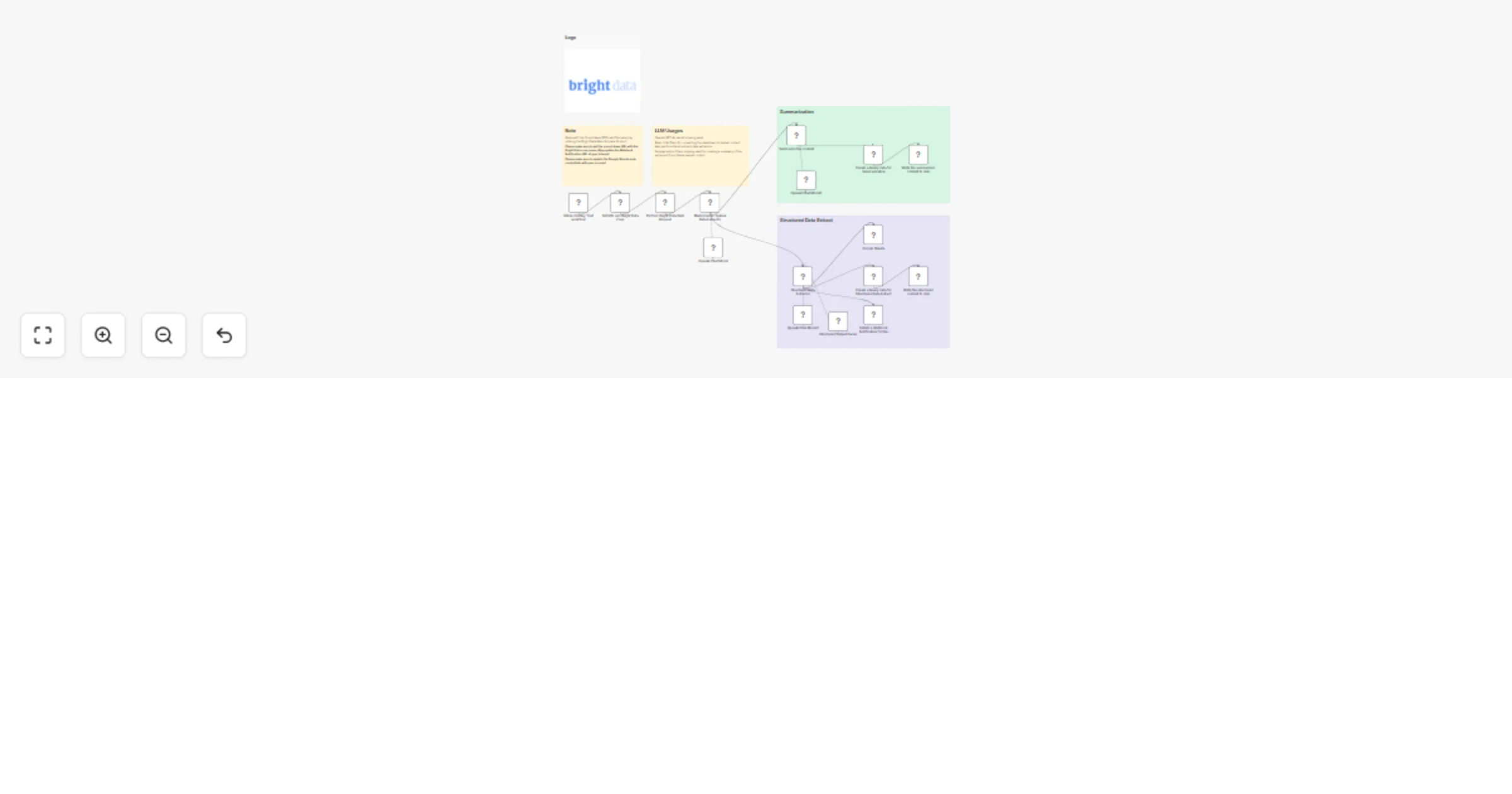
Markdown to Textual Data Extractor: Takes raw scraped markdown from Crunchbase and converts it into readable plain text using a basic LLM chain
Structured Data Extraction: Applies a parsing model (OpenAI) to extract structured fields such as company name, funding rounds, industry tags, location, and founding year
Summarization Chain: Generates an executive summary from the raw Crunchbase text using a summarization prompt template
Send to Google Sheets: Adds the structured data and summary into a Google Sheet for team access and further processing
Persist to Disk: Saves both raw and structured data files locally for archiving or further use
Webhook Notification: Sends a structured payload to a webhook endpoint (e.g., Slack, CRM, internal tools) with lead insights
LLM Prompt Customization :
Modify the extraction prompt to include additional fields like revenue, social links, leadership team
Adjust summarization tone (e.g., executive summary, sales-focused snapshot or marketing digest)
File Persistence
Webhook Notification
Connect to CRM (e.g., HubSpot, Salesforce) via webhook to automatically create leads
Send Slack notifications to alert sales reps when a new high-potential company is discovered
This catalog entry is organized from the workflow JSON. The node-level section below shows the executable blocks available for review before importing the template.
| Workflow | Extract & summarize B2B leads from Crunchbase with Bright Data, GPT-4o & Google Sheets |
|---|---|
| Complexity | advanced |
| Nodes | 21 |
| Categories | Lead Generation, AI Summarization |
| Author | Ranjan Dailata |
| Published | 20 May 2025 |
Use the JSON export at /data/workflows/4250/4250.json as the source template for this automation.
Open n8n, import the downloaded JSON, and review each node before activating the workflow.
Replace placeholder credentials, API keys, webhook URLs, account IDs, and environment-specific values with your own settings.
Run the workflow manually or in a staging workspace, inspect node output, and confirm downstream systems receive the expected data.
Enable the workflow only after testing, then monitor executions, errors, and rate limits during the first production runs.
Review imported nodes carefully before activation. This catalog entry is intended to help you inspect the workflow structure, understand required services, and find related templates faster.
Node names, credentials, schedules, webhook paths, and external service limits may need adjustment for your workspace.
Who this is for The Crunchbase B2B Lead Discovery Pipeline is designed for sales teams, B2B marketers, business analysts, and data operations teams who need a reliable way to extract, structure, an...
Review the workflow JSON, configure any required credentials in n8n, and test the automation in a safe workspace before using it in production.
Yes. Use the block-by-block analysis and the downloadable JSON to inspect each node, then adjust credentials, prompts, schedules, filters, or destinations for your Lead Generation, AI Summarization use case.