Block 1 - Manual Trigger
- Type / Role
- n8n-nodes-base.manualTrigger - manualTrigger
- Config choices
- Version 1


 Early Deal
Meta Ads Detailed Targeting Extractor (Universal, Switch by Endpoint) This workflow is a universal automation for all four Meta Detailed Targeting API endpoints: Search , Suggestions , Browse , and...
n8n-nodes-base.manualtrigger, n8n-nodes-base.googlesheets, n8n-nodes-base.filter, n8n-nodes-base.switch, n8n-nodes-base.facebookgraphapi, n8n-nodes-base.merge, n8n-nodes-base.splitout, n8n-nodes-base.set
This workflow is cataloged by N8N Workflows and links back to its original n8n.io source page by Kirill Khatkevich.
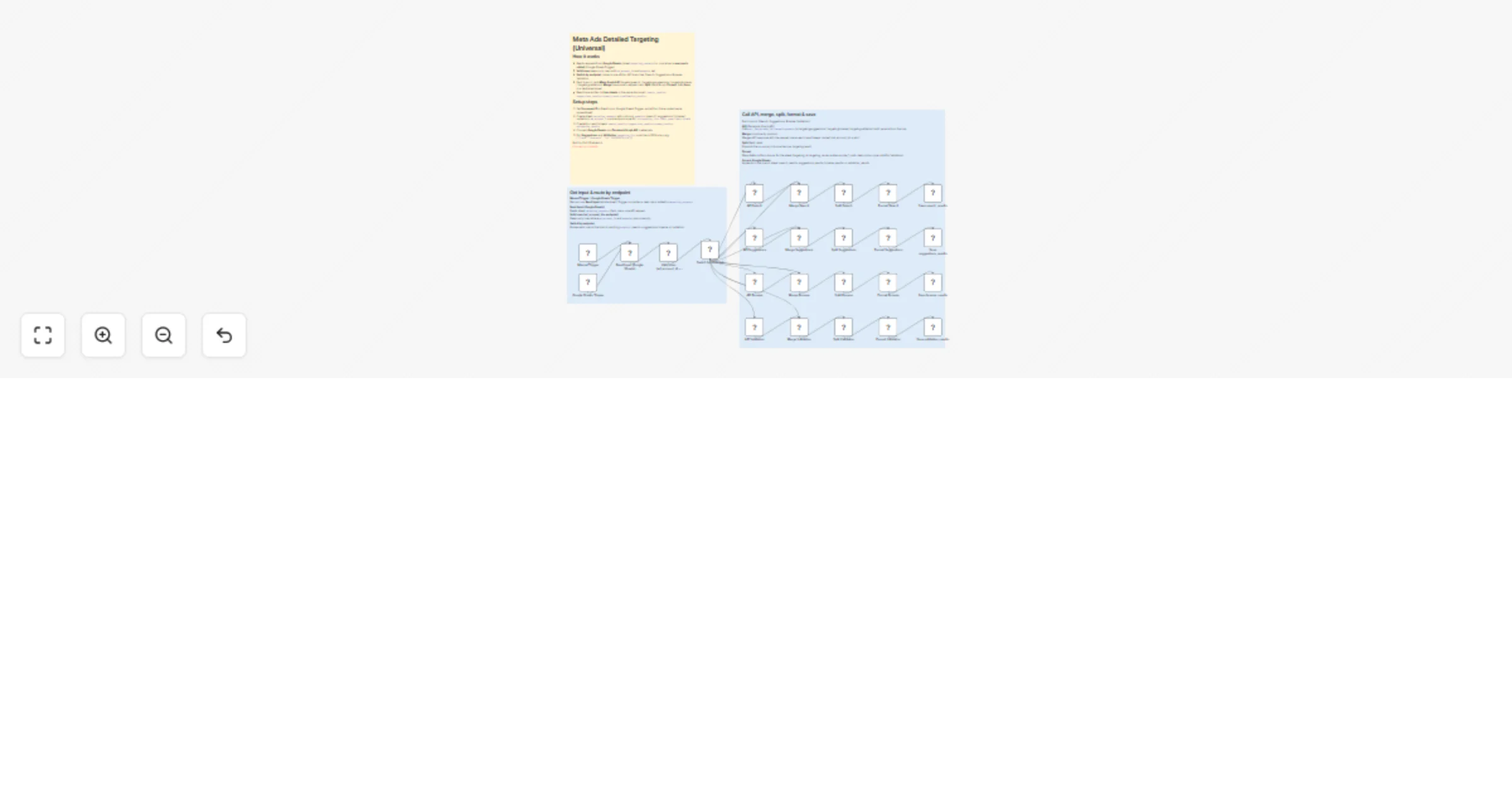
Original n8n.io sourceThis workflow is a universal automation for all four Meta Detailed Targeting API endpoints: Search, Suggestions, Browse, and Validation. You use a single Google Sheets tab with an endpoint column; a Switch node routes each row to the correct branch; results are written to four separate sheets in the same spreadsheet. It is designed for media buyers, performance marketers, and analysts who manage targeting research, audience suggestions, browse trees, and validation in bulk and want one workflow instead of four.
Working with Meta’s Detailed Targeting API usually means separate flows for search, suggestions, browse, and validation. This workflow is ideal if you want to:
endpoint (search | suggestions | browse | validation), ad_account_id, and endpoint-specific parameters; run manually or on new rows.search_results, suggestions_results, browse_results, validation_results in the same document.The workflow is organized into clear blocks:
1. Trigger & input
targeting_requests sheet for ad-hoc or test runs.targeting_requests; only new rows are processed (no re-processing of existing data).targeting_requests.2. Validation & routing
ad_account_id and endpoint are non-empty.endpoint: search, suggestions, browse, or validation (values must match exactly, including case).3. Each branch (Search, Suggestions, Browse, Validation)
targetingsearch, targetingsuggestions, targetingbrowse, or targetingvalidation with parameters from the row (act_{ad_account_id}/...).ad_account_id, q, targeting_list).data) — expands the API data array into one item per targeting result.endpoint, ad_account_id, query, limit_type, targeting_id, targeting_name, audience_size_lower_bound, audience_size_upper_bound, path, description, type; for Validation branch, valid is also included.search_results, suggestions_results, browse_results, or validation_results.4. Output
valid column is populated only in validation_results; other sheets leave it empty.targeting_requestsRequired columns for every row:
| Column | Description |
|---|---|
endpoint |
One of: search, suggestions, browse, validation (lowercase). |
ad_account_id |
Meta ad account ID (without the act_ prefix). |
Endpoint-specific columns:
| Endpoint | Required | Optional |
|---|---|---|
| search | q — search query |
limit (default 25), limit_type, locale |
| suggestions | targeting_list — JSON array, e.g. [{"type":"interests","id":"6003263791114"}] |
limit (up to 45), limit_type, locale |
| browse | — | limit_type, locale |
| validation | One of: targeting_list, id_list, or name_list (string/JSON per Meta API docs) |
locale |
If search has no q, or suggestions / validation lack the required targeting input, the API call will fail.
Use the same Document ID in Read Input, Google Sheets Trigger, and all four Save nodes. Create (or let n8n create) these sheet names:
| Sheet | Branch | Notes |
|---|---|---|
search_results |
Search | endpoint, ad_account_id, query, limit_type, targeting_id, targeting_name, audience_size_*, path, description, type |
suggestions_results |
Suggestions | Same columns; query holds the targeting_list from the request |
browse_results |
Browse | Same columns; query empty |
validation_results |
Validation | Same columns + valid (true/false from API) |
1. Credentials
2. Spreadsheet & sheets
targeting_requests.targeting_requests (if you use the trigger).search_results, suggestions_results, browse_results, validation_results.targeting_requests with the columns described above and the four result sheets (or allow n8n to create them on first append).3. Switch by endpoint
endpoint column in targeting_requests contains exactly: search, suggestions, browse, or validation (lowercase, as in the Switch conditions).4. Triggers
5. Activate
The workflow reuses the same patterns as other Meta Detailed Targeting templates: read from Sheets, call Facebook Graph API, Merge by position, Split Out on data, then append to Sheets. The difference is the single input sheet with an endpoint column, Switch-based routing, and four dedicated branches writing to four sheets in one spreadsheet.
This catalog entry is organized from the workflow JSON. The node-level section below shows the executable blocks available for review before importing the template.
Showing the first 24 of 28 workflow blocks. Download the JSON for the full node graph.
| Workflow | Extract Meta Ads detailed targeting across all endpoints using Google Sheets |
|---|---|
| Complexity | advanced |
| Nodes | 28 |
| Categories | Market Research |
| Author | Kirill Khatkevich |
| Published | 31 Jan 2026 |
Use the JSON export at /data/workflows/13134/13134.json as the source template for this automation.
Open n8n, import the downloaded JSON, and review each node before activating the workflow.
Replace placeholder credentials, API keys, webhook URLs, account IDs, and environment-specific values with your own settings.
Run the workflow manually or in a staging workspace, inspect node output, and confirm downstream systems receive the expected data.
Enable the workflow only after testing, then monitor executions, errors, and rate limits during the first production runs.
Review imported nodes carefully before activation. This catalog entry is intended to help you inspect the workflow structure, understand required services, and find related templates faster.
Node names, credentials, schedules, webhook paths, and external service limits may need adjustment for your workspace.
Meta Ads Detailed Targeting Extractor (Universal, Switch by Endpoint) This workflow is a universal automation for all four Meta Detailed Targeting API endpoints: Search , Suggestions , Browse , and...
Review the workflow JSON, configure any required credentials in n8n, and test the automation in a safe workspace before using it in production.
Yes. Use the block-by-block analysis and the downloadable JSON to inspect each node, then adjust credentials, prompts, schedules, filters, or destinations for your Market Research use case.