Block 1 - Business Value
- Type / Role
- n8n-nodes-base.stickyNote - stickyNote
- Config choices
- Version 1


 Early Deal
This workflow is provided as-is. Please review and test before using in production.
This professional n8n automation suite transforms LinkedIn prospecting from manual drudgery into intelligent automation. Instead of spending hours copying profile data into spreadsheets, simply pas...
n8n-nodes-base.stickynote, n8n-nodes-base.manualtrigger, n8n-nodes-base.scheduletrigger, n8n-nodes-base.webhook, n8n-nodes-base.googlesheets, n8n-nodes-base.code, n8n-nodes-base.set, n8n-nodes-base.if
This workflow is cataloged by N8N Workflows and links back to its original n8n.io source page by David Olusola.
Original n8n.io sourceThis professional n8n automation suite transforms LinkedIn prospecting from manual drudgery into intelligent automation. Instead of spending hours copying profile data into spreadsheets, simply paste LinkedIn URLs and get complete lead intelligence with email patterns, lead scoring, and CRM-ready data in minutes. The system supports multiple input methods from simple Google Sheets to advanced webhook integrations, making it perfect for individual sales reps, teams, or agencies. Built with enterprise-grade Apify integration and smart lead scoring algorithms, this replaces expensive tools like ZoomInfo while providing better customization and unlimited usage. Use cases: Sales prospecting, recruitment sourcing, business development research, networking event follow-up, competitive intelligence gathering, agency client prospecting.
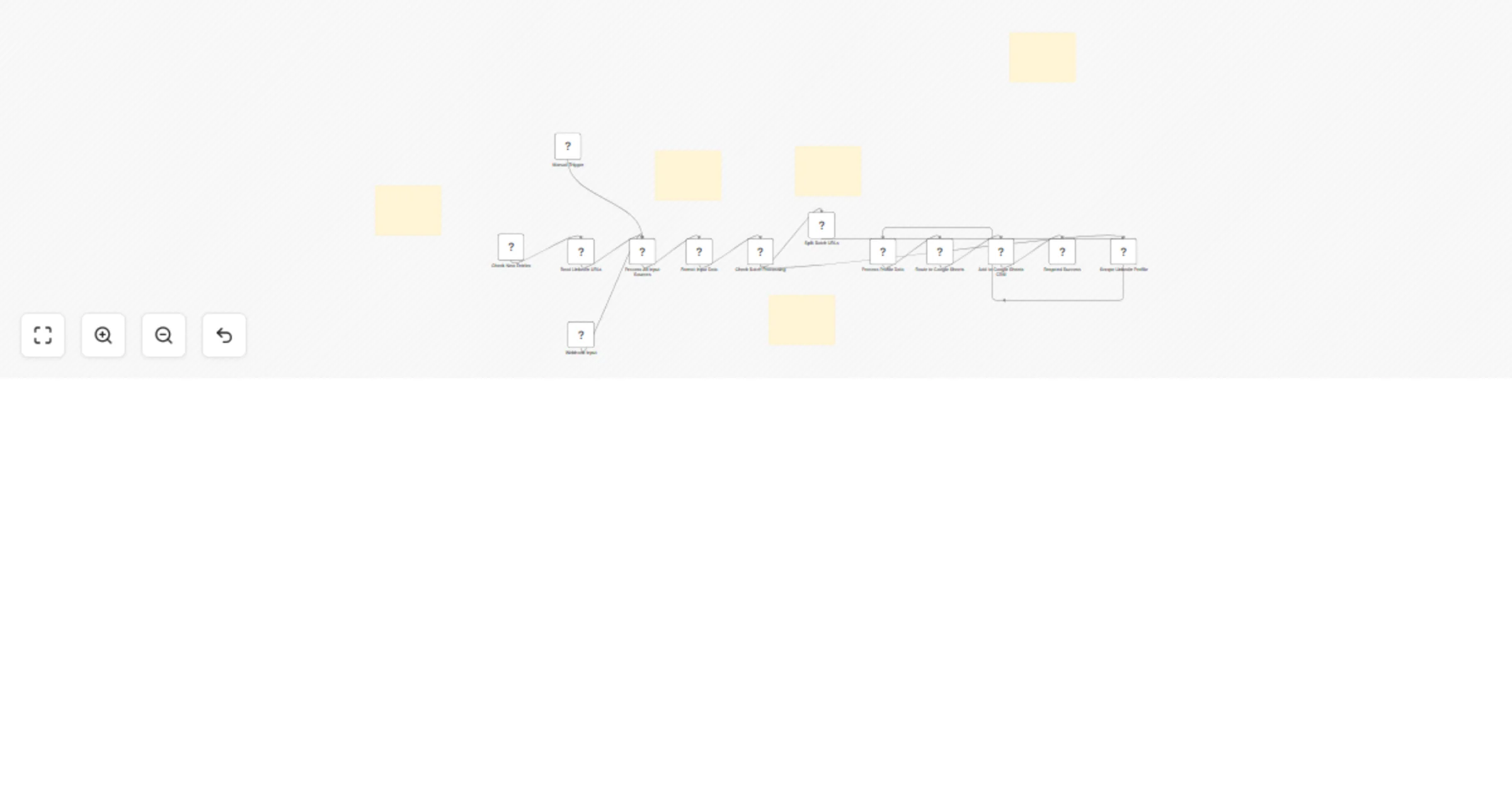
The workflow supports three input methods and automatically processes LinkedIn profiles via Apify scraper. When you provide LinkedIn URLs through Google Sheets, manual trigger, or webhook, the system extracts complete profile data including name, company, position, and connections. It then generates multiple email pattern variations and calculates lead scores based on authority indicators like job title, connection count, and location. All processed data is automatically added to your Google Sheets CRM with lead quality ratings and email guesses ready for outreach.
Input Sources: Google Sheets monitoring, manual trigger, or webhook API
Processing: Apify LinkedIn scraper + intelligent data enrichment
Output: Complete CRM-ready lead profiles with email intelligence
Timing: Real-time processing or batch every 5 minutes
This catalog entry is organized from the workflow JSON. The node-level section below shows the executable blocks available for review before importing the template.
| Workflow | Extract LinkedIn profiles with Apify & auto-generate lead data for Google Sheets CRM |
|---|---|
| Complexity | advanced |
| Nodes | 18 |
| Categories | Lead Generation |
| Author | David Olusola |
| Published | 18 Jul 2025 |
Use the JSON export at /data/workflows/6116/6116.json as the source template for this automation.
Open n8n, import the downloaded JSON, and review each node before activating the workflow.
Replace placeholder credentials, API keys, webhook URLs, account IDs, and environment-specific values with your own settings.
Run the workflow manually or in a staging workspace, inspect node output, and confirm downstream systems receive the expected data.
Enable the workflow only after testing, then monitor executions, errors, and rate limits during the first production runs.
Review imported nodes carefully before activation. This catalog entry is intended to help you inspect the workflow structure, understand required services, and find related templates faster.
Node names, credentials, schedules, webhook paths, and external service limits may need adjustment for your workspace.
This professional n8n automation suite transforms LinkedIn prospecting from manual drudgery into intelligent automation. Instead of spending hours copying profile data into spreadsheets, simply pas...
Review the workflow JSON, configure any required credentials in n8n, and test the automation in a safe workspace before using it in production.
Yes. Use the block-by-block analysis and the downloadable JSON to inspect each node, then adjust credentials, prompts, schedules, filters, or destinations for your Lead Generation use case.