Block 1 - OpenAI Chat Model
- Type / Role
- @n8n/n8n-nodes-langchain.lmChatOpenAi - lmChatOpenAi
- Config choices
- Version 1.2


 Early Deal
This n8n template demonstrates how to automatically process invoice attachments from email using OCR and AI. When an invoice is received in Gmail, the workflow extracts structured invoice data and ...
@n8n/n8n-nodes-langchain.lmchatopenai, @n8n/n8n-nodes-langchain.outputparserstructured, n8n-nodes-base.gmailtrigger, n8n-nodes-base.if, n8n-nodes-base.noop, n8n-nodes-base.httprequest, n8n-nodes-base.mistralai, @n8n/n8n-nodes-langchain.agent
This workflow is cataloged by N8N Workflows and links back to its original n8n.io source page by Safa Khan.
Original n8n.io sourceThis n8n template demonstrates how to automatically process invoice attachments from email using OCR and AI. When an invoice is received in Gmail, the workflow extracts structured invoice data and stores it in Airtable while preventing duplicates.
This automation is useful for freelancers, agencies, and finance teams who receive invoices by email and want to maintain a structured invoice database without manual data entry.
This workflow is designed for:
Freelancers managing client invoices
Agencies handling multiple invoice emails
Finance teams automating invoice intake
Automation consultants building accounting workflows
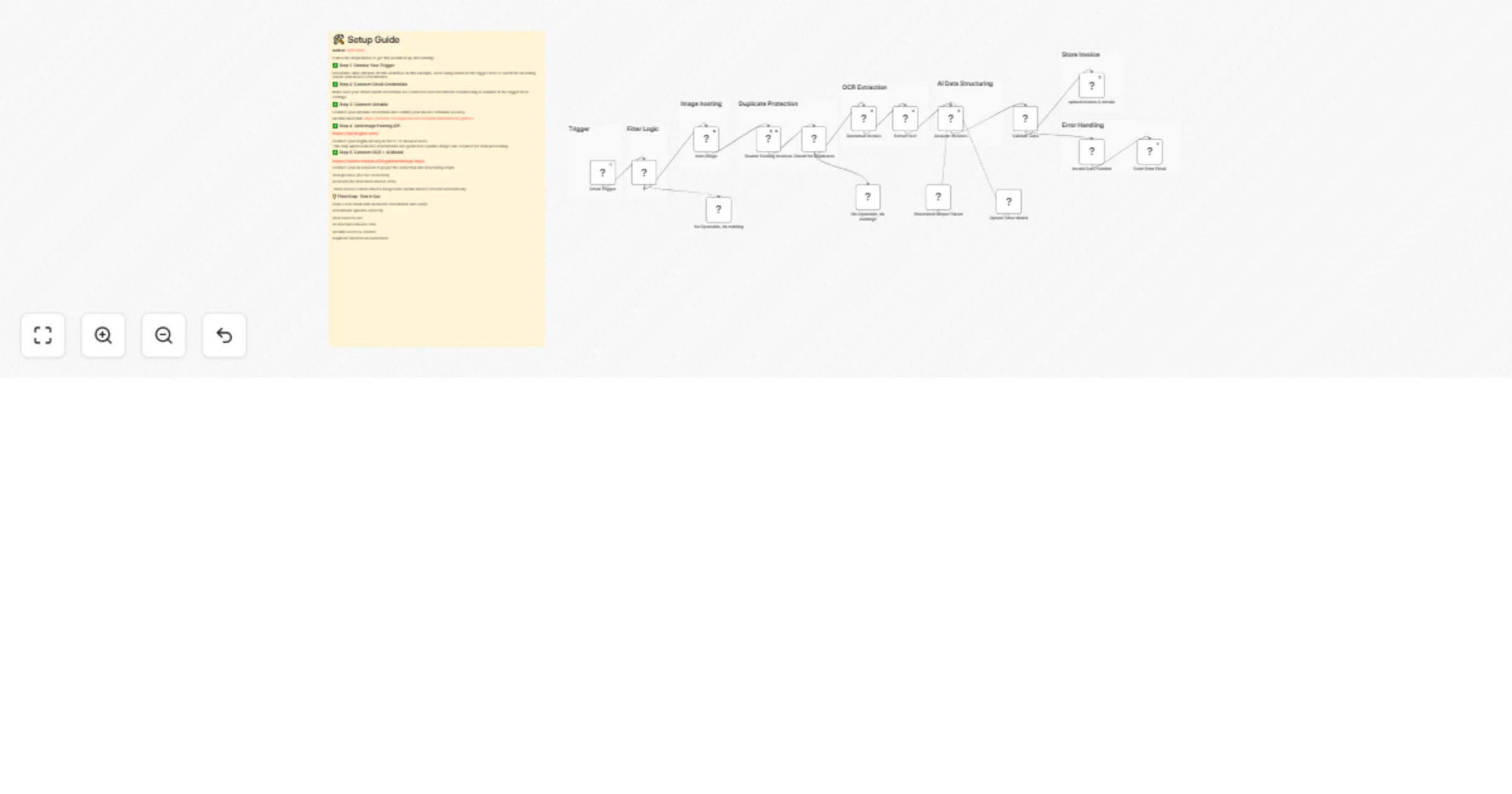
When a new email with an attachment arrives in Gmail, the workflow checks whether the subject contains the word “invoice”. The attachment is uploaded to an image-hosting service to generate a public URL.
The invoice file is then processed using OCR to extract text content. An AI agent analyzes the extracted text and converts it into structured invoice fields such as invoice number, sender, recipient, dates, description, and amount.
Before saving, Airtable is searched to ensure the invoice does not already exist. Valid invoices are stored automatically, while invalid data triggers an error notification email.
Connect Gmail credentials and enable attachment download.
Connect Airtable credentials and create an invoice table.
Add your imgbb API key in the HTTP Request node.
Connect your OCR provider (Mistral).
Connect your OpenAI API credentials.
Activate the workflow and send a test invoice email.
Gmail account
Airtable account
OpenAI API key
Mistral OCR API key
imgbb API key
n8n instance (cloud or self-hosted)
You can customize this workflow by:
Modifying the AI prompt used for invoice extraction
Adding new invoice fields in Airtable
Changing validation rules
Supporting additional invoice formats (PDF, PNG, JPG)
Adding integrations with accounting tools like QuickBooks or Stripe
This catalog entry is organized from the workflow JSON. The node-level section below shows the executable blocks available for review before importing the template.
Showing the first 24 of 25 workflow blocks. Download the JSON for the full node graph.
| Workflow | Extract invoice data from Gmail to Airtable with Mistral OCR and GPT-4.1-mini |
|---|---|
| Complexity | advanced |
| Nodes | 25 |
| Categories | Invoice Processing, AI Summarization |
| Author | Safa Khan |
| Published | 17 Feb 2026 |
Use the JSON export at /data/workflows/13469/13469.json as the source template for this automation.
Open n8n, import the downloaded JSON, and review each node before activating the workflow.
Replace placeholder credentials, API keys, webhook URLs, account IDs, and environment-specific values with your own settings.
Run the workflow manually or in a staging workspace, inspect node output, and confirm downstream systems receive the expected data.
Enable the workflow only after testing, then monitor executions, errors, and rate limits during the first production runs.
Review imported nodes carefully before activation. This catalog entry is intended to help you inspect the workflow structure, understand required services, and find related templates faster.
Node names, credentials, schedules, webhook paths, and external service limits may need adjustment for your workspace.
This n8n template demonstrates how to automatically process invoice attachments from email using OCR and AI. When an invoice is received in Gmail, the workflow extracts structured invoice data and ...
Review the workflow JSON, configure any required credentials in n8n, and test the automation in a safe workspace before using it in production.
Yes. Use the block-by-block analysis and the downloadable JSON to inspect each node, then adjust credentials, prompts, schedules, filters, or destinations for your Invoice Processing, AI Summarization use case.