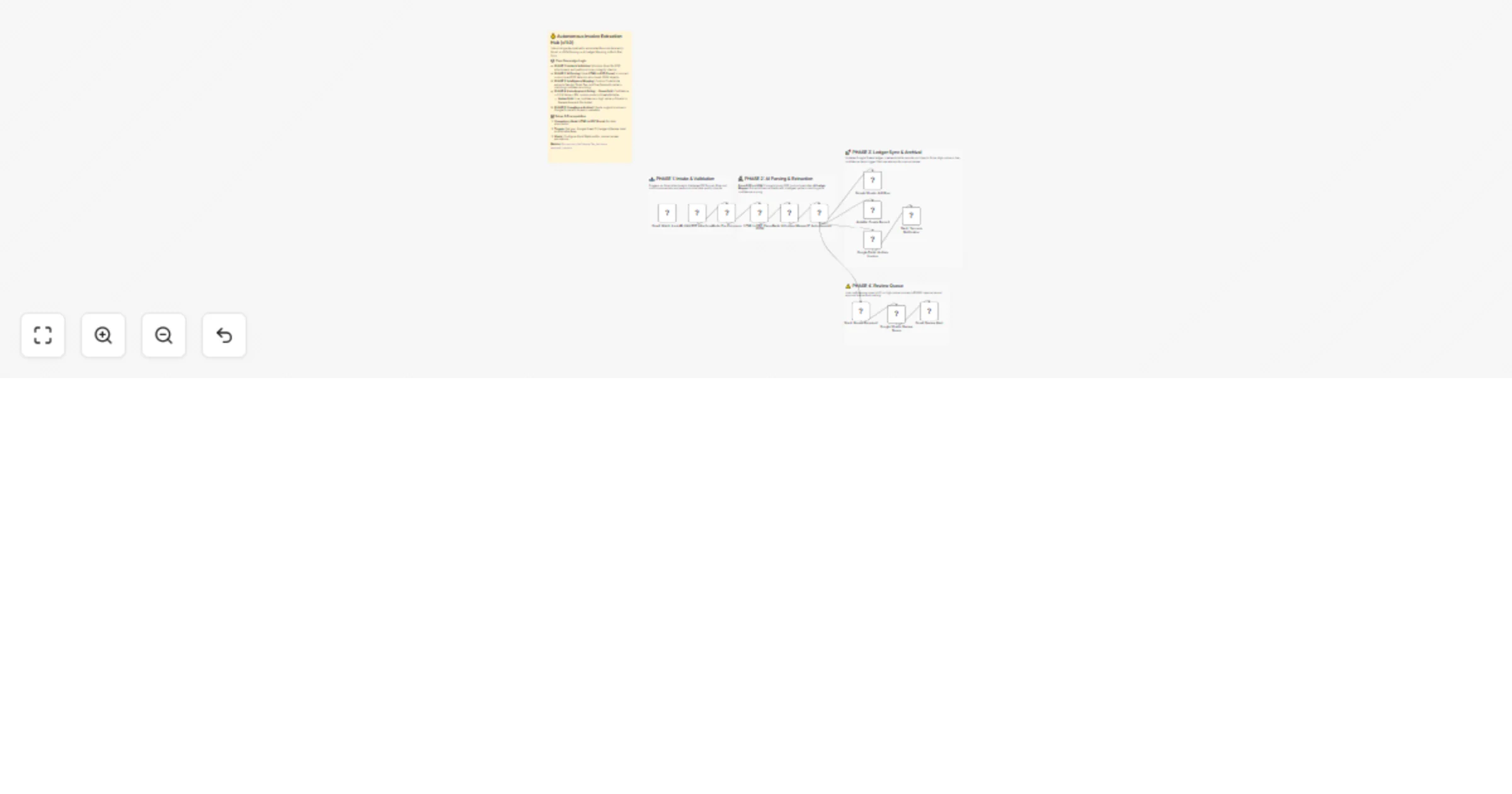
Extract invoice data from Gmail PDFs to JSON, Google Sheets and Airtable

Workflow preview

Workflow preview
100%
Extract invoice data from Gmail PDFs to JSON, Google Sheets and Airtable preview
Open on n8n.io

1. Workflow Overview

Automated Invoice Intelligence: PDF to JSON Financial Orchestrator Description This is an elite enterprise grade solution for Accounts Payable and Finance Ops teams. It automates the high volume...

Best for

  • Invoice Processing automation workflows
  • AI Summarization automation workflows
  • advanced n8n builders looking for reusable templates

Tools used

n8n-nodes-base.stickynote, n8n-nodes-base.gmailtrigger, n8n-nodes-base.if, n8n-nodes-base.code, n8n-nodes-htmlcsstopdf.htmlcsstopdf, n8n-nodes-base.googlesheets, n8n-nodes-base.airtable, n8n-nodes-base.googledrive

Source and attribution

This workflow is cataloged by N8N Workflows and links back to its original n8n.io source page by Jitesh Dugar.

Original n8n.io source

1.1 Workflow description

Title
Extract invoice data from Gmail PDFs to JSON, Google Sheets and Airtable
Workflow name
Extract invoice data from Gmail PDFs to JSON, Google Sheets and Airtable

Automated Invoice Intelligence: PDF-to-JSON Financial Orchestrator

🎯 Description

This is an elite enterprise-grade solution for Accounts Payable and Finance Ops teams. It automates the high-volume extraction of unstructured data from PDF invoices using the HTML to PDF (Parse PDF to JSON) node, transforming raw email attachments into validated, audit-ready financial records across multiple platforms.

✨ The Sovereign Lifecycle

  1. Intelligent Intake & Validation - Monitors Gmail for incoming invoices. Implements a strict validation layer to ensure only valid PDF binaries enter the intelligence stream, filtering out noise and non-invoice attachments.
  2. Atomic JSON Transformation - Leverages the HTML to PDF (Parse PDF to JSON) node to decompose monolithic PDF files into structured data objects. This allows the system to treat document text as actionable data points.
  3. AI Ledger Mapping - A sophisticated hybrid-intelligence Code Node acts as a virtual "Financial Controller." It uses advanced pattern matching to extract key fields (Vendor Name, Invoice Number, Tax, and Total Amount) and calculates a Confidence Score for every entry.
  4. Conditional Approval Gating - Implements a "Trust-but-Verify" architecture:
  • Auto-Process: High-confidence extractions of standard value invoices are posted immediately.
  • Human-in-the-Loop (HITL): Low-confidence results (<0.7) or high-value invoices (>$5,000) are automatically diverted to a Review Queue in Google Sheets.
  1. Multi-Platform Ledger Sync - Simultaneously synchronizes data across Google Sheets (for real-time reporting) and Airtable (for project management), ensuring a single source of truth.
  2. Forensic Archival & Alerts - Moves original files to a secure Google Drive archive. High-priority items trigger instant Slack and Gmail alerts for the finance team.

đź’ˇ Key Technical Features

  • Heuristic Pattern Matching: Dynamically handles various invoice layouts by analyzing financial context and keywords.
  • Math Integrity Check: Automatically verifies if (Subtotal + Tax = Total) to boost extraction confidence.
  • Bi-Directional Governance: Keeps track of every document with a unique Processing ID and metadata log for regulatory compliance.

🚀 Benefits

âś… 95% Reduction in Data Entry - Shifts human effort from manual typing to high-level oversight. âś… Financial Risk Mitigation - Automatically flags high-value transactions and extraction anomalies before they hit the books. âś… Real-Time Visibility - Instant updates to financial dashboards the moment an invoice is received.


Tags: #finance #accounts-payable #pdf-to-json #automation #fintech #google-sheets #airtable

Category: Finance & Operations | Difficulty: Advanced

1.2 Logical Blocks

This catalog entry is organized from the workflow JSON. The node-level section below shows the executable blocks available for review before importing the template.

2. Block-by-Block Analysis

Block 1 - Sticky_Intake

Type / Role
n8n-nodes-base.stickyNote - stickyNote
Config choices
Version 1

Block 2 - Sticky_Parsing

Type / Role
n8n-nodes-base.stickyNote - stickyNote
Config choices
Version 1

Block 3 - Sticky_Sync

Type / Role
n8n-nodes-base.stickyNote - stickyNote
Config choices
Version 1

Block 4 - Sticky_ReviewQueue

Type / Role
n8n-nodes-base.stickyNote - stickyNote
Config choices
Version 1

Block 5 - Gmail: Watch Invoices

Type / Role
n8n-nodes-base.gmailTrigger - gmailTrigger
Config choices
Version 2

Block 6 - IF: Valid PDF Attachment

Type / Role
n8n-nodes-base.if - if
Config choices
Version 2

Block 7 - Code: Pre-Processor

Type / Role
n8n-nodes-base.code - code
Config choices
Version 2

Block 8 - HTML to PDF: Parse to JSON

Type / Role
n8n-nodes-htmlcsstopdf.htmlcsstopdf - htmlcsstopdf
Config choices
Version 1

Block 9 - Code: AI Ledger Mapper

Type / Role
n8n-nodes-base.code - code
Config choices
Version 2

Block 10 - IF: Auto-Approve

Type / Role
n8n-nodes-base.if - if
Config choices
Version 2

Block 11 - Google Sheets: Add Row

Type / Role
n8n-nodes-base.googleSheets - googleSheets
Config choices
Version 4.4

Block 12 - Airtable: Create Record

Type / Role
n8n-nodes-base.airtable - airtable
Config choices
Version 2

Block 13 - Google Drive: Archive Invoice

Type / Role
n8n-nodes-base.googleDrive - googleDrive
Config choices
Version 3

Block 14 - Slack: Success Notification

Type / Role
n8n-nodes-base.slack - slack
Config choices
Version 2.1

Block 15 - Slack: Review Required

Type / Role
n8n-nodes-base.slack - slack
Config choices
Version 2.1

Block 16 - Google Sheets: Review Queue

Type / Role
n8n-nodes-base.googleSheets - googleSheets
Config choices
Version 4.4

Block 17 - Gmail: Review Alert

Type / Role
n8n-nodes-base.gmail - gmail
Config choices
Version 2.1

Block 18 - Sticky Note

Type / Role
n8n-nodes-base.stickyNote - stickyNote
Config choices
Version 1

3. Summary Table

Workflow Extract invoice data from Gmail PDFs to JSON, Google Sheets and Airtable
Complexity advanced
Nodes 18
Categories Invoice Processing, AI Summarization
Author Jitesh Dugar
Published 27 Jan 2026

4. Reproducing the Workflow from Scratch

  1. 1. Download the workflow JSON

    Use the JSON export at /data/workflows/13033/13033.json as the source template for this automation.

  2. 2. Import the template into n8n

    Open n8n, import the downloaded JSON, and review each node before activating the workflow.

  3. 3. Configure credentials and variables

    Replace placeholder credentials, API keys, webhook URLs, account IDs, and environment-specific values with your own settings.

  4. 4. Test with sample data

    Run the workflow manually or in a staging workspace, inspect node output, and confirm downstream systems receive the expected data.

  5. 5. Activate and monitor

    Enable the workflow only after testing, then monitor executions, errors, and rate limits during the first production runs.

5. General Notes & Resources

Review imported nodes carefully before activation. This catalog entry is intended to help you inspect the workflow structure, understand required services, and find related templates faster.

Node names, credentials, schedules, webhook paths, and external service limits may need adjustment for your workspace.

Frequently asked questions

What does Extract invoice data from Gmail PDFs to JSON, Google Sheets and Airtable do?

Automated Invoice Intelligence: PDF to JSON Financial Orchestrator Description This is an elite enterprise grade solution for Accounts Payable and Finance Ops teams. It automates the high volume...

What do I need before importing this workflow?

Review the workflow JSON, configure any required credentials in n8n, and test the automation in a safe workspace before using it in production.

Can I customize this workflow?

Yes. Use the block-by-block analysis and the downloadable JSON to inspect each node, then adjust credentials, prompts, schedules, filters, or destinations for your Invoice Processing, AI Summarization use case.