Extract data from Dropbox documents with DocuPipe and post to Slack
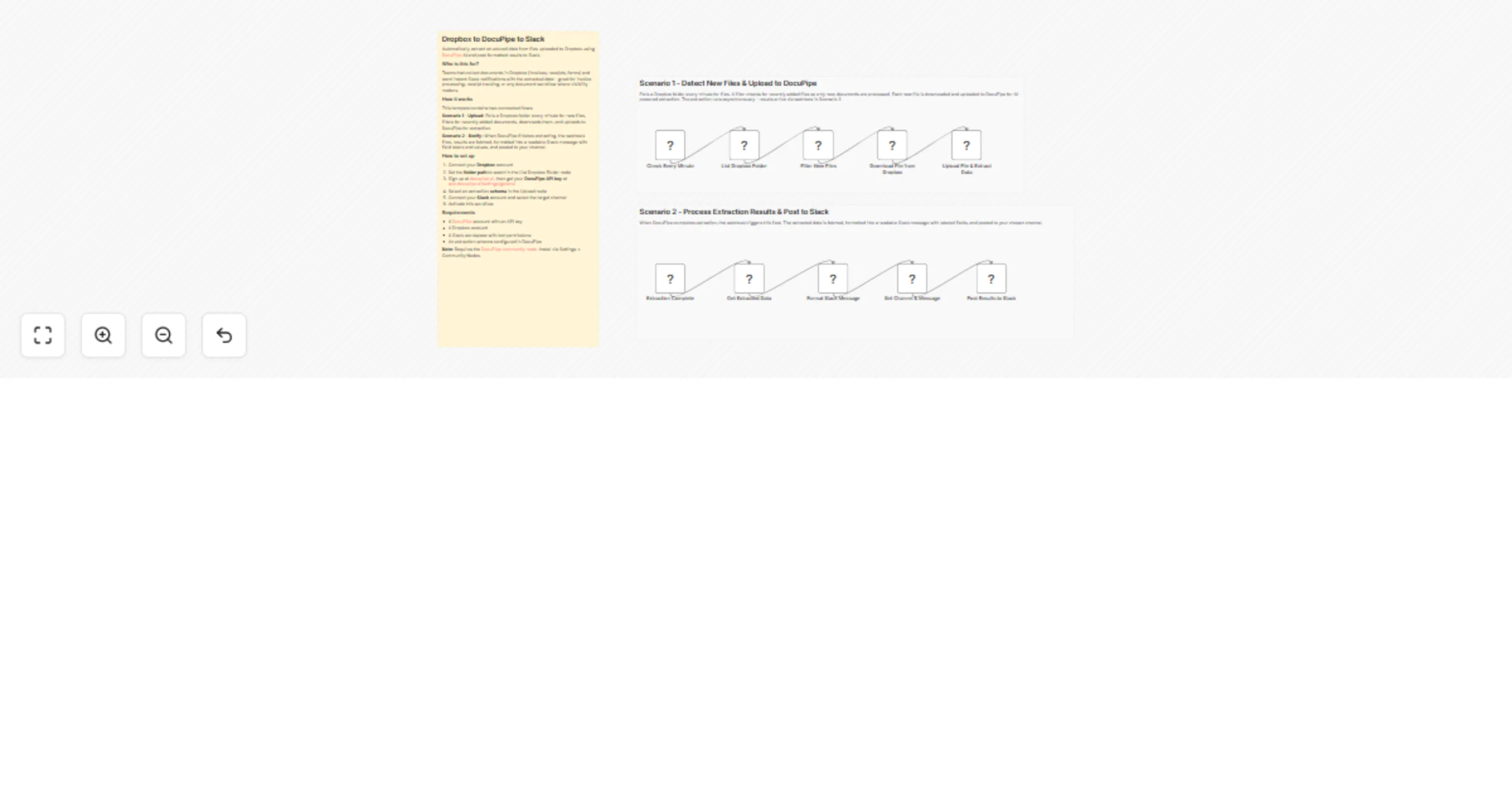
Workflow preview

$20/month : Unlimited workflows
2500 executions/month

THE #1 IN WEB SCRAPING
Scrape any website without limits
HOSTINGER  Early Deal
DISCOUNT 20% Try free
Early DealDISCOUNT 20%
Self-hosted n8n
Unlimited workflows - from $4.99/mo

#1 hub for scraping, AI & automation
6000+ actors - $5 credits/mo
Overview
Who is this for?
Teams that collect documents in Dropbox (invoices, receipts, forms) and want instant Slack notifications with AI-extracted structured data - great for invoice processing, receipt tracking, or any document workflow where team visibility matters.
What it does
This template contains two connected flows:
- Scenario 1 - Upload: Polls a Dropbox folder every minute for new files, filters for recently added documents, downloads them, and uploads to DocuPipe for AI-powered extraction.
- Scenario 2 - Notify: When DocuPipe finishes extracting, the webhook fires, results are fetched, formatted into a readable Slack message with labeled fields, and posted to your channel.
How to set up
- Install the DocuPipe community node via Settings > Community Nodes (self-hosted only)
- Connect your Dropbox account and set the folder path in the List Dropbox Folder node
- Sign up at docupipe.ai, then get your DocuPipe API key at app.docupipe.ai/settings/general
- Select an extraction schema in the Upload node
- Connect your Slack account and select the target channel
- Activate the workflow
Requirements
- A DocuPipe account with an API key
- A Dropbox account
- A Slack workspace with bot permissions
- Self-hosted n8n (required for community nodes) Note: Requires the DocuPipe community node. Install via Settings > Community Nodes.
Categories: Data & Storage, Communication