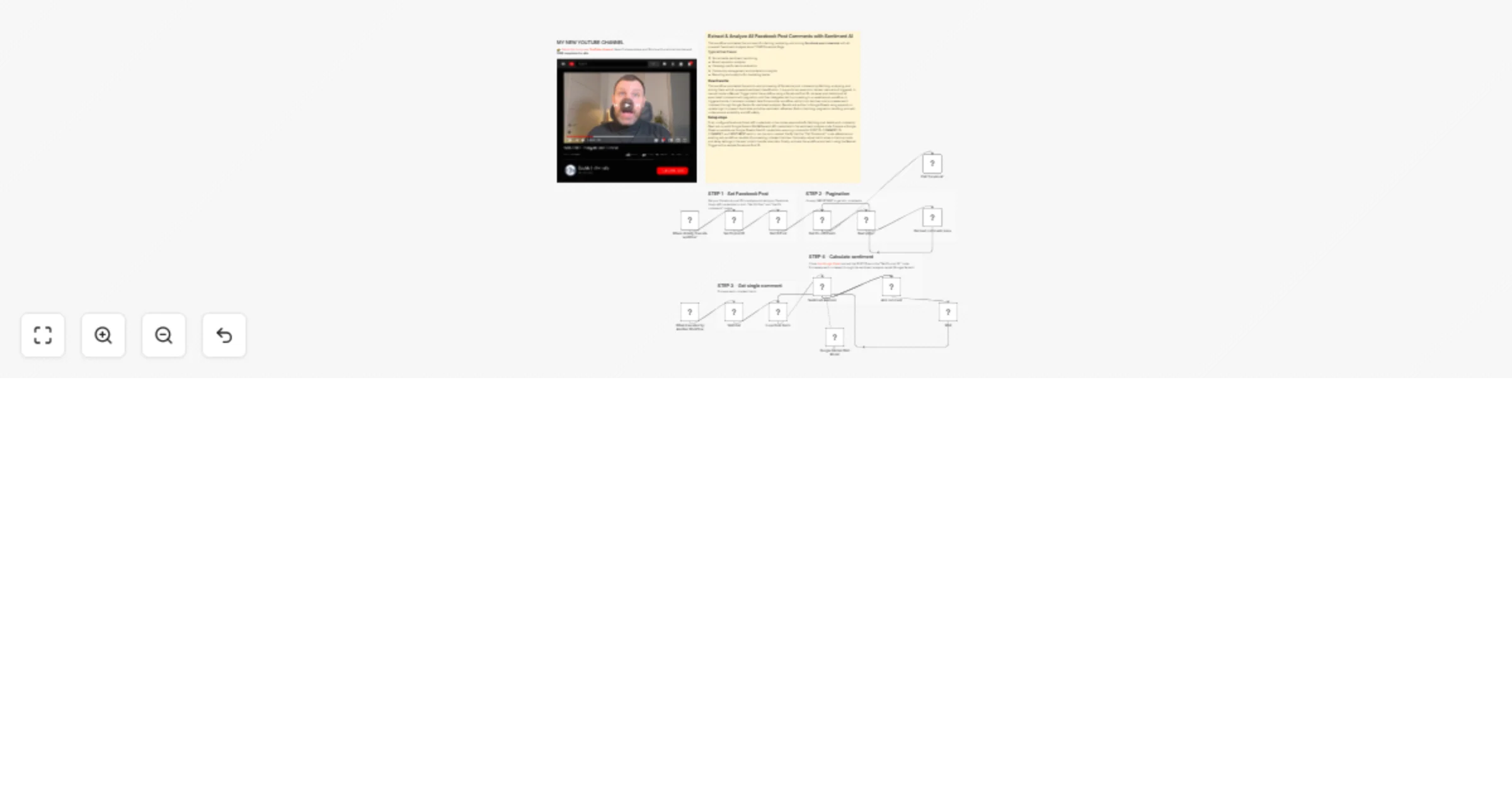
Extract and analyze 🔬 ALL Facebook post comments with sentiment AI using Gemini

Workflow preview

Workflow preview
100%
Extract and analyze 🔬 ALL Facebook post comments with sentiment AI using Gemini preview
Open on n8n.io

1. Workflow Overview

This workflow automates the process of collecting, analyzing, and storing Facebook post comments with AI powered sentiment analysis about YOUR Facebook Page. Typical Use Cases: Social media sentime...

Best for

  • Market Research automation workflows
  • AI Summarization automation workflows
  • advanced n8n builders looking for reusable templates

Tools used

n8n-nodes-base.manualtrigger, n8n-nodes-base.executeworkflow, n8n-nodes-base.executeworkflowtrigger, n8n-nodes-base.wait, @n8n/n8n-nodes-langchain.lmchatgooglegemini, @n8n/n8n-nodes-langchain.sentimentanalysis, n8n-nodes-base.set, n8n-nodes-base.facebookgraphapi

Source and attribution

This workflow is cataloged by N8N Workflows and links back to its original n8n.io source page by Davide Boizza.

Original n8n.io source

1.1 Workflow description

Title
Extract and analyze 🔬 ALL Facebook post comments with sentiment AI using Gemini
Workflow name
Extract and analyze 🔬 ALL Facebook post comments with sentiment AI using Gemini

This workflow automates the process of collecting, analyzing, and storing Facebook post comments with AI-powered sentiment analysis about YOUR Facebook Page.

Typical Use Cases:
  • Social media sentiment monitoring
  • Brand reputation analysis
  • Campaign performance evaluation
  • Community management and moderation insights
  • Reporting and analytics for marketing teams

Key Advantages

✅ 1. Full Automation

Eliminates manual work by automatically collecting and analyzing Facebook comments end-to-end.

✅ 2. AI-Powered Sentiment Analysis

Uses Google Gemini to accurately classify user sentiment, enabling deeper insights into audience perception and engagement.

✅ 3. Structured Data Storage

Saves results directly into Google Sheets, making the data easy to analyze, share, and visualize with dashboards or reports.

✅ 4. Duplicate-Safe Updates

The “append or update” logic ensures comments are not duplicated and can be refreshed if sentiment analysis changes.

✅ 5. Scalable and Robust

Pagination handling, batch processing, and wait nodes allow the workflow to scale to large volumes of comments without hitting API limits.

✅ 6. Modular Architecture

The use of sub-workflows makes the solution reusable and easy to integrate into larger automation pipelines (e.g. monitoring multiple posts or pages).

✅ 7. Flexible Triggering

Can be run manually for testing or automatically as part of a broader workflow ecosystem.


How it works

This workflow automates the process of fetching Facebook post comments, performing sentiment analysis on each comment, and storing the results in a Google Sheet. It operates in two modes:

  1. Manual execution mode:
  • Starts with a Manual Trigger, where the user enters a Facebook Post ID.
  • The workflow fetches the post details, then retrieves all comments (including pagination).
  • It calls a separate "Facebook" workflow (via the Call 'Facebook' node) to process each comment batch through sentiment analysis and save results to Google Sheets.
  1. Triggered execution mode:
  • Activated via the "When Executed by Another Workflow" trigger, receiving comment data directly.
  • It splits and batches the incoming comments, processes each through the sentiment analysis model (Google Gemini), and appends/updates records in Google Sheets.

Set up steps

  1. Configure Facebook Graph API credentials:
  • Add your Facebook Graph API credentials to both "Get Fb Post" and "Get Fb comments" nodes.
  1. Set up Google Gemini API credentials:
  • Configure the "Google Gemini Chat Model" node with valid Google PaLM/Gemini API credentials.
  1. Prepare Google Sheet:
  • Ensure the Google Sheet exists and is accessible via the Google Sheets OAuth2 credentials.
  • The sheet should have (or will automatically create) columns: POST ID, COMMENT ID, COMMENT, SENTIMENT.
  1. Configure the sub-workflow call:
  • Ensure the "Call 'Facebook'" node points to a valid, existing workflow that can process comment data.
  1. Optional: Adjust batch and wait settings:
  • Modify the "Loop Over Items" node if different batch sizes are needed.
  • Adjust the "Wait" node delay if required to avoid rate limits.
  1. Activate the workflow:
  • Toggle the workflow to active if scheduled or webhook execution is desired.
  • Test using the Manual Trigger with a sample Facebook Post ID.

👉 Subscribe to my new YouTube channel. Here I’ll share videos and Shorts with practical tutorials and FREE templates for n8n.


Need help customizing?

Contact me for consulting and support or add me on Linkedin.

1.2 Logical Blocks

This catalog entry is organized from the workflow JSON. The node-level section below shows the executable blocks available for review before importing the template.

2. Block-by-Block Analysis

Block 1 - When clicking ‘Execute workflow’

Type / Role
n8n-nodes-base.manualTrigger - manualTrigger
Config choices
Version 1

Block 2 - Call 'Facebook'

Type / Role
n8n-nodes-base.executeWorkflow - executeWorkflow
Config choices
Version 1.3

Block 3 - When Executed by Another Workflow

Type / Role
n8n-nodes-base.executeWorkflowTrigger - executeWorkflowTrigger
Config choices
Version 1.1

Block 4 - Wait

Type / Role
n8n-nodes-base.wait - wait
Config choices
Version 1.1

Block 5 - Google Gemini Chat Model

Type / Role
@n8n/n8n-nodes-langchain.lmChatGoogleGemini - lmChatGoogleGemini
Config choices
Version 1

Block 6 - Sentiment Analysis

Type / Role
@n8n/n8n-nodes-langchain.sentimentAnalysis - sentimentAnalysis
Config choices
Version 1.1

Block 7 - Set Fb post ID

Type / Role
n8n-nodes-base.set - set
Config choices
Version 3.4

Block 8 - Get Fb Post

Type / Role
n8n-nodes-base.facebookGraphApi - facebookGraphApi
Config choices
Version 1

Block 9 - Get Fb comments

Type / Role
n8n-nodes-base.facebookGraphApi - facebookGraphApi
Config choices
Version 1

Block 10 - Next page?

Type / Role
n8n-nodes-base.if - if
Config choices
Version 2.3

Block 11 - Get next comments page

Type / Role
n8n-nodes-base.set - set
Config choices
Version 3.4

Block 12 - Split Out

Type / Role
n8n-nodes-base.splitOut - splitOut
Config choices
Version 1

Block 13 - Loop Over Items

Type / Role
n8n-nodes-base.splitInBatches - splitInBatches
Config choices
Version 3

Block 14 - Add comment

Type / Role
n8n-nodes-base.googleSheets - googleSheets
Config choices
Version 4.7

Block 15 - Sticky Note

Type / Role
n8n-nodes-base.stickyNote - stickyNote
Config choices
Version 1

Block 16 - Sticky Note1

Type / Role
n8n-nodes-base.stickyNote - stickyNote
Config choices
Version 1

Block 17 - Sticky Note2

Type / Role
n8n-nodes-base.stickyNote - stickyNote
Config choices
Version 1

Block 18 - Sticky Note3

Type / Role
n8n-nodes-base.stickyNote - stickyNote
Config choices
Version 1

Block 19 - Sticky Note4

Type / Role
n8n-nodes-base.stickyNote - stickyNote
Config choices
Version 1

Block 20 - Sticky Note8

Type / Role
n8n-nodes-base.stickyNote - stickyNote
Config choices
Version 1

3. Summary Table

Workflow Extract and analyze 🔬 ALL Facebook post comments with sentiment AI using Gemini
Complexity advanced
Nodes 20
Categories Market Research, AI Summarization
Author Davide Boizza
Published 05 Feb 2026

4. Reproducing the Workflow from Scratch

  1. 1. Download the workflow JSON

    Use the JSON export at /data/workflows/13234/13234.json as the source template for this automation.

  2. 2. Import the template into n8n

    Open n8n, import the downloaded JSON, and review each node before activating the workflow.

  3. 3. Configure credentials and variables

    Replace placeholder credentials, API keys, webhook URLs, account IDs, and environment-specific values with your own settings.

  4. 4. Test with sample data

    Run the workflow manually or in a staging workspace, inspect node output, and confirm downstream systems receive the expected data.

  5. 5. Activate and monitor

    Enable the workflow only after testing, then monitor executions, errors, and rate limits during the first production runs.

5. General Notes & Resources

Review imported nodes carefully before activation. This catalog entry is intended to help you inspect the workflow structure, understand required services, and find related templates faster.

Node names, credentials, schedules, webhook paths, and external service limits may need adjustment for your workspace.

Frequently asked questions

What does Extract and analyze 🔬 ALL Facebook post comments with sentiment AI using Gemini do?

This workflow automates the process of collecting, analyzing, and storing Facebook post comments with AI powered sentiment analysis about YOUR Facebook Page. Typical Use Cases: Social media sentime...

What do I need before importing this workflow?

Review the workflow JSON, configure any required credentials in n8n, and test the automation in a safe workspace before using it in production.

Can I customize this workflow?

Yes. Use the block-by-block analysis and the downloadable JSON to inspect each node, then adjust credentials, prompts, schedules, filters, or destinations for your Market Research, AI Summarization use case.