Block 1 - Webhook Listener for Incoming Data
- Type / Role
- n8n-nodes-base.webhook - webhook
- Config choices
- Version 2.1


 Early Deal
Description This workflow automates payment related customer support escalation by validating reported issues against transaction data and coordinating all downstream actions in a controlled, au...
n8n-nodes-base.webhook, n8n-nodes-base.set, @n8n/n8n-nodes-langchain.agent, @n8n/n8n-nodes-langchain.lmchatazureopenai, @n8n/n8n-nodes-langchain.outputparserstructured, n8n-nodes-base.googlesheetstool, n8n-nodes-base.gmail, n8n-nodes-base.googlesheets
This workflow is cataloged by N8N Workflows and links back to its original n8n.io source page by Rahul Joshi.
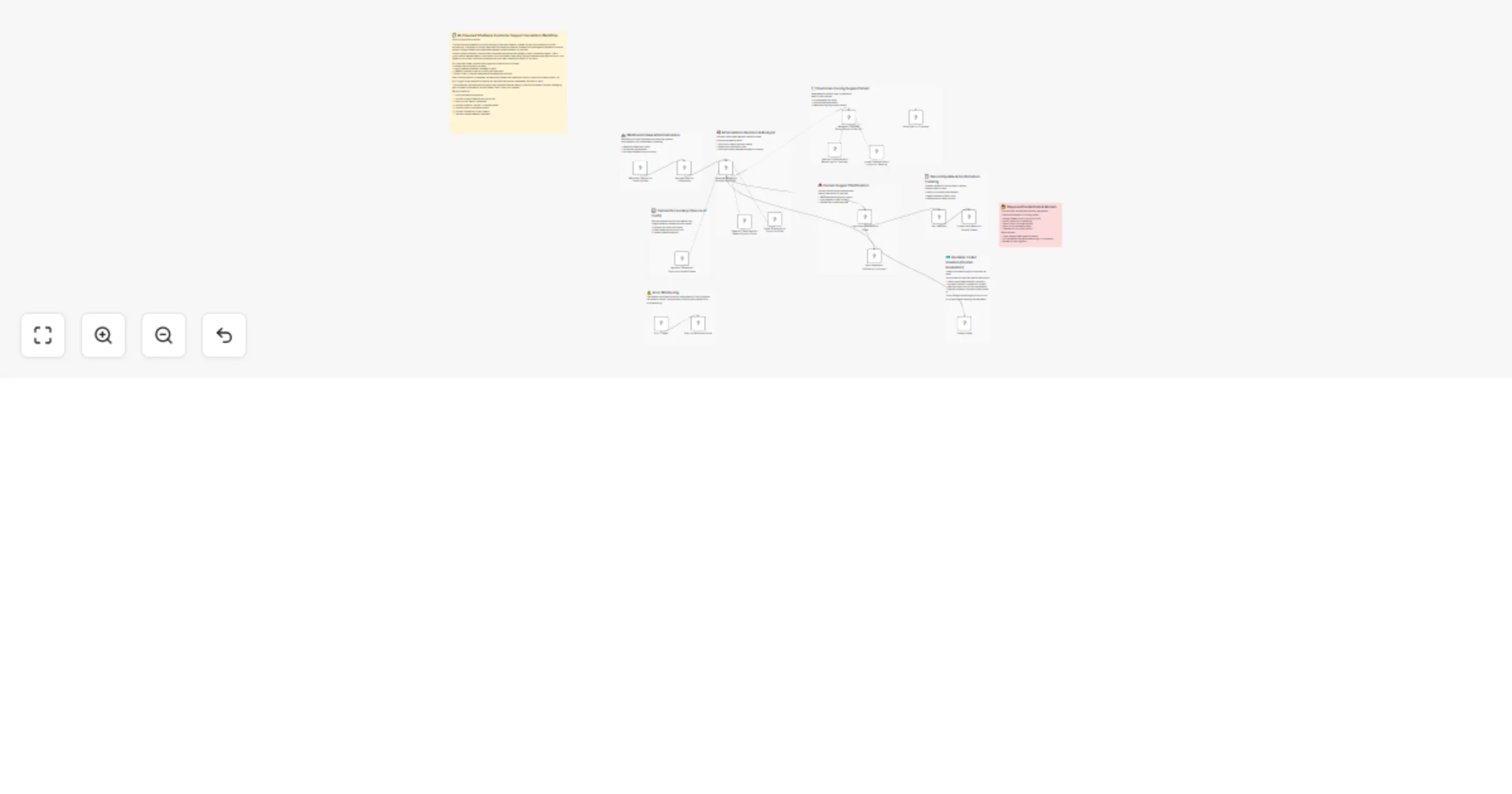
Original n8n.io sourceThis workflow automates payment-related customer support escalation by validating reported issues against transaction data and coordinating all downstream actions in a controlled, auditable way. It is designed for support teams that need to quickly separate valid payment failures from false or incomplete reports—while maintaining consistent customer communication and timely human intervention.
The workflow is triggered via a webhook whenever an external system reports a customer issue. Incoming data is normalized and cross-checked against Google Sheets, which acts as the single source of truth for transaction status, payment confirmation, and order creation. An AI escalation engine then applies strict, rule-based logic to determine whether the issue is confirmed, needs clarification, or not valid, without assuming or inventing missing information.
For confirmed cases, the workflow runs parallel actions: it generates a concise escalation summary for human support, logs full context to Slack, creates a Zendesk ticket for traceable resolution, and sends a calm, customer-safe email acknowledging the issue. Transaction records are then updated to reflect confirmation status. Robust error handling ensures any workflow failure is immediately surfaced in Slack.
📥 Webhook Intake Receives structured payment issue data from external systems. 🧾 Normalize Incoming Payload Prepares a consistent data structure for processing. 📊 Transaction Lookup (Google Sheets) Fetches payment and order details from the source of truth. 🧠 AI Escalation Decision Validates the issue and classifies it as confirmed, needs clarification, or invalid. 🚨 Notify Human Support Sends escalation email and logs detailed context to Slack. ✉️ Send Customer-Facing Email Delivers a calm, professional acknowledgement to the customer. 🎫 Create Zendesk Ticket Opens a support ticket for confirmed cases requiring manual action. 📝 Update Transaction Record Marks confirmation status in Google Sheets for auditability. ⚠️ Error Handling → Slack Alert Immediately alerts the team if any workflow step fails.
• Webhook access for incoming issues • Google Sheets OAuth2 (source of truth) • Azure OpenAI credentials • Gmail OAuth2 for email delivery • Slack API access • Zendesk API access
✔ Prevents false or premature escalations ✔ Uses Google Sheets as an authoritative data source ✔ Consistent, customer-safe communication ✔ Parallel handling for speed and clarity ✔ Full audit trail across Sheets, Slack, Email, and Zendesk ✔ Strong error monitoring and reliability
This catalog entry is organized from the workflow JSON. The node-level section below shows the executable blocks available for review before importing the template.
Showing the first 24 of 27 workflow blocks. Download the JSON for the full node graph.
| Workflow | Escalate payment issues with Azure OpenAI, Google Sheets, Slack and Zendesk |
|---|---|
| Complexity | advanced |
| Nodes | 27 |
| Categories | Ticket Management, AI Summarization |
| Author | Rahul Joshi |
| Published | 03 Feb 2026 |
Use the JSON export at /data/workflows/13178/13178.json as the source template for this automation.
Open n8n, import the downloaded JSON, and review each node before activating the workflow.
Replace placeholder credentials, API keys, webhook URLs, account IDs, and environment-specific values with your own settings.
Run the workflow manually or in a staging workspace, inspect node output, and confirm downstream systems receive the expected data.
Enable the workflow only after testing, then monitor executions, errors, and rate limits during the first production runs.
Review imported nodes carefully before activation. This catalog entry is intended to help you inspect the workflow structure, understand required services, and find related templates faster.
Node names, credentials, schedules, webhook paths, and external service limits may need adjustment for your workspace.
Description This workflow automates payment related customer support escalation by validating reported issues against transaction data and coordinating all downstream actions in a controlled, au...
Review the workflow JSON, configure any required credentials in n8n, and test the automation in a safe workspace before using it in production.
Yes. Use the block-by-block analysis and the downloadable JSON to inspect each node, then adjust credentials, prompts, schedules, filters, or destinations for your Ticket Management, AI Summarization use case.