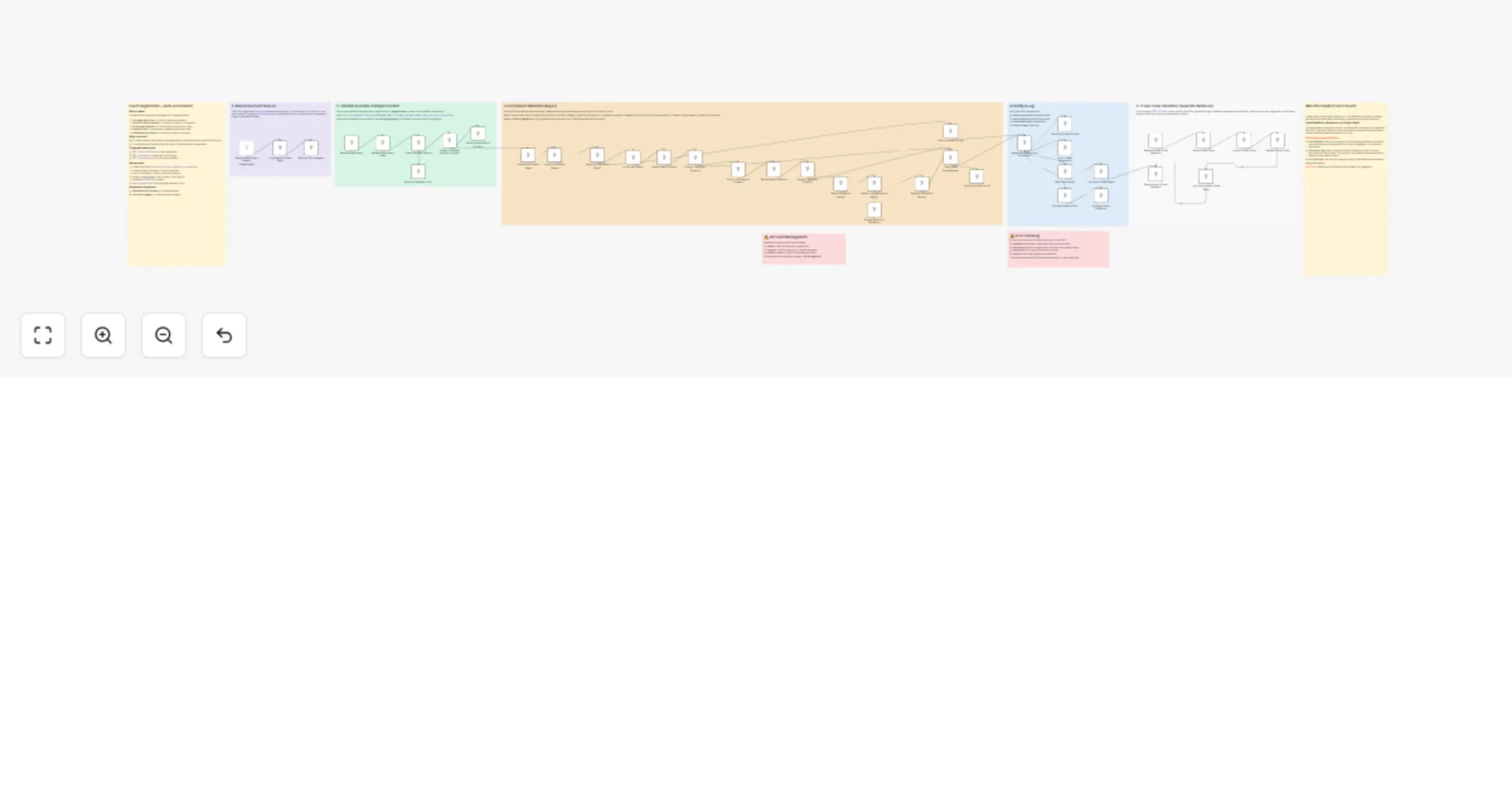
Enrich event registrations with HubSpot, Clearbit, LinkedIn and Gemini AI

Workflow preview

Workflow preview
100%
Enrich event registrations with HubSpot, Clearbit, LinkedIn and Gemini AI preview
Open on n8n.io

1. Workflow Overview

Event Registration + Auto Enrichment Intelligence Who is this for? Event organizers, conference planners, and marketing teams fighting registration drop off who want 4 field forms with LinkedIn lev...

Best for

  • Lead Generation automation workflows
  • AI Summarization automation workflows
  • advanced n8n builders looking for reusable templates

Tools used

n8n-nodes-base.webhook, n8n-nodes-base.datatable, n8n-nodes-base.respondtowebhook, n8n-nodes-base.code, n8n-nodes-base.if, n8n-nodes-base.hubspot, n8n-nodes-base.emailsend, n8n-nodes-base.slack

Source and attribution

This workflow is cataloged by N8N Workflows and links back to its original n8n.io source page by Milo Bravo.

Original n8n.io source

1.1 Workflow description

Title
Enrich event registrations with HubSpot, Clearbit, LinkedIn and Gemini AI
Workflow name
Enrich event registrations with HubSpot, Clearbit, LinkedIn and Gemini AI

Event Registration + Auto-Enrichment Intelligence

Who is this for? Event organizers, conference planners, and marketing teams fighting registration drop-off who want 4-field forms with LinkedIn-level attendee intelligence.


What problem is this workflow solving? Multi-page forms kill conversions:

  • 80-90% drop-off on page 2
  • No attendee insights post-reg
  • Manual enrichment wastes hours
  • Abandoned carts = lost revenue

This captures 4 fields but enriches 15+ data points automatically.


What this workflow does

3 Webhook Intelligence Suite:

  • POST /event-registration: 4-field form → enrichment → HubSpot
  • POST /reg-beacon: Abandoned cart tracking pixel
  • POST /validate-promo: AJAX promo code validation

Requires 2 sub-workflows:

  1. Abandoned Cart Recovery
  2. Participant Re-engager

Enrichment Waterfall: Clearbit → LinkedIn (Proxycurl) → Google+AI → Full profile

Outputs:

  • HubSpot contacts with company/role/title
  • Data Tables: enriched_profiles / reg_analytics
  • Slack alerts + email confirmations

Setup (12 minutes)

  • Data Tables: enriched_profiles, reg_analytics, promo_codes
  • HubSpot: API key + custom properties
  • APIs: Clearbit, Proxycurl, SerpAPI, Gemini
  • Host: reg-page/index.html (update webhook URLs)
  • SMTP/Slack: Notifications

Fully configurable, no code changes needed.


How to customize to your needs

  • Forms: Swap HTML for Typeform/Webflow
  • Enrichment: Add Apollo/Hunter for emails
  • CRM: HubSpot → Salesforce → Airtable
  • Promos: Tiered discounts / early-bird
  • Companion: Abandoned Cart + Re-engager templates

ROI:

  • 3x registration completion (4 fields vs 12+)
  • 65% enriched profiles (company/role/title)
  • 20% revenue recovery (abandoned carts)

Need help customizing?: Contact me for consulting and support: LinkedIn / Message


Keywords: event registration, attendee enrichment, abandoned cart recovery, conference automation, HubSpot

1.2 Logical Blocks

This catalog entry is organized from the workflow JSON. The node-level section below shows the executable blocks available for review before importing the template.

2. Block-by-Block Analysis

Block 1 - Receive Registration Beacon

Type / Role
n8n-nodes-base.webhook - webhook
Config choices
Version 2

Block 2 - Log Beacon to Data Table

Type / Role
n8n-nodes-base.dataTable - dataTable
Config choices
Version 1

Block 3 - Respond OK to Beacon

Type / Role
n8n-nodes-base.respondToWebhook - respondToWebhook
Config choices
Version 1.1

Block 4 - Receive Registration

Type / Role
n8n-nodes-base.webhook - webhook
Config choices
Version 2

Block 5 - Validate Registration Data

Type / Role
n8n-nodes-base.code - code
Config choices
Version 2

Block 6 - Check Validation Result

Type / Role
n8n-nodes-base.if - if
Config choices
Version 2.2

Block 7 - Respond Validation Error

Type / Role
n8n-nodes-base.respondToWebhook - respondToWebhook
Config choices
Version 1.1

Block 8 - Create or Update HubSpot Contact

Type / Role
n8n-nodes-base.hubspot - hubspot
Config choices
Version 2

Block 9 - Respond Registration Success

Type / Role
n8n-nodes-base.respondToWebhook - respondToWebhook
Config choices
Version 1.1

Block 10 - Merge Registration and Enrichment

Type / Role
n8n-nodes-base.code - code
Config choices
Version 2

Block 11 - Send Confirmation Email

Type / Role
n8n-nodes-base.emailSend - emailSend
Config choices
Version 2.1

Block 12 - Post to Slack Registrations

Type / Role
n8n-nodes-base.slack - slack
Config choices
Version 2.3

Block 13 - Has Promo Code?

Type / Role
n8n-nodes-base.if - if
Config choices
Version 2.2

Block 14 - Log Promo Code Usage

Type / Role
n8n-nodes-base.code - code
Config choices
Version 2

Block 15 - Prepare Analytics Row

Type / Role
n8n-nodes-base.code - code
Config choices
Version 2

Block 16 - Log Registration Analytics

Type / Role
n8n-nodes-base.dataTable - dataTable
Config choices
Version 1

Block 17 - Intro — Registration Processor

Type / Role
n8n-nodes-base.stickyNote - stickyNote
Config choices
Version 1

Block 18 - Section 1 — Beacon

Type / Role
n8n-nodes-base.stickyNote - stickyNote
Config choices
Version 1

Block 19 - Section 2 — Validate & Create HubSpot Contact

Type / Role
n8n-nodes-base.stickyNote - stickyNote
Config choices
Version 1

Block 20 - Section 3 — Enrichment Waterfall

Type / Role
n8n-nodes-base.stickyNote - stickyNote
Config choices
Version 1

Block 21 - Section 4 — Notify & Log

Type / Role
n8n-nodes-base.stickyNote - stickyNote
Config choices
Version 1

Block 22 - Section — Error Handling

Type / Role
n8n-nodes-base.stickyNote - stickyNote
Config choices
Version 1

Block 23 - Contact — Braia Labs

Type / Role
n8n-nodes-base.stickyNote - stickyNote
Config choices
Version 1

Block 24 - Initialize Enrichment State

Type / Role
n8n-nodes-base.code - code
Config choices
Version 2

Showing the first 24 of 47 workflow blocks. Download the JSON for the full node graph.

3. Summary Table

Workflow Enrich event registrations with HubSpot, Clearbit, LinkedIn and Gemini AI
Complexity advanced
Nodes 47
Categories Lead Generation, AI Summarization
Author Milo Bravo
Published 03 Mar 2026

4. Reproducing the Workflow from Scratch

  1. 1. Download the workflow JSON

    Use the JSON export at /data/workflows/13842/13842.json as the source template for this automation.

  2. 2. Import the template into n8n

    Open n8n, import the downloaded JSON, and review each node before activating the workflow.

  3. 3. Configure credentials and variables

    Replace placeholder credentials, API keys, webhook URLs, account IDs, and environment-specific values with your own settings.

  4. 4. Test with sample data

    Run the workflow manually or in a staging workspace, inspect node output, and confirm downstream systems receive the expected data.

  5. 5. Activate and monitor

    Enable the workflow only after testing, then monitor executions, errors, and rate limits during the first production runs.

5. General Notes & Resources

Review imported nodes carefully before activation. This catalog entry is intended to help you inspect the workflow structure, understand required services, and find related templates faster.

Node names, credentials, schedules, webhook paths, and external service limits may need adjustment for your workspace.

Frequently asked questions

What does Enrich event registrations with HubSpot, Clearbit, LinkedIn and Gemini AI do?

Event Registration + Auto Enrichment Intelligence Who is this for? Event organizers, conference planners, and marketing teams fighting registration drop off who want 4 field forms with LinkedIn lev...

What do I need before importing this workflow?

Review the workflow JSON, configure any required credentials in n8n, and test the automation in a safe workspace before using it in production.

Can I customize this workflow?

Yes. Use the block-by-block analysis and the downloadable JSON to inspect each node, then adjust credentials, prompts, schedules, filters, or destinations for your Lead Generation, AI Summarization use case.