Block 1 - Sticky Note
- Type / Role
- n8n-nodes-base.stickyNote - stickyNote
- Config choices
- Version 1


 Early Deal
What this does Uses Firecrawl to scrape any company website and extract structured business signals from it. The enriched profile is automatically saved to Supabase. A self hosted, free alternative...
n8n-nodes-base.stickynote, n8n-nodes-base.webhook, n8n-nodes-base.code, @n8n/n8n-nodes-langchain.agent, @n8n/n8n-nodes-langchain.lmchatopenrouter, @mendable/n8n-nodes-firecrawl.firecrawltool, @n8n/n8n-nodes-langchain.outputparserstructured, n8n-nodes-base.supabase
This workflow is cataloged by N8N Workflows and links back to its original n8n.io source page by Firecrawl.
Original n8n.io sourceWhat this does
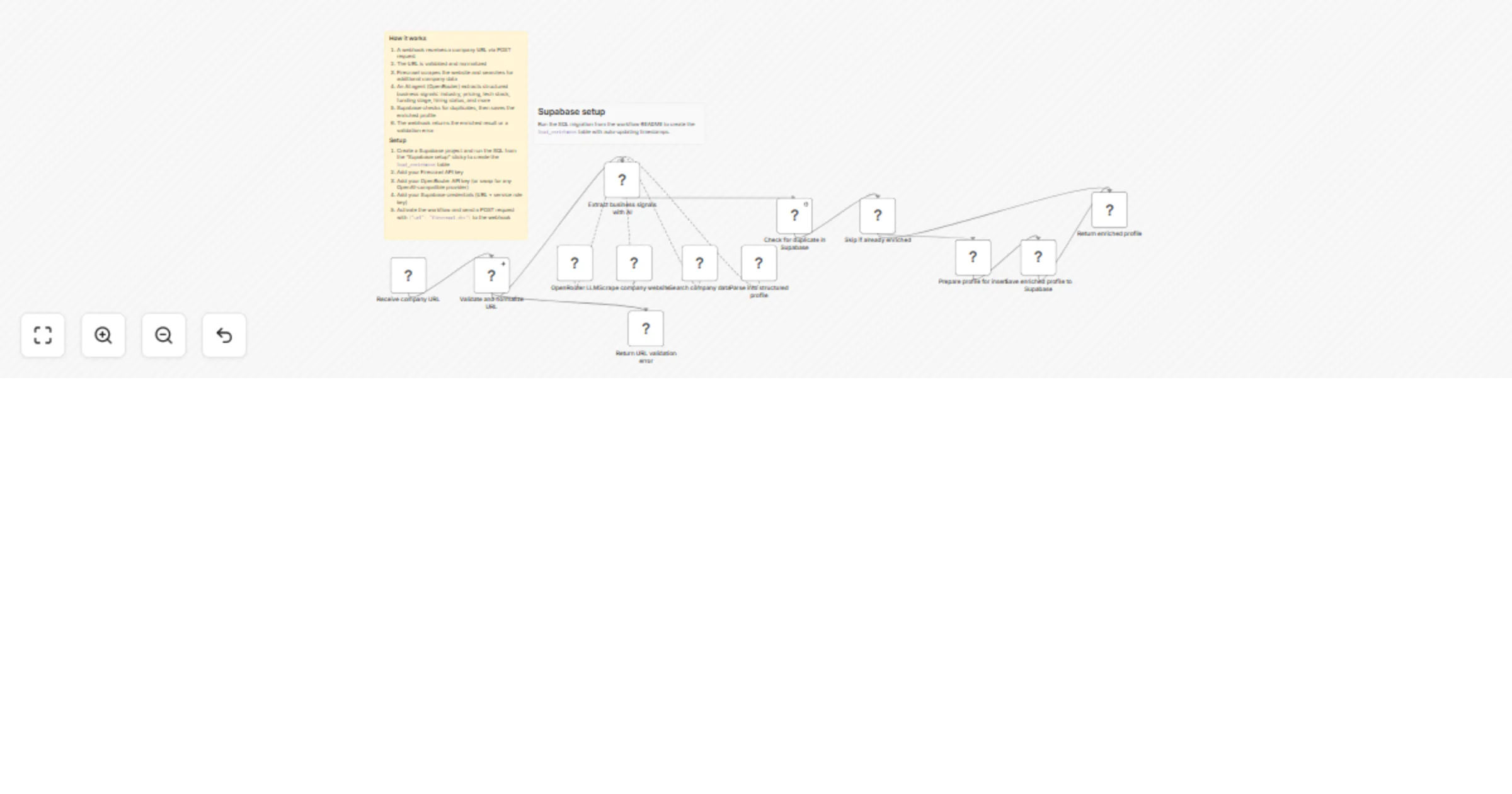
Uses Firecrawl to scrape any company website and extract structured business signals from it. The enriched profile is automatically saved to Supabase. A self-hosted, free alternative to paid enrichment APIs like Apollo or Clay, powered by Firecrawl.
How it works
url field (bare domain or full URL)Business signals extracted
Company name, industry, pricing model, free trial availability, employee size signal, funding stage, tech stack and integrations detected, target customer profile, trust signals (certifications, reviews, customer count), hiring status and open roles count.
Requirements
Setup
CREATE TABLE lead_enrichment (
 id UUID PRIMARY KEY DEFAULT gen_random_uuid(),
 created_at TIMESTAMPTZ DEFAULT now(),
 updated_at TIMESTAMPTZ DEFAULT now(),
 domain TEXT NOT NULL UNIQUE,
 company_name TEXT,
 industry TEXT,
 pricing_model TEXT,
 has_free_trial BOOLEAN,
 employee_signal TEXT,
 funding_stage TEXT,
 tech_stack TEXT[],
 integrations TEXT[],
 target_customer TEXT,
 trust_signals TEXT[],
 hiring BOOLEAN,
 open_roles_count INT,
 raw_scraped_text TEXT,
 enrichment_source TEXT DEFAULT 'firecrawl'
);

CREATE OR REPLACE FUNCTION update_updated_at()
RETURNS TRIGGER AS $$
BEGIN
 NEW.updated_at = now();
 RETURN NEW;
END;
$$ LANGUAGE plpgsql;

CREATE TRIGGER set_updated_at
BEFORE UPDATE ON lead_enrichment
FOR EACH ROW EXECUTE FUNCTION update_updated_at();
How to use
Send a POST request to the webhook URL:
curl -X POST https://your-n8n-instance/webhook/your-id \
 -H "Content-Type: application/json" \
 -d '{"url": "firecrawl.dev"}'
This catalog entry is organized from the workflow JSON. The node-level section below shows the executable blocks available for review before importing the template.
| Workflow | Enrich company leads with Firecrawl, OpenRouter AI, and Supabase |
|---|---|
| Complexity | advanced |
| Nodes | 15 |
| Categories | Lead Generation, AI Summarization |
| Author | Firecrawl |
| Published | 06 Mar 2026 |
Use the JSON export at /data/workflows/13910/13910.json as the source template for this automation.
Open n8n, import the downloaded JSON, and review each node before activating the workflow.
Replace placeholder credentials, API keys, webhook URLs, account IDs, and environment-specific values with your own settings.
Run the workflow manually or in a staging workspace, inspect node output, and confirm downstream systems receive the expected data.
Enable the workflow only after testing, then monitor executions, errors, and rate limits during the first production runs.
Review imported nodes carefully before activation. This catalog entry is intended to help you inspect the workflow structure, understand required services, and find related templates faster.
Node names, credentials, schedules, webhook paths, and external service limits may need adjustment for your workspace.
What this does Uses Firecrawl to scrape any company website and extract structured business signals from it. The enriched profile is automatically saved to Supabase. A self hosted, free alternative...
Review the workflow JSON, configure any required credentials in n8n, and test the automation in a safe workspace before using it in production.
Yes. Use the block-by-block analysis and the downloadable JSON to inspect each node, then adjust credentials, prompts, schedules, filters, or destinations for your Lead Generation, AI Summarization use case.