Block 1 - Google Drive Trigger
- Type / Role
- n8n-nodes-base.googleDriveTrigger - googleDriveTrigger
- Config choices
- Version 1


 Early Deal
This workflow automatically detects duplicate files uploaded to a specific Google Drive folder by generating an MD5 hash of each file and comparing it against a Supabase database. If a duplicate is...
n8n-nodes-base.googledrivetrigger, n8n-nodes-base.code, n8n-nodes-base.googledrive, n8n-nodes-base.if, n8n-nodes-base.crypto, n8n-nodes-base.supabase, n8n-nodes-base.slack, n8n-nodes-base.noop
This workflow is cataloged by N8N Workflows and links back to its original n8n.io source page by Shashwat Singh.
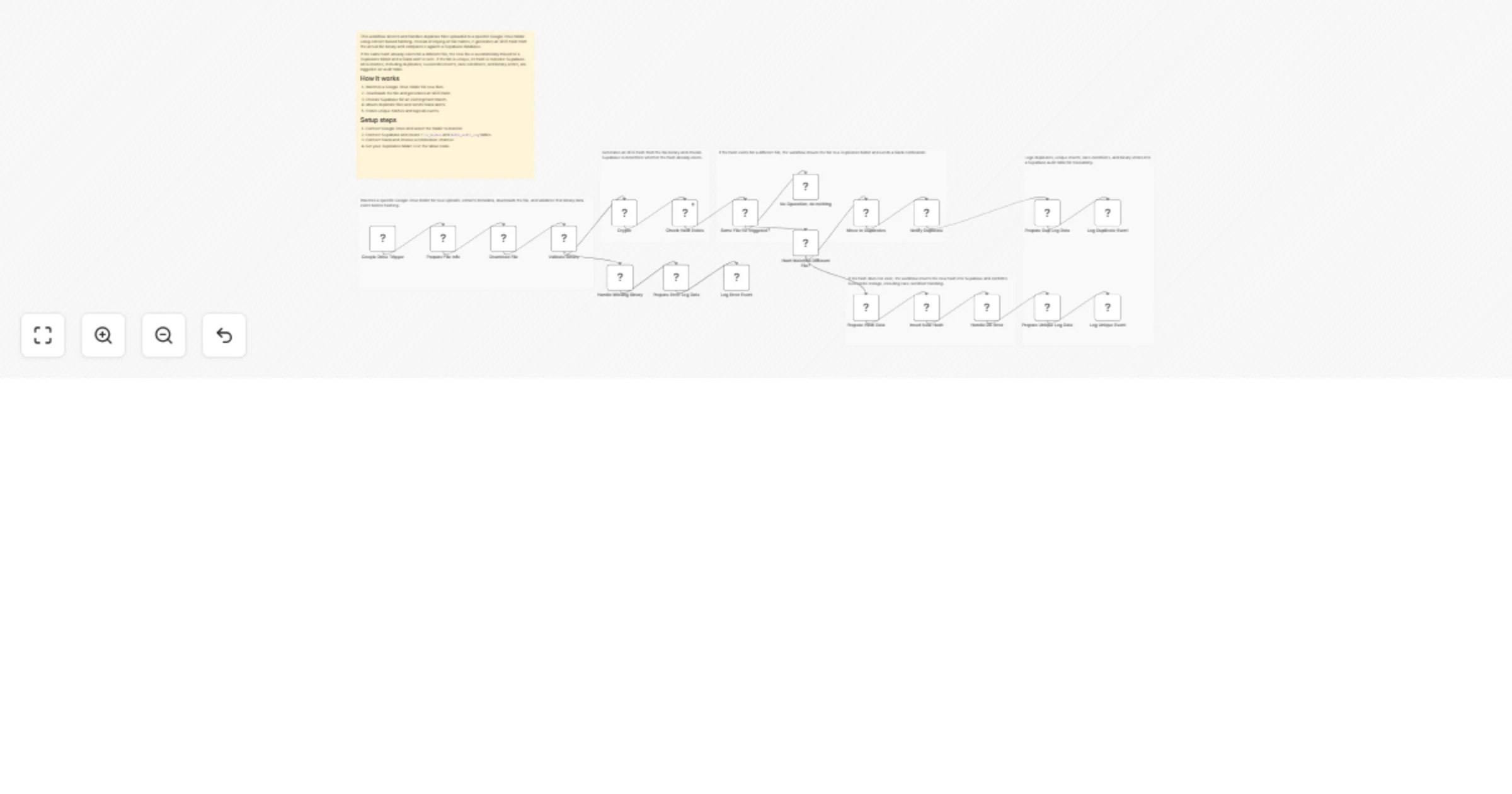
Original n8n.io sourceThis workflow automatically detects duplicate files uploaded to a specific Google Drive folder by generating an MD5 hash of each file and comparing it against a Supabase database. If a duplicate is found, the file is moved to a dedicated Duplicates folder and a Slack notification is sent. All events, including unique uploads, duplicates, race conditions, and errors, are logged for audit purposes.
It is designed for teams that handle high file volumes and need reliable, content based deduplication instead of simple filename checks.
Monitors a specific Google Drive folder for new files.
Normalizes file metadata and downloads the binary content.
Generates an MD5 hash from the file binary.
Checks Supabase to see if the hash already exists.
If duplicate, moves the file to a Duplicates folder and sends a Slack alert.
If unique, stores the hash in Supabase.
Logs every outcome, including errors and race conditions, in an audit table.
Connect your Google Drive account and select the folder to monitor.
Connect your Supabase account and create the required tables:
file_hashes
dedup_audit_log
Connect your Slack account and select a channel for duplicate alerts.
Update the Duplicates folder ID in the Google Drive Move node.
Setup typically takes 10 to 15 minutes if your Supabase project is ready.
This catalog entry is organized from the workflow JSON. The node-level section below shows the executable blocks available for review before importing the template.
Showing the first 24 of 27 workflow blocks. Download the JSON for the full node graph.
| Workflow | Detect and move duplicate Google Drive files with Supabase and Slack |
|---|---|
| Complexity | advanced |
| Nodes | 27 |
| Categories | File Management |
| Author | Shashwat Singh |
| Published | 20 Feb 2026 |
Use the JSON export at /data/workflows/13534/13534.json as the source template for this automation.
Open n8n, import the downloaded JSON, and review each node before activating the workflow.
Replace placeholder credentials, API keys, webhook URLs, account IDs, and environment-specific values with your own settings.
Run the workflow manually or in a staging workspace, inspect node output, and confirm downstream systems receive the expected data.
Enable the workflow only after testing, then monitor executions, errors, and rate limits during the first production runs.
Review imported nodes carefully before activation. This catalog entry is intended to help you inspect the workflow structure, understand required services, and find related templates faster.
Node names, credentials, schedules, webhook paths, and external service limits may need adjustment for your workspace.
This workflow automatically detects duplicate files uploaded to a specific Google Drive folder by generating an MD5 hash of each file and comparing it against a Supabase database. If a duplicate is...
Review the workflow JSON, configure any required credentials in n8n, and test the automation in a safe workspace before using it in production.
Yes. Use the block-by-block analysis and the downloadable JSON to inspect each node, then adjust credentials, prompts, schedules, filters, or destinations for your File Management use case.