Convert YouTube transcripts in Google Sheets to X (Twitter) threads with Apify, OpenAI and RapidAPI
Workflow preview


 Early Deal
DISCOUNT 20%

Overview
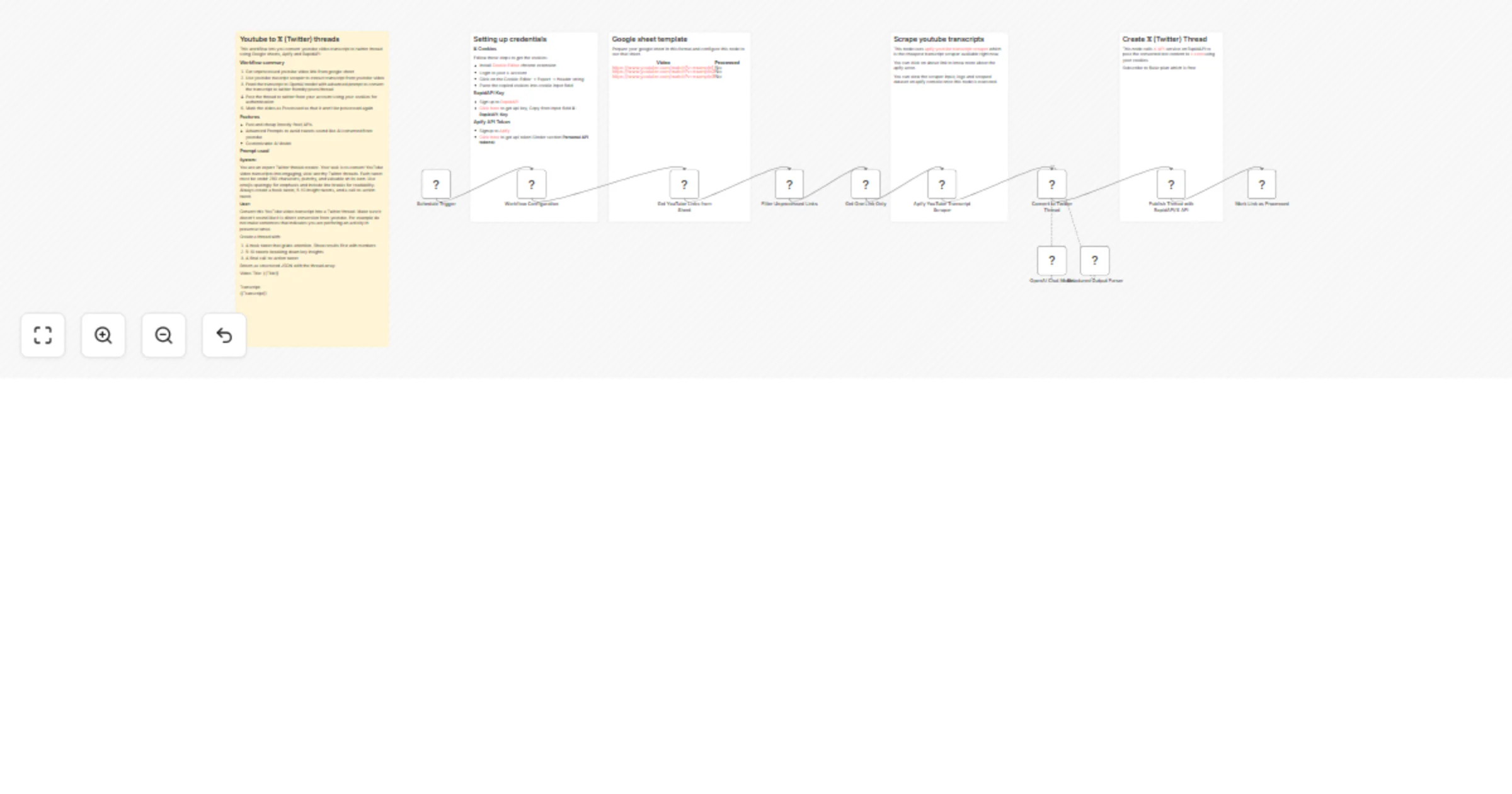
This workflow lets you scrape and convert youtube video transcript to twitter thread using Google sheets, Apify and RapidAPI
Workflow summary
- Get unprocessed youtube video link from google sheet
- Use youtube trascript scraper to extract transcript from youtube video
- Feed the youtube transcript to OpenAI model with advanced prompt to convert the transcript to twitter friendly posts/thread
- Post the thread to X from your account using your cookies for authentication
- Mark the video as Processed so that it won't be processed again
Features
- Fast and cheap (mostly free) APIs
- Advanced prompts to avoid tweets sound like AI converted from youtube
- Customizable AI Model
Prompt used
System:
You are an expert Twitter thread creator. Your task is to convert YouTube video transcripts into engaging, viral-worthy Twitter threads. Each tweet must be under 280 characters, punchy, and valuable on its own. Use emojis sparingly for emphasis and include line breaks for readability. Always create a hook tweet, 5-10 insight tweets, and a call-to-action tweet.
User:
Convert this YouTube video transcript into a Twitter thread. Make sure it doesn't sound like it is direct conversion from youtube. For example do not make sentences that indicates you are perforing an activity in presense tense.
Create a thread with:
- A hook tweet that grabs attention. Show results first with numbers
- 5-10 tweets breaking down key insights
- A final call-to-action tweet
Return as structured JSON with the thread array.
Video Title: {{Title}}
Transcript: {{Transcript}}