Block 1 - Search Contacts
- Type / Role
- n8n-nodes-base.airtableTool - airtableTool
- Config choices
- Version 2.1


 Early Deal
Video Introduction Want to automate your i...
n8n-nodes-base.airtabletool, @n8n/n8n-nodes-langchain.mcptrigger, n8n-nodes-base.stickynote
This workflow is cataloged by N8N Workflows and links back to its original n8n.io source page by Milan Vasarhelyi - SmoothWork.
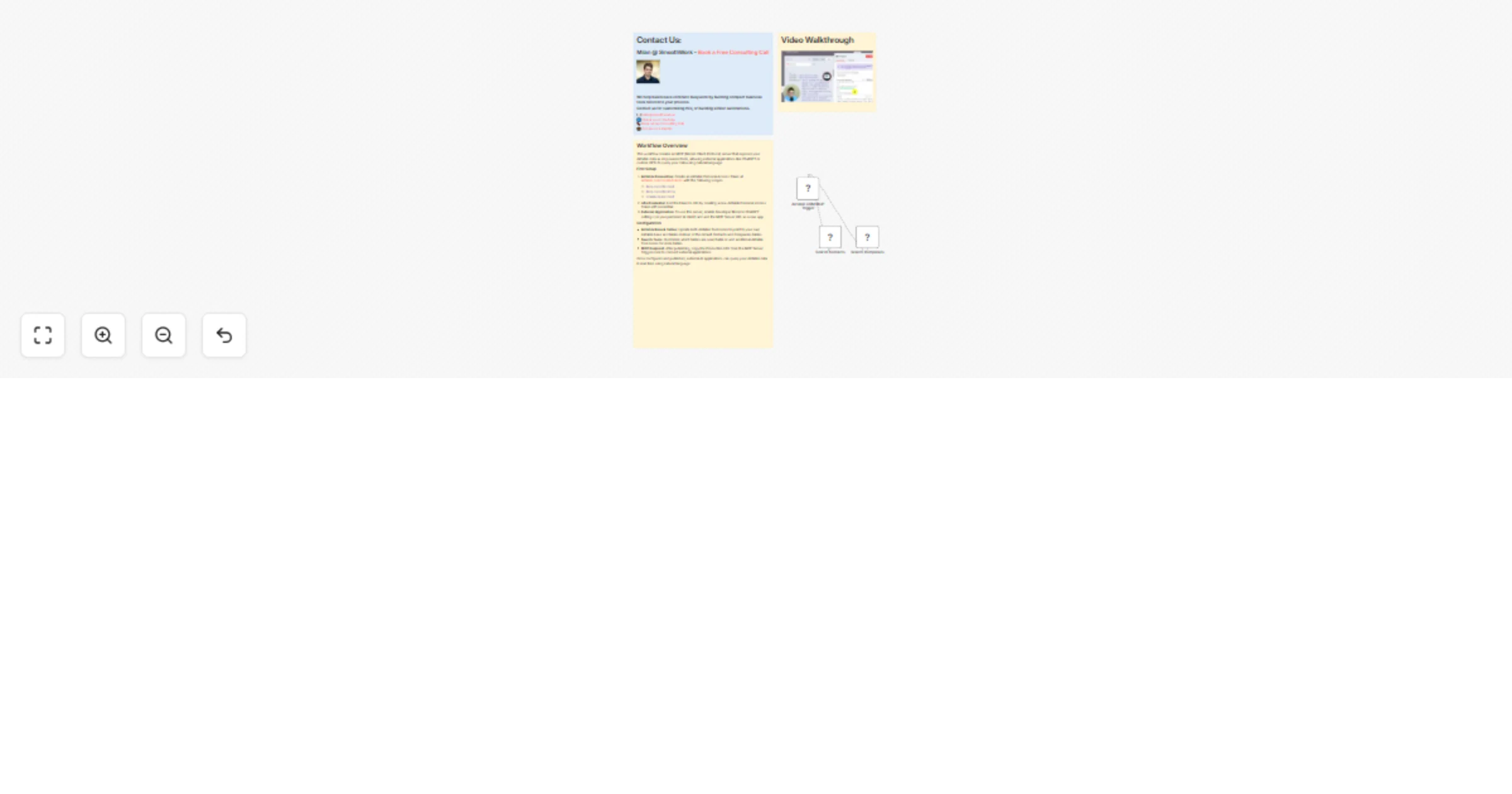
Original n8n.io sourceThis workflow creates an MCP (Model-Client-Protocol) server that exposes your Airtable data as AI-powered tools, enabling external applications like ChatGPT, custom GPTs, or voice agents to query your Airtable base using natural language. Instead of manually searching through your Airtable records, you can simply ask ChatGPT questions like "list all contacts from Microsoft" and receive instant answers pulled directly from your database.
First, create an Airtable Personal Access Token at airtable.com/create/tokens with these required scopes:
data.records:readdata.records:writeschema.bases:readThen add this token to n8n by creating a new Airtable Personal Access Token API credential.
Update both Airtable Tool nodes to point to your own Airtable base and tables. The default setup includes Search Contacts and Search Companies tools, but you can customize these or add additional tools for other tables in your base.
After publishing the workflow, copy the Production URL from the MCP Server Trigger node. In ChatGPT, enable Developer Mode in settings, navigate to Apps, and create a new app using this MCP Server URL.
This catalog entry is organized from the workflow JSON. The node-level section below shows the executable blocks available for review before importing the template.
| Workflow | Connect your Airtable data to your AI (ChatGPT, Claude etc.) with an MCP |
|---|---|
| Complexity | intermediate |
| Nodes | 6 |
| Categories | Internal Wiki, AI RAG |
| Author | Milan Vasarhelyi - SmoothWork |
| Published | 17 Feb 2026 |
Use the JSON export at /data/workflows/13458/13458.json as the source template for this automation.
Open n8n, import the downloaded JSON, and review each node before activating the workflow.
Replace placeholder credentials, API keys, webhook URLs, account IDs, and environment-specific values with your own settings.
Run the workflow manually or in a staging workspace, inspect node output, and confirm downstream systems receive the expected data.
Enable the workflow only after testing, then monitor executions, errors, and rate limits during the first production runs.
Review imported nodes carefully before activation. This catalog entry is intended to help you inspect the workflow structure, understand required services, and find related templates faster.
Node names, credentials, schedules, webhook paths, and external service limits may need adjustment for your workspace.
Video Introduction Want to automate your i...
Review the workflow JSON, configure any required credentials in n8n, and test the automation in a safe workspace before using it in production.
Yes. Use the block-by-block analysis and the downloadable JSON to inspect each node, then adjust credentials, prompts, schedules, filters, or destinations for your Internal Wiki, AI RAG use case.