Classify documents with easybits Extractor via web form
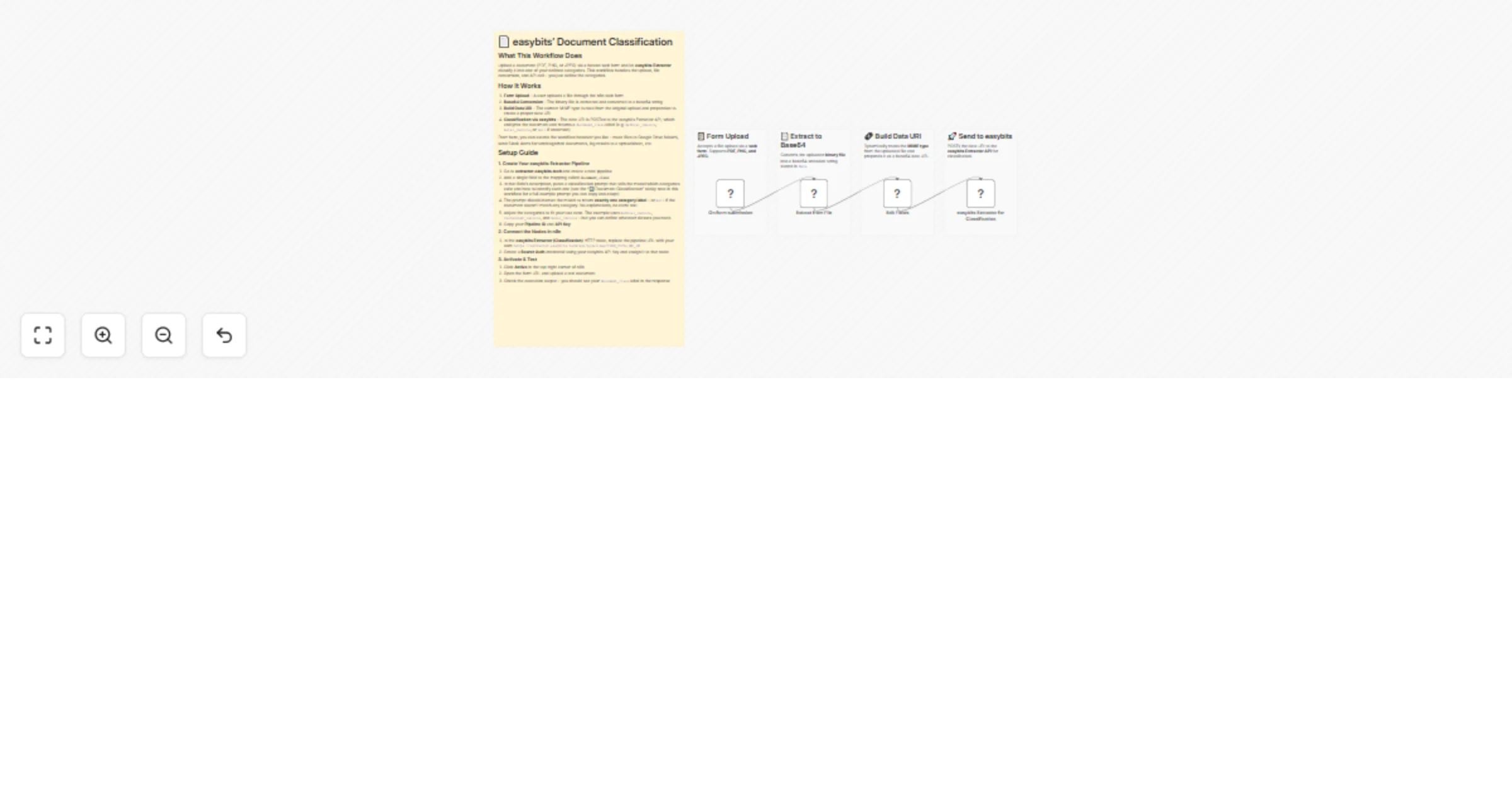
Workflow preview

$20/month : Unlimited workflows
2500 executions/month

THE #1 IN WEB SCRAPING
Scrape any website without limits
HOSTINGER  Early Deal
DISCOUNT 20% Try free
Early DealDISCOUNT 20%
Self-hosted n8n
Unlimited workflows - from $4.99/mo

#1 hub for scraping, AI & automation
6000+ actors - $5 credits/mo
Overview
What This Workflow Does
Upload a document (PDF, PNG, or JPEG) via a hosted web form and let easybits Extractor classify it into one of your defined categories. This workflow handles the upload, file conversion, and API call – you just define the categories.
How It Works
- Form Upload – A user uploads a file through the n8n web form
- Base64 Conversion – The binary file is extracted and converted to a base64 string
- Build Data URI – The correct MIME type is read from the original upload and prepended to create a proper data URI
- Classification via easybits – The data URI is POSTed to the easybits Extractor API, which analyzes the document and returns a
document_classlabel (e.g.medical_invoice,hotel_invoice, ornullif uncertain)
From here, you can extend the workflow however you like – route files to Google Drive folders, send Slack alerts for unrecognized documents, log results to a spreadsheet, etc.
Setup Guide
1. Create Your easybits Extractor Pipeline
- Go to https://extractor.easybits.tech/ and create a new pipeline
- Add a single field to the mapping called
document_class - In that field's description, paste a classification prompt that tells the model which categories exist and how to identify each one.
- The prompt should instruct the model to return exactly one category label – or
nullif the document doesn't match any category. No explanations, no extra text. - Adjust the categories to fit your use case. The example uses
medical_invoice,restaurant_invoice, andhotel_invoice– but you can define whatever classes you need. - Copy your Pipeline ID and API Key
2. Connect the Nodes in n8n
- In the easybits Extractor (Classification) HTTP node, replace the pipeline URL with your own:
https://extractor.easybits.tech/api/pipelines/YOUR_PIPELINE_ID - Create a Bearer Auth credential using your easybits API Key and assign it to that node
3. Activate & Test
- Click Active in the top-right corner of n8n
- Open the form URL and upload a test document
- Check the execution output – you should see your
document_classlabel in the response